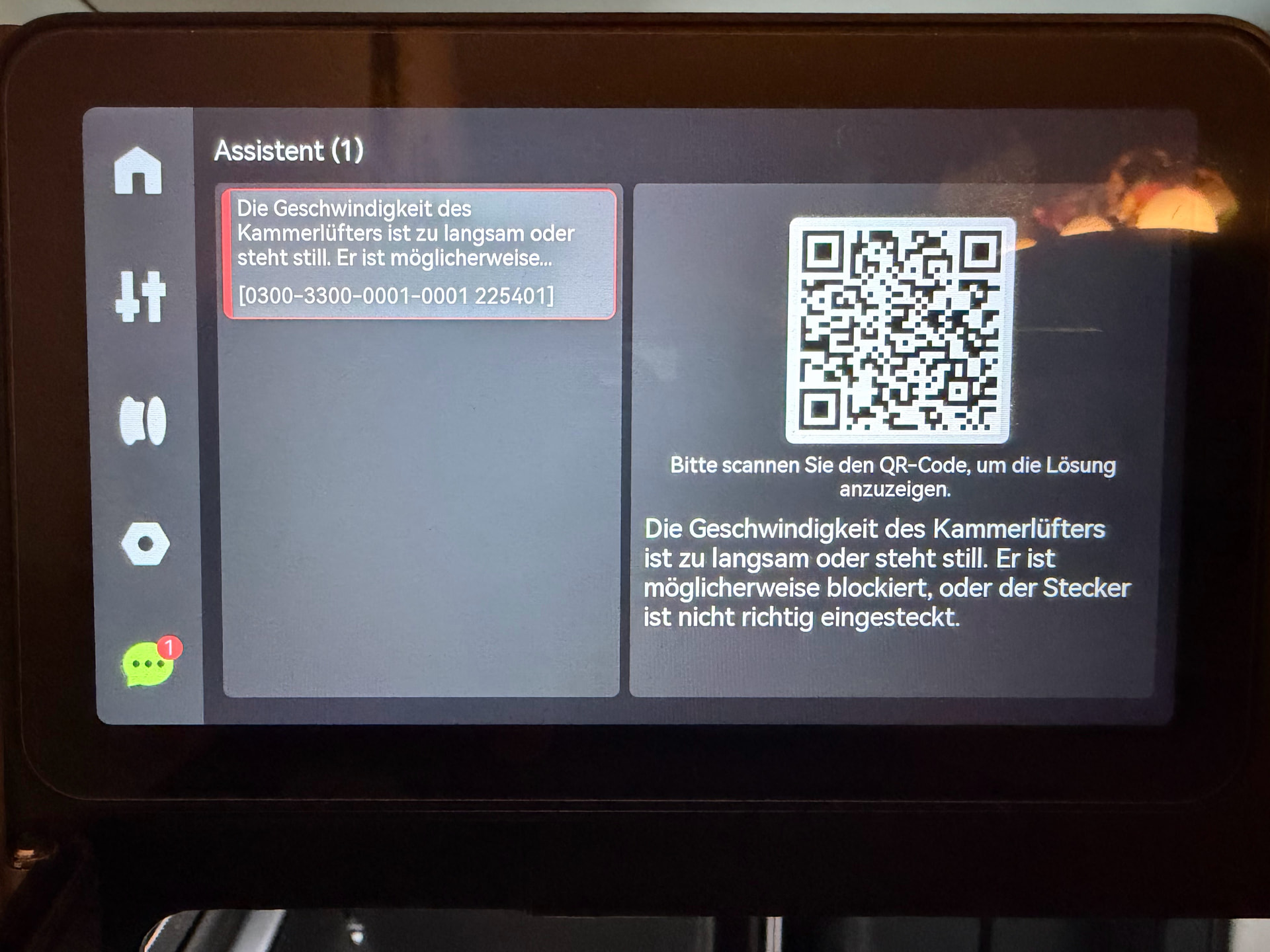
Seems it already happend also yesterday, when I recognized bad overhangs,
that my chamber exhaust fan throws a low speed warning.
If I test it in with the menu on the printer display the fan spins, but looks like it does not keep the speed and does not run full speed.
The fan is connected and it spins but not with the expected speed. Anything I can do?
I looked that there is nothing blocking the fan, the rear cover opens when I activate the fan.
And the fan is plugged in.
I believe this is just the computer fan in back of the machine. I would assume replacing it should fix it. I think it would be easier to replace instead of just trying to trouble shoot. If you replace it and get the same problem is when I be concerned that there is more serious problem like control board. And the fan is relativity inexpensive and I have seen a few posts that used 3rd party noctua fans instead. Of course I am not the most experienced person here. Hopefully my suggestion helps though.
No, it is the fan that pulls the air through the carbon filter. If I enable it on the printer dispaly, I get the message immediatly. It is not the MC board fan. Anyway, thank you for your participation.
Yeah we are talking about the same fan. That fan is a basic computer fan but 24volts. The best thing I believe is just to buy the replacement off Bambu’s website, it technically is overpriced but isn’t crazy expensive. Also here is a link for a post on reddit for H2C 3rd party fan replacement, which will be the same for all the H2 series printers.
This is waht I did with my P1S. But the downside is less throughput - it does not help for cooling down the chamber, only the noise. I already put a fan in the shopping cart.