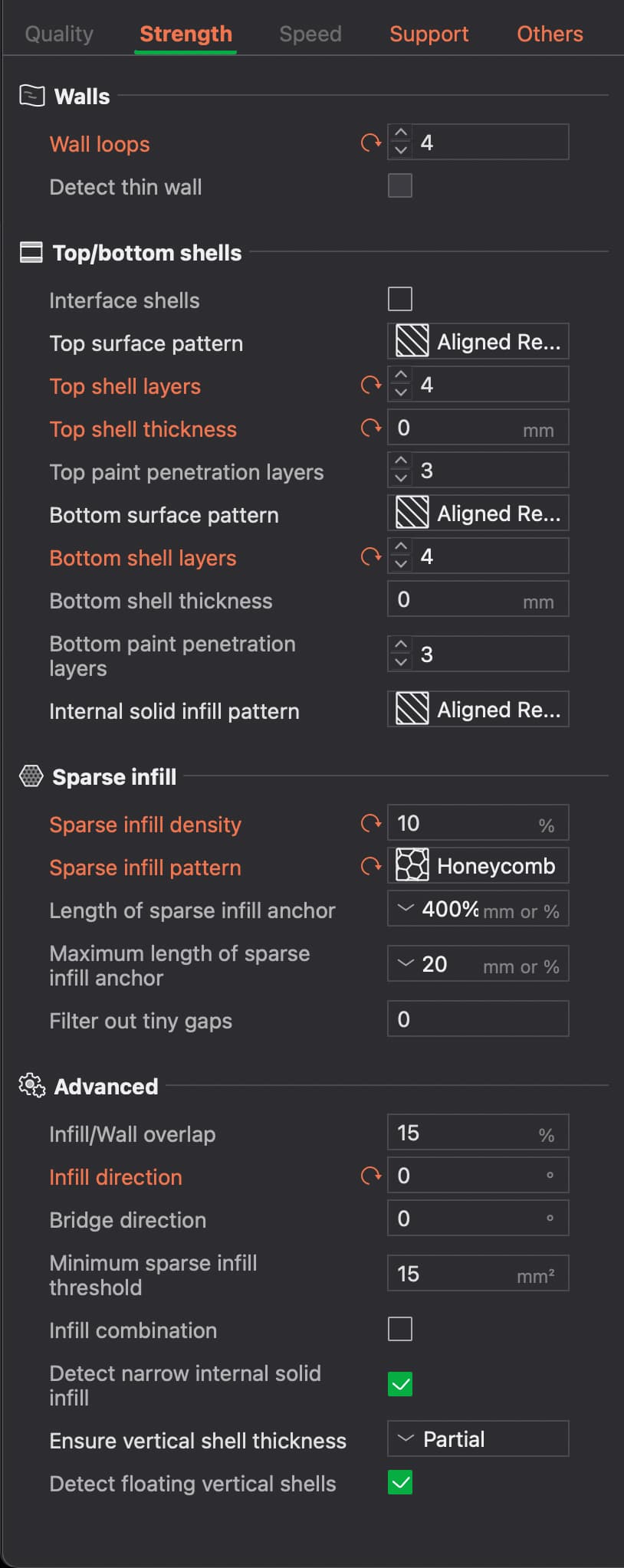
I’m currently trying to find the best infill settings to print Transparent PETG.
Typically to get the best transparency, you need to print it slow, and either 100% Aligned Rectilinear Infill or No infill at all, if possible.
Unfortunately, not only is 100% infill wasteful, but it also makes the print much heavier.
I’m aware that you can already change the infill direction.
I have 2 main issues:
The first problem is that this infill direction also affects the Top and Bottom Surfaces direction as well. Technically surfaces aren’t really considered ‘infill’, so there really should be a separate option for that. You can kinda fix this by making modification layers, but since the ‘Top Surface’ can be in many different layers of the print, this is not realistic.
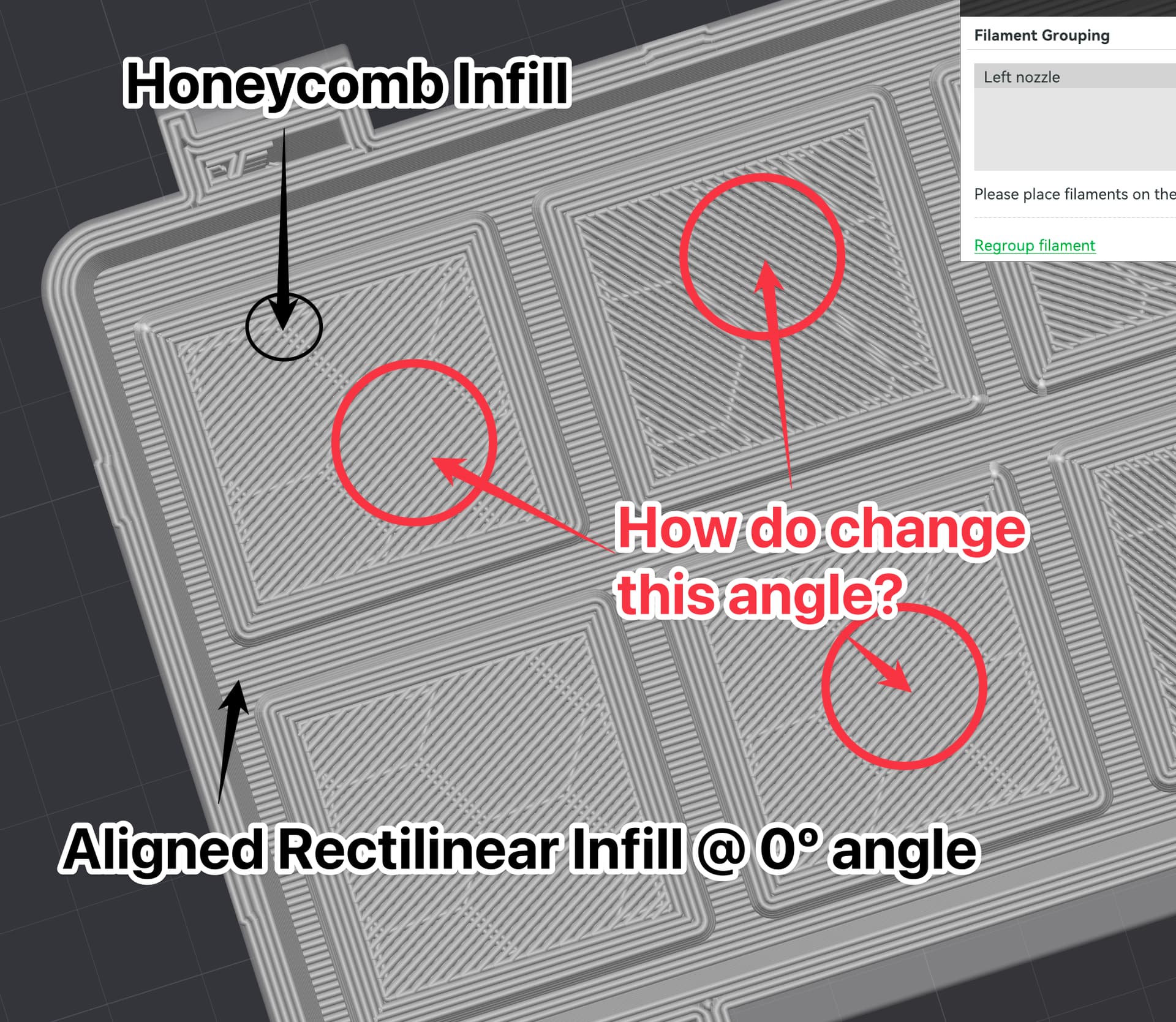
My second issue, that’s inspiring this post, is the automatic support bridges that shows up when the infill reaches a section that bridges over it. (See picture)
Here are the settings themselves if you’re interested.