I own multiple nozzles and swap them frequently depending on the print requirements. However, after physically replacing the hotend, I often forget to update the nozzle setting on the printer’s touchscreen immediately. It is quite inconvenient to have to walk back to the printer just to change this setting when I realize the mismatch later at my PC.
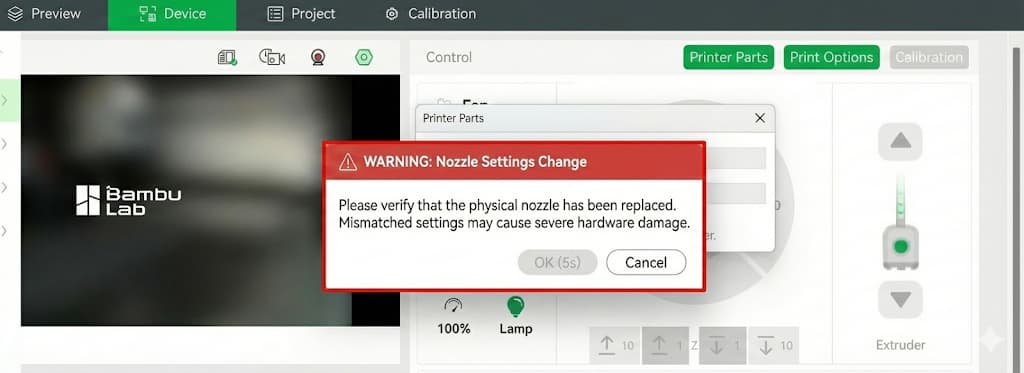
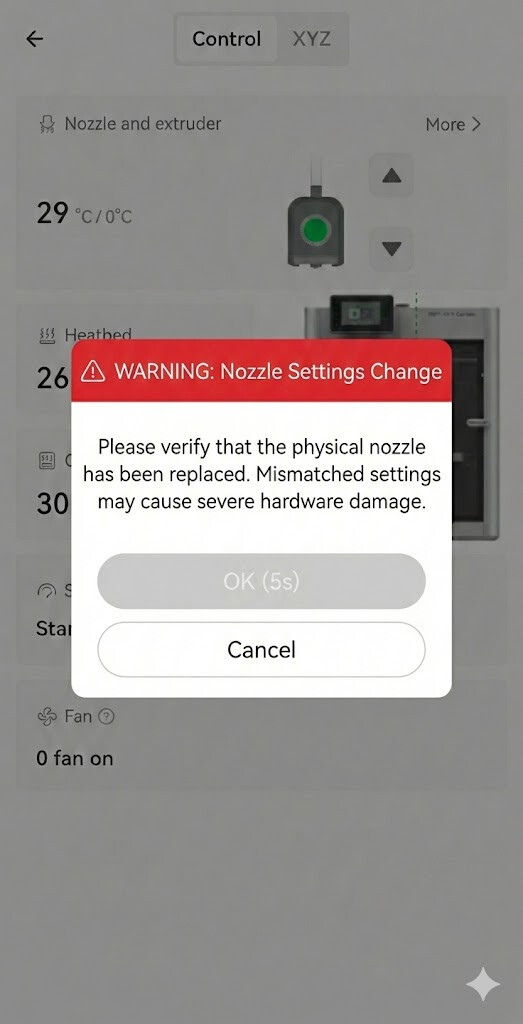
Therefore, I would like to propose a compromise that balances convenience with safety: Please allow users to change the nozzle setting remotely via Bambu Studio & Handy, but implement a “Safety Modal” with a mandatory delay.
Proposed Workflow:
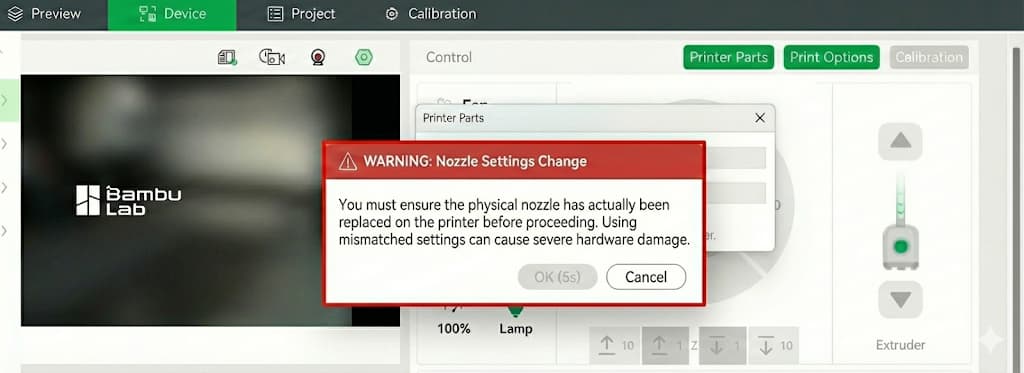
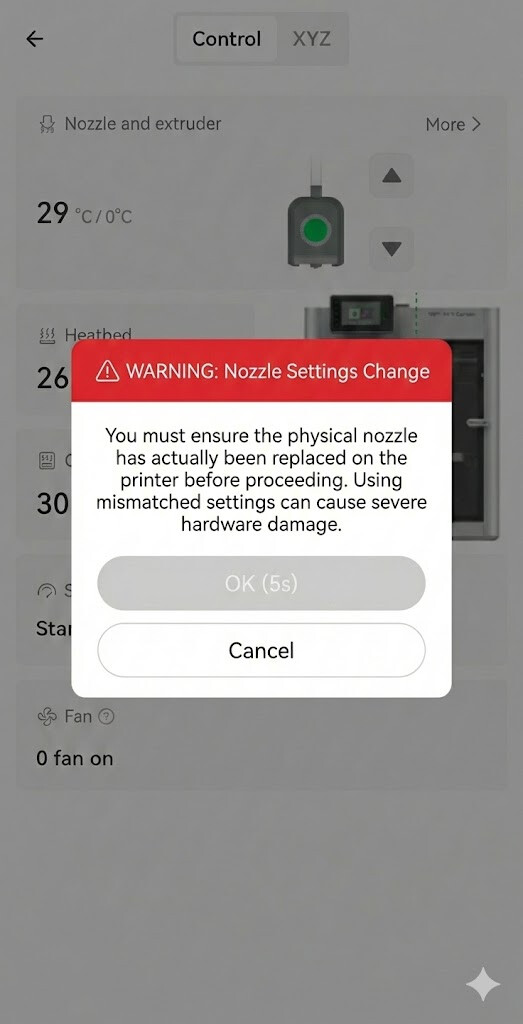
Warning Modal: When a user attempts to change the nozzle size in Bambu Studio or Handy, display a prominent warning pop-up stating: “Please confirm the physical nozzle has been replaced. Mismatched settings may cause severe hardware damage.”
Mandatory Delay (Safety Lock): The “OK/Confirm” button on this modal should be disabled for 5 seconds (with a countdown).
This mechanism forces the user to pause and acknowledge the risk, ensuring safety while restoring the convenience of remote management.
My H2D reads the nozzle info by itself (I’m not sure I can even override it) - but I can only trigger it from the touch screen. Isn’t the H2S the same in that regard? Being able to trigger it from Studio would be safe without any warnings or confirmations.
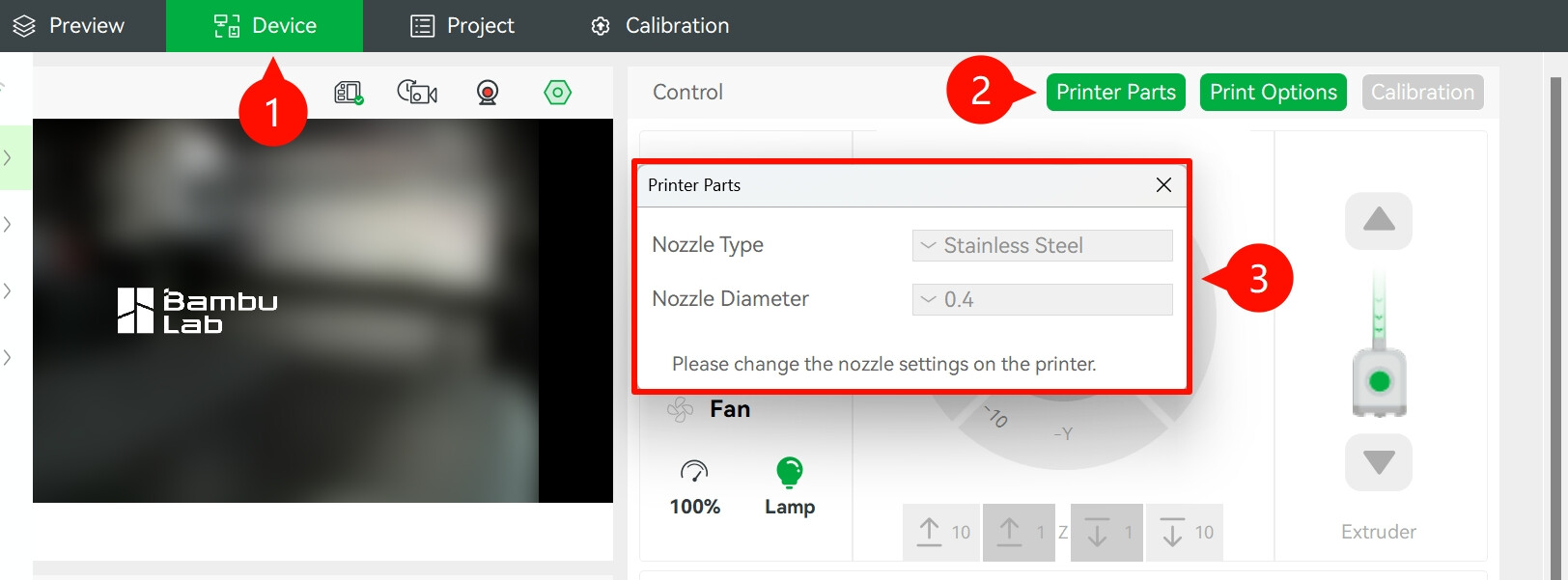
“Some users may mistakenly consider this a software or hardware issue due to changes from previous versions. However, this adjustment is intended to enhance operational consistency and user safety. Nozzle changes must be performed directly on the printer. Allowing modifications via the software interface could mislead new users into thinking that a physical nozzle replacement is unnecessary before printing.”
While I understand the safety rationale, it feels a bit inconvenient
My A1 Mini’s screen stopped working today, and now I can’t change my nozzle settings I don’t care that much about the screen itself, but now I’ve lost half of my printer’s functionality.
Agreed. And even if it’s not changed, it could be a lot more ergonomic on the printer itself rather than burying it in the maintenance settings. 95% of the time I touch the screen on it, is just to do that change.



 I don’t care that much about the screen itself, but now I’ve lost half of my printer’s functionality.