My apologies if I’ve posted this incorrectly.
I was trying to use Mike Koss’s coin generator.
I was able to change the text on the front of the coin.
When I typed in the text on the back of the coin the text overlapped each other.
My 1st time using this as I imagine there’s too much text or perhaps I can change/reduce the font style and/or size to include all the desired text?
I probably missed where the font style/size can be modified for one side of the coin?
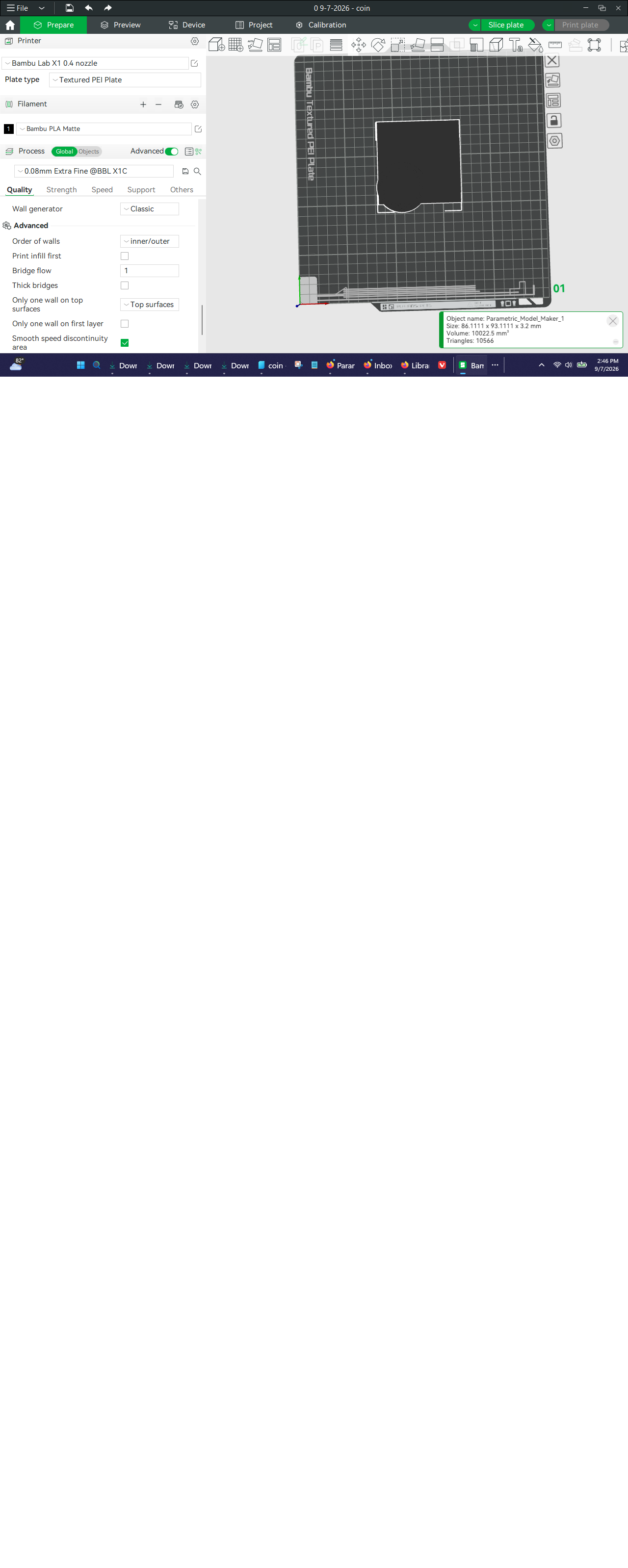
The other challenge is after I’ve converted our logo in png to an svg (it doesn’t seem to like the svg created in Canva) so I used a free converter site. But, when I upload that .svg file t just creates a square box around the coin. I do see 3 sets of numbers and Mike noted you had to center your image but it’s unclear to me, as a noobie, how I “center” that .svg so it sit in the middle of the coin?
If more experienced users have enjoyed success with this remarkable tool and would pls share your suggestions re: these 2 issues, namely overlapping text to be altered with font style/size and the .svg blocking the coin with centering needs, I’d be very appreciative.
Thank you.