CPAP cooling is like a mini-tornado. At it’s highest speed you can blow what you’re printing off the build plate. I have it on several non-Bambu printers and it’s NUTS.
Opinions:
Bambu’s stock cooling isn’t bad.
I’m not crazy about BIQU.
The BIQU Panda Jet and Panda Jet Pack kinda stink. My anemometer shows they put out like 1/3 the airflow of the stock vent (I guess that’s more fact than opinion).
Having said all that… intruducing CPAP for the X1C/P1P/P1S:
Edit After looking at it more I’m not crazy about the fact that they don’t show pictures of the print head at all. Also the air intake goes over the fan output on the back. I’ll wait for more info on this one.
Two but only after I moved the printers to a garage and ambient in the summer is much higher. I recently purchased an x1c and added a chamber heater to it also. (I have not started using it yet) I have been trying different non bambu filaments. I think the e3d hf nozzles are helping manage some of my issues before they start but we will see how it goes.
I think this could definitely help in that environment and offset the heater from causing a clog. I don’t really have problems but mine are all inside and I try to keep the place like a meat cooler lol.
I ended up ordering one of these to see if/how much it will improve printing (especially with large nozzles).
This isn’t BIQU’s first attempt at CPAP cooling, they made the BIQU Universal Turbo Kit ($54+$14 [for the hose which you also need]) for Voron printers which had an Eco ($40+$14) version.
I was only able to find one reviews for the Eco kit and apparently that used a different fan.
I was able to get it to around $60 shipped after discounts and rebates but I definitely think the $99 MSRP price is too high for it.
I didn’t order the Panda Jet because it doesn’t seem to do anything different than the stock shroud with the stock fan as other reviews have said.
Mines on route, if anyone uses hf 0.6 e3d you know cooling is a big headache with overhangs curling up on you which is annoying given you have to massively slow down due to the mass you are extruding not cooling quick enough. I’m told the curling is due to the previous layer being still soft, catching the nozzle and killing the print, the aux cooling fan can be used to help but not much due to it being only 1 side and causing warping. Should be good fun to try and get this working but expecting some tuning of existing profiles but I like trying to get the most out of a printer and plugging the gaps in design but not for everyone
So mine arrived yesterday, about 30min to install, I had already printed the riser.
The tool head fan that gets screwed into the unit is held by 2 pointless inserts that just pull straight out so bit disappointing there. but its a firm fit so not an issue, wasn’t planning on using it anyway.
Still using the stock cooling duct
First impressions is its VERY VERY loud, Tinnitus inducing loud, you wont be sleeping anytime soon next to this on full blast.
Doing some testing with petg and HF 0.4 E3D will update when i know more details. some first prints I did with overhangs and bridging is it can blow away the bridge and overhangs work all the way up to 80% but need to try some real prints and not just tests and mess with all the setting. I’ve turned off slow down for over hangs and slow down for better layer cooling. Anything else you can think of i need to do?
Those are the two main settings so you should be good to go. On the non-Bambu printers I usually only ran the Cpap around 30% normally and like 50% for overhangs. I tried 100% but it sounds similar to a vacumme cleaner and actually blew a print off the bed lol.
lol
Fab thx, I’ve just worked out the same with the 30% being way way quieter than 50% by a massive amt. so looking I will match you on that one.
Been playing with bridging over the top of infill fast speeds (250+)and max fan, that’s a massive amt of time saved, always annoyed me the time saved printing infill followed by losing all that time gained by slowing down to bridge over the top.
I’ve also swapped on the 0.4 heater to 60w, (stock is 48w) I was running into issues even before this CPAP mod with under extrusion and the jamming, this Jayo PETG requires 245+ to get up to some +200mm so running at 250c now and works perfectly on my p1s (p1p +upgrades), I wouldn’t use this for long bridges but tiny ones on top of infill is perfect.
In my experience, using strong cooling with PETG resulted in much degraded layer adhesion. I did some measurements with one brand at 20, 50 and 100% fan speed (stock fan) and when I remember correctly, the test object broke at less than half the force when using 100% fan compared to 20% fan.
Often thats not a problem, just wanted to make you aware to keep that in mind.
I’ve found with 0.6 nozzle you have no choice as the next layer will happen well before its cooled enough causing it to bend up and hit the nozzle deforming it all in horrid ways. it prob depends on the model you are printing but over hangs and bridges are a must for cooling with petg.
I’ve switched to testing Jayo HS PLA+ 2.0, holy ■■■■ this stuff prints well and very fast, currently running at 41mm3 mvs (using 0.6 e3d) and testing max cooling vs min cooling (dial on the device), I’ve also switched to the panda jet from the stock one as the stock one was very uneven and was blowing the bridging up when doing it on top of infill, panda jet seems to be much more even patten of air flow and results have improved.

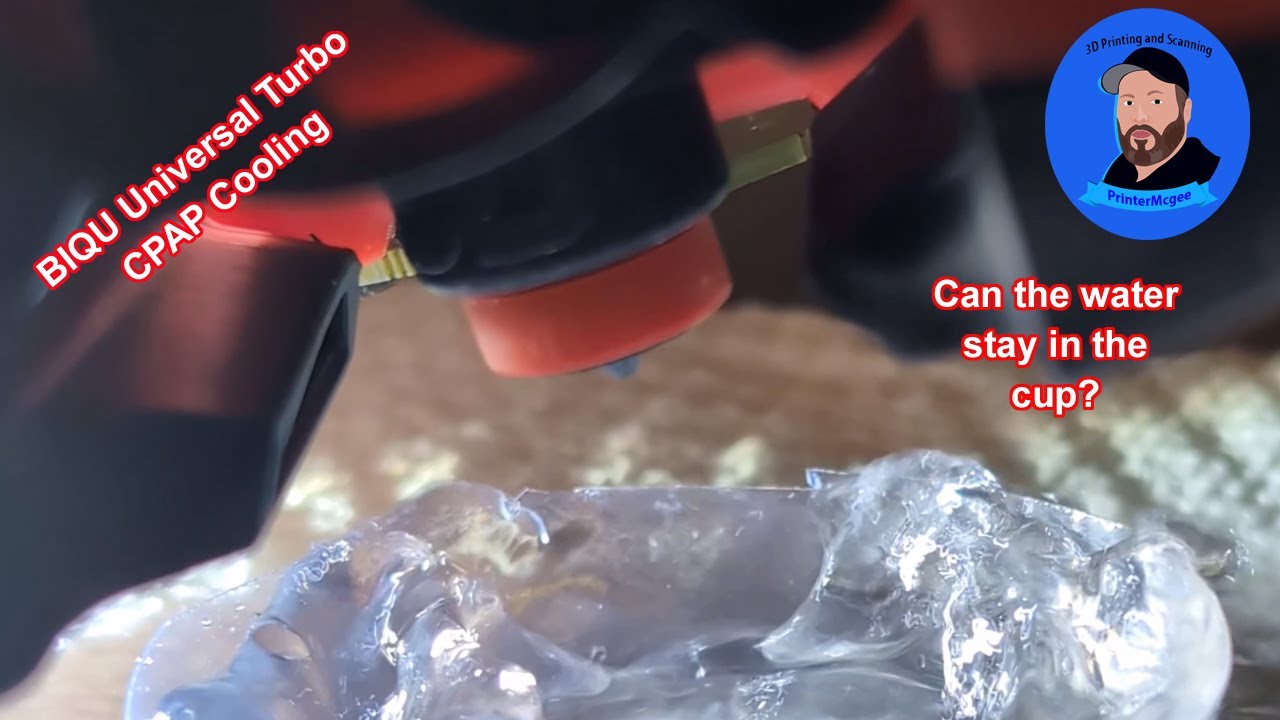
 and overhangs work all the way up to 80% but need to try some real prints and not just tests and mess with all the setting. I’ve turned off slow down for over hangs and slow down for better layer cooling. Anything else you can think of i need to do?