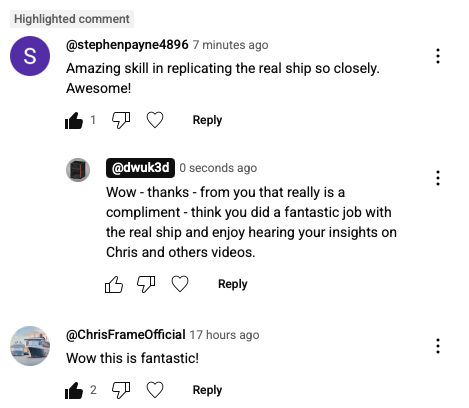
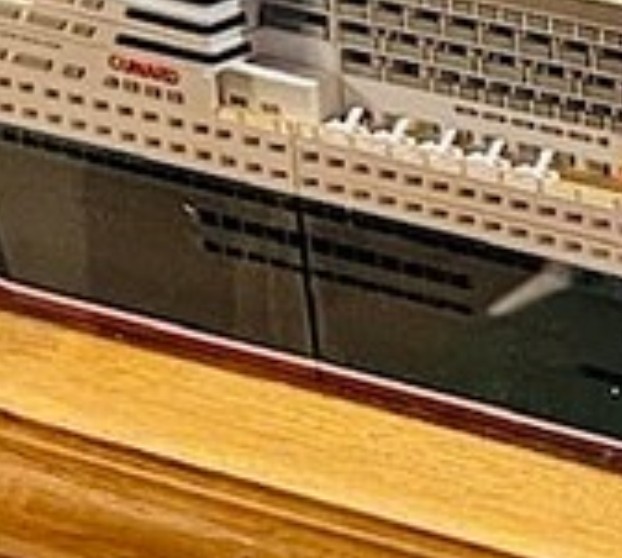
Just added a screenshot of this YouTube comment to my QM2 Makerworld listing - I don’t think its possible to get better comments than these - from Stephen Payne (the designer of the real ship!), plus also Chris Frame who is a very good ship historian.
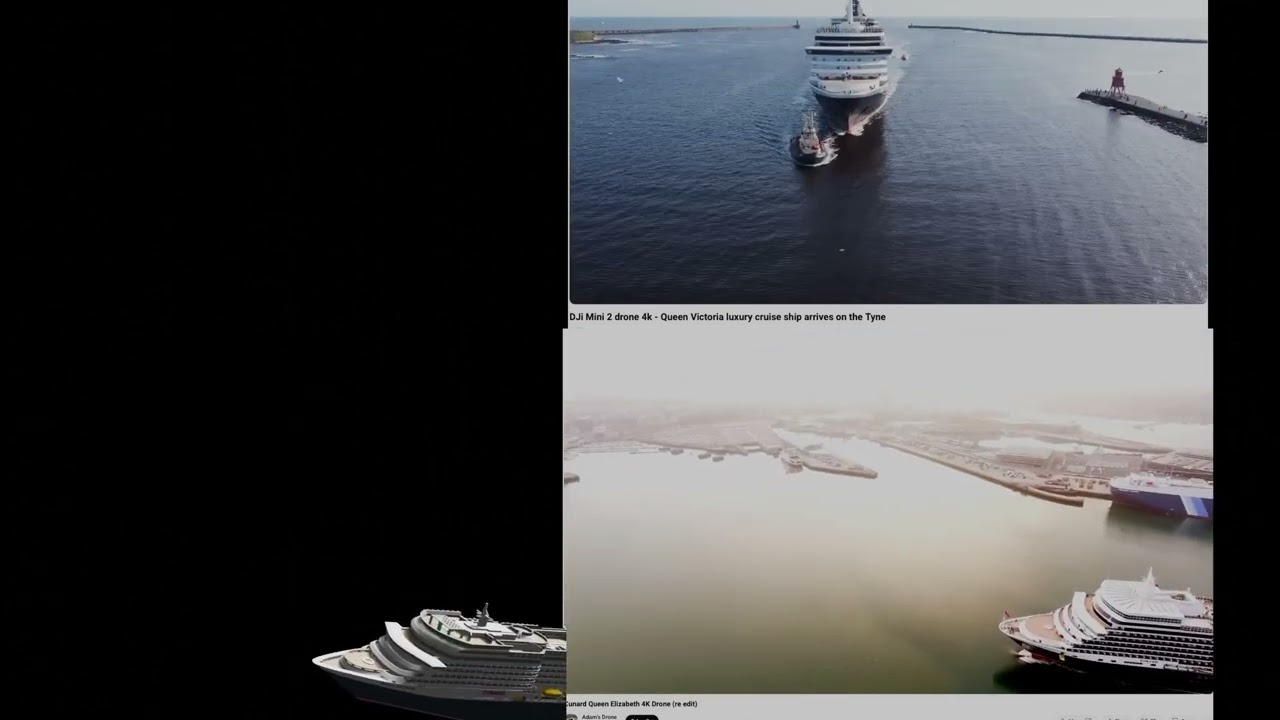
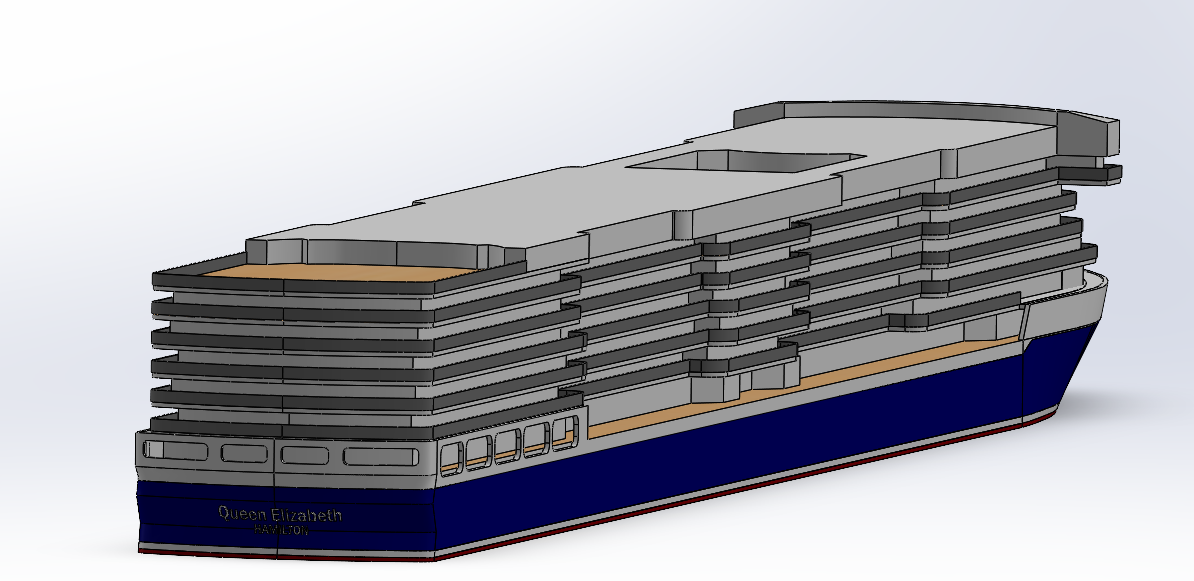
Starting work on Queen Elizabeth now - doing some animations of drone shots and deck plan match ups first.
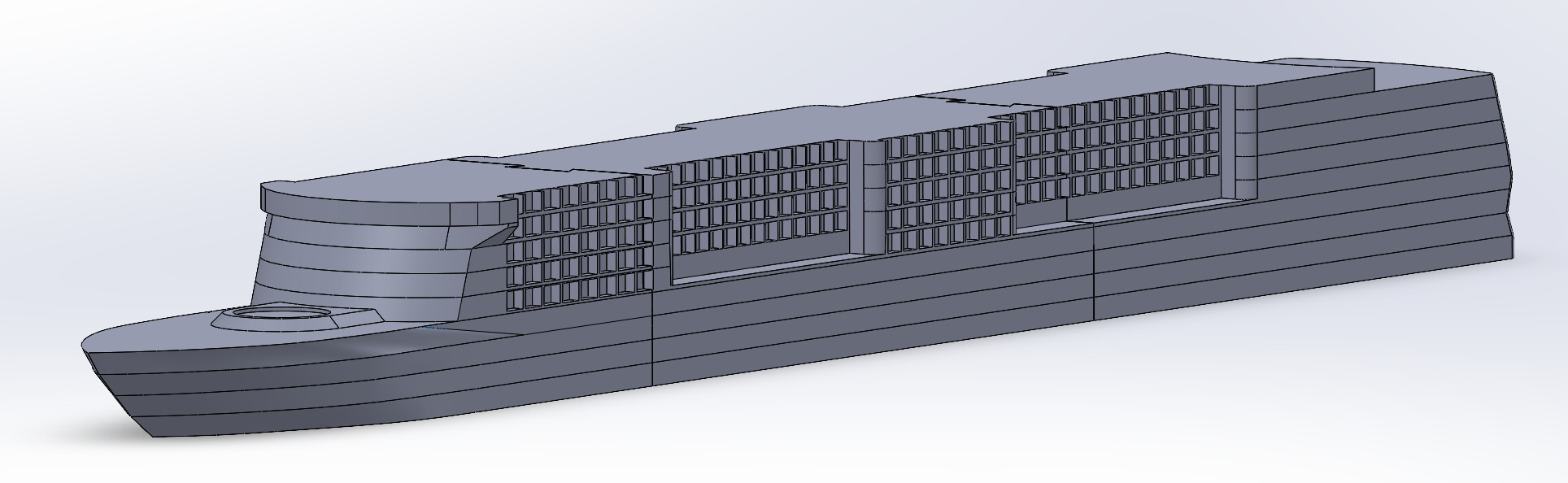
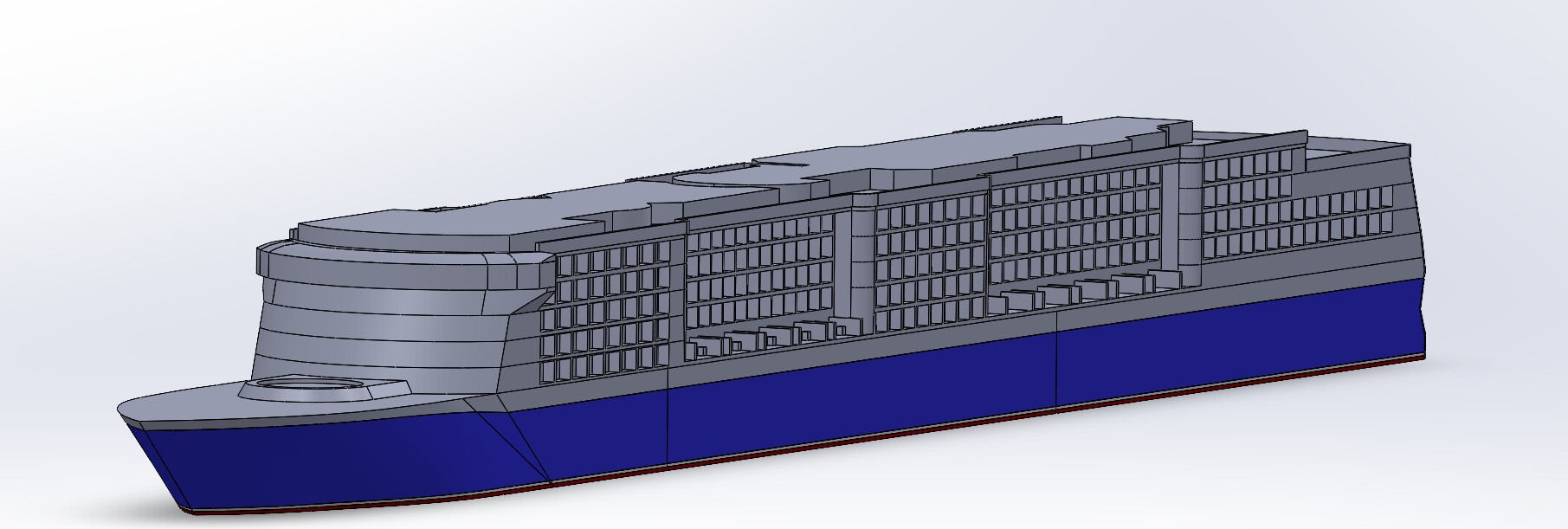
I don’t really want to reprint the whole of Queen Victoria in order to put it onto Makerworld - so thought I would make a Hybrid QV/QE model - and that way I will only need to print the QE model, and then just print the small number of parts of QV that are different.
I did think about also doing Queen Anne the same way - but pretty much every part is going to need to be different so probably needs its own listing.
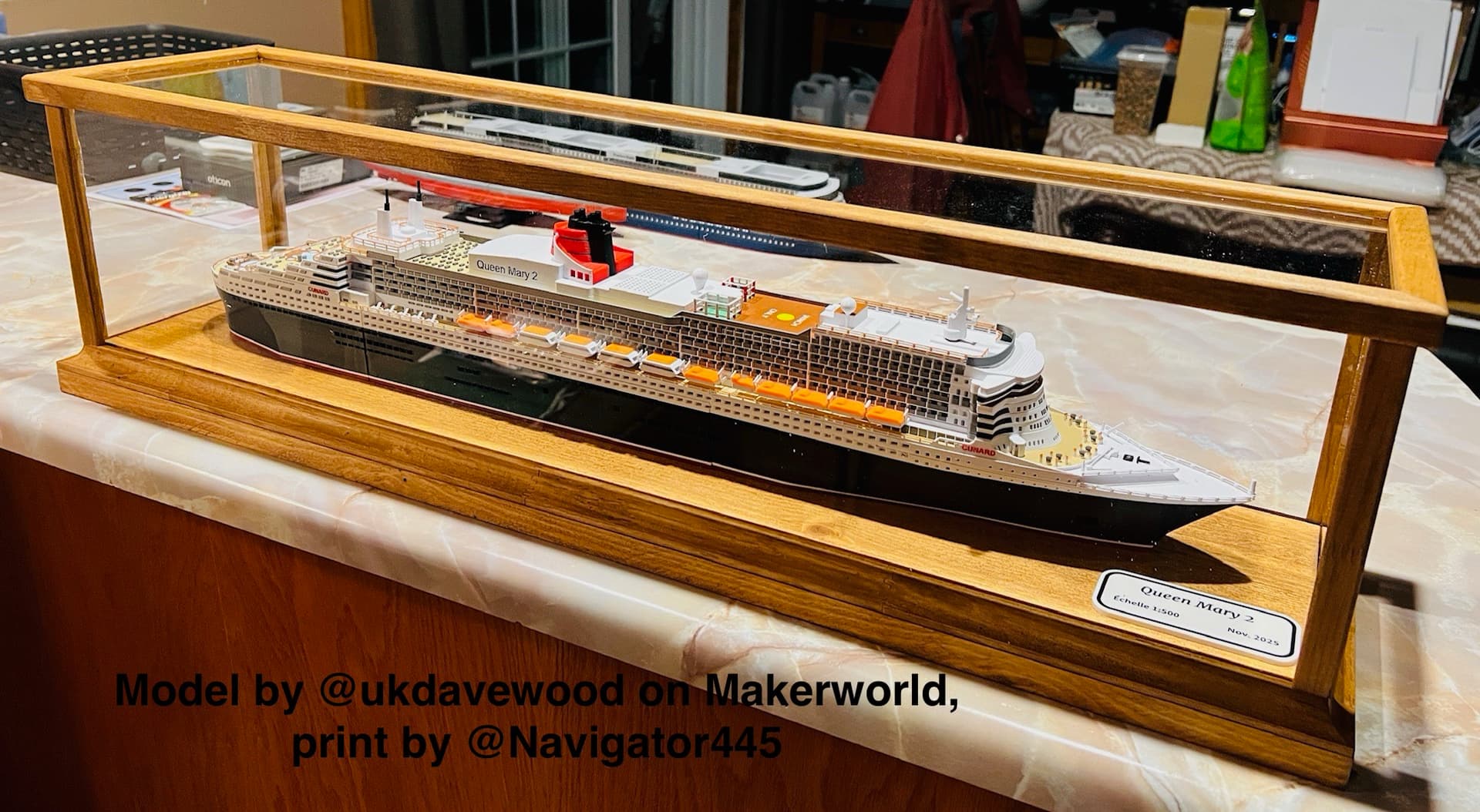
I feel like every person who sees that and asks, “Where did you get that?” will immediately start shopping for a 3D printer as soon as they hear the answer. You have created something truly outstanding.
Navigator did a really good job printing it. However, at a closer look, one can easily notice that on the side of the joinery he has spent very little time on working out a smooth transition from one part to another. Besides that, he managed indeed an awesome print.
That’s probably mostly my design - On the earlier models I went to the extent of over protruding the joint parts so that they could be sanded/sliced down to make the corners perfect right angles. But have bothered less on later models - plus the real ships themselves have quite a few visible weld lines.
But thanks for the feedback might readdress the joints when I do the next version.
I’m referring to the really visible ones (which, in my limited model building experience, should not be), that not even the real ships do not display or have.
Yes I know - my investigations and solutions for this issue are here.
As I said corners do tend to get rounded by around 0.4mm due to the nozzle size - I should really provide a version with protrusions that can be sliced off to get perfect right angle corners so that the joints don’t show up as much.
If you have found a better solution to resolve this issue with your models let me know and I will try it.
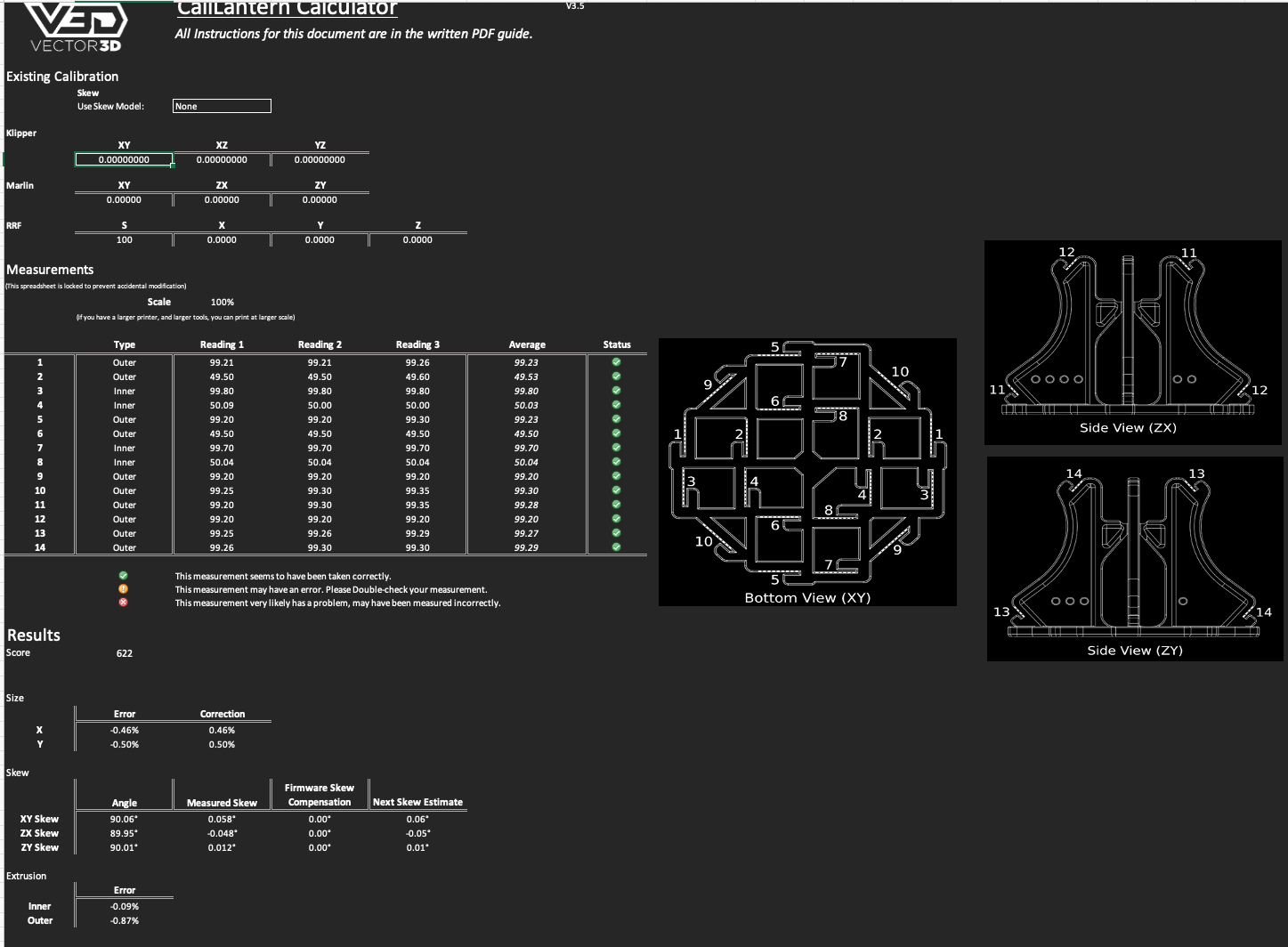
Not directly cruise ship related - but I did a Vector3d Calibration on the H2D today using black BL ABS - and it looks like I am about 0.5% under - so will scale up ABS to 100.5% on next few prints.
I am currently about 6 hours into modeling the MS Queen Elizabeth at 1:500 scale. Definitely jumped into this not realizing that this is probably going to be close to 100 hours of modeling.
Currently built up to deck 9, but wanted to focus on getting the general shape and scaling correct first. Next step is to refine the surfacing on the hull.
A few questions, what is the best source to get deck plans from? Currently, I have have the plans ripped from the Cunard Website, but annoying enough, they are not to scale. Or even more annoying, do not show the detail of the bow section.
Scale is more annoying because I feel like I am having to make guesses. Then end up going back and adjusting everything until “it looks about right”. For example, it seems like the pools are very overexaggerated.
I think most of the time will be taken up with the small details. Good thing the MS QE does not have a insane amount of deck space.
Ended up redoing a good amount of it. It boat deck was hard to get right with the method that I was using. It always causes issues trying to cut through lofted bodies, so ended up cutting out a few decks redoing them.
Still need to work on the back some more to get more of a slope and give it areas for the restaurants in the rear.
Looking good, I’m hoping to sail on QE next year as she seems to be sailing in Europe for a few months. I’m going to complete the Cunard fleet myself too when I get a chance. I’ve been through and worked out the few external differences between QE and QV, and am aiming to have the same F360 model containing both (like I have for P&O Iona and Arvia) - with parts just shown and hidden as needed.
What scale are you aiming to do yours at.
I usually model at 1:1000 - but put detail in to print initially at 1:500. I then remove detail for the 1:1000 printed version.
I’m a few ships behind though due to other projects - I’ve got MSC Preziosa and Marella Voyager to do too before I get back to completing the Cunard fleet.
Thanks. The QE is a a great ship, I would say its probably my favorite. I sailed on it in the summer of 2022 going up to Alaska. Extra special because I proposed to my wife on that trip. Only trip that could follow that up was my Patagonia cruise last year on the NatGeo Explorer.
I was aiming for 1:500 but I think I am closer to 1:480. For simplicity, 1:500.
Anything smaller doesnt make sense to me, I rather have all the models the same size. Maybe if I end up posting it I will shrink it down.
If this one works for me (a lot of CAD skills that I am rusty on), I will probably work on the NCL Joy… or maybe Scarlet Lady, even though I cant decide if it is ugly or beautiful.
H2D→H2C upgrade kit finally came up in UK shop - so order now in. - Luckily the delay gave me time to build up a few extra gift cards - thanks to kind maker world users.
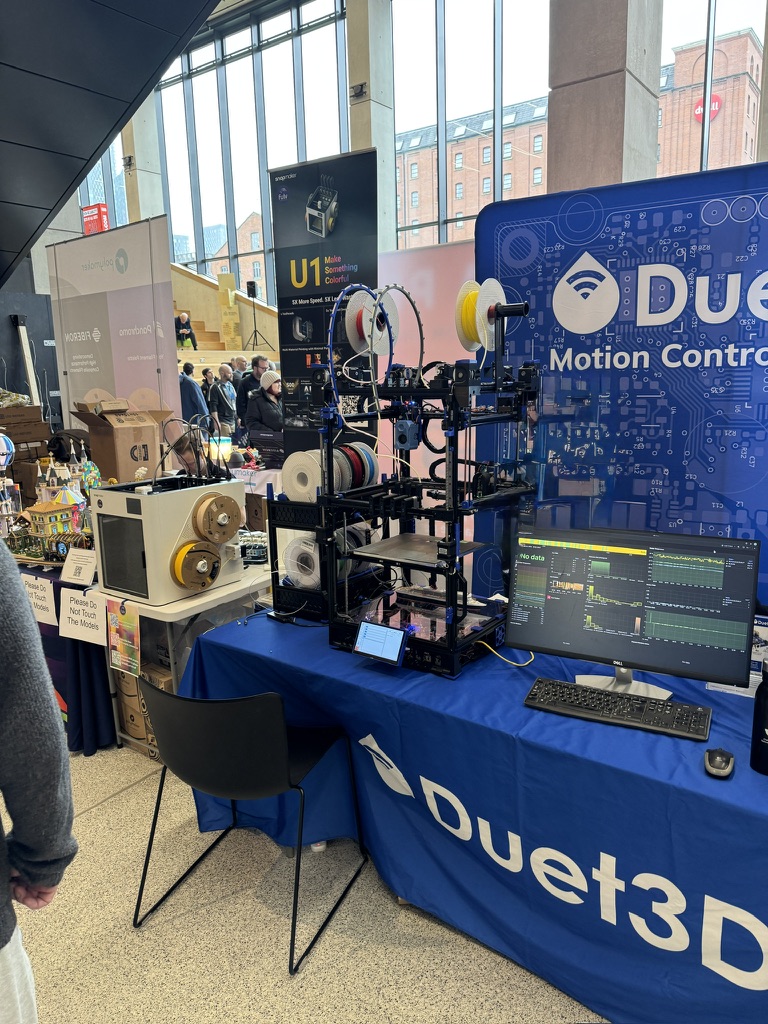
Have been quite busy on other projects this year - so am about 3 cruise ships behind - but my QM2 went down quite well at SMRRF Manchester this week - when people were looking at the bottom on my new ship printer it was sometimes hard to tell whether they were looking at the Duet PCBs or the ship model - quite often it was this ship
That snap maker in the next stand was very impressive too - it printed its 4 colours almost flawlessly - really hope it inspires Bambulab to come up with something truly special for the next flagship model.
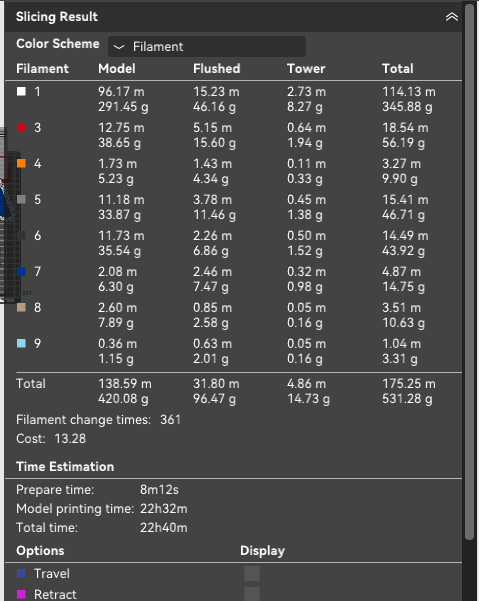
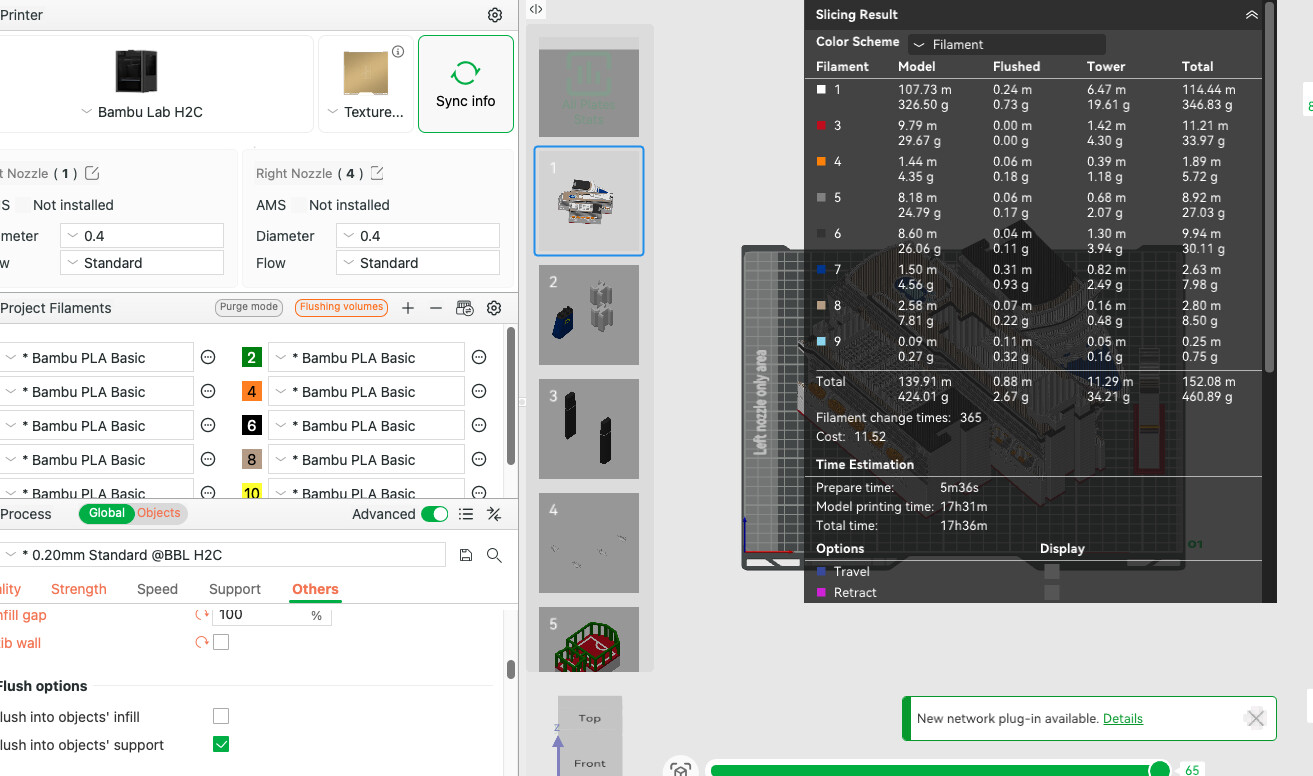
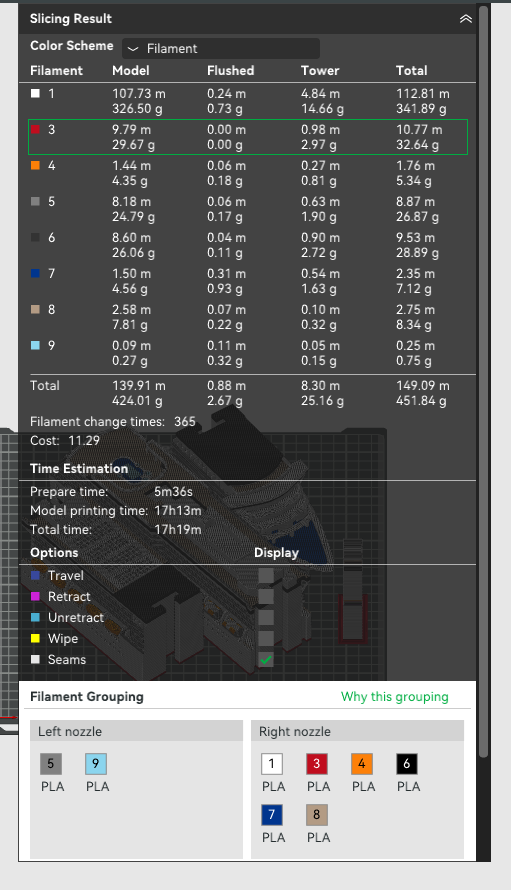
I had to take the model down due to problems with Flush into infill.
Turning off flush-into-fill adds another 25g of flush waste (about a 20% increase), plus also increases print time to over 23hrs.
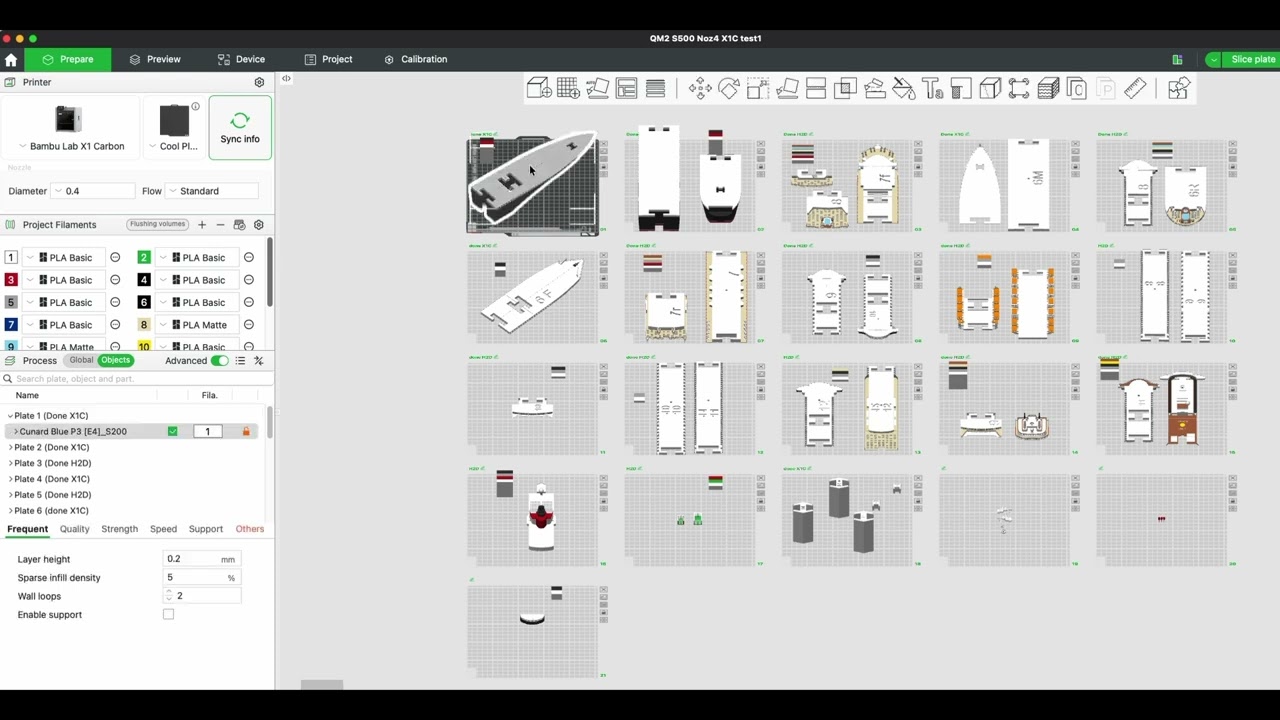
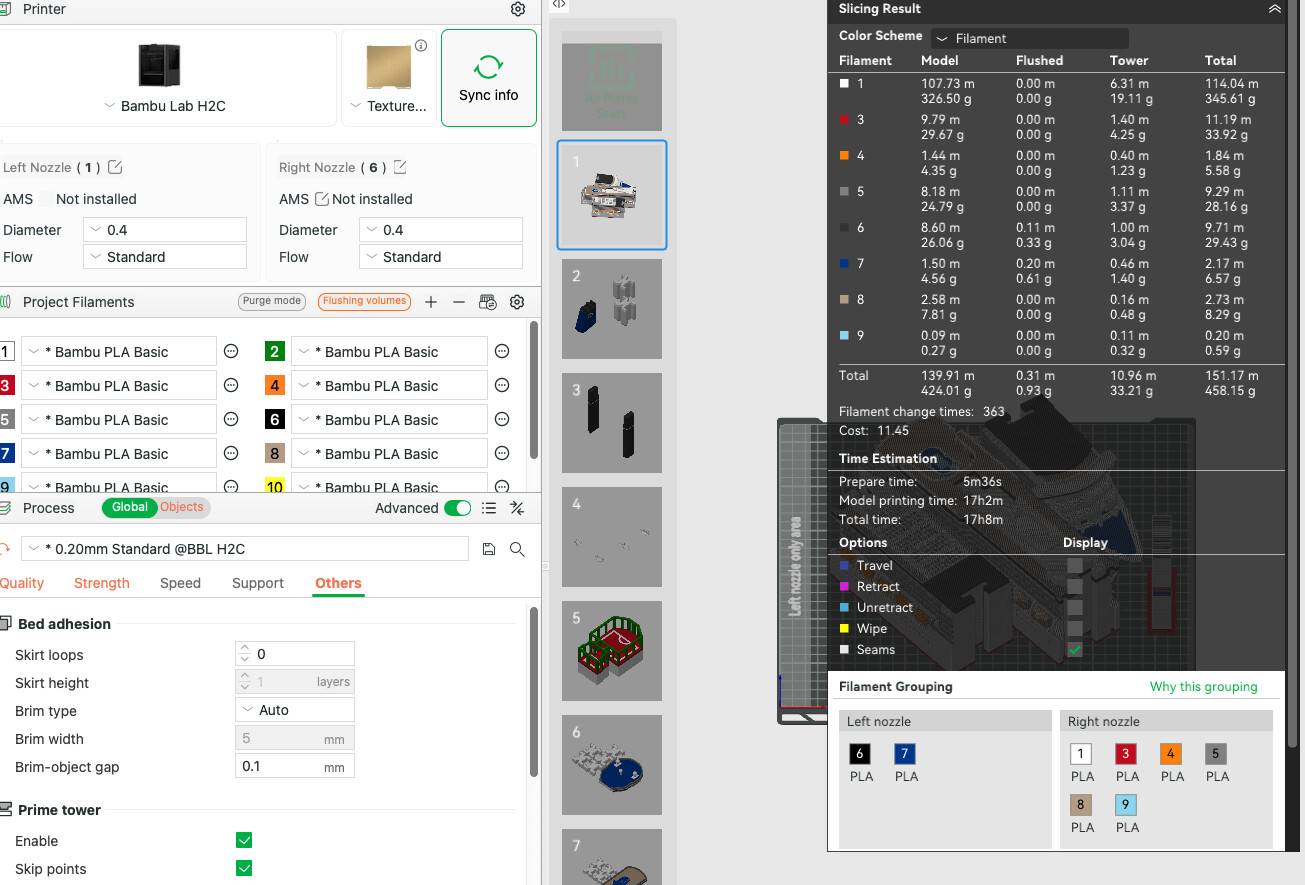
Switching the model over to the H2C, with the 4 supplied 0.4mm induction nozzles - so 5 all together - looks very promising - reduces print time down by 5.5hrs - and flush down from 127g to only 2.67g. Prime tower almost 3 times as big though at 34g
Purge saving mode pulls prime tower size down a bit and saves 10 mins - but I think this is too long a print as a test for purge saving mode - so will print it at standard mode.
Going up to the full 6 nozzles - in standard purge mode saves another 2g of filament and about 20mins - but think I will kick off the print now rather than wait for the additional nozzles to arrive.
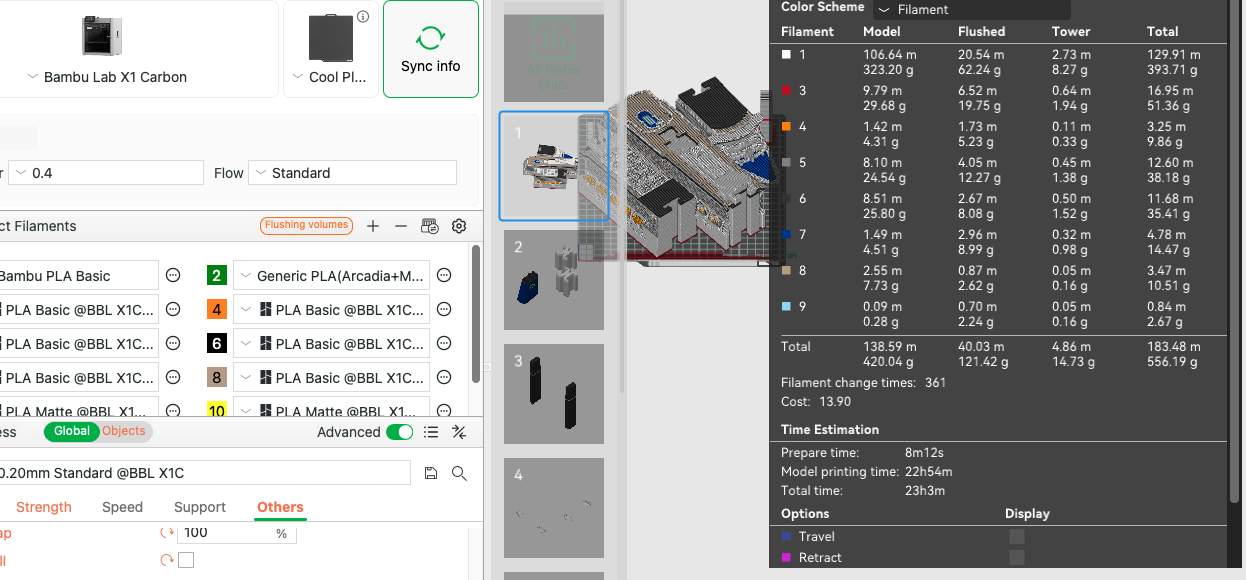
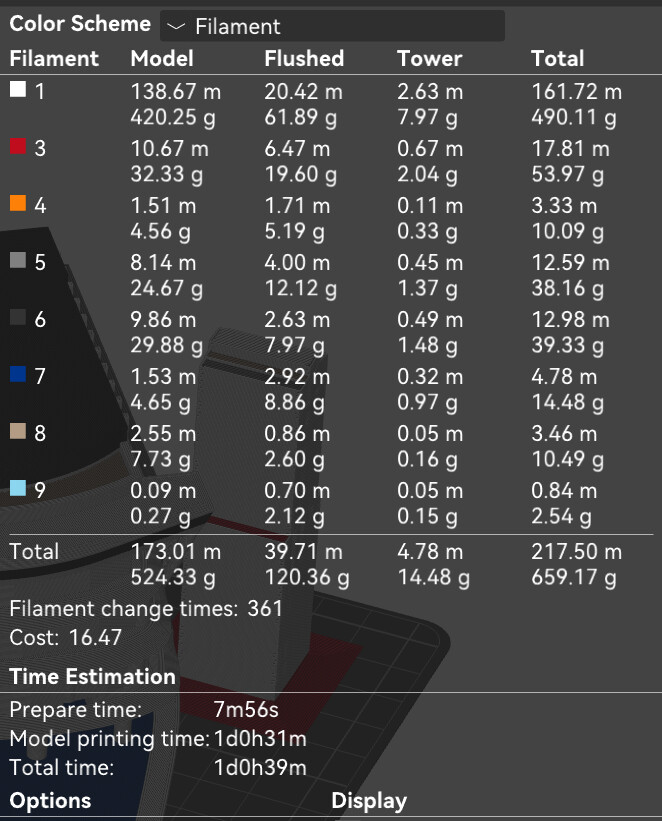
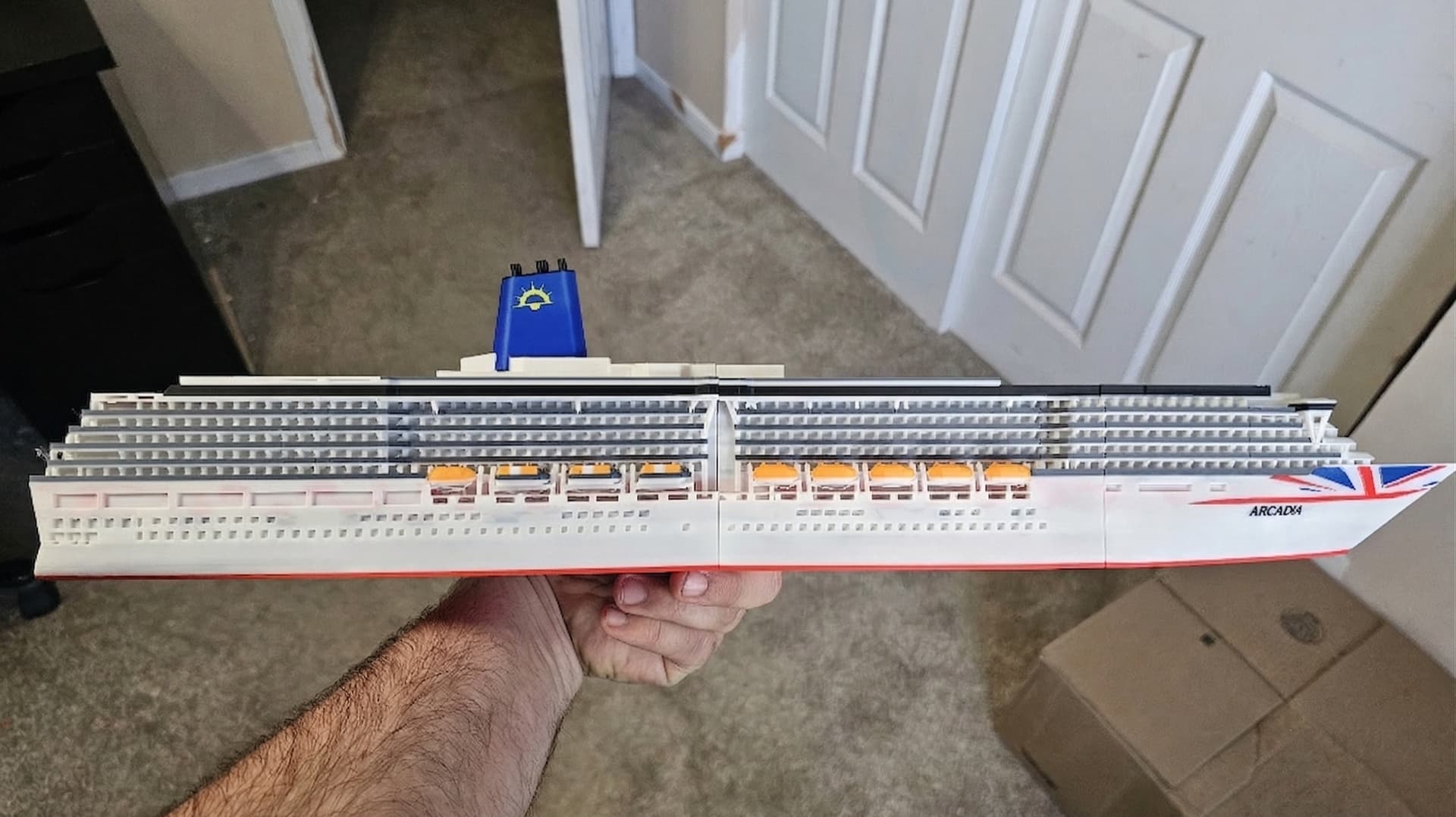
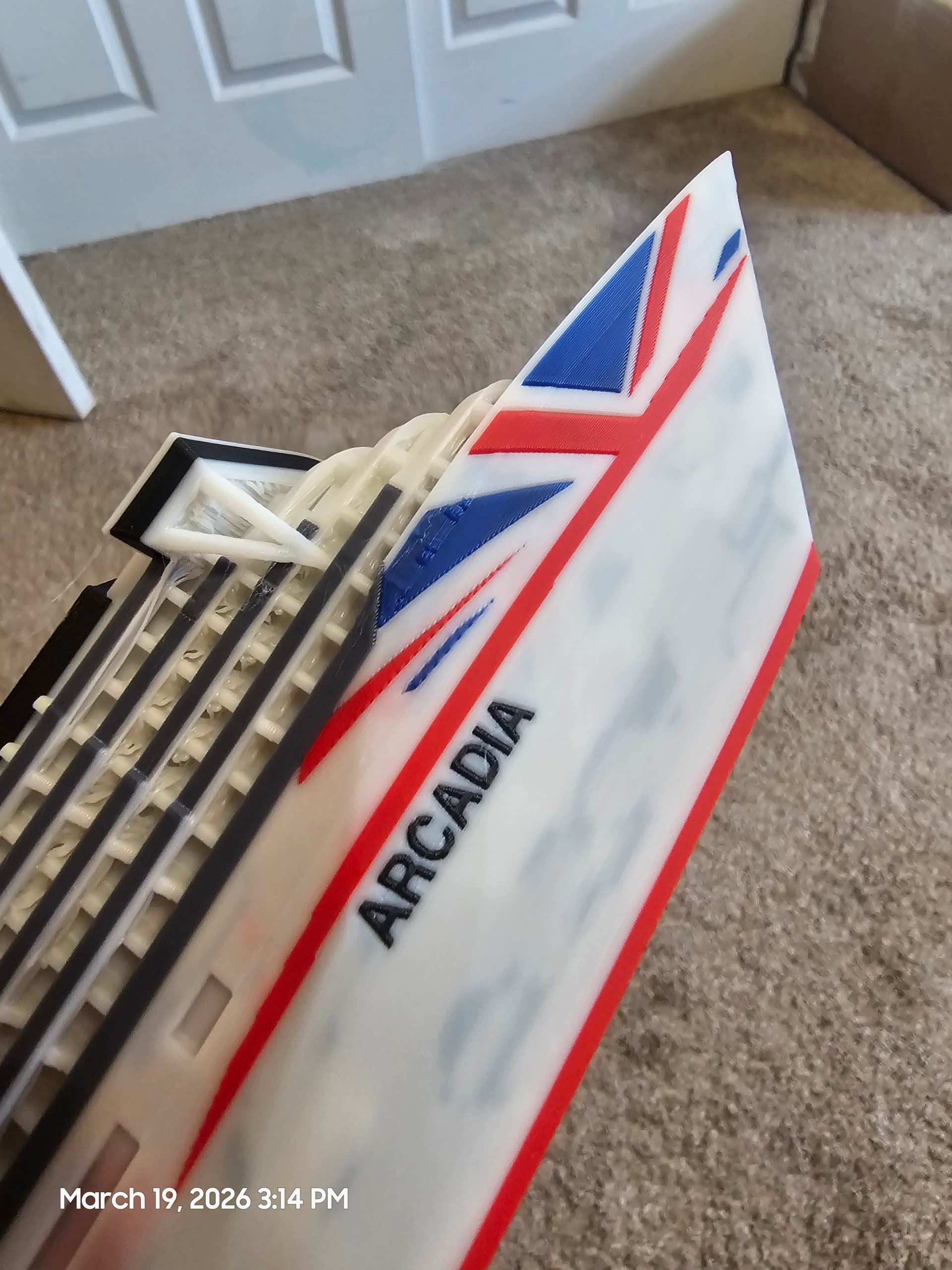
Here are the stats for the profile I used on my reprint. I am using a good amount more filament, but a lot of that comes from increasing the infill to 10 percent. I also think it is weird that the list is skipping filament #2. I tried to fix that with no luck, but it is not a big enough deal to throw a fit about, just the first time I have seen that.
I was at a little over 24 hours, but with a print this long, that does not make a huge difference. It was going to finish in the middle of the night anyways.
I still feel like another wall layer could have done me a little better, but I forgot before reprinting. So be it. That is just knit picking at that point. Top decks still need to be printed so I might play around with that a little more. This one is also in Bambu white instead of the eSUN cold white that I used on the first one (I really should order more of that stuff, it has a good color to it).
Huge improvement over the first one pictured above.
Side note: I have been working on putting together the Ventura recently as well. It really shows how far you have come in modeling these ships. The assembly for this one and the Queen Mary are 1000 times easier and more consistent than some of the older ones.