Hi all, this might be another dumb question from me but I was wondering if there is a way to disable flushing when making color changes to a multicolor model. If I open up a project from makerworld that has 3 colors, but I go and set them all to a single filament, it still flushes and reloads the same filament as if I was still using different colors. Google showed and option where I could edit the gcode manually but I am hoping there is a setting somewhere that simplifies this.
Do you click on the minus sign on the left panel to remove filaments until there is only one left?
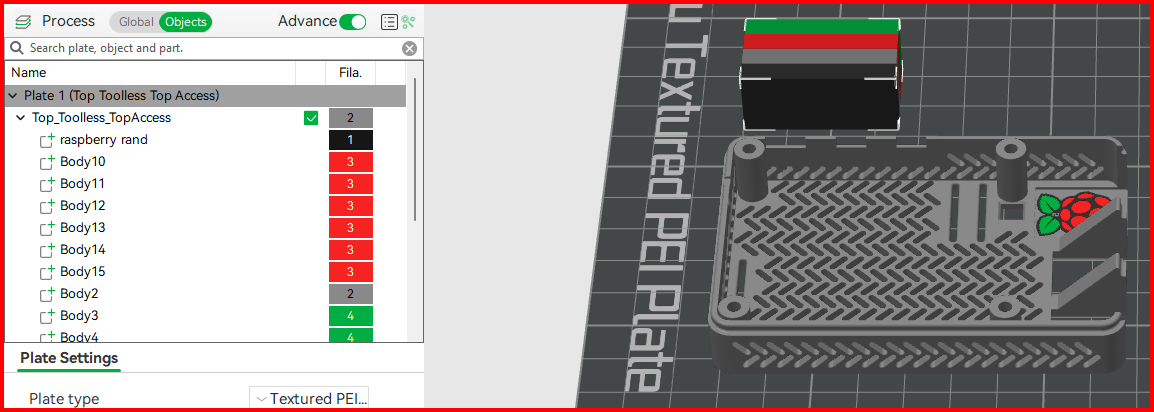
Yes this worked, I should have figured that out lol.
I don’t recall that being an option as I tried that but will look at it again. This would be better if I wanted to go from say 4 colors to 2 or 3, but since I wanted just a solid color I just removed all filaments like the other commenter suggested.