I honestly think that you will be losing business accounts for purchase of the R1 due to the requirement that you must press and hold the start button every time you start a job.
Looks amazing, but a huge time sink for our workflow.
Current CO2:
Shop – load material
Office – create file in one workspace and start
Shop – retrieve parts
R1:
Shop – load material, leave lid open
Office – scan bed
Shop – close lid
Office – create/prepare work in two environments
Shop – press start
Office – work while it cuts
Shop – retrieve parts
Way too much walking back and forth for our business.
This might be all fine and dandy if you’re working in a home sitting right next to the machine. But a lot of us have these in a separate shop or garage from our computers especially due to ventilation and Noise.
They (xTool, Bambu) don’t even bother to explain the workflow properly before you pay, but some of these newer lasers (xTool P3 too) requiring this [lid open - take photo] is hugely annoying. Glad my xTool P2S has none of those nonsense.
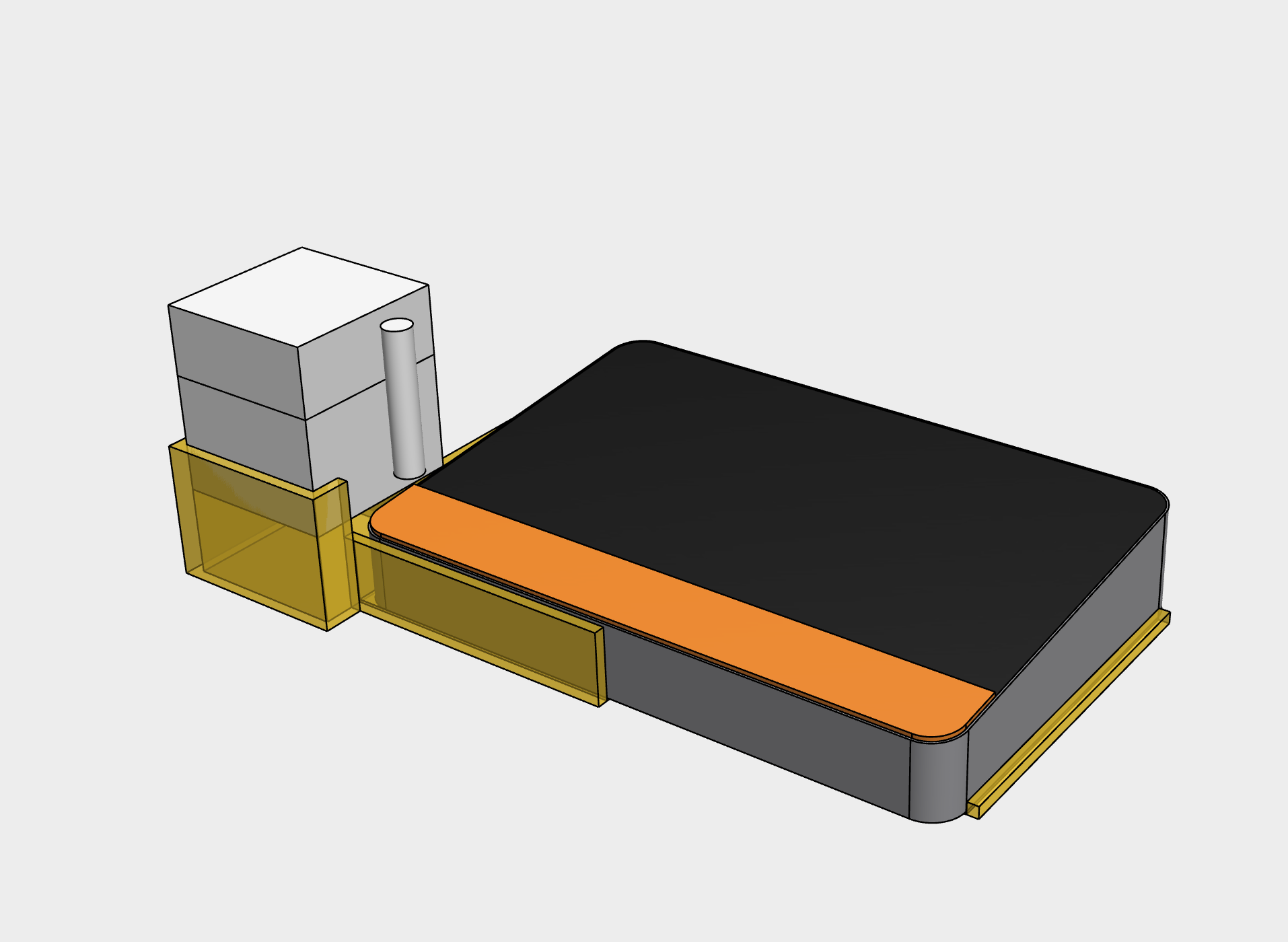
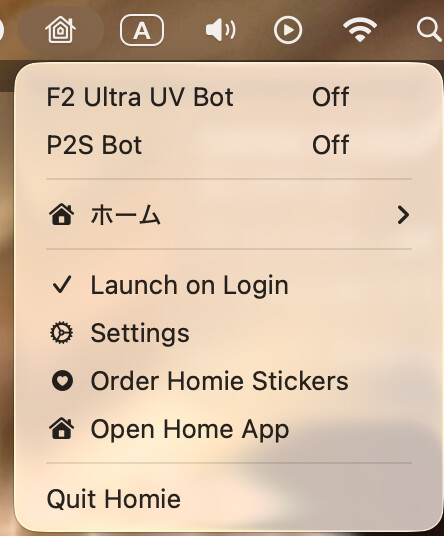
And with some easy mods the start button I control right from my Mac
After owning it, its not as bad but its still more work than my old system.
I do have to say its nice that it captures a single image and its a really accurate picture from the Birdseye camera. It takes like 5 seconds where my older C02 would take 40 pictures in 5-10min depending on the bed area I’m capturing. I took a picture of the material with the birdseye. Engraved and cut out the wood. Moved the material, took a new photo, re-ran the file and the lines were EXACT.
Shop: Load Material and leave lid open.
Office: take picture. prepare for cut.
Shop - Close lid and press start button.
Office: work and wait for cut/engrave to finish
Shop: check work.
I wish I could just
Shop: load material PRESS CAPTURE ON SCREEN: (Not an option that I can find) close lid
Undoubtedly reduces distortion, but pretty unnecessary and, added back and forth = more labor cost
To me birdseye is just for a quick glance. For real accuracy, there’s some quirk but on the P2S with the tool head mounted shot I can get ±0.05mm accuracy from it placing designs (It’s pretty easy to test).
Unfortunately i would still have to go back to close the lid adter it takes a picture. You cant take a picture while your at the machine from the screen.
It might be a liability issue with Bambu if they supported this.
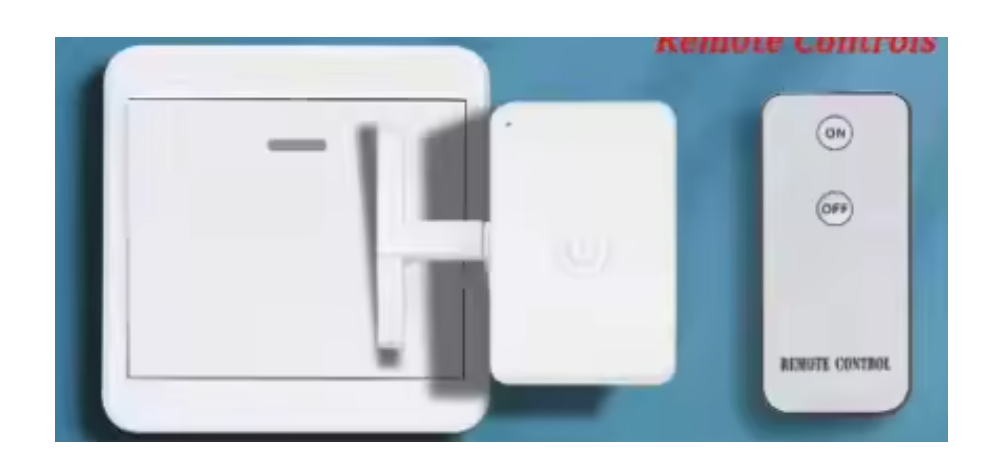
There are a number of remote physical “button pushers” available on Amazon and similar. You’ll have to decide if the range is adequate if it’s Bluetooth and strength is enough to push the button. You’ll also have to design the mounting hardware.
The lid open/close could be also be done with a remote device, but this is getting complicated already …
OR…Bambu can just have an advanced menu(oh wait they do) and have a option to turn off the button requirement. I would even check the box saying “yes I’m an adult and accept the risk of not pressing the button on the machine manually.”
OR…Bambu can just have an advanced menu(oh wait they do) and have a option to turn off the button requirement
R1 Enterprise Pro feature
I have every confidence that a shop full of American craftspeople can purchase or rig up a gadget to push a button and close a lid, though I admit they should not have to.