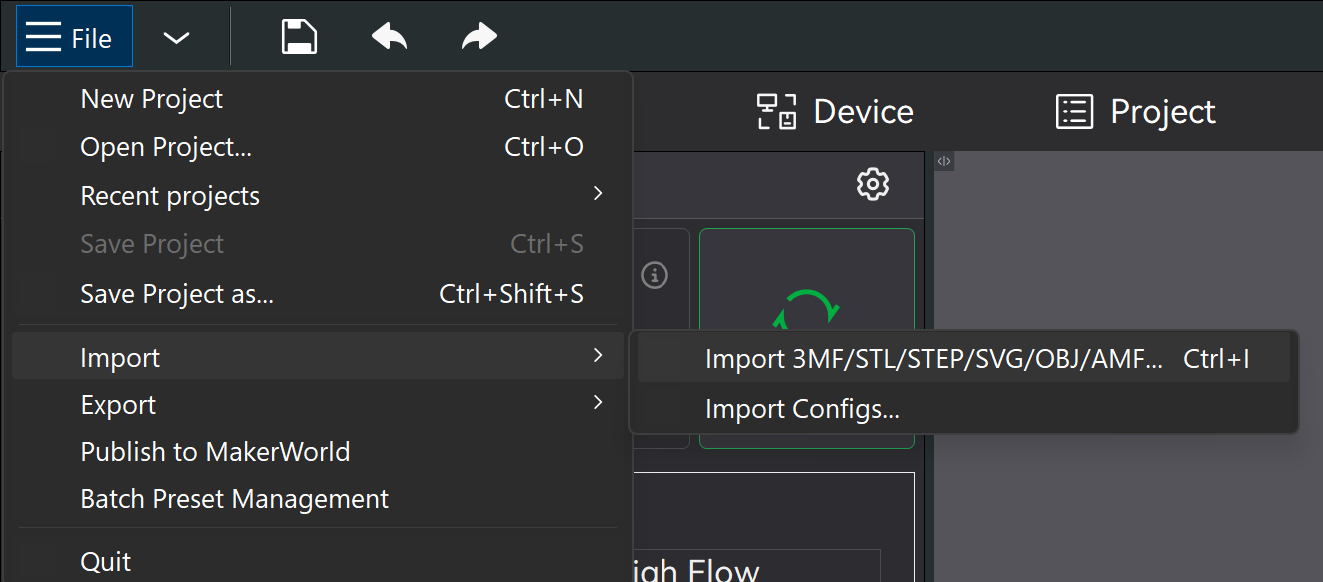
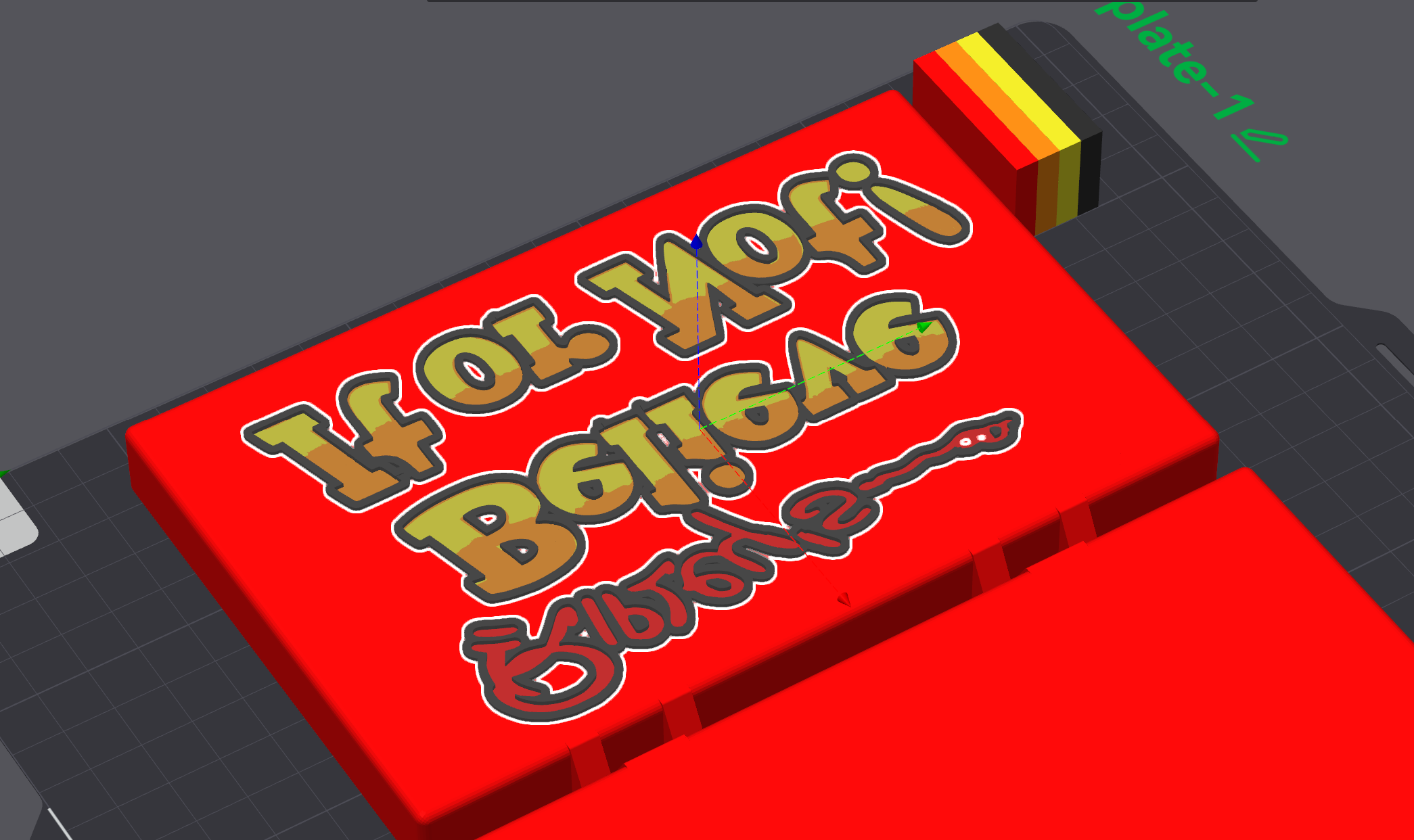
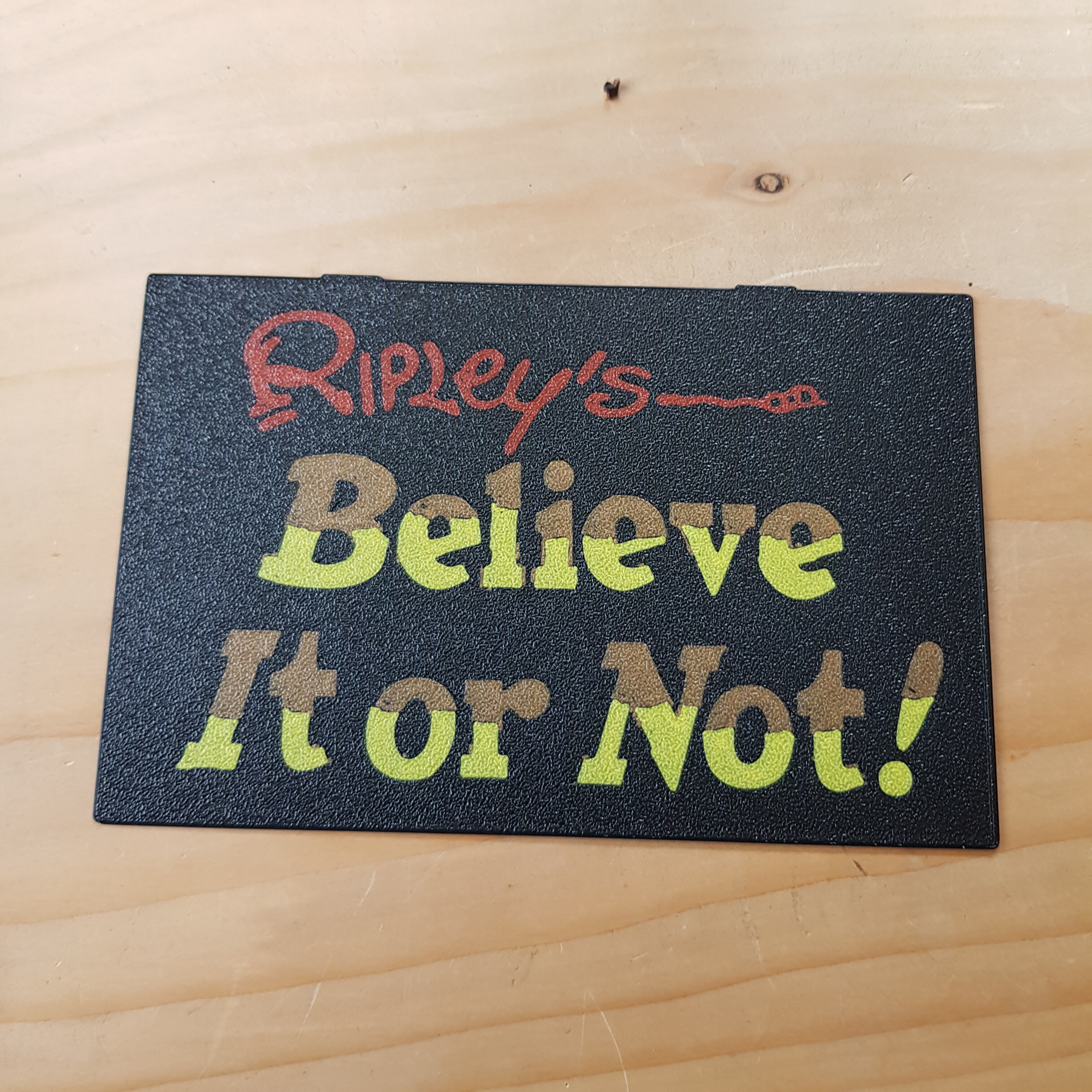
I have a plain box in .3mf format to which I would like to add a multicoloured logo, which I already have as a .3mf. I have managed this previously with a single coloured .svg by adding a modifier & making it flush with the surface.
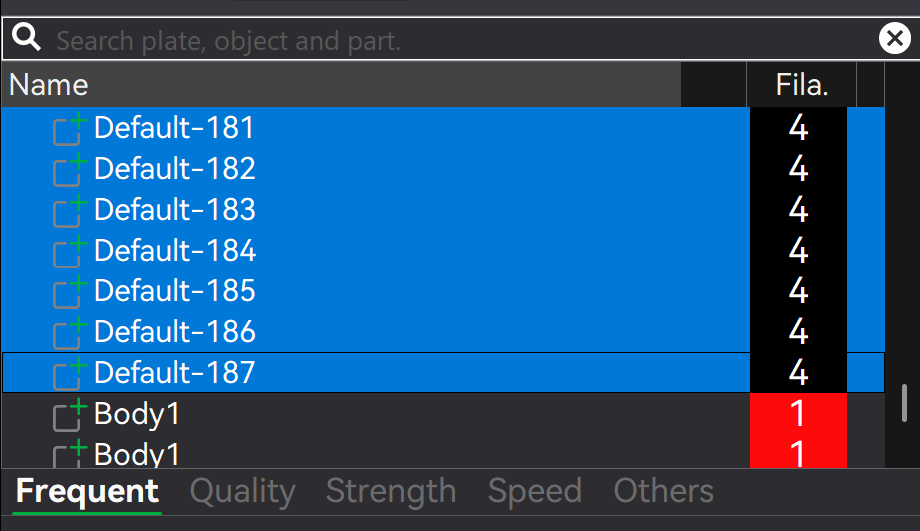
Unfortunately, when I try to add the .3mf, it is imported as a single object & the colour information is lost. I have also tried using Add Part & Add Negative Part.
Is what I’m trying to do even possible, and if so, how?
Try starting from the painted object’s project [your logo project] and add the box to that project. If the box is a plain unpainted object, you can open the 3mf that contains it, select the object, right click and export as STL - then import that basic stl into the logo project so as to not import any other metadata
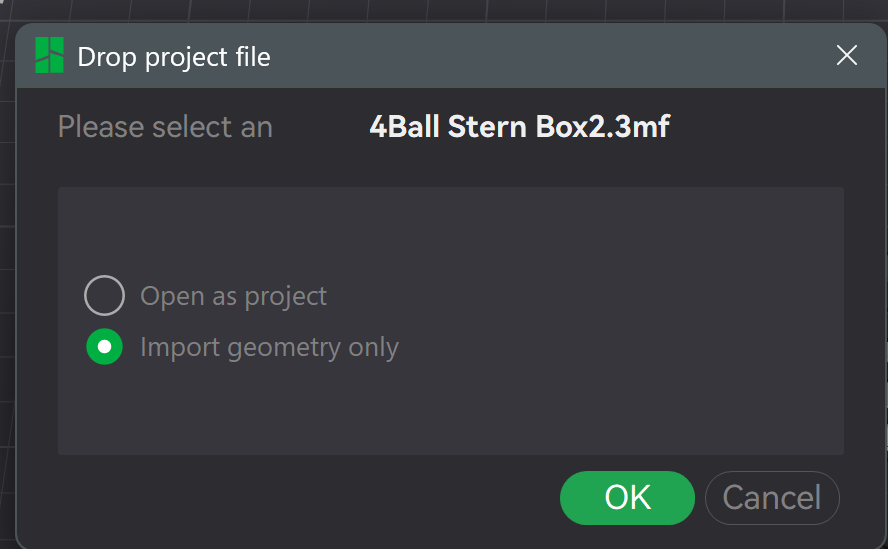
Import offers geometry only option ,yes , if you try to add a part from a folder it automatically changes to a default colour , random cube is brown, the added part (is black) will also be loaded as brown and then you can add or remove colours , which ever is better, easier for the model (both bambu 3mfs) not sure how it would work with one svg file , where colour can be added on import
Import the logo (which preserves the colouring I want), then import the box, but then bits of the box & logo are trying to occupy the same space, so that doesn’t work.
Just a quick tip: Why not post a screenshot so we know what you’re trying to do? It would be even better to upload the 3MF file to the forum, but that’s not a must. However, photos are definitely necessary so we can understand what you’re trying to do.
Took me a while to work out out how to do that - not obvious, but very easy once I did,
I want to add the Ripley text to one of the flat sides (I have to rotate it so the flat side’s down, maybe I should re-save) with the colour information preserved.
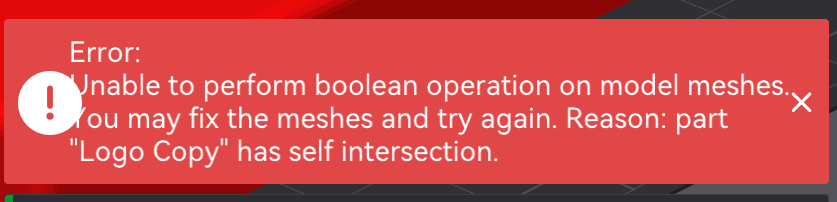
So, I’d already been busy taking all kinds of pictures - instructions, step-by-step - until I realized: The logo can’t be embedded because it causes an error message; apparently, it’s too complex or faulty for Bambu Studio.
Bambu thinks the mesh is faulty, but that could also be due to its complexity or other reasons.
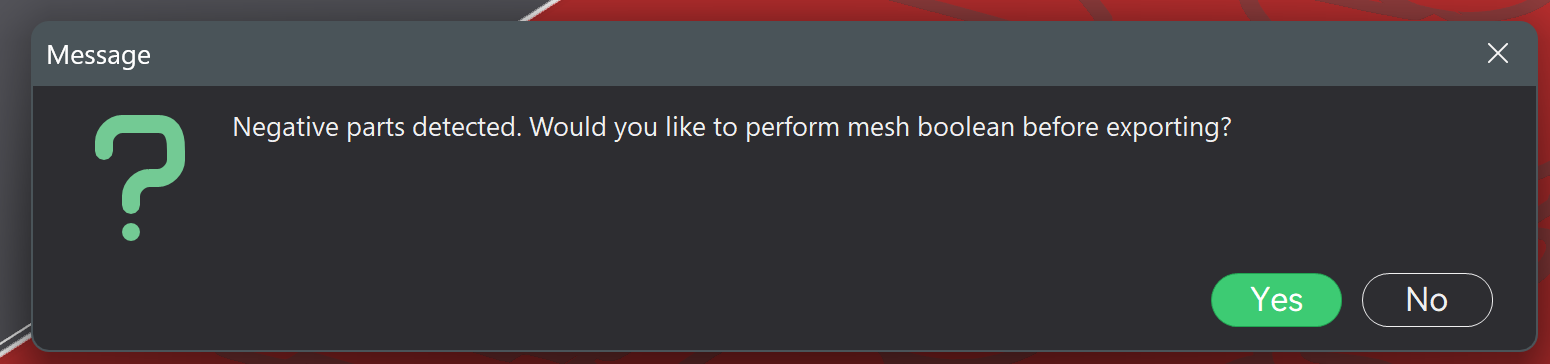
What does that mean? You’ll need software other than Bambu Studio. Either CAD, Meshmixer, Blender, or whatever else is out there. One that can perform a mesh boolean operation - which, actually, almost all of them can. Only Bambu Studio isn’t really designed for that.
Many thanks for your help - I will dig more deeply into this, I had printed the logo by itself as a test, which worked fine. Unfortunately, I made a small change that I thought wouldn’t have much effect, apparently it does, as the logo as it stands won’t slice correctly. I’ll let you know how I get on.
Just load the logo then add part / load the second part from its folder
One other note, if you plan to boolean or union ,it will lose its colours and will need to be reapplied using the paint tool , edge detection , which can be obstinate depending on geometry.
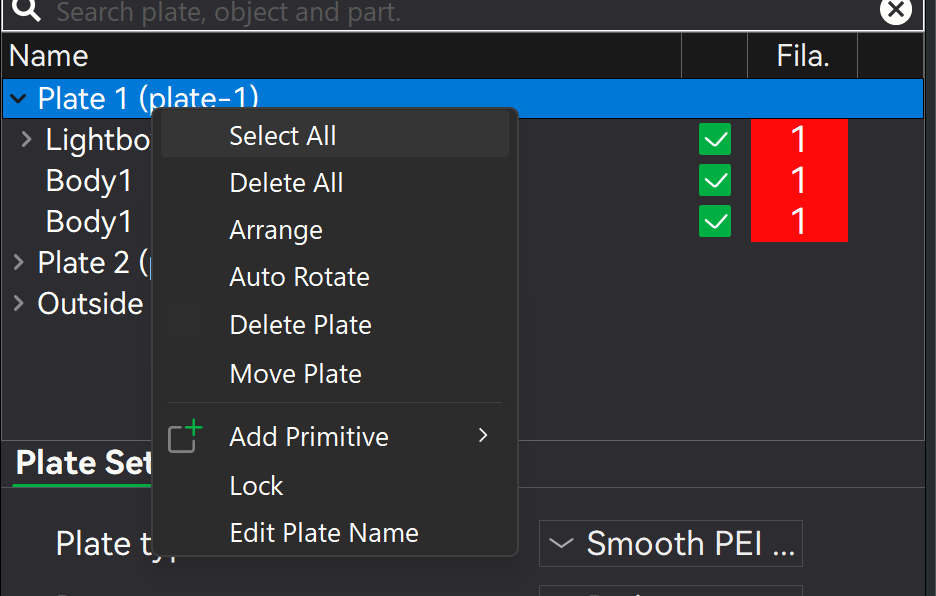
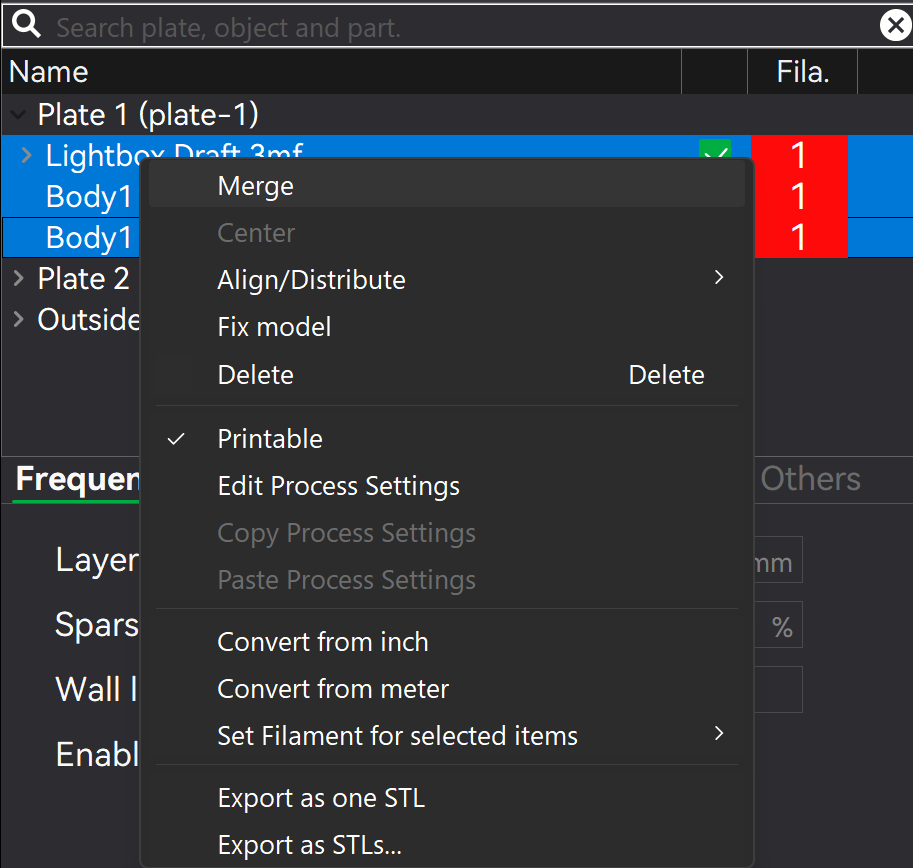
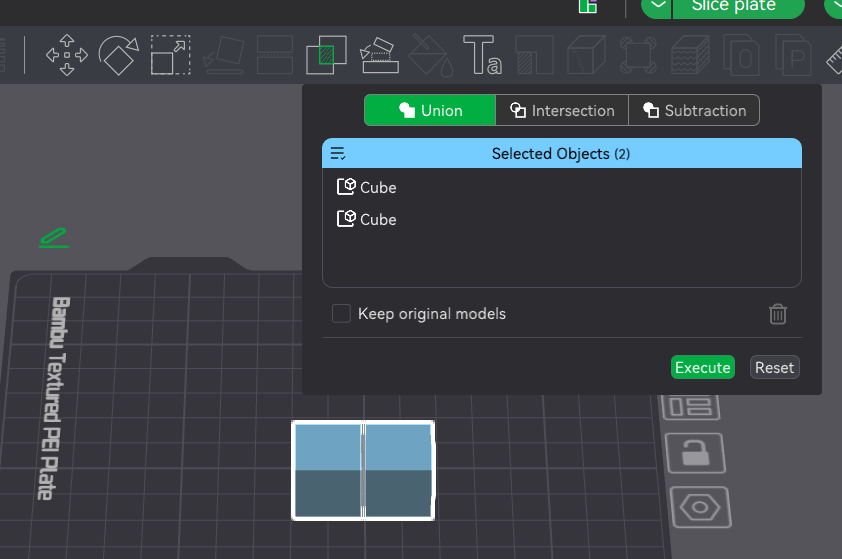
Progress update - I have manipulated the logo in Fusion & printed the thin version. I have a new file with both box & logo, but slicing gives gcode conflicts. I started a print anyway, but could hear the head hitting the already printed filament, so stopped it. Also gave dull colours due to the black being just behind. I can’t find the boolean mesh function mentioned by Neiljt, which I think is what I need.
Thanks, but that icon is greyed out for me, though I do have the Assemble. Do I need to do anything special? Maybe because the logo is a load of separate objects?