I have AMS and 4 filements loaded and all are mapped. I added a filament to my EXT source and initially was able to print a TPU washer as a test. Some time later, I tried to print using the external TPU filament and when I send the slice to the printer, it says the external filament is not mapped. When I go to synchronze the filaments it shows the Ext filament as “unmapped” I can click on it there and select Ext but it will not save it. I try to synchronize and it reverts to unmapped. On the Device tab, it shows the blue TPU filament is installed. How can I get the ext filament mapped?
Well, on the A1 with AMS Lite, you can’t use the AMS and the external spool automatically on the same time. So I’m not sure to understand.
I am using A1 Mini. Should have said that. I am not using them at the same time. When I try to print something with the Ext filament, the machine is supposed to back out all the ams filament and it does. It lets me load the Ext filament. When I try to send the slice to the printer it tells me the filament is not mapped and will not let me print the file
Edit the setting on the printers filament tab
The printer is already set up with TPU as the Ext filament. When I synchronize the filament to Studio it comes up as blue TPU but it then also says it is unmapped. Then when I try to map it on the filament sync screen it appears to be mapped but if I close that screen and open it again, it goes back to being unmapped.
Post the images and explanation in Bambu studio bug reporting thread , i understand from my own experience some colours were being mismatched but that was ams , printer, studio related.
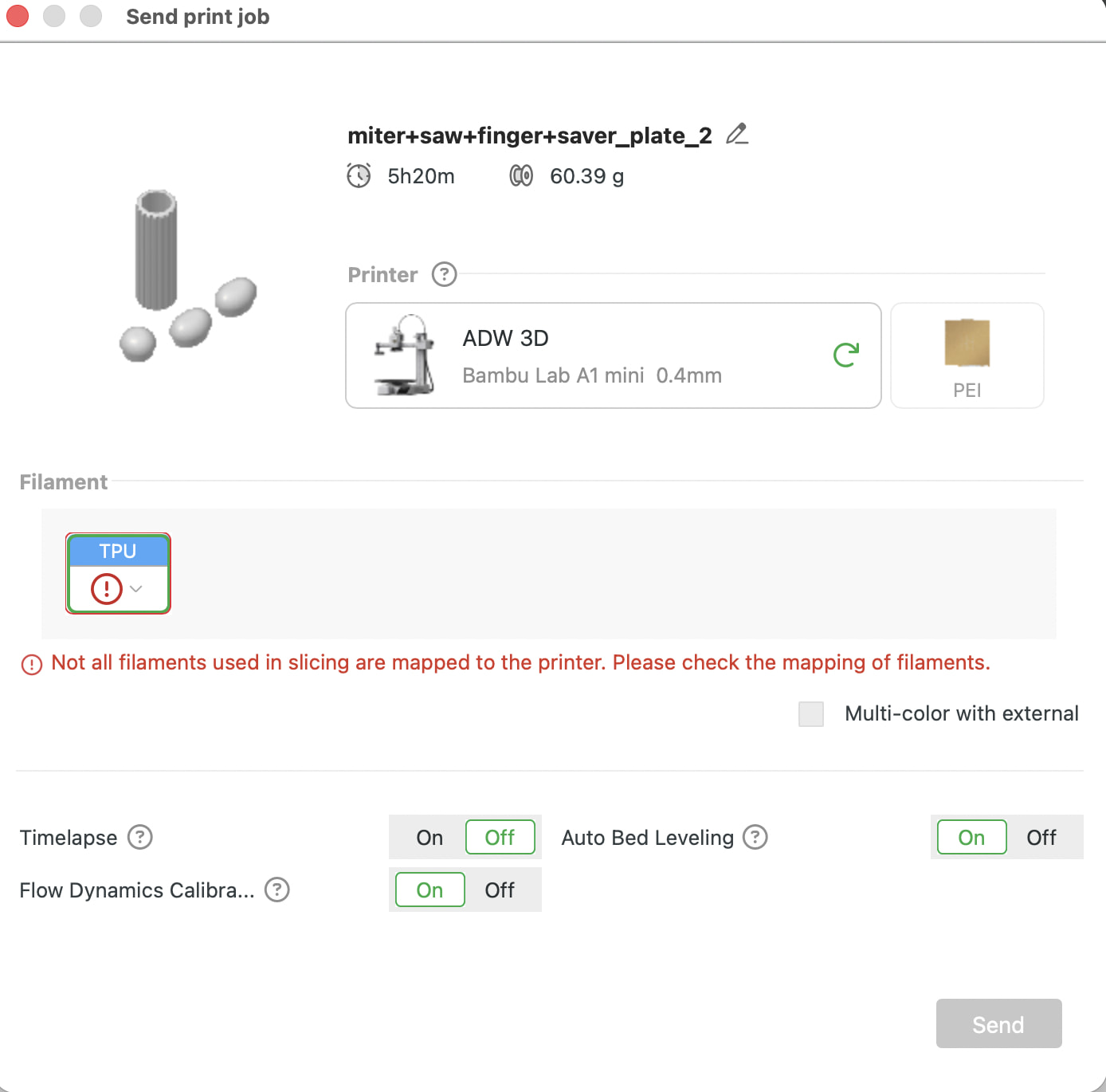
I’m having this same issue. I’ve set the filament and sync’d it everywhere I can and it always gives me this warning. I have no idea what settings the printer is actually using for the job because it never wants to acknowledge that I’m using the right filament.
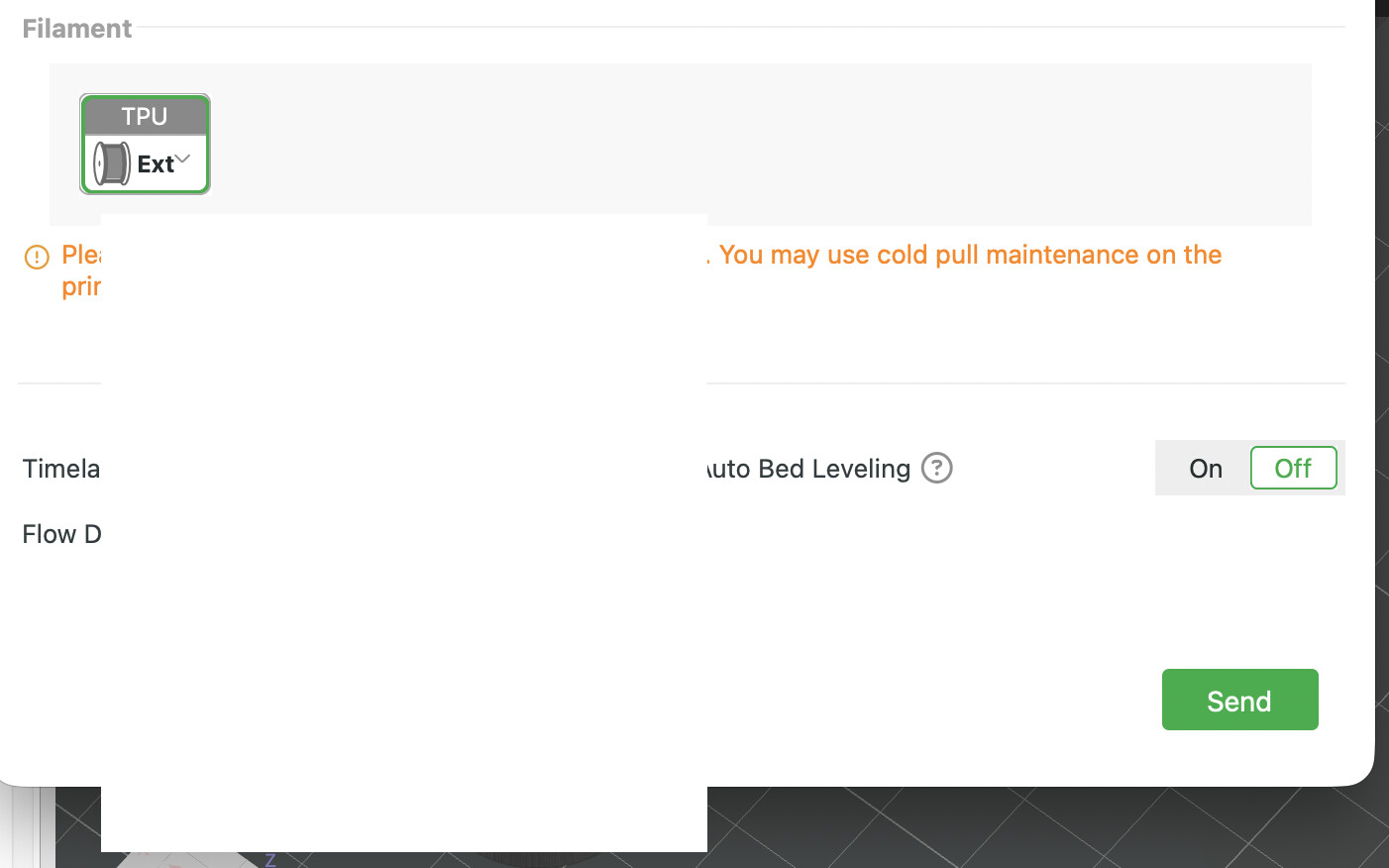
I contacted support and got a work around see comments above. Let me know if you need clarification
I tried turning on multi device support but it hasn’t changed anything for me. I honestly don’t even know what this filament mapping thing even means. I haven’t used the external spool in a while and now that I’m trying to use it for a project I get these useless error messages. I have tried to manually map it every time and every time it complains that it is unmapped.
I think I figured it out. Every time I would load a filament I would calibrate it and it makes a new profile that can’t be selected for the external spool or something. So I just copied the flow value into the profile that it lets me choose for the external slot. This whole setup is so so so dumb.
Never mind, I didn’t figure it out. I try to remap it but then it overwrites my flow setting, and I change the flow setting and then it says the filament is unmapped again.
This didn’t work for me. No matter how I try to map the external filament, it always defaults back to “unmapped.” If the AMS is connected when I try to run a print with the external spool selected, it heats up and just sits there forever (the “device” page says, “waiting for bed to heat” but the bed and nozzle are at print temps. In the Nozzle and Filament Sync dialog, whether I try “mapping” or “direct override,” the TPU gets reassigned to an AMS slot when I press “synchronize now” even though the TPU is clearly assigned to the EXT in my device settings. Then, when the device heats up and just sits there, if I pull back on the external filament, the AMS tries to spool the filament that it mapped instead of the EXT (I use a Y connector for the AMS and EXT). The only way to print from the external spool is to unplug the AMS, which really shouldn’t be necessary. This is REALLY FRUSTRATING and has been going on for over a year; I don’t understand why Bambu hasn’t fixed this.
Did you load the ext filament do you know how to do that?