What are they and can I do anything about them?
Please provide a detailed description of the problem, including the specific device involved, photos, etc.
Unfortunately, we can’t help you if you only post one sentence. By the way, you can edit your post if you’d like to add more information.
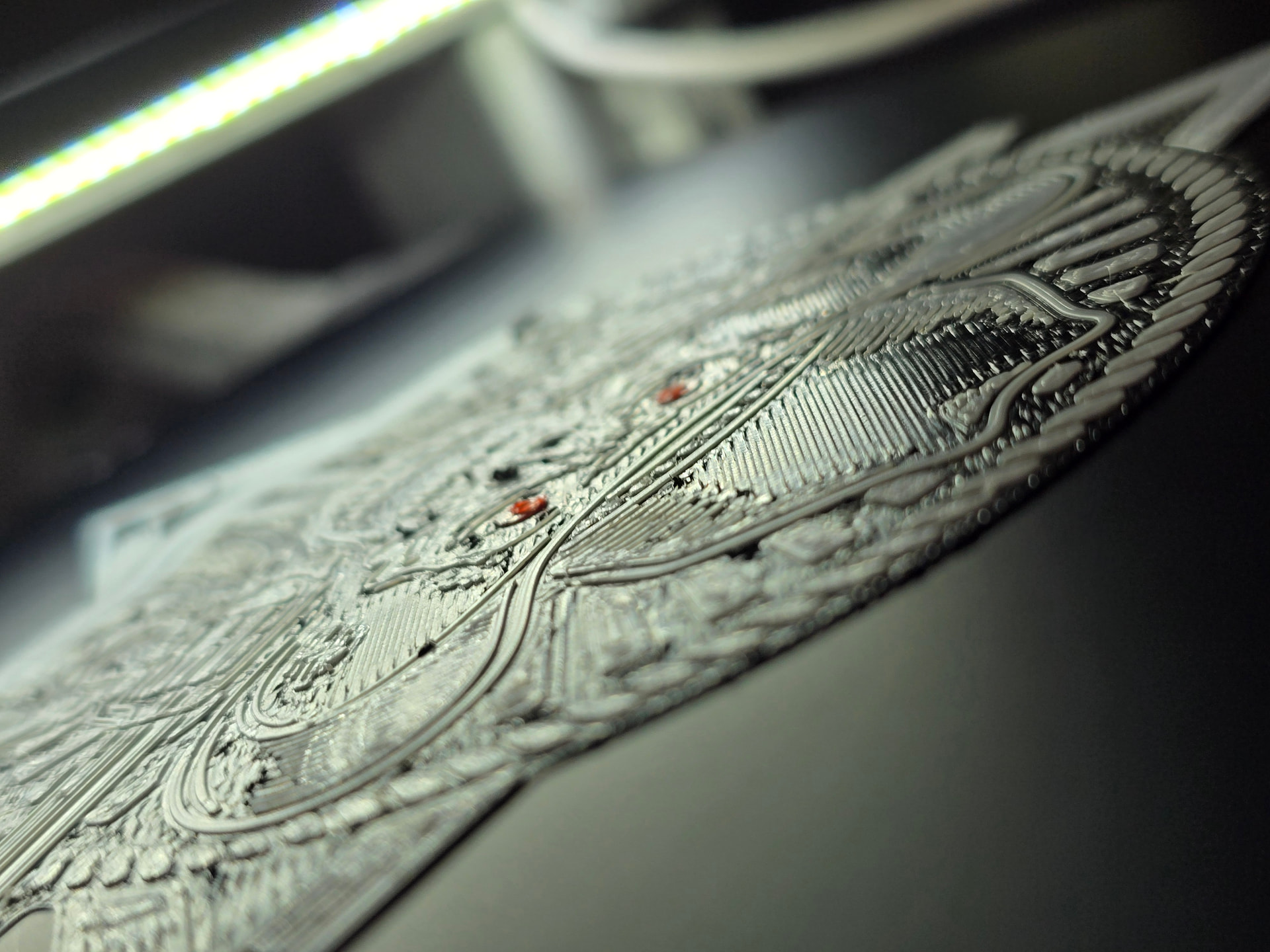
I’ll be honest: I can’t make out much in the photo - it’s so blurry and taken at such a weird angle.
Please try doing the following:
- Clean your nozzle and your print plate. While you’re cleaning the nozzle anyway, check to make sure it’s secure - no loose screws.
- Open Bambu Studio and perform both calibrations. That only takes about 15 minutes.
- Please take a photo of the printout from above.
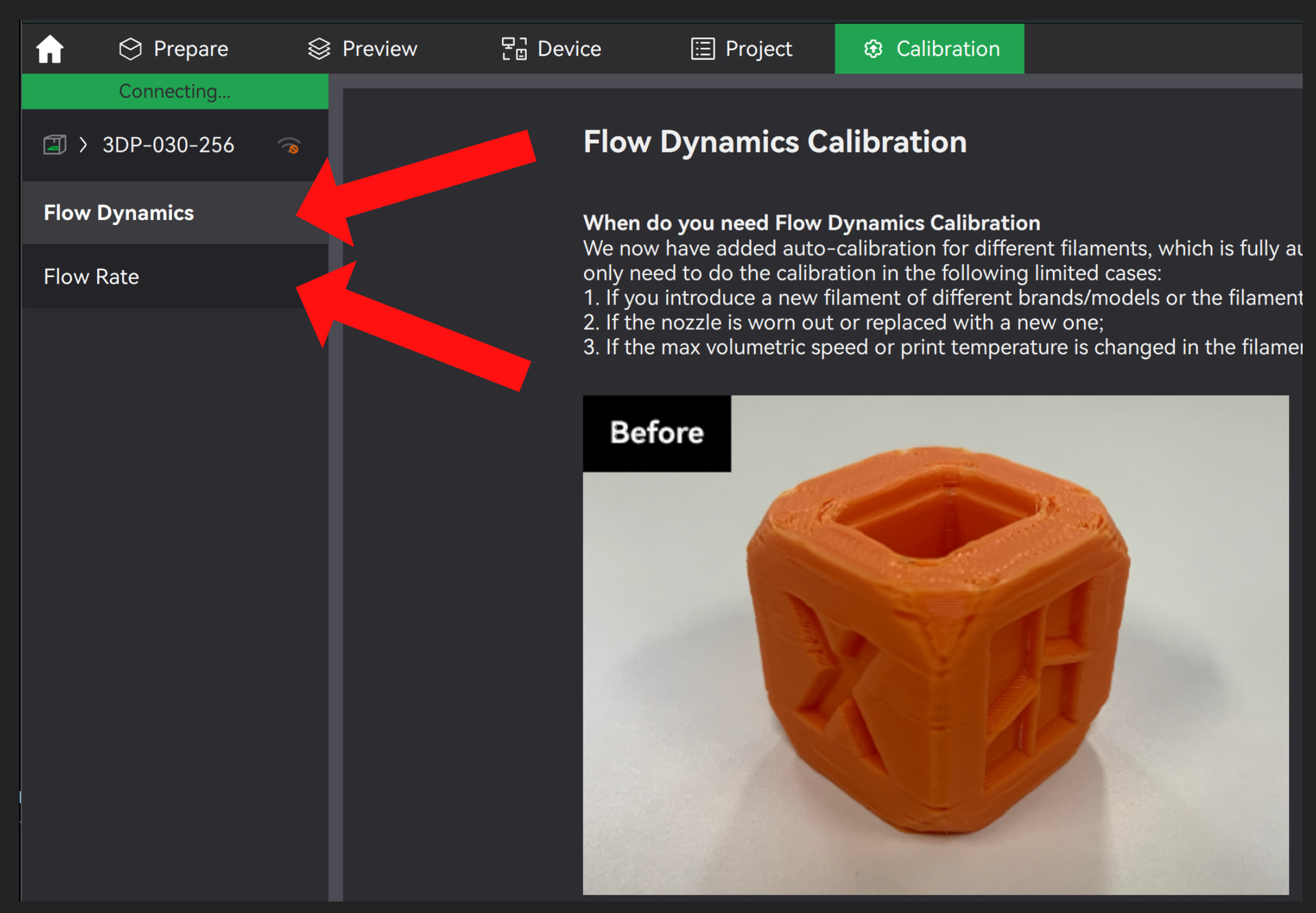
Here’s what it looks like:
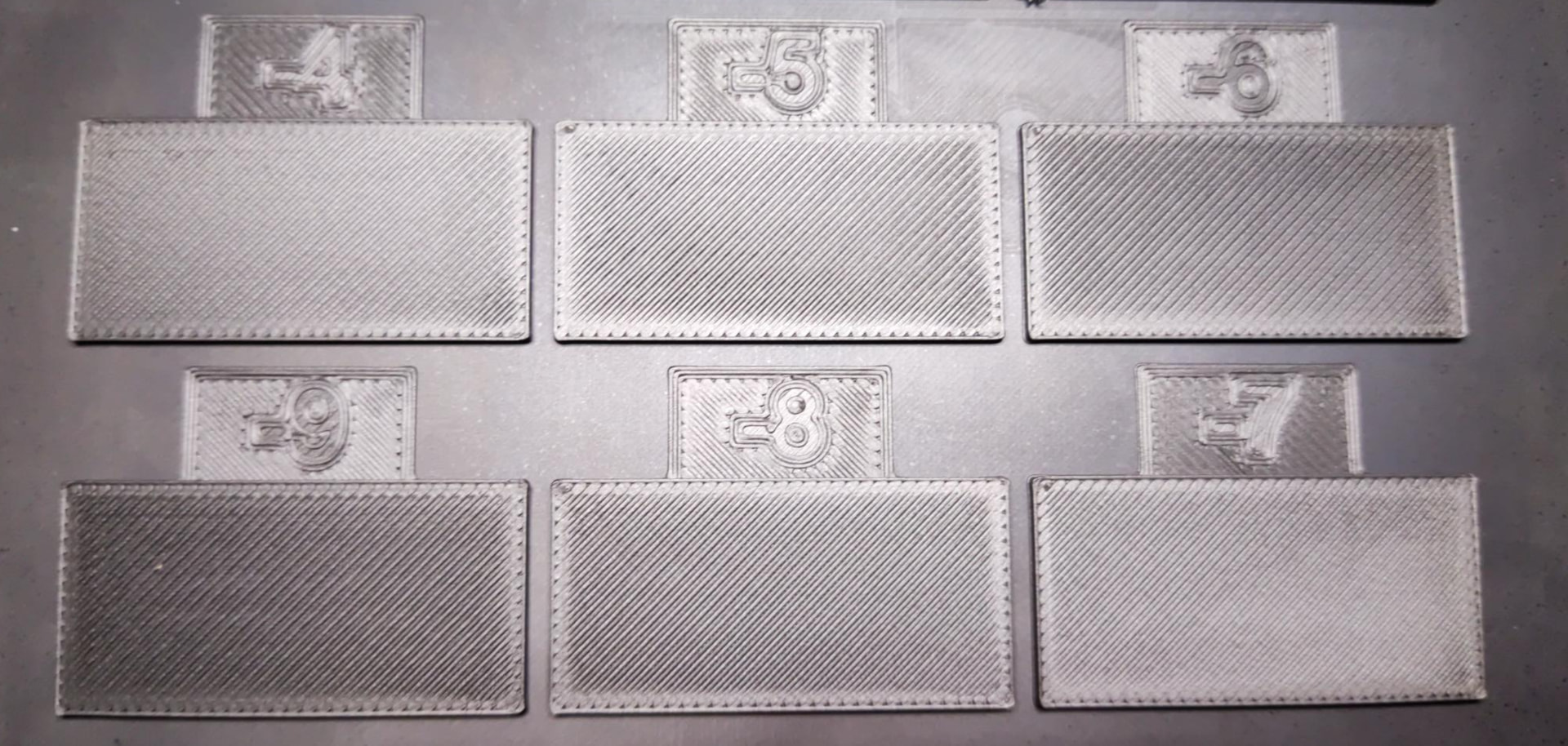
If the printer is already causing problems here, it can look like this, for example:

One more question: What exactly do you mean by 100% and 50% speed? How and where did you change that? Speed values are usually specified in mm/s, not as a percentage, so I’m asking:
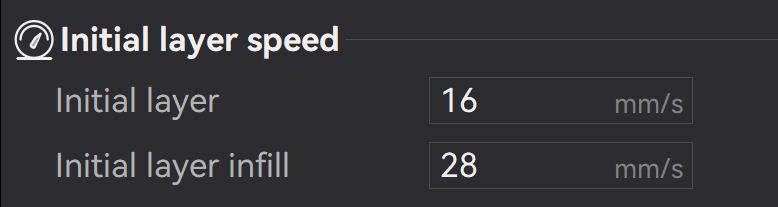
Are you referring to the red parts ? that looks like its the same layer height as the rest ?
stop and start of a small singular layer part , the rest looks pretty nice , is the original an engraving ?
Off the main screen on the printer. Allows 50% speed, 100%, 125%, and 160%.
Okay, now I see what you mean. Even if you have that option, you should avoid using it and use the Slicer / Bambu Studio instead. Otherwise, troubleshooting will be difficult.
I also recommend that you read through the comments again. You’ve already received some helpful tips there. As well as answering the other questions that were asked. 
Troubleshooting can only be as effective as the information you provide, and unfortunately, right now there’s still not enough of it.
maybe an arrow or a highlight to what you consider wrong? I see layer 1 completely on the plate, and of the next layer there was a filament change to white, laid down, filament change to red, a few small extrusions. pressed pause and now we’re here? The white is a little stringy on the top right, maybe a dry or flow calibrations are in order[more common] and/or retraction tuning [less common]
Got some more info.
It only happens on this model. One A1 Mini I have 1100 hours, the second I have 480 hours so I have been around the block a bit. It seems this model has the nozzle put “dabs” of filament in the model’s first layer, so sometimes the filament leave a little “tuffs” or “peaks” rather then a clean break.
The second layer I see the nozzle “knock off” the little peaks onto the desk. I have reprinted some complicated designs with no such issues. It is a minor inconvenience but I can’t lay it at the printer’s feet yet. I will, however, look into “retraction tuning” as maybe that could be an issue. I am not sure what that is so I learned something new. Thanks for all the input!