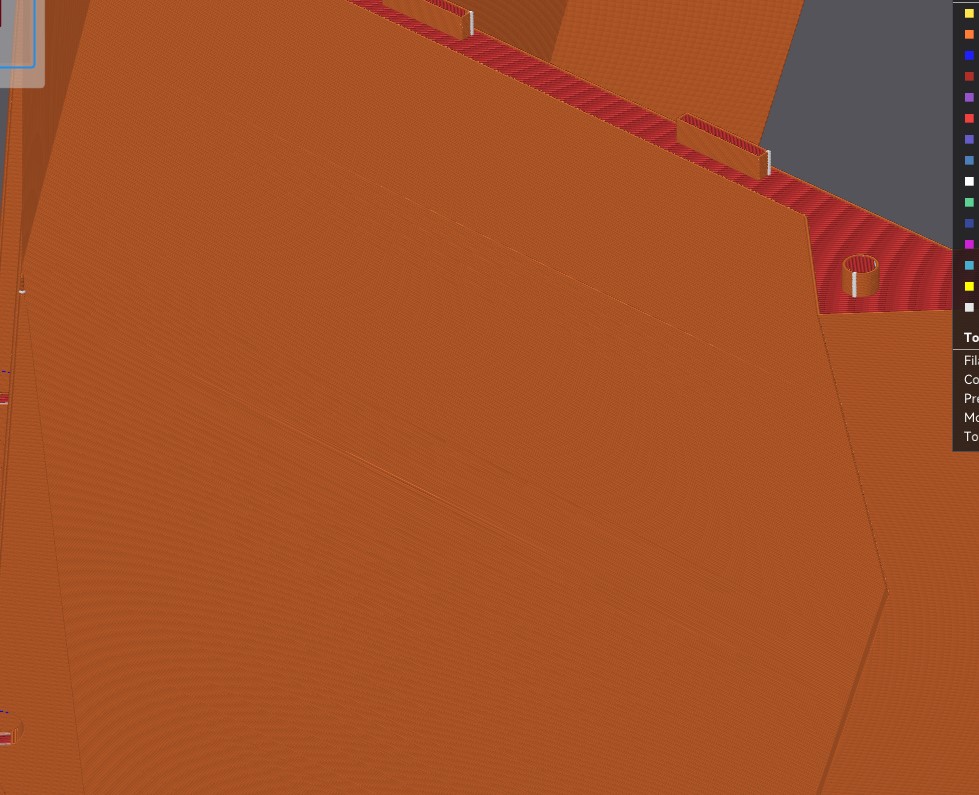
Hello, I’m printing a dump truck bed which I’ve drawn myself and I know surfaces should be flat. However when I slice the bed it shows some weird misaligned layers. Can anyone help me or tell me what’s going on?
usually when it happens on the sides it’s infill density.
When it happens on the top, you may have something going on with layer thickness and top shell settings. I think by default it does a set amount of top shell layers to prevent this, did you change those settings by chance?

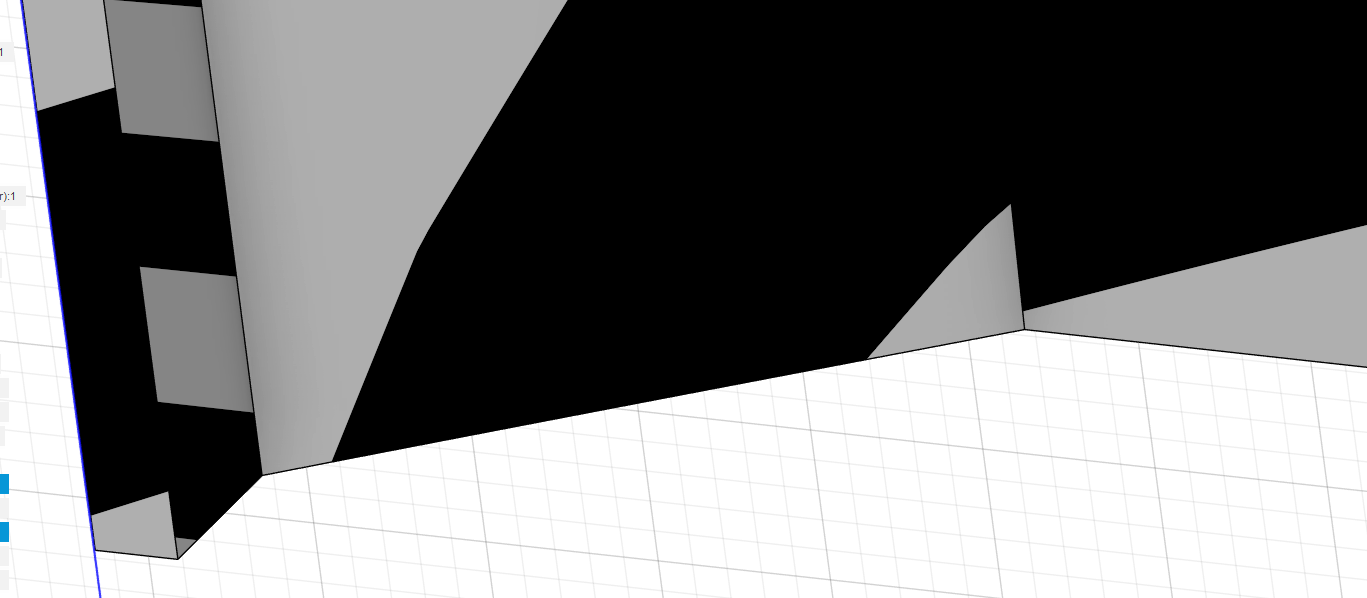
I’m not sure what I’m looking for. Is it the faint yellowish lines in the brown part of the penultimate image above. If you’ve not printed it, then cut out a section in the slicer, and print that test part. It looks like it is sort of moire fringing with the monitor, try rotating the image, see if the lines change.