So after receiving my H2C full combo on the 23rd of December I have been having issues with what initially looked like the left nozzle struggling to auto bed level, it even failed doing the high temp auto bed leveling, right passed.
So after raising a support ticket they asked me to test with a 3mf they sent me but i didn’t have any bbl pla basic so ordered some to perform the test.
After the pla arrived i printed the test (4h print!!!) it seemed all fine until I checked the bottom and saw the initial layer was not clean as i would expect.
So i made a primitive cube 200x200x0.2mm the results for both nozzle was surprising
the first 3rd closest to the door was fine but the entire other 2/3 was separated. I updated the support ticket with all the information but found the solution before they could respond, I can now share with you lot in hope it helps someone else with hours of issues and failed prints.
I found this bbl wiki
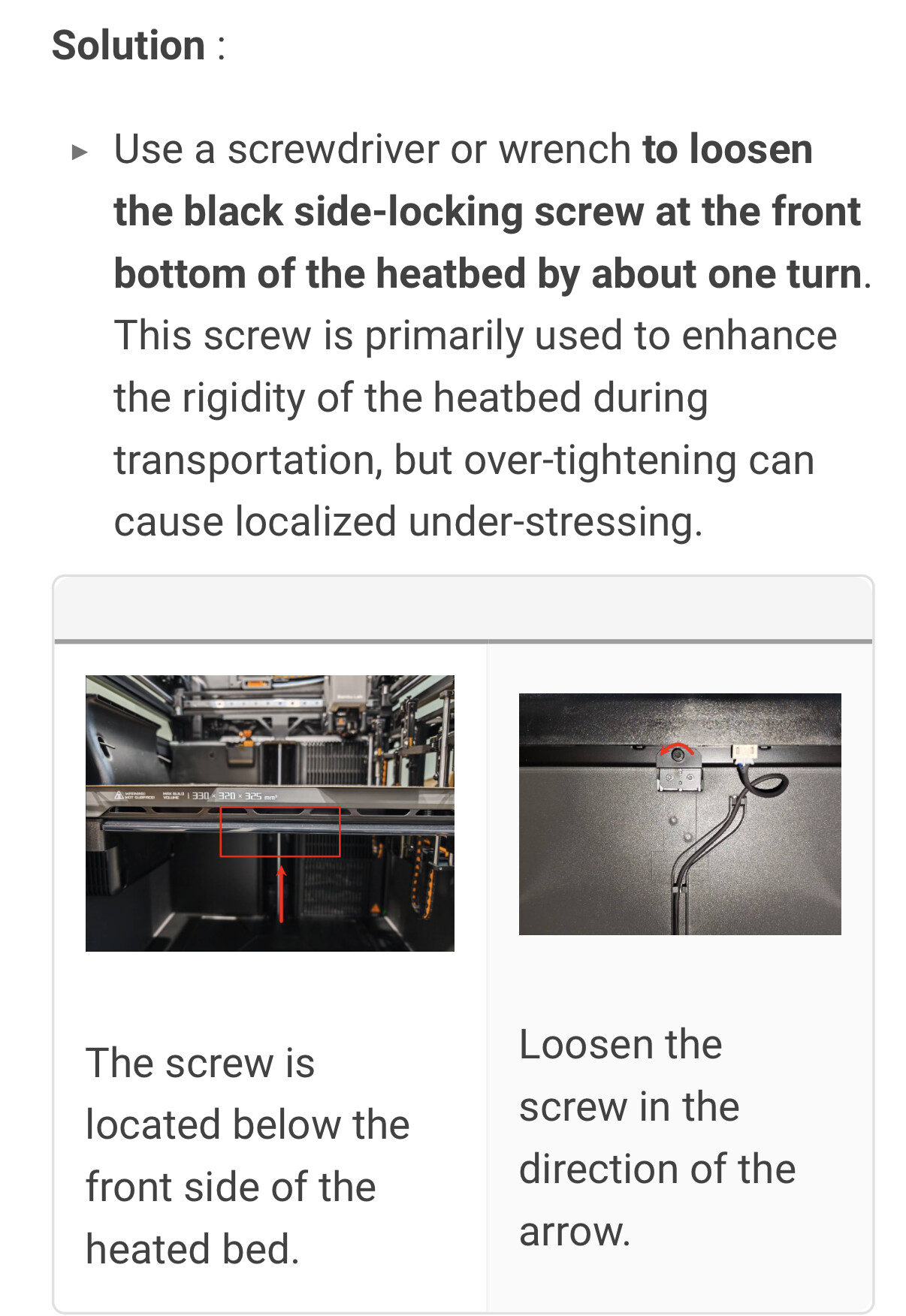
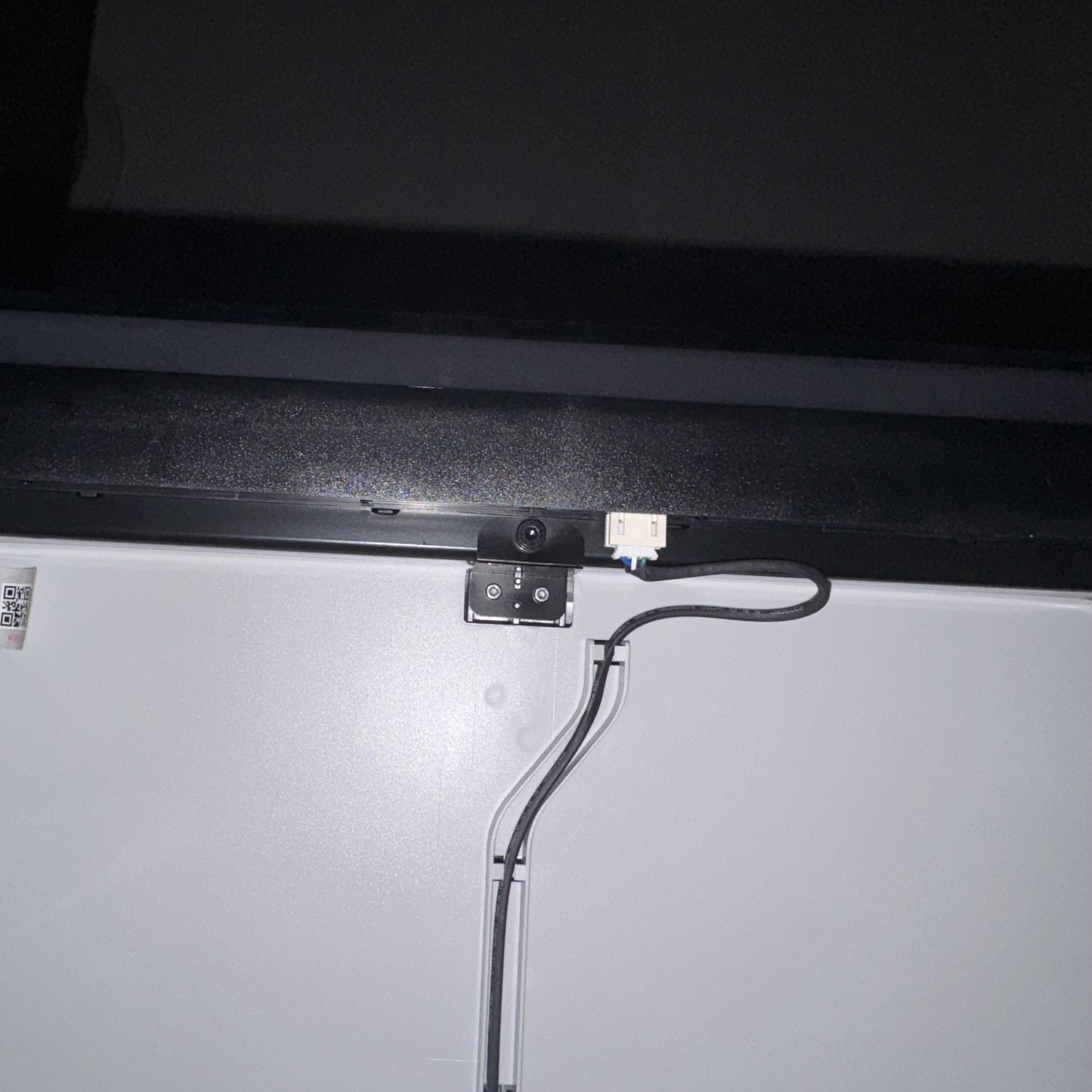
In there is has a section about a shipping bracket on the bottom of the heat bed that is not needed and can cause issues warping the heat bed. It can be fully removed or loosen but is not needed for normal operations, I’ve no idea why its not mentioned during the setup given the issues it caused me.

Anyway now fully removed i have a perfect first layer
Hope this helps others that might not even know they have an issue as the printer can do a very good job at coving up the problem although mine was so bad it couldn’t

Happy printing.