H2C Filament Track switch Issue - Not using the correct nozzle

You mentioned earlier that power cycling causes the mapping to get lost.

If that is the case, a log file should be enough to provide that information.
However, you probably already provided that.

When you power cycle your printer, do you do that also for the AMS’s?
Because I see you have the laser version, I guess you ise the emergency stop to power off your printer. At least, that’s what I am doing (rarely though). The only times I power cycle my printer is for a necessary reboot or to trigger a Beta update.

So you might try to power it off with the power switch on the back of the printer. No clue if the emergency stop has a different effect.

If you have all the devices on one central power switch, you might consider to power on the devices individually (AMS’s first and then the printer) and power them down in reverse order.

Looking at your current setup, you should be able to temporarily create a setup that is similar to the one in the setup instructions. Though I doubt if the shorter tubes will change the situation, having tested it, should at least exclude that as a source of the problem.

You might have an issue with the controller board though.

Yeah, I have provided a log.
Yes, I eventually do power down the AMS’s, especially if I am away for an extended period of time. I haven’t (on purpose haha :rofl:) used the emergency power button - more than a few accidental presses! If I am being honest, I can remember if the AMS’s retained their settings/mappings during an accidental shutdown. I haven’t tried the suggestion of powering things on individually - that may be an idea as I am currently away. Will try when I get home to power on the AMS units first and see what happens.
Yeah, I did notice that setup thats in the instructions. I will try that, however I think I have almost found a ‘sweet spot’ regarding my tubing length.
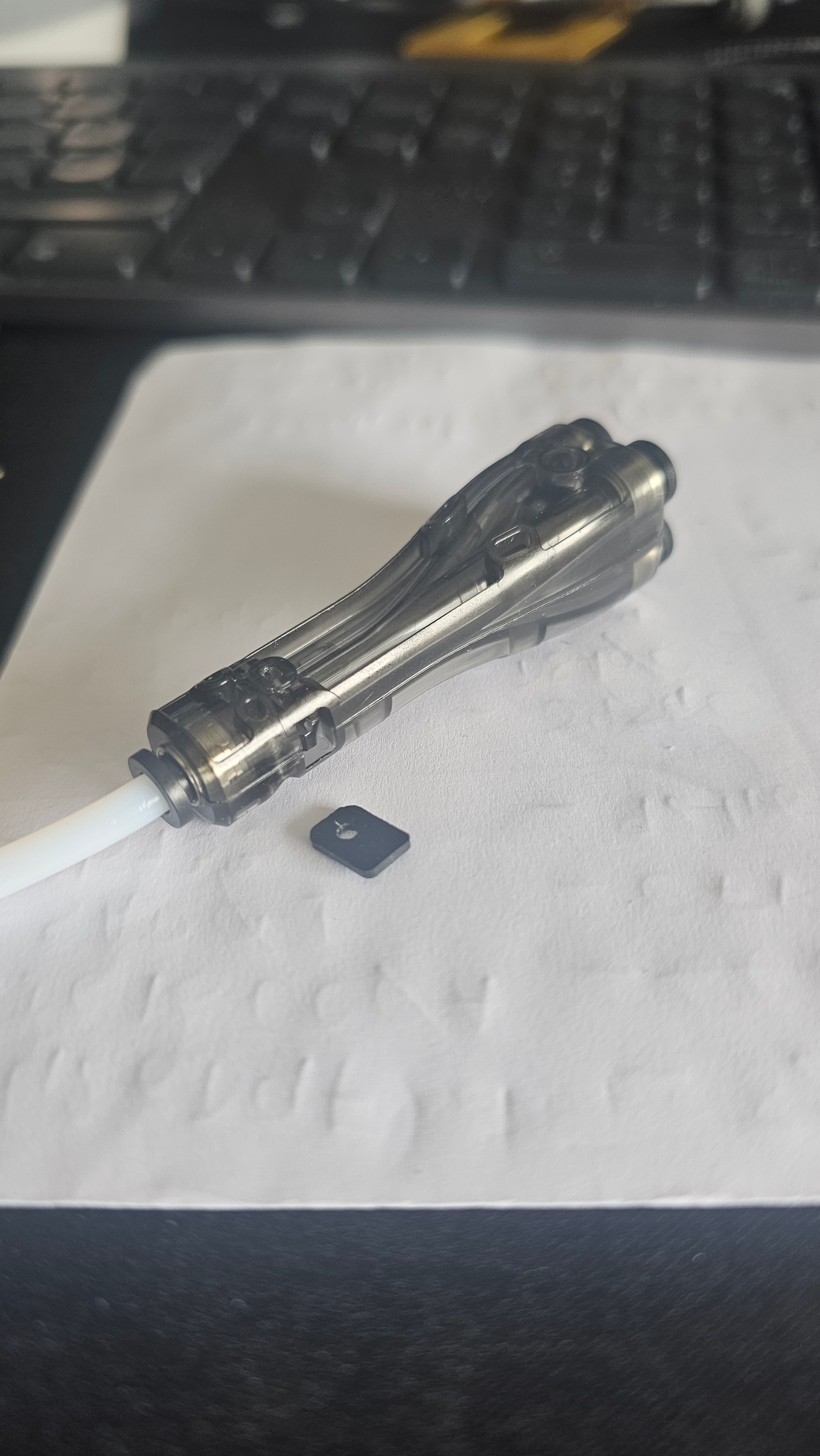
I have tried to print out the filament track switch tube guides, however right towards the end, they fail. Not sure if the overhang is too steep, though it shouldn’t be as many others have had success printing them. I’ve tried twice with no success. It’s like the nozzle just continuously knocks them over; even though the brim is there and I’ve used glue on the plate. Maybe I will try with the supports actually supporting the tube guide earlier rather than towards the end of the print…

Let’s hope support eventually comes up with a solution.

I personally don’t have the FTS, but considering it. Seems external spools are not allowed when using the FTS.
I can understand that, but weird that everything has to be disconnected.

A simple trigger in the firmware to disable the FTS when an external spool is loaded would be quite simple imho.

I wonder if this has something to do with the mix nozzle limitation in the slicer

so let’s say the slicer slices to avoid an available empty mixed size nozzle . However when you print for some reason the printer tries to send to an available empty rack nozzle of a mixed size due to the FTS being there

A bug mismatch between the slicer saying ‘ nope’ and the printer with FTS installed saying ‘yes’ ?

if you have mixed nozzles on the rack have you the ability to install all the same nozzle sizes and test again ?

Again, I just experienced the same issue. The slicer setup to load the filament to right nozzle. The printer loads the filament to the left nozzle. after 5 tries, I got error message that it failed to change extruder. I just click it resolved, resume. It tried again to load the filament but still on left nozzle and finally the last try it successfully loaded to the right nozzle. ……
This is a too much random issue ….. It feels like a glitch with the FTS software

Finally I think I got through.

I noticed that happened essentially with my AMS1 and less time with the AMS 2 Pro, and a lot of resistance when the filament came through the FTS. I had already noticed that the ptfe adapter 4in1 has a cleaning pad creating resistance. I tried to remove that cleaning pad ….. and no more strong resistance. I know that adapter is recommended for new AMS2 and HT but I have a mix model config so now I understand better why the first adapter generation is recommended for AMS1.

For now using without cleaning pad fixed my switch nozzle issue. I will continue monitor to be sure that was the issue.

OH OK !!

In automatic mode, the FTS doesn’t know the outlet assignment to nozzle. Because only AMS assignment is done to the correct inlet. So this is the reason of multiple trials before get the correct nozzle.

That makes sense.. however (this is my issue)…
I manually map the setup. Input A → Output A → Right Nozzle. Input B → Output B → Left nozzle. So, when I load filament from the printer and tell it to go to the right nozzle, it will continue to try and push it through the left nozzle. I dont know why? Surely when you manually map and state which nozzle you want to use, it should use that nozzle?

My other issue is that when the printer is powered down, if my setup worked, it will lose that configuration when powering up and then I need to remap everything again. It then goes around in a loop as to whether after manually mapping everything once more, the filament will load into the correct nozzle :frowning:

Did you get a resolution? We are having the same issue

Unfortunately no.. mine has started somewhat working. I ended up binning all my PTFE tubes and purchased 4m of ID:3mm, OD:4mm (instead of the normal ID:2.75mm, OD:4mm) and things are working. Now, in staying that, the tubing I bought runs from my both my AMS 2 Pro and both my AMS HT directly to track switch. That seems to work. I made sure that there is minimal bend. In fact it’s almost straight. I still get some resistance and I think thats because from the switch into to the toolhead, I wasn’t able to change to 3mm ID PTFE tubes as I didnt have enough length. I have purchased more (waiting for it to arrive) and will end up changing all my tubes - from the AMS directly to the toolhead to be 3mm ID. I hope that will solve all my resistance and switch issues!
I dont know if thats a solution at all, but it seems to work for me.

Note: ID:3mm tubing can kink quite easy, so be careful if anyone decides to go down that path.

I’m having the same issue on two separate machines.

I have a H2D with 6000+ hours, 2x AMS 2Pros and an AMS-HT, and a H2C thats only a fortnight old, running 3x AMS 2Pros.

The problems started on the H2C where mid print, the FTS would suddenly start trying to feed the filament in to the wrong nozzle (when i say wrong nozzle, either the left or right would be in the ‘ready’ position, and the filament would try feeding in to the opposite one), after going insane with it and losing several prints due to errors being thrown (AMS motor overloaded, extruder malfunction, fail to feed or fail to retract etc etc) i eventually removed the track switch and went back to just the 4into1 adaptors and have been printing fine since.

Now i am at hour 36 of a 21 hour print (yes, you read that right) on the H2D as it is doing exactly the same thing, it has been trying to feed in to the wrong nozzle for hours, after a while it stopped doing that, but then would only feed as far as the input on the FTS. I got to the point where I literally pulled the casing off the FTS and was manually moving the magnetic switch to see if that made any different, but it didnt.

Eventually I get a new error, the AMS motor has slipped due to damaged filament, so had to cut off a massive amout of filament, it then gets through the FTS, all the way to the buffer, only to push the damn PTFE out of the buffer.

FML. I’m meant to be getting ready for a huge event in 10 days and now have to wait for a new filament buffer to arrive so I can swap it out.

Anyway, in summary, two separate machines, two different Filament Track Switches, both less than 2 weeks old, both mapped correctly and both running the latest firmware, and both trying to feed in to the wrong nozzle.

Save your money, the FTS is a POS.

I don’t see how the buffer failure is the FTS’s fault?

Just out of curiosity, though, which buffer outlet do you have going to each nozzle on your H2D?

I’ll be perfectly honest, I’ve loved having the FTS and it’s been trouble free for me, so I find these reports a bit baffling - but now I’m wondering if maybe the buffer outlets could be crossed versus what the printer and FTS are expecting. The FTS is meant to do a self-learning on it’s first cycle, but perhaps if that doesn’t work properly that will result in issues down the road.

I am having exactly the same problems as you, I have taken it off twice and now left it off, not fit for purpose.

Does it matter if the FTS link cable is plugged directly into my h2c or if it’s on the end of the daisy chain after the ams’s or anywhere else.

The wiki says plug it directly to the printer, then plug everything else into the FTS.