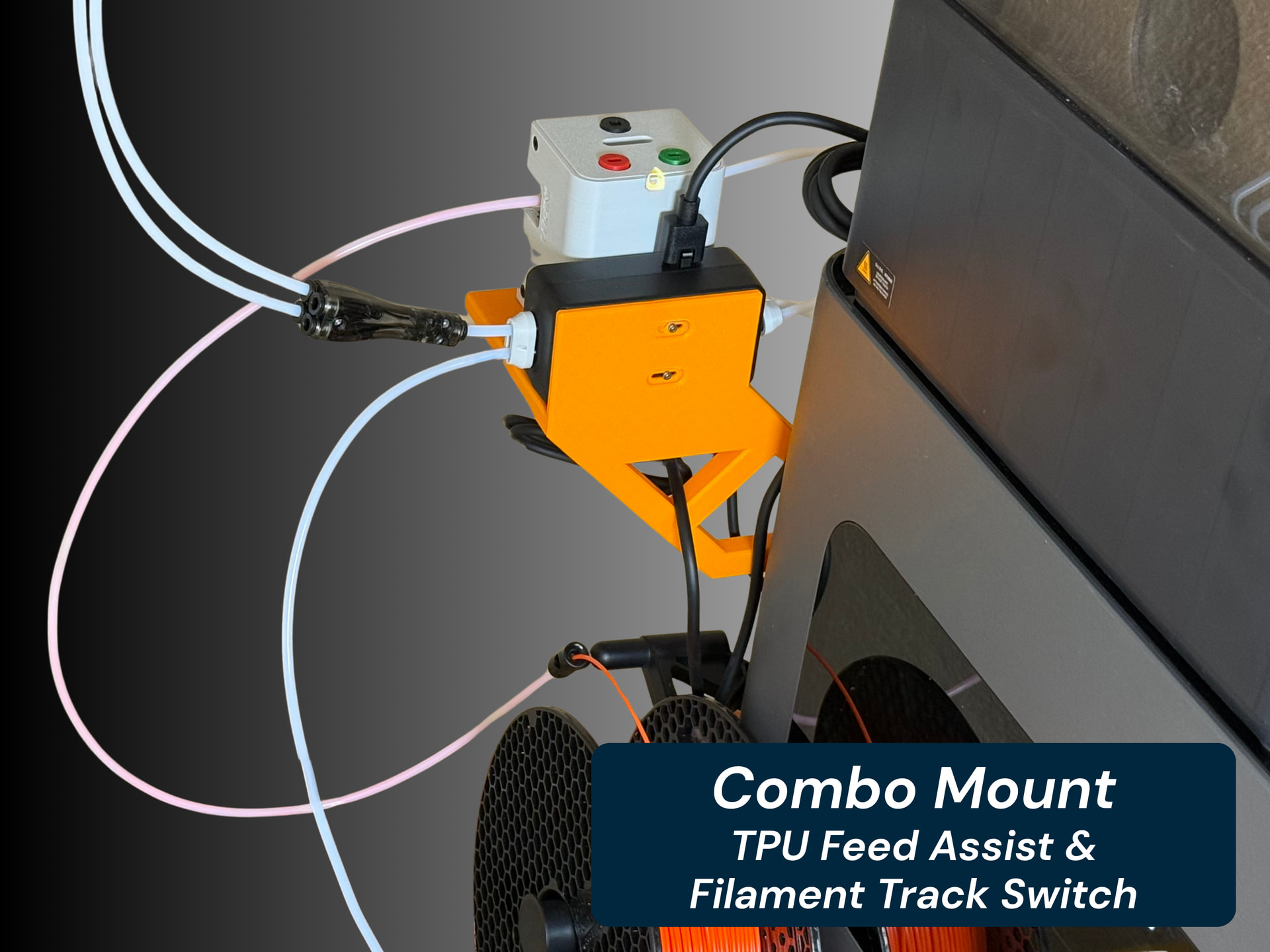
I tested it and it does not work exactly as described in the release notes. The retraction will go all the way to the AMS like before. I thought the filament would stop a little past the filament switch but it does not. Instead and that’s an improvement, as soon as the filament from one AMS exits the switch, it waits a while (way too long in my opinion) and start loading from the second AMS before the first AMS has fully retracted the filament so you have the 2 AMS working at the same time, one retracting, one loading the next filament to print which saves a lot of time if your have a long PTFE to the AMS.
It then does not matter now how long the overall length of the PTFE is, what now counts is only the length of the PTFE between switch and printer. I wonder why this feature needs the switch, I feel it could have been implemented just using the sensor in the splitter but I guess if you use a 4-in-1 adapter, the logic does not know how far the adapter is installed compared to the splitter. What would be great is an entry in the menu where you could input retraction time before switching AMS so to adjust it to any configuration.
too bad you couldnt be bothered to fix the screamimng fan belt noises coming from the h2C Vortek system. you also fail to mention if printing TPU with the left nozzle allows you to use the vortek system.
I very much doubt you’ll be able to use both nozzles when printing TPU from the left nozzle - they’ve mentioned repeatedly that because the left nozzle lifts, it will not be supported to print multi-material in this way. Not that that’s stopped some people from doing so…
Great question. I had a LAN only mode P2S that I had to rebind using the Handy app to receive the update prior to putting it back in LAN only mode. I’m sure if you can locate the update on Bambi’s site, you could do an offline update but for the time and headache, I personally would do the Update via binding the printer and then putting it back into an offline state. Hope that helps. Happy Printing!
I wish the h2c filament track switch had a third output that goes through the
TPU bypass port.
The third output would be to have whatever the next filament used by the vortex system on deck and near the print head. By doing this, you could significantly decrease the time it takes to change colors on the vortex system to only the amount of time needed to change nozzles and heat it up. I feel this would make the system far more competitive to the index/snapmaker system.
The new beta firmware was installed on my H2C.
I did a full calibration (all options) and used the Vision encoder for motion accuracy.
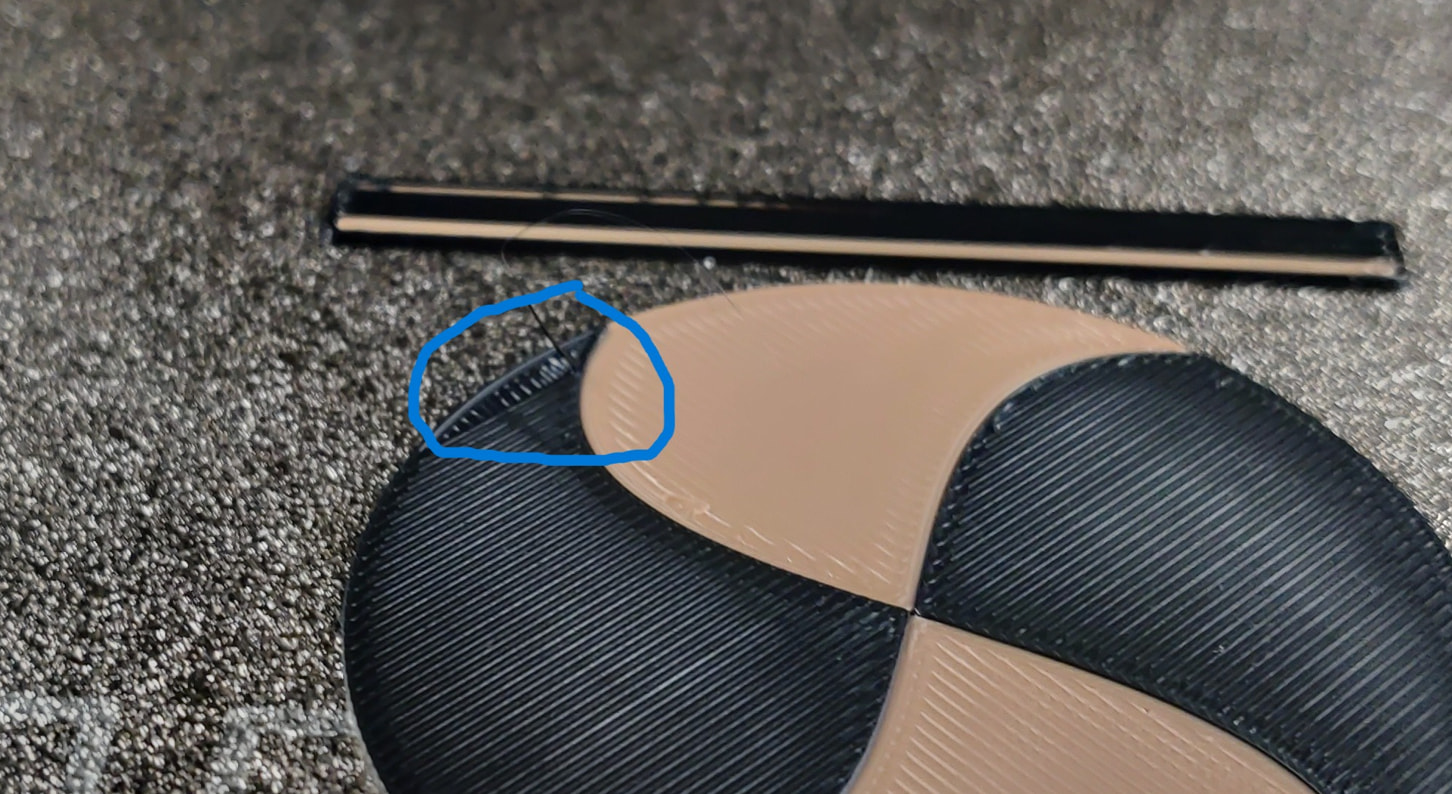
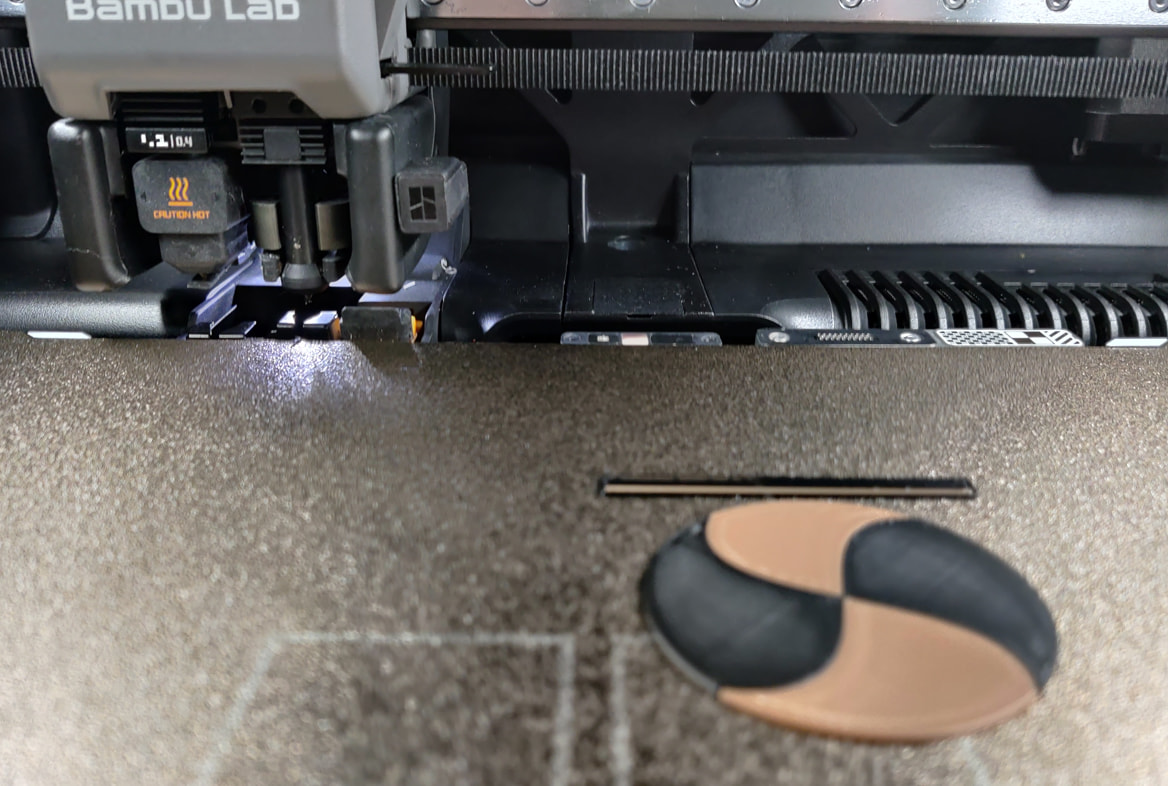
The first print was a simple dual color disc to see if hotend change times differ.
The changes times do not take longer…if anything they seem a bit faster especially from right to left (Induction to regular)
I was hoping that the “electronic buzz“ coming from the hotend rack would have been taken care of as they stated in a ticket I opened on this but sadly its the same
I have never had a nozzle clumping issue with my H2C.
Mid print and no issue what so ever I get the AI detected nozzle clumping.
The FAQ for the filament track switch states “Currently, after installing the filament track switch on the X2D, high-precision nozzle offset calibration cannot be performed.” Does this apply to the H2C with this beta firmware? Are you able to perform the high-precision nozzle offset with the filament track switch installed?
If no one is able to answer, I should have the track switch delivered this week and I will test it then.
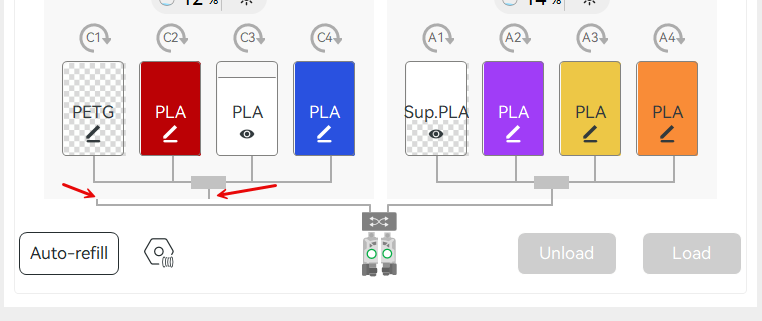
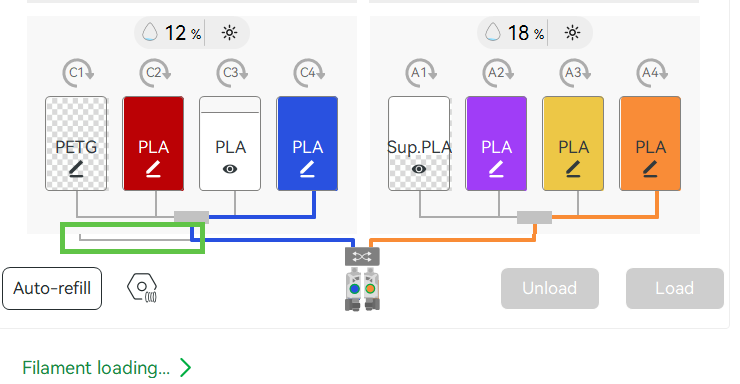
On my H2C, after upgrading to 01.01.50 with Bambu Studio 2.6.1.55 after connecting the track switch the AMS connection is no longer getting drawn correctly in the printer status page, as shown in the screen shot.
Can you please elaborate? I’ve been trying to figure out how it works with Vortek. Wiki says hotends on rack are not calibrated….makes sense. But what if a HP offset cal is done for each hotend? Are results saved by hotend serial number? Or would changing hotends instantly invalidate results? If not, it seems like HP cal is only good for the very next print, unless you plan do use that single hotend repeatedly. Thank you!!
Are saying that with the Beta firmware the AI Detection option is an Opt out and on the current release firmware it is an Opt in?
With version 01.01.05.00 i can print many of these with no problem. If AI Detection is on by default (I have never changed that setting) then this is a NEW issue with the Beta firmware.