Hello!
We just received our new H2C a few days ago and we’re finally getting a chance to set it up.
After turning the power on and going through the initial screens and starting the calibration sequence, I noticed that whenever the tool rail receded to the very back (Y-axis), a sound like plastic gears clicking/grinding would occur. I couldn’t find what the proper names of the parts are that are on either side, at the top and toward the rear that have the round protrusions that rotate from facing forward to facing inward (toward each other), but the noise occurred every time they moved.
Before turning it on, I triple-checked that no packing materials/ties/etc. were left in the machine (other than the two foam pieces under the bed which you can’t remove until it lifts during calibration).
The process completed without any reported issues, but the noise concerns me before I run an initial print.
I searched in the forums here, the web, etc., but could not find anything that related to any odd noise during the initial setup and calibration.
Hopefully, it was normal for calibration and doesn’t occur during printing as it’s that loud. I’d also be concerned about premature wear of parts that aren’t in there quite right.
The unit arrived in excellent condition with nothing visible to indicate any damage during shipping.
Thanks for any thoughts that might shed light on this!
Hi TC, welcome and congrats on the new printer.
Those folding arms on each side are used to push on the filament cutter levers on either side of the print head assembly. It is normal for them to retract when the head moves forward and pop out when it moves near the back of the printer. This is a mechanical trigger, and will happen during printing, but only if the head needs to move far enough towards the back for some reason like switching filament, a print pause, part of the model very close to rear edge, etc.
They’re indeed a bit loud. I’ve yet to see anyone report a failure there, FWIW. There’s a mod published on MakerWorld (can’t find the model offhand but will try again) that supposedly makes them quieter, but I haven’t tried it (the sound doesn’t really bother me anymore). When I was lubing the printer for the first maintenance cycle I put some light oil on the visible portions of the gears of those parts, which seemed to quiet them a bit.
Cheers,
-Max
PS. Found it: Silent Filament Cutter Stopper H2S H2D H2C - Free 3D Print Model - MakerWorld
Thanks, Max! Good to know that they’re behaving normally. 
And appreciate the link - added to my list along with some dessicant containers for the AMS units.
Gratefully,
Trevor
I use the vibration this creates during the homing sequence to determine that the printers starting up and controls my inline extraction fan and ducting to pull out the fumes during pooping.
I hope no one fixes it LOL
Nice! Good to hear more confirmation that mine isn’t unique.
I’m looking at ventilation/air cleaning options, too. I hope the stock filter along with a decent air purifier I already have will be sufficient for a couple of small test prints, but I’m on the hunt for longer term solutions. Along with a good air quality monitor (I see lots of talk about AirGradient).
Thanks for the tips!
Trevor
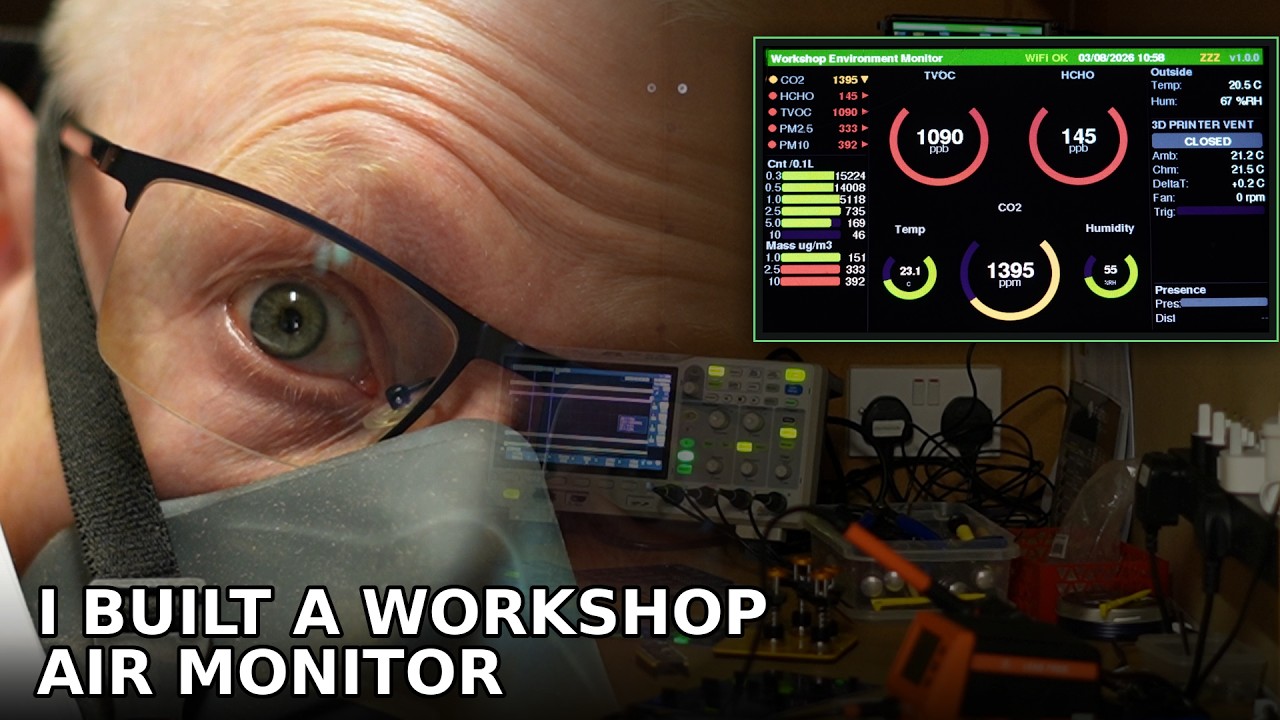
Check out my free to use and fully open source air quality project. Also in this video there is a very small teaser of an automated H2C venting design that I have almost finished (again will be open source) but I can’t tell you the exact time of the teaser in the video cos if people just watch that bit it will negatively impact the YouTube algorithm and stop promoting my video. Sorry about that 
Thanks, Bionicbone, and that looks great! Sub’d!