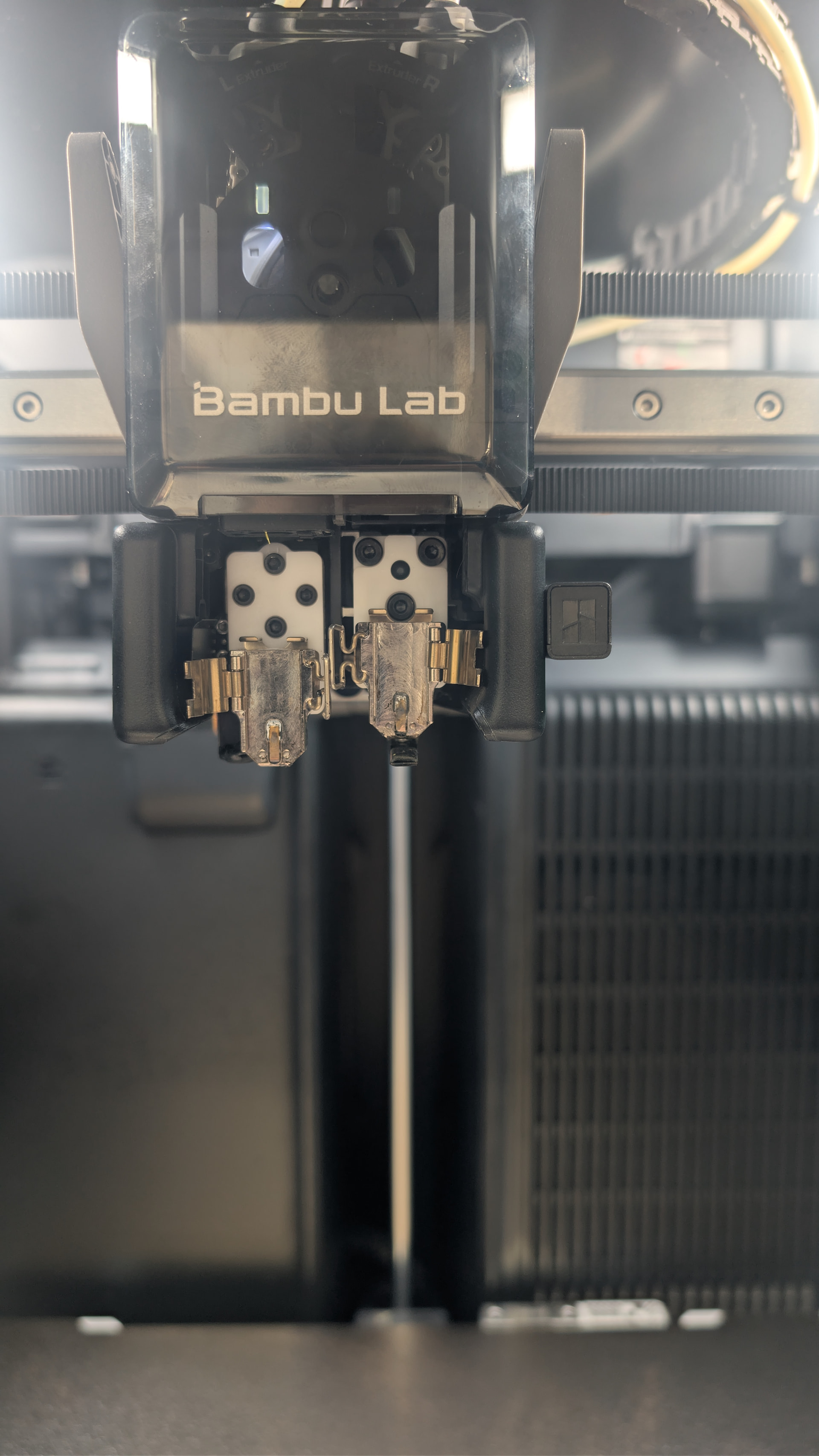
It seems it goes wrong then, when the head moves towards the back.
It basically only moves to the purge station, so it looks like its hitting something there.
Yes, I have it somewhat inverse from what’s normal. Had to run a combo PETG/TPU print recently so had TPU running from a dryer into the right and the AMS setup on the left, just never swapped it back because it’s working (or was) just fine.
I don’t see any impact spots at the purge station or on the back of the toolhead, the hardware all feels tight and secure, and I’ve rehomed it as well. It’s really odd that it’s the nozzle that doesn’t move when switching that has the issue.
So I can’t upload video to youtube here because work wifi network restrictions and whatnot…
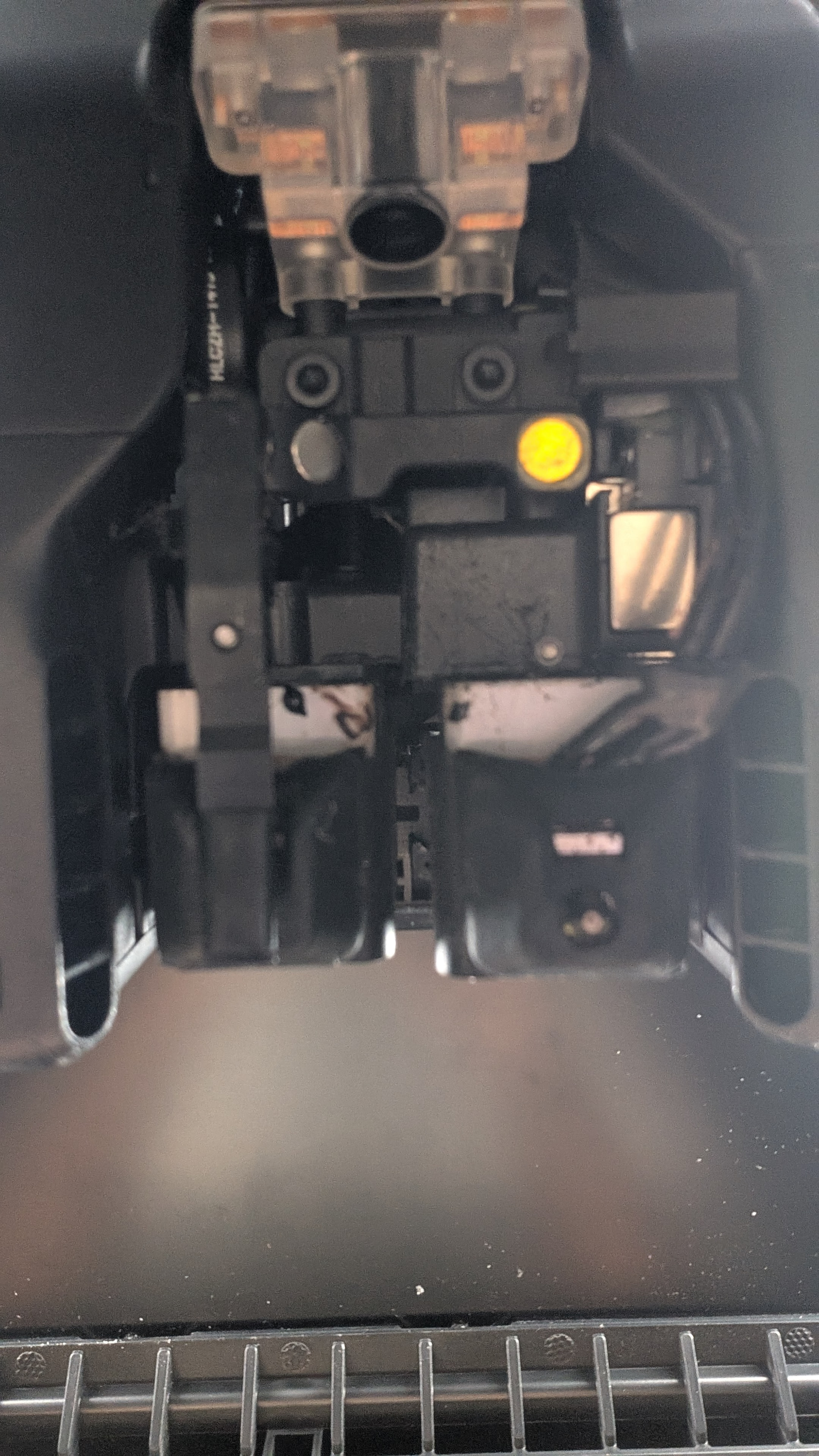
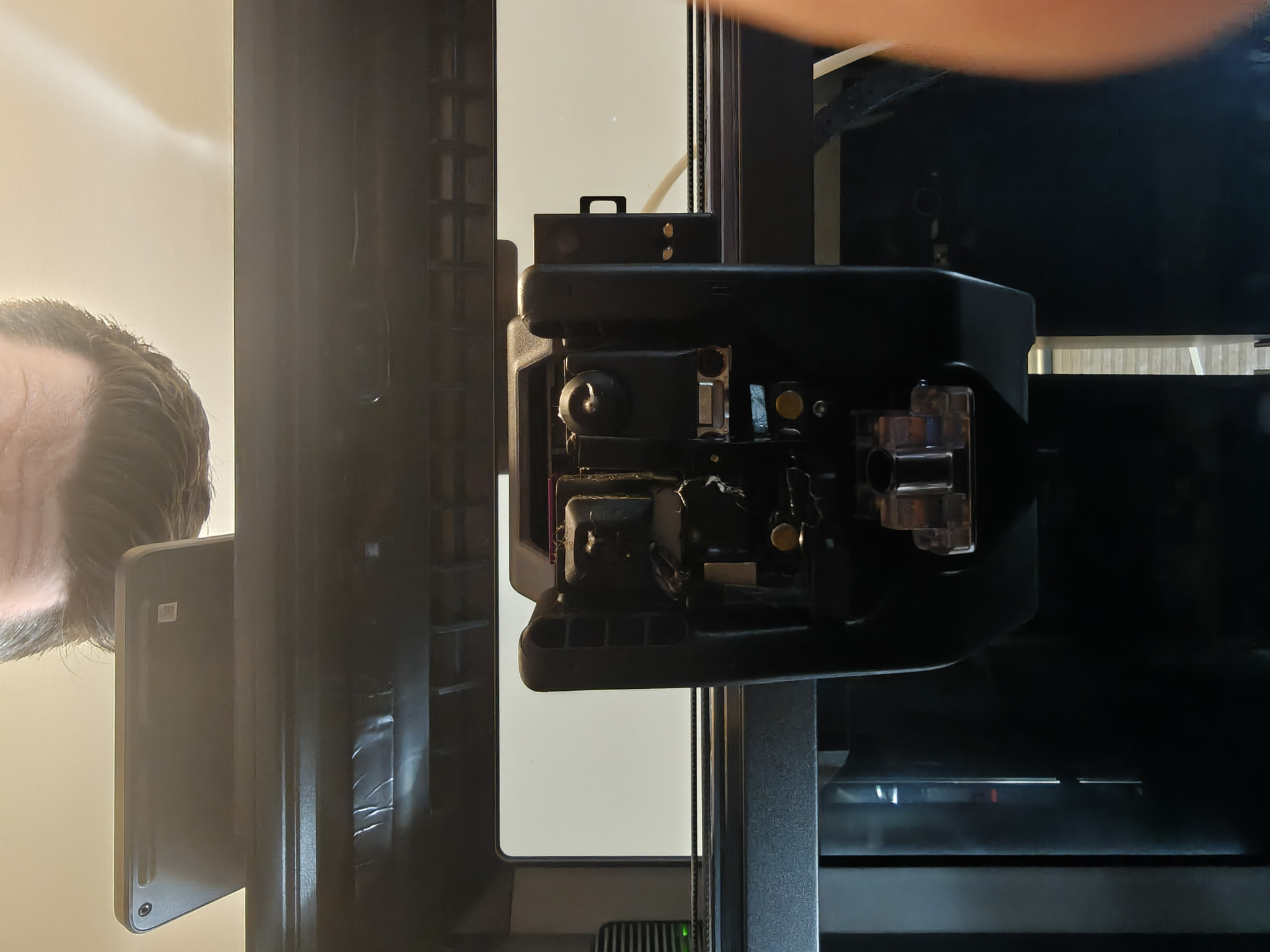
However, I checked out the nozzle offset sensor in the back and found a little bit of debris around the sensor and the small holes to the left of the sensor itself. I cleaned it off, ran a nozzle offset cal, and it worked fine.
Then I tried the 2-color Benchy again…and it messed up on the very first color change. However, I did notice that when it went from the primary color to the secondary and moved to the purge spot, it was NOT in the correct purge spot, and the purging filament was partially landing on the housing instead of going into the hole.
And it looked like it was off by about the same distance as the bad print offset.
Yeah, they moved freely without any hitching or weirdness.
I did a little more digging and found the suggestion that the toolhead mapping may be off and that a reset can force the printer to fully remap the toolhead area. So I’m trying that…yay.
I’ll start a ticket with Bambu also even if the reset corrects the issue because this shouldn’t be something that can just happen and cause this much of a problem.
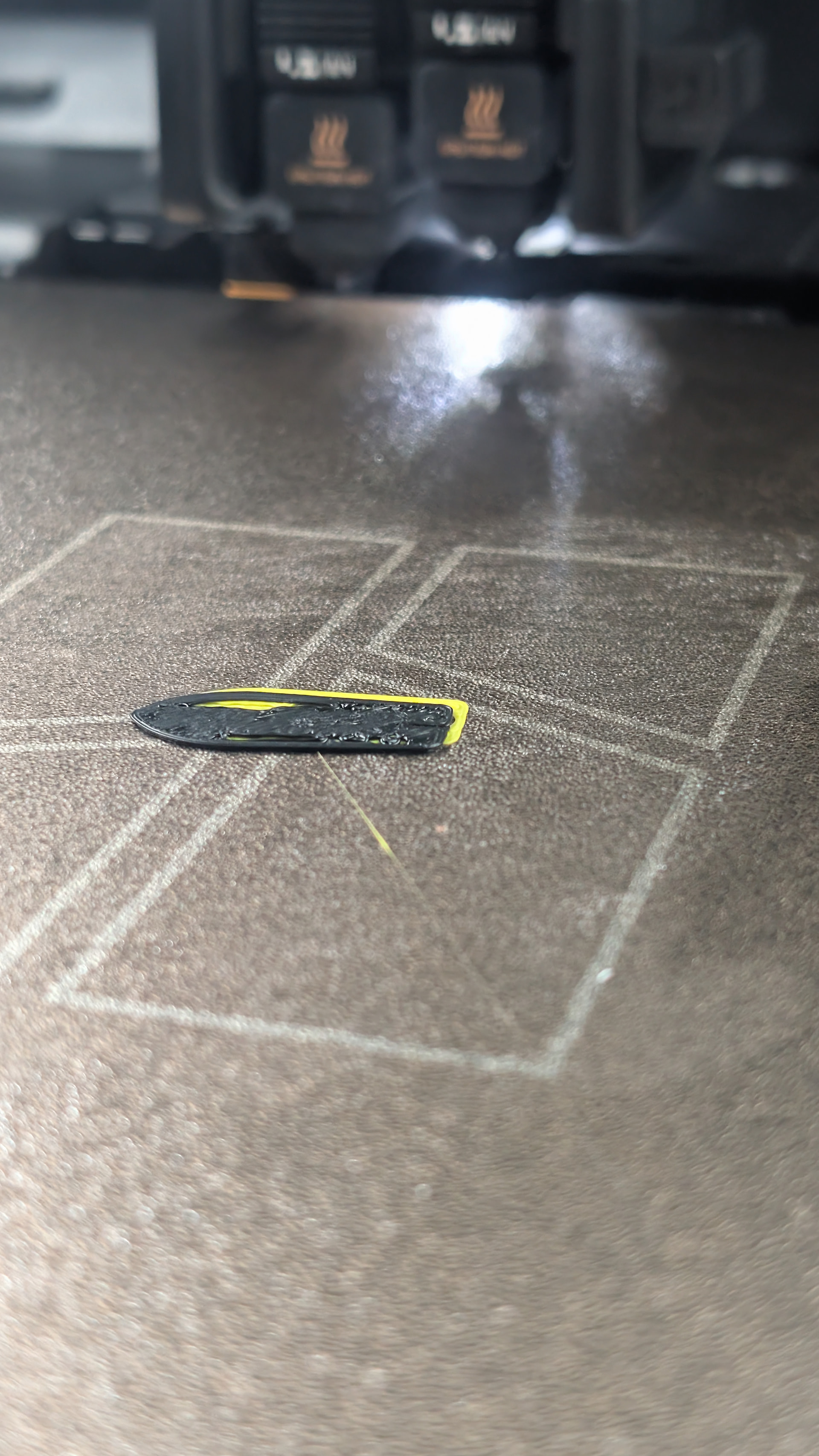
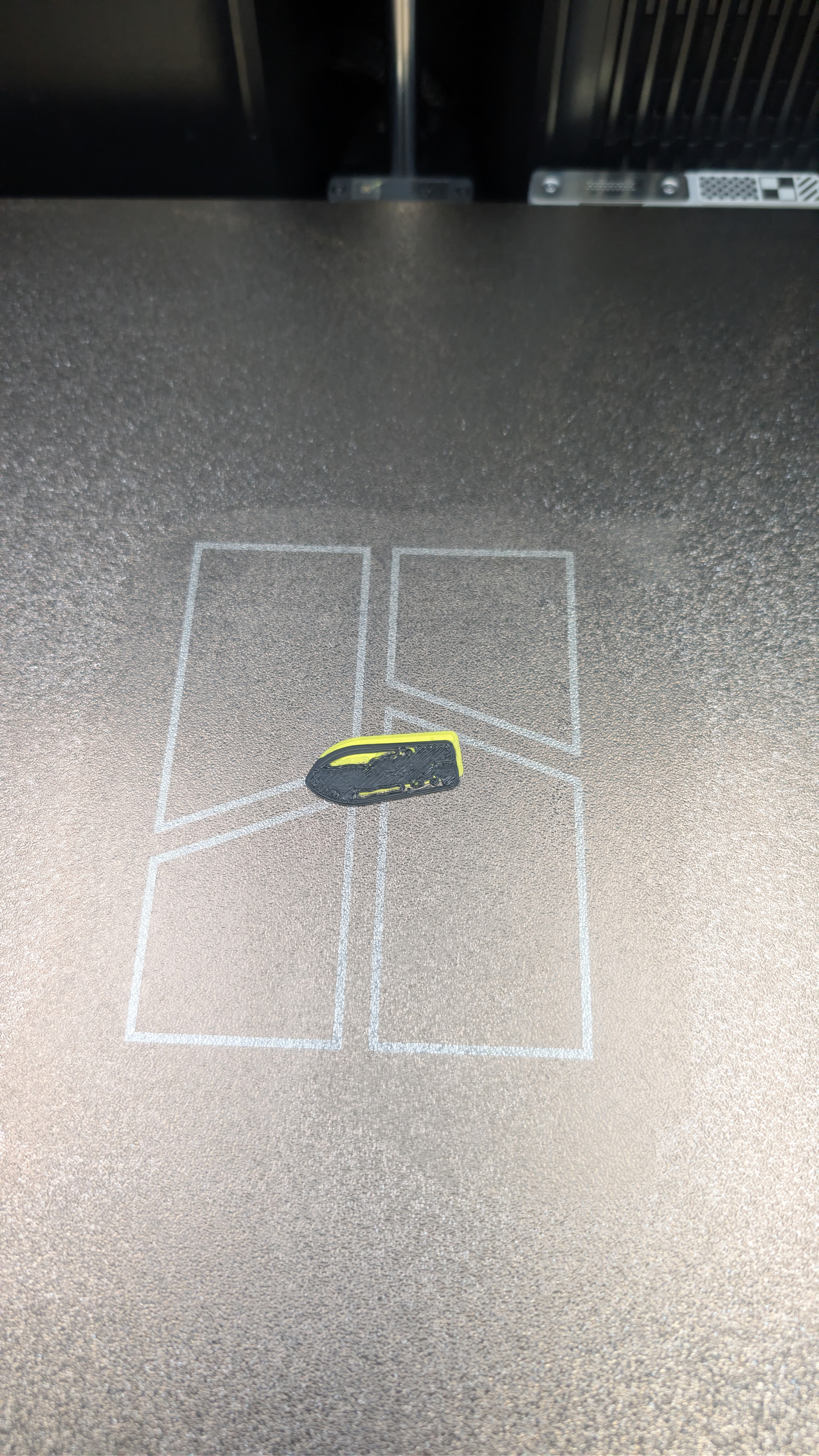
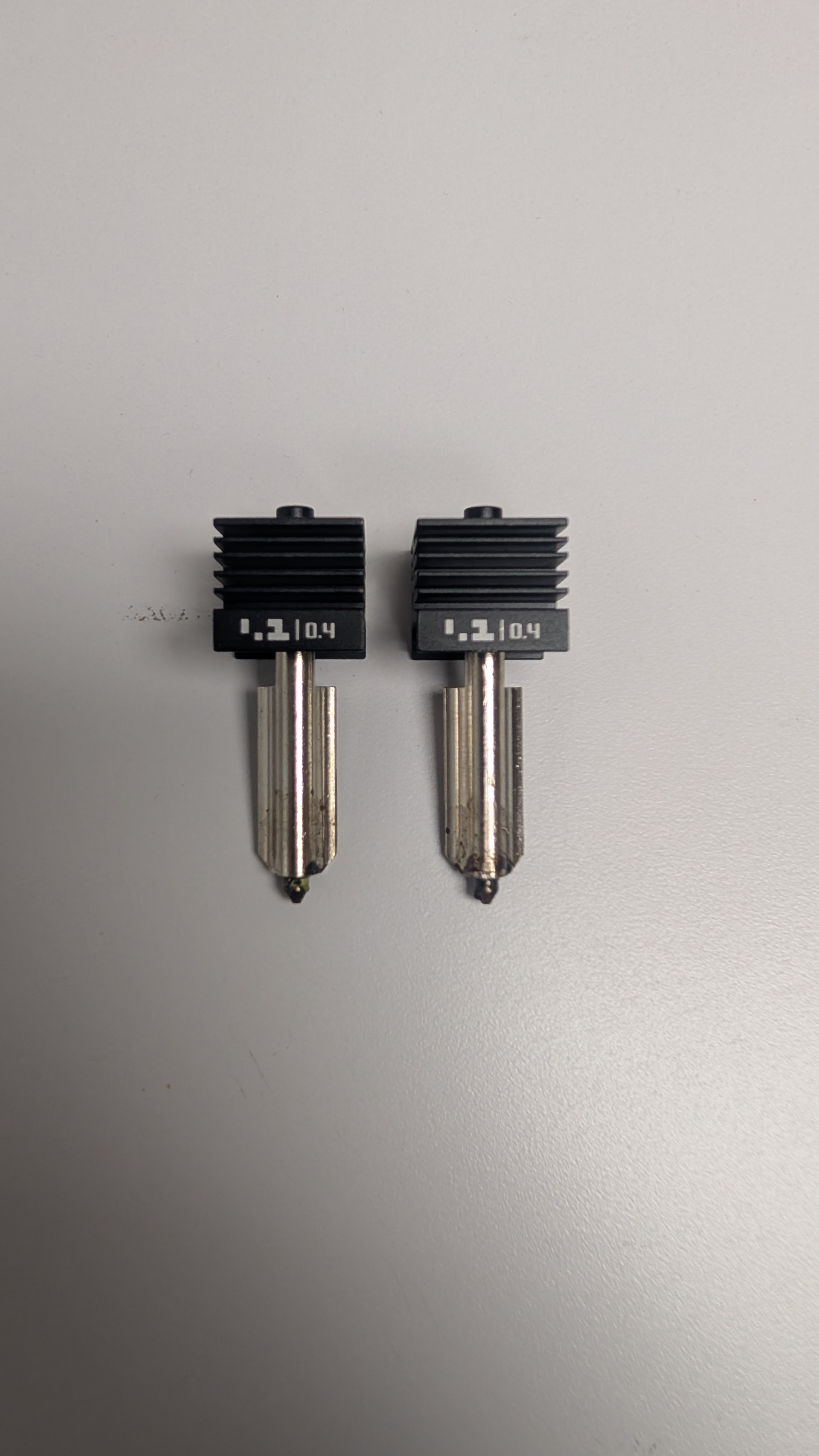
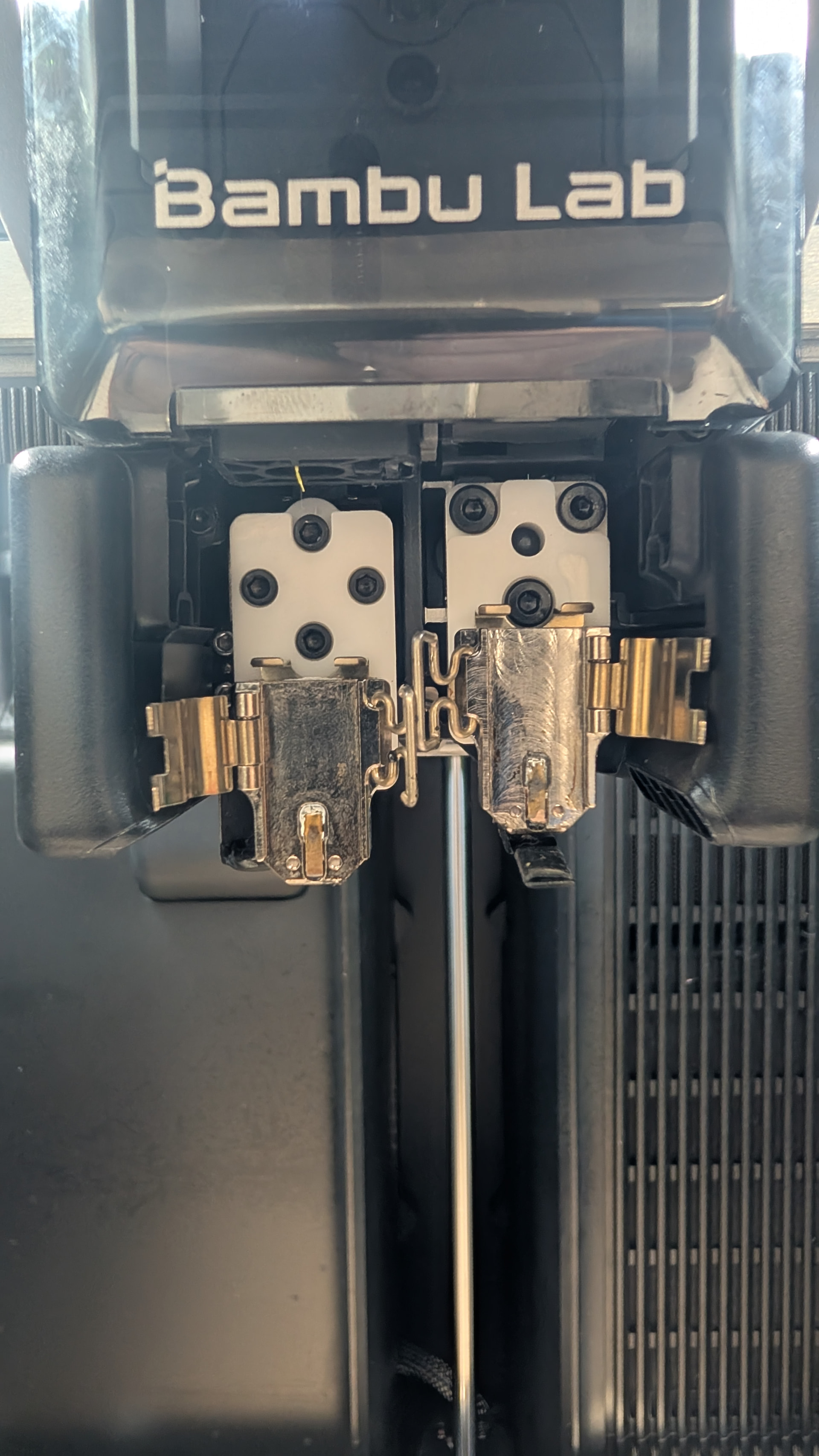
Full factory reset, recalibrated as if it were brand new, same issue. Photos attached of the underside of the nozzles as well as of the first 2 layers where the issue is occurring.
Also, submitted a ticket to Bambu with every detail I could recall.
EDIT: Also, just for giggles at this point, I swapped the nozzles with each other to see if the problem follows the nozzle. I don’t think it’s necessarily a nozzle specific problem, but I’m running out of things to try.
Can I get a side profile shot of the hotends? And the same underneath shot now that they’re removed?
Also - I don’t have an H2D but on my H2C the two nozzle tips are aligned on the same Y plane. I don’t know what the H2D should be like, but yours are really offset a lot.
I suspect either that’s abnormal, or the offset is normal but the printer has an internal offset value and yours is wrong.
Perhaps someone else could get a similar shot of their H2D?
It’s going to have to be Thursday but yes I can get those pictures. About to be leaving for the day and I’m working offsite tomorrow. Really appreciate the assistance in trying to figure this all out.
One last thing for the day…after swapping the nozzles with each other I tried another 2-color Benchy…and the offset on the Y axis stayed the same, but the X axis offset went to the right instead of the left. So same as the photo before, but the black part is offset in the opposite direction.
Starting to think I have a physical problem with the nozzle.