H2D Tower Failure

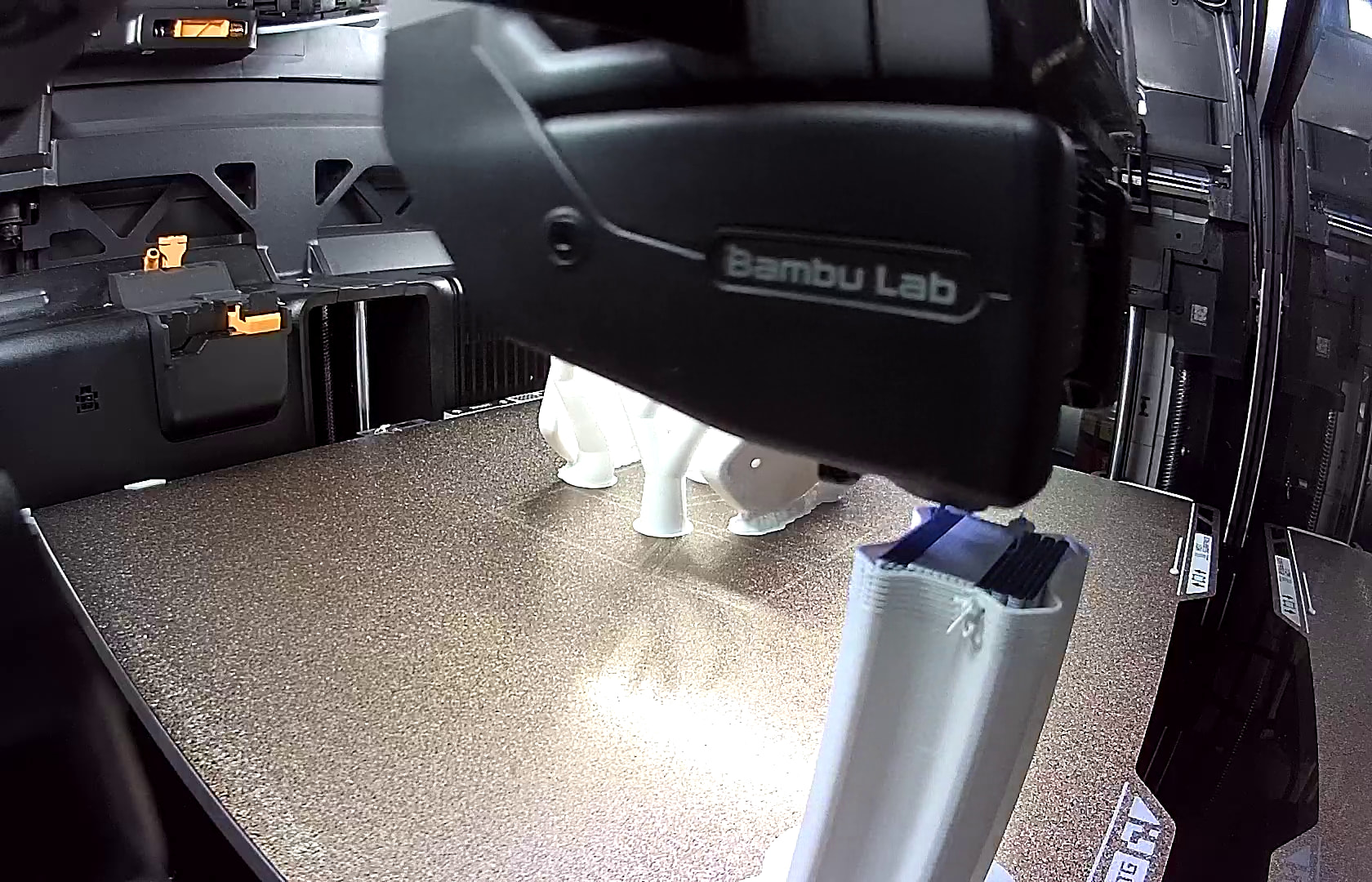
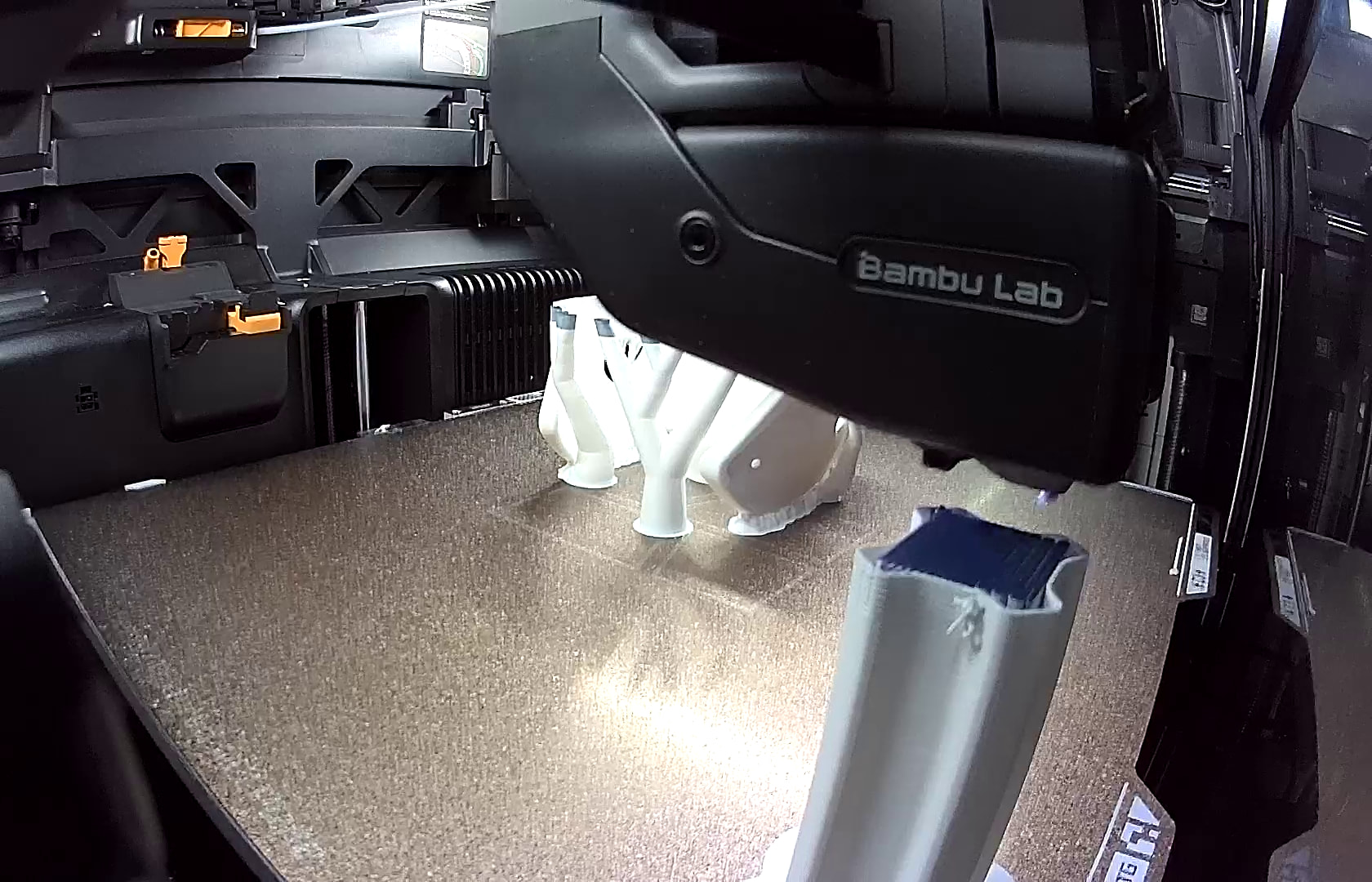
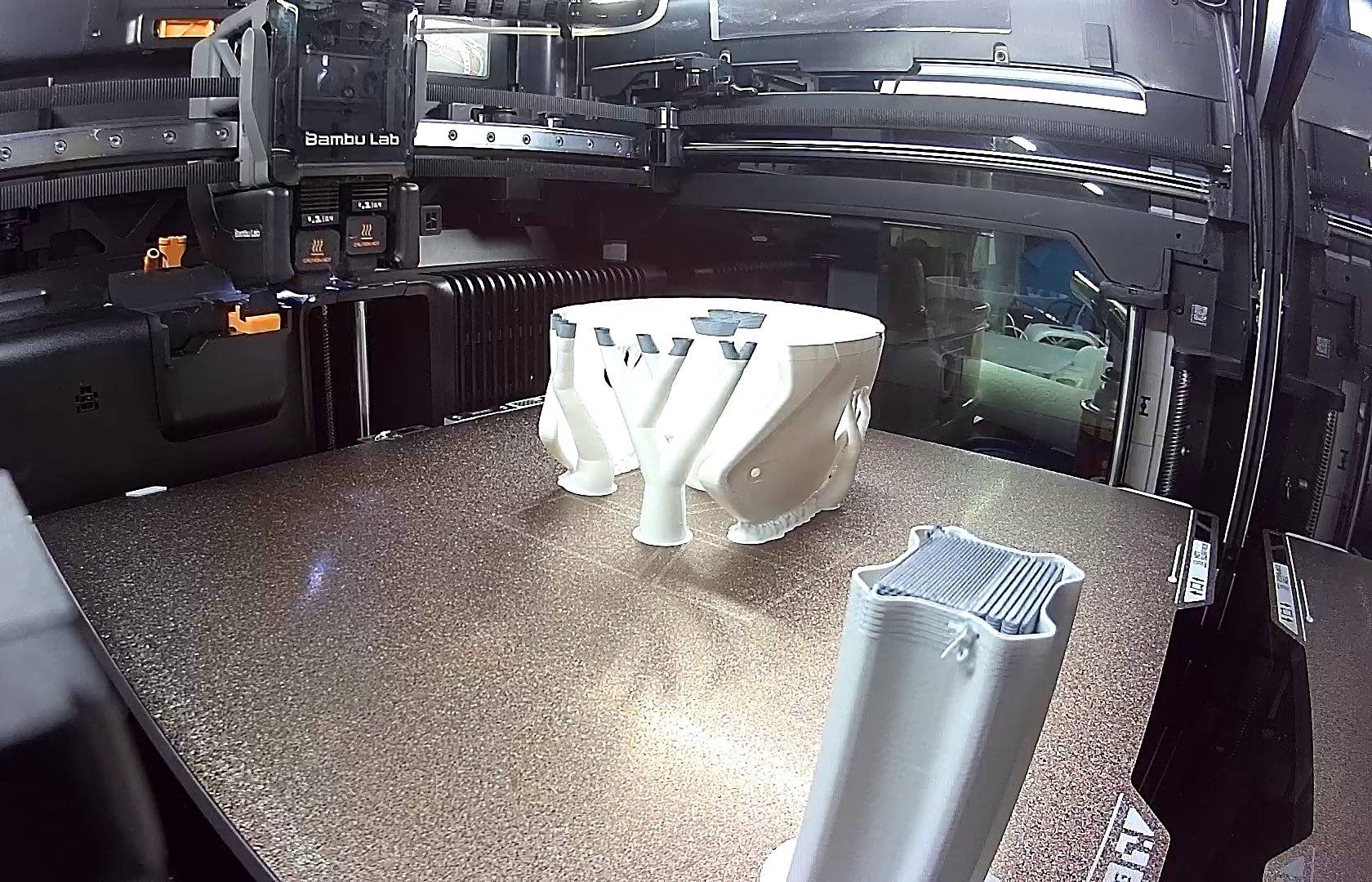
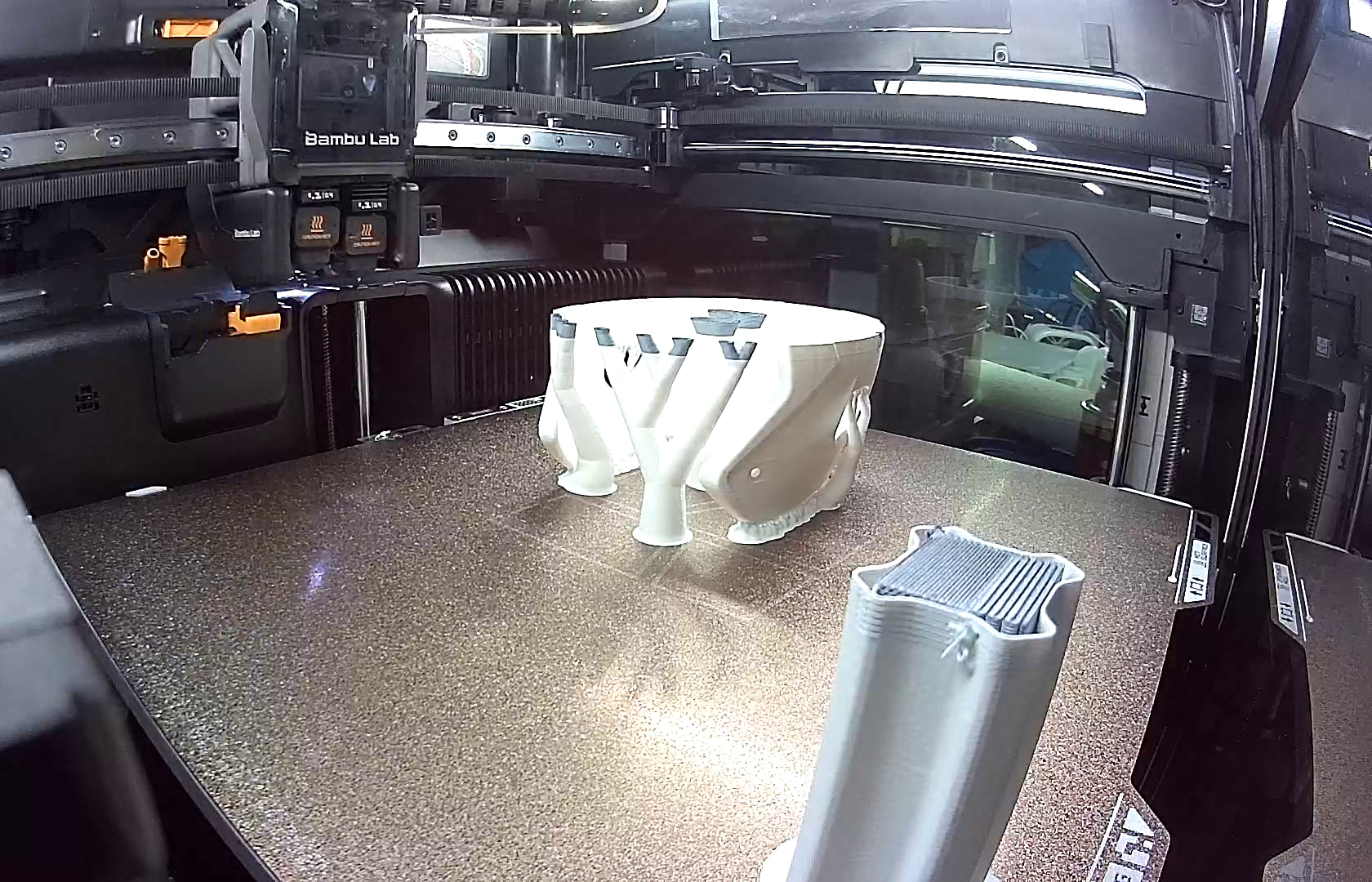
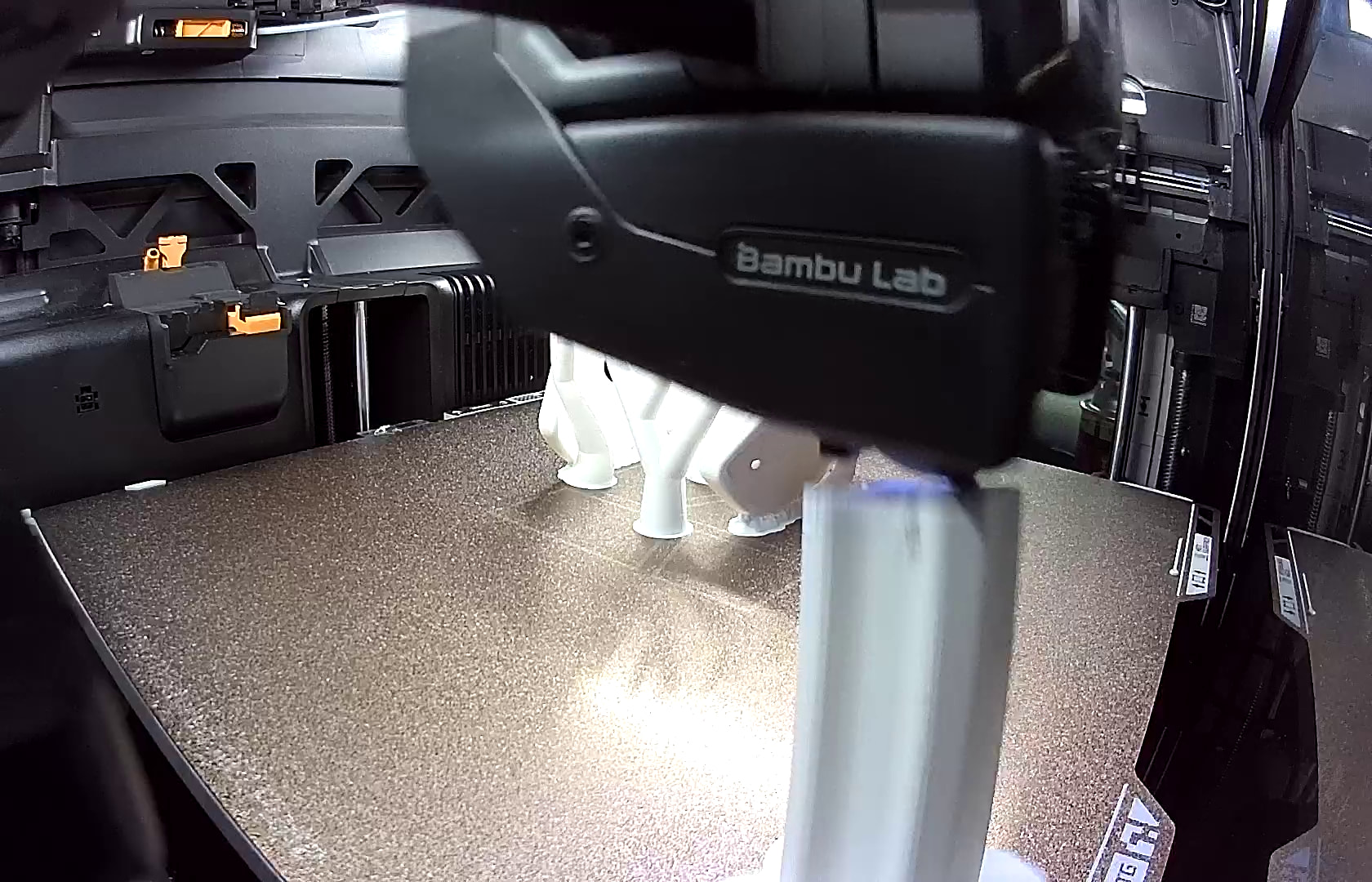
Recently been having problems printing multi color due to the tower failing I knew it wasn’t because of adhesion issues or filament being not dried. I have tried this with several different filaments. I went through all the calibrations and even enable z hop and still the same issue. tonight I pulled the flash drive to watch the tape and found when switching to the left nozzle it oozes out a little ball then carries it to the tower to end its life. I have noticed in the video that it was switching then it would do a wipe but not this time. Is it supposed to wipe after every switch? why does it do this randomly sometimes wiping and sometimes not? How do I fix this?
Some tips:

  1. Move the tower closer to the nozzle switch location.
  2. Widen the base of the tower. There is a numerical parameter to do this.
  3. Check your silicone sock for damage.
  4. Verify where that blob comes from? Normally you get a strand of filament extruded in a multi material tower, not a blob
  5. Consider the new reduced tower height in the latest beta.

What materials are you printing?

  1. I have tried the tower in multiple locations
  2. widening the tower will not stop the force of this
  3. no damage
  4. the nozzle is extruding as it is switching then it instantly moves to tower where it is getting left on tower to cool then nozzle hits it and pulls tower over.
  5. Dont have the beta

I have tried this in polymaker silk at first. then tried it in matte sunlu and polymaker matte. Its not a filament issue or a adhesion issue. I have just recently started having this issue it happened on another print also but flash drive was full so did not have video evidence.

It’s clear that the deposit of the blob on the tower is causing the issue then.

Still if the nozzle extrudes, it should not create a blob, it should create a strand hanging down. And that normally hangs on the side of the tower and not on the tower.

Be aware that based on a difference between the filament “Adhesiveness Category” of both filaments, the slicer decides to pre-extrude.

You can see that in the slicer, because the tower has extensions on the side at a filament change.

If that is the case, the pre-extrusion is correct.

If you don’t see this on the tower, then the ooze probably comes from moisture in the filament or another reason.

You can disable the pre-extrusion with the “Enable tower interface features” toggle in the prime tower section.

Most likely you need to enable “Developer Mode” in the preferences.

So if the slicer is not showing those extensions i suspect moisture being an issue.

What you are describing is what it is doing it does a small extraction with a small strand hanging down but it is setting it on the top edge of tower and not on the side so when it comes back around to that spot it is a hard blob that catches and knocks the tower over. I will disable that setting and see if that helps.

https://jumpshare.com/s/ywMuWqdz5faFZW3LV5P9

What might be the issue is that there is additional material gathered around the tip of the nozzle due to a slightly too high flow rate.

I had issues with that on PETG-CF where I had to lower my flow rate below 0.9 because of material buildup around the nozzle tip. Luckily it formed a kind of ring, but eventually it started scraping over the part.
I had to babysit that print and pause a couple of times to remove the excess material with tweezers.

After a proper flow calibration, I never had this issue again.

I agree that an additional wipe might possibly prevent the blob buildup, but a good flow calibration could prevent the buildup in the first place.

I don’t know where you live, but here in the Netherlands, climate always gets very humid in September and drying becomes more important in that period.

Though I must say that your tower doesn’t immediately show signs of moisture.

Please try a flow calibration. I am interested in the results