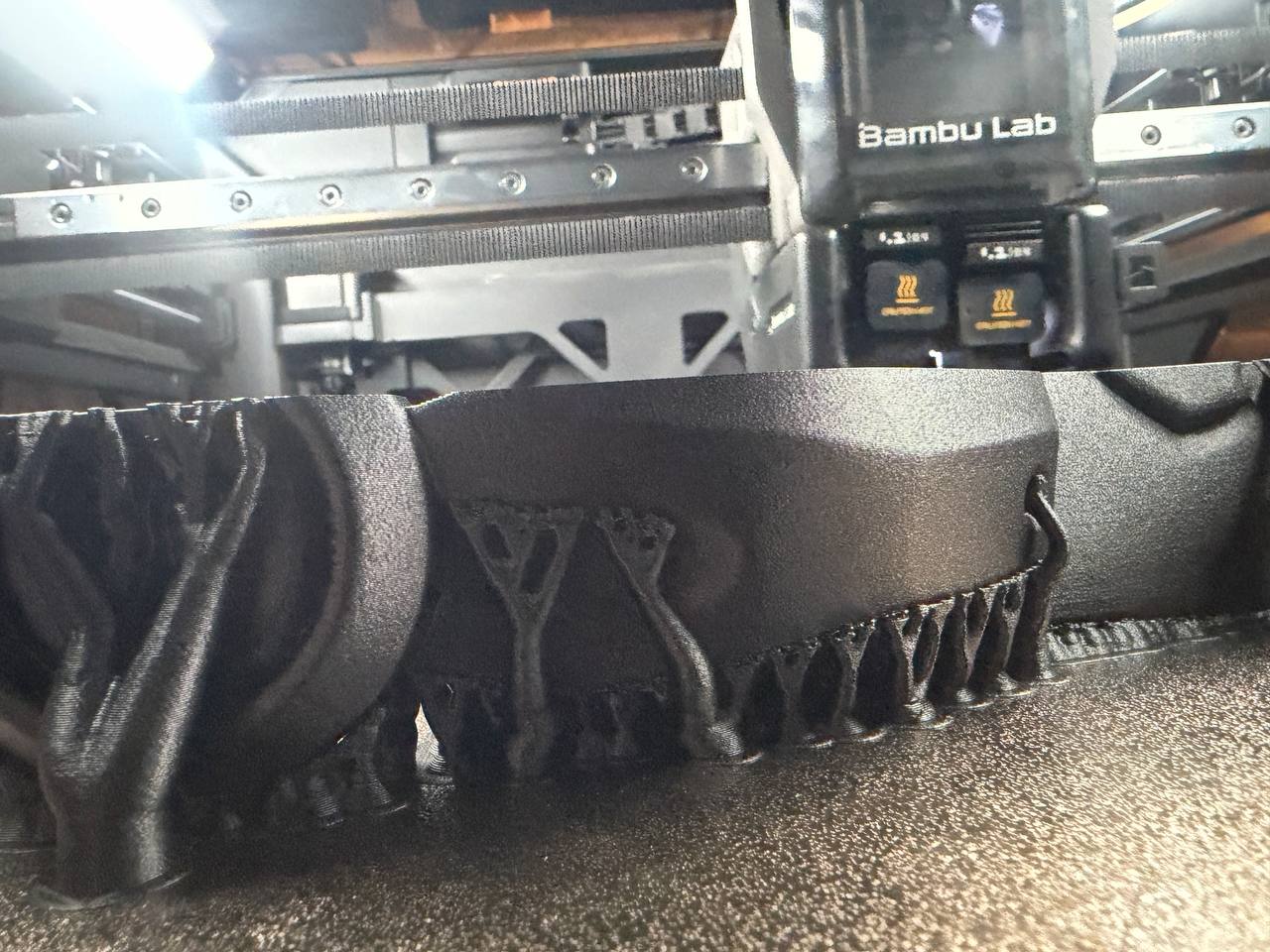
I really wish the amazing people at bambu labs would just sit the heck down and actually tune their filament profiles properly, I’ve burned an entire 1kg roll of petg-cf trying to make it print without a nozzle clump or beard effects, i am now to the point where I need to get rid of the nozzle clump and need g-code to run the nozzle wipe every 10 layers or so. its g150.3. to move to wiper and g150.1 to wipe on the x1 but I don’t know if its the same on the h2. Also any tips on petg-cf would be greatly appreciated, I’ve raised temps, turned down cooling and run flow calibration all to relatively little progress on making petg-cf run right, its been drying for days at 80c just to be sure and still my supports turn to spaghetti midway thru a 18hr print with complex geometries(which prints perfect in asa-cf).
fixed it by adding this to the layer change gcode box of the printer profile.
H2D manual nozzle wipe gcode script
; Nozzle wipe every 10 layers
{if layer_num % 10 == 0 && layer_num > 0}
G150.1 F18000 ; Wipe nozzle mouth
G150.3 F18000 ; Move to garbage can
M400 ; Wait for buffer clear
{endif}
my petg-cf printed perfect at 263c 50% speed(silent mode) volumetric speed 8mm/s instead of 11mm/s
There’s like 1000 lines just in startup macros the h2d does, I had my llm go through the extracted gcode and figure out what the exact macros were. I just tested this on an 18hr print and no nozzle clump
Hi, I’m curious if this wipes only the active nozzle? I have a part that I am printing out of 85A TPU and using Bambu PLA as rhe support material and the TPU is blobbing on the nozzle as I print and it gets all over the part. Would the code you posted work for this since I am using both nozzles?
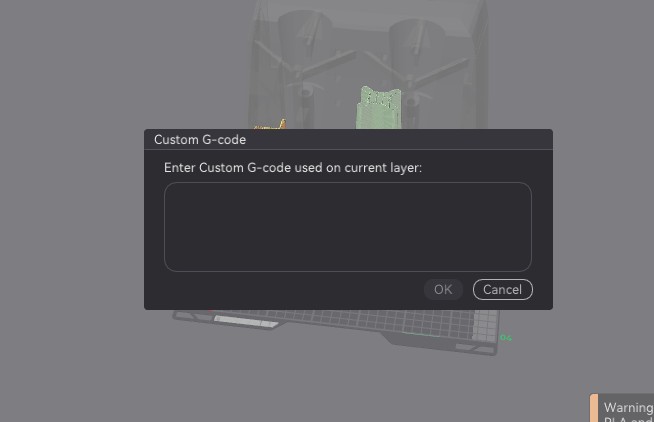
That looks excellent, be it a little much wiping for my use case. What part of that gcode would I enter in the “Add Custom Gcode”-section when I use the progress bar of a sliced file like every 200 layers?