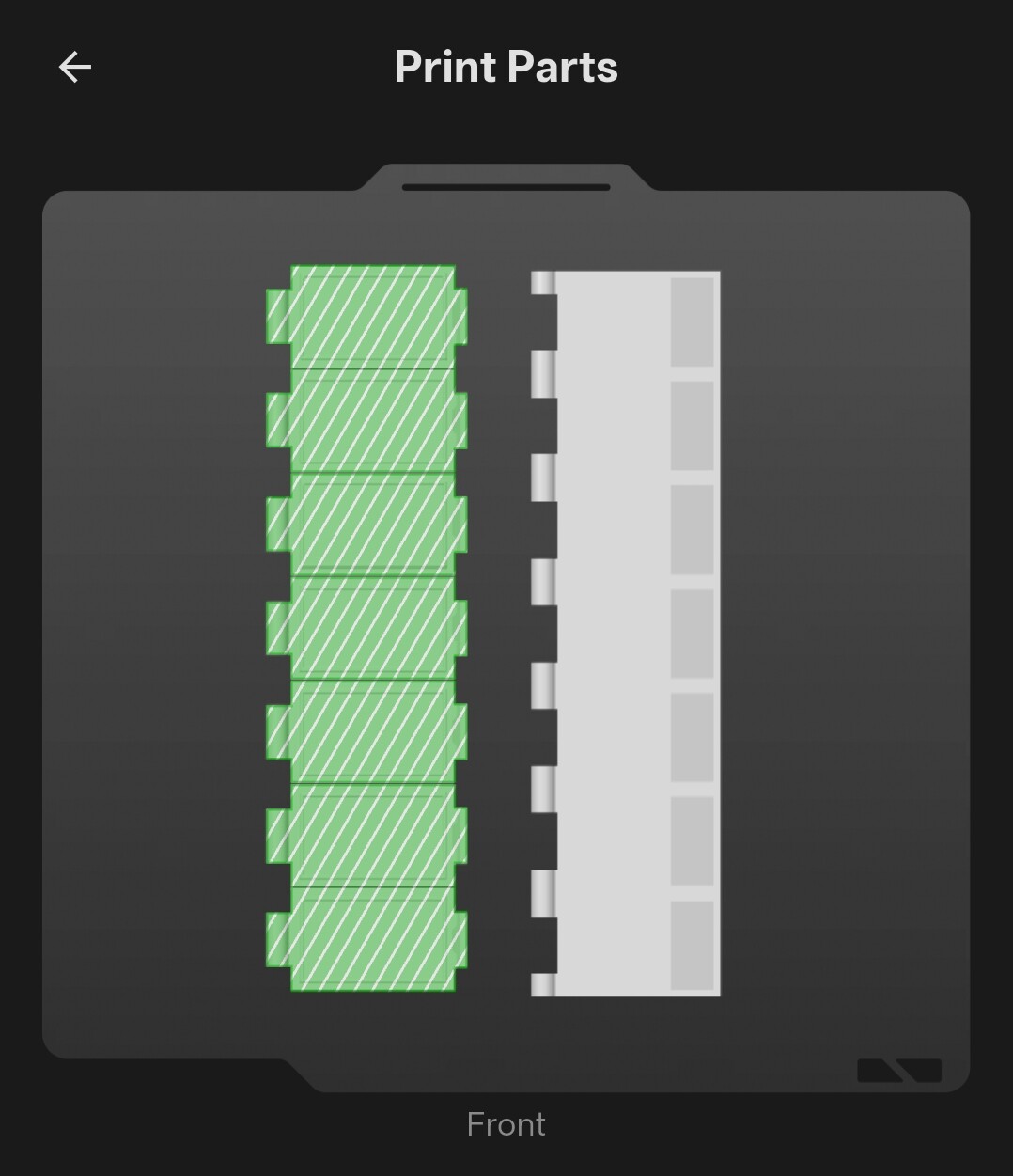
Maker World: “Pop Grab Go! Weekly pill organizer” help needed.
I apparently do not have the level to ask Gruso how to print just one lid (Sunday) that I broke by pulling out to unlatch rather than only pushing up on the tab. Online it suggests I can:
"How to Isolate and Print One Lid
Open the model in the slicer using Bambu Handy or MakerWorld on your computer.
Go to the Prepare tab and look at the build plate containing the lids.
Click on the unwanted lids on the build plate preview.
Press Delete on your keyboard (or right-click and choose Delete) to remove the extra lids, leaving only the single lid you need.
The online info above doesn’t work this way for me. I’m new to printing and I’m looking to see if any experienced user here can help.
Okay, I appreciate the insight! I actually have been just printing in Bambu Studio and do not know enough yet to find where to do that. I looked and did not specifically see what to select and adjust to accomplish 1 lid. Can you describe what to select?
When I right-click on the object line item I see an option page that has a “split” and “to parts” or “to objects” if that is what I’m looking to change? Thanks again for the assistance.
I could be mistaken but when you download models, I think you have the option to download as stl’s too and I’d bet with that it might also separate the parts.
I’ll have look into that. At now 60 hours lifetime 3D printing I’m definitely at the start of my rookie season. I’ve learned a lot already and follow what I can to learn from those who have been down this road before at some point in time. So far I’ve just selected things from MakerWorld and selected “Open in Bambu Studio.” I see other dropdown choices and haven’t tried them not knowing what they are or do. I’m out to try some PETG next and then onto the 0,2 nozzle not being afraid to try new things. Thanks!
Success! Rotating the print to confirm the correct number item was checked under Split->To Object allowed just the one item in this case to be printed.