Help needded: converting my family crest/logo in to a printable 3mf model

hello everyone, i’m looking for someone experienced in 3d modeling who could help me convert my family crest into a clean printable 3d model.

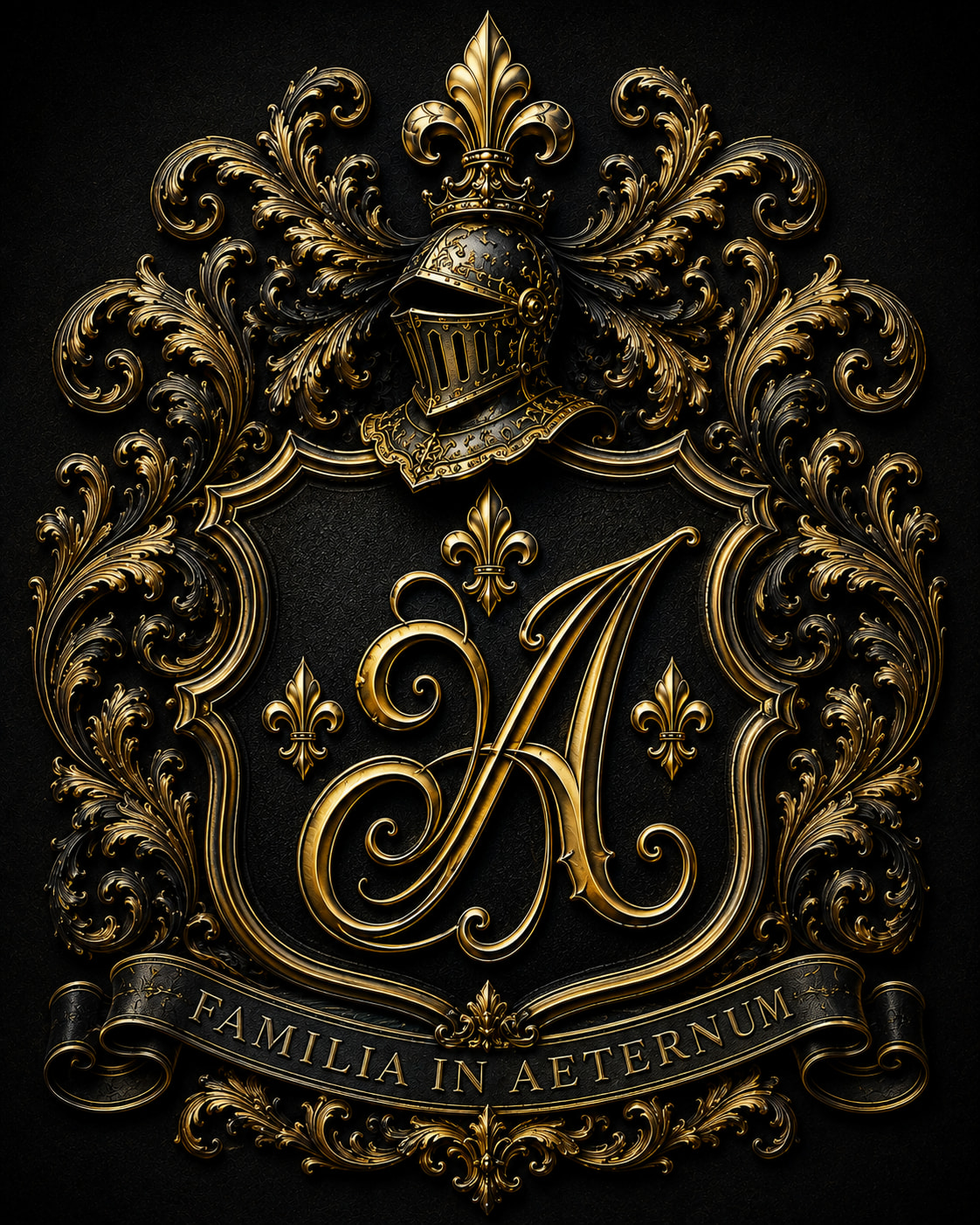
I already have the finished design as an image, but my own attempts to convert it into a proper 3d model have not turned out well. that what i ideally need is detailed 3d based clousely on the original design. optimized for Bambulab P1S 3MF.

thank you very much

How big do you want to print this?

The logo has an extremely high level of detail. You’ll definitely need a 0.2 nozzle.

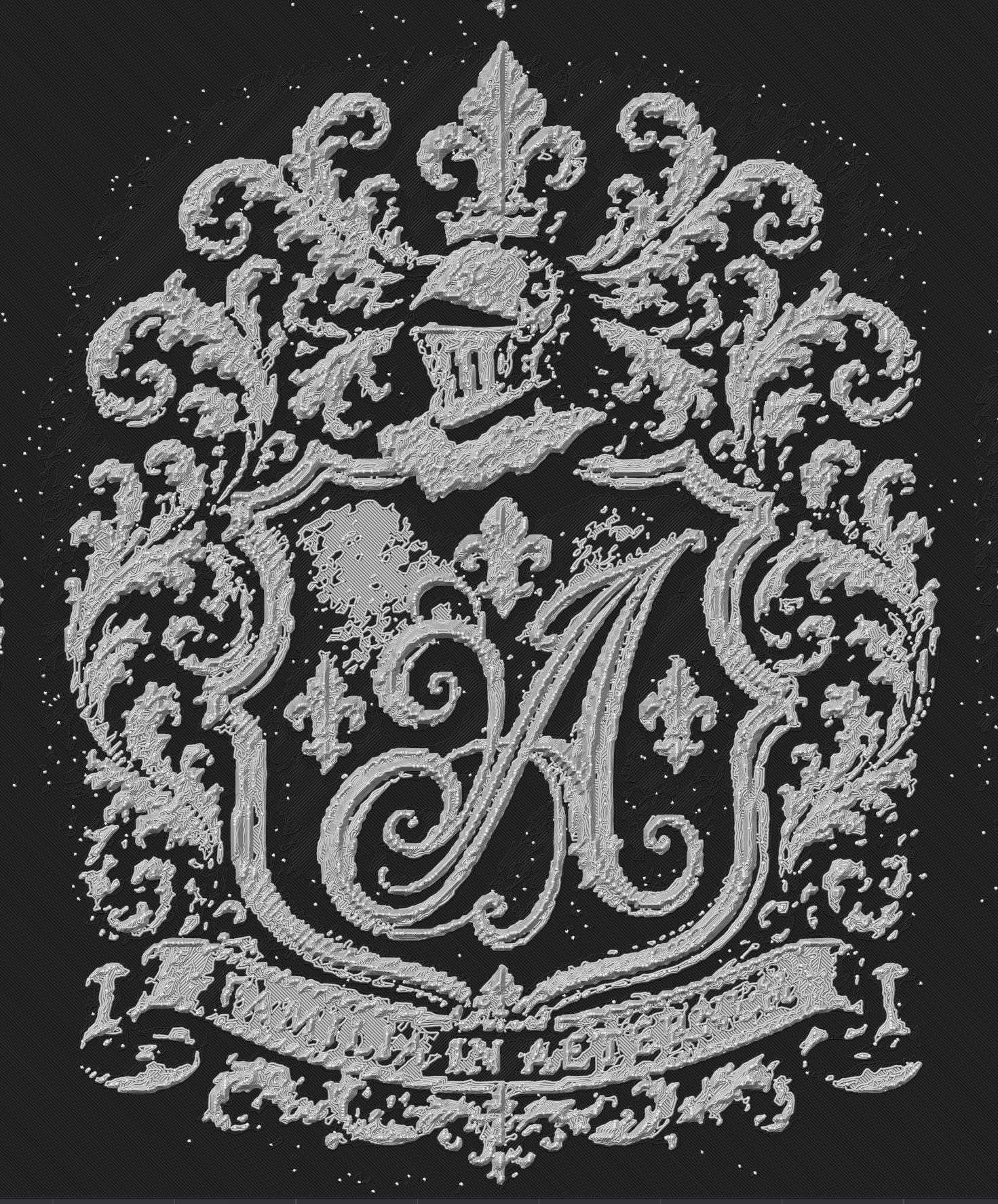
One option is to convert the logo using BumpMesh. But I’m not sure if that’s what you want. If you want a complete 3D logo, it’ll be difficult - you could try AI, but it won’t be able to reproduce the details.


Here’s the result using BumpMesh: Slicing with a 0.2 nozzle. I don’t even need to show you the 0.4 slice - you can hardly recognize anything.

There’s certainly room for improvement, but even a 0.2 nozzle will eventually reach its limit.


If you really fill up the entire print plate, you might be able to reproduce the details. The best thing would actually be to design the whole thing as a vector graphic in the first place.


I’d recommend giving the Bambu AI tool a try:

https://makerworld.com/en/makerlab/reliefSculptureMakerV2

Looks like a job for @Bjoern_3D

That reference has a ship ton of detail. That would be hard to replicate.

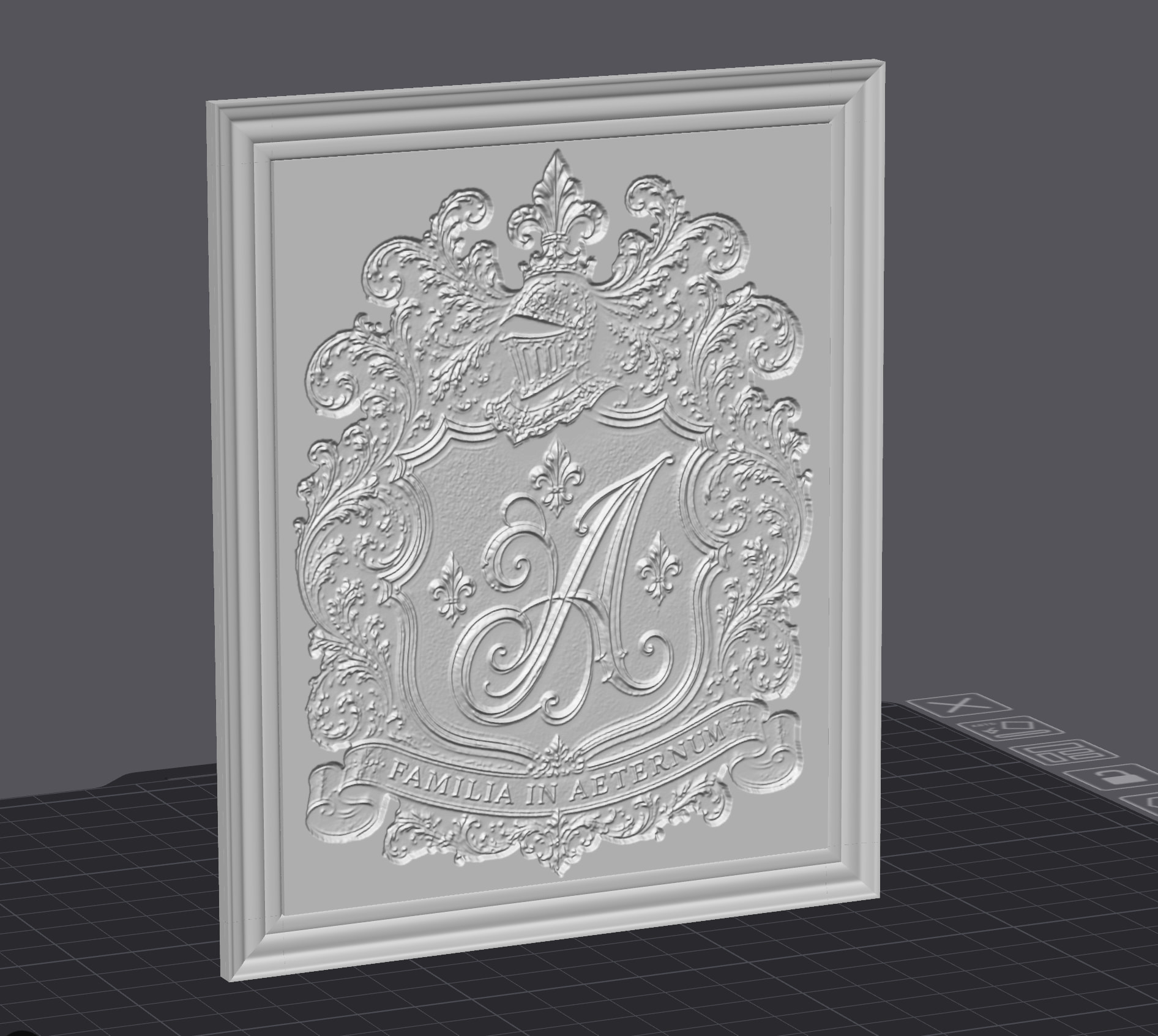
I tried using Bambu AI tools, and it worked pretty well: Many details are lost here as well, but I’d say it at least looks presentable.

reliefSculpture.3mf (686.3 KB)


As has already been mentioned here, if you want something decent, you’ll probably have to ask an expert to do it for you.

I’ve been assisting my mom with converting a 2d logo she drew into a 3dimensional statue, with pretty solid results.

The workflow included one of the available 2d->3d AI modellers (she chose Meshy), which took her drawing(s) and converted them into a reasonable starting point mesh.

From there, she was able to export that mesh and email to me, which I then used the free software MeshMixer (thanks, forum members for recommending this software to me!) to fix mesh errors and tweak some features to minimize floating regions and support needs, as well as shrinking it to a printable size. The model, as exported, from Meshy, was 2 meters tall.

Once that was done, I exported to a .stl or .3mf and imported into BambuStudio for any final tweaks and slicing.

Overall, it took ~7-8 iterations to really nail it, but the AI conversion from 2d to 3d worked really well.
Try meshy when I threw your photo in there. It did a pretty good job. I’d throw the file here but since I’m a new user, it won’t let m

wow how you do this? amazing but i would just the crest whit out frame.

Read the comments? :grinning_face_with_smiling_eyes: :+1:

You can customize it yourself using the link - with a frame, without a frame, etc. - These are the tools from Bambu / Makerworld. By the way, there are many more.

So this may be self-evident, but if they made the model larger, would the detail be better or would it be just as grainy but just bigger? I was wondering if they generate it big to keep the details but then use something like fusion360 to reduce it’s size? Would that keep more of the details?

The limiting factor is always the nozzle. It is not possible to print more detail than the nozzle allows.

But now an optical trick comes into play - one that’s also used with posters and pictures: the viewing distance. If you print it out larger and view it from a distance of one meter or fthree feet, you won’t need such fine details.

The printer doesn’t have a DPI setting, but the diagram is enough to illustrate the point - just replace “DPI” with “details”:


Here’s a comparison between a 0.2 and a 0.4 nozzle:

If you want to print the logo at the size of a coin, you’ll need to use a 0.2 nozzle. A 0.4 nozzle would work for a picture - ideally viewed from a distance of one meter or fthree feet.


So, the first question to ask is: How big do I want to print it? You then tailor the workflow accordingly.

Awesome explanation…thanks for taking the time!