I’m having similar problems. My printer has now clocked up around 2,200 hours. I’ve always kept up with all the scheduled maintenance, and so far I’ve only replaced the extruder as a test.
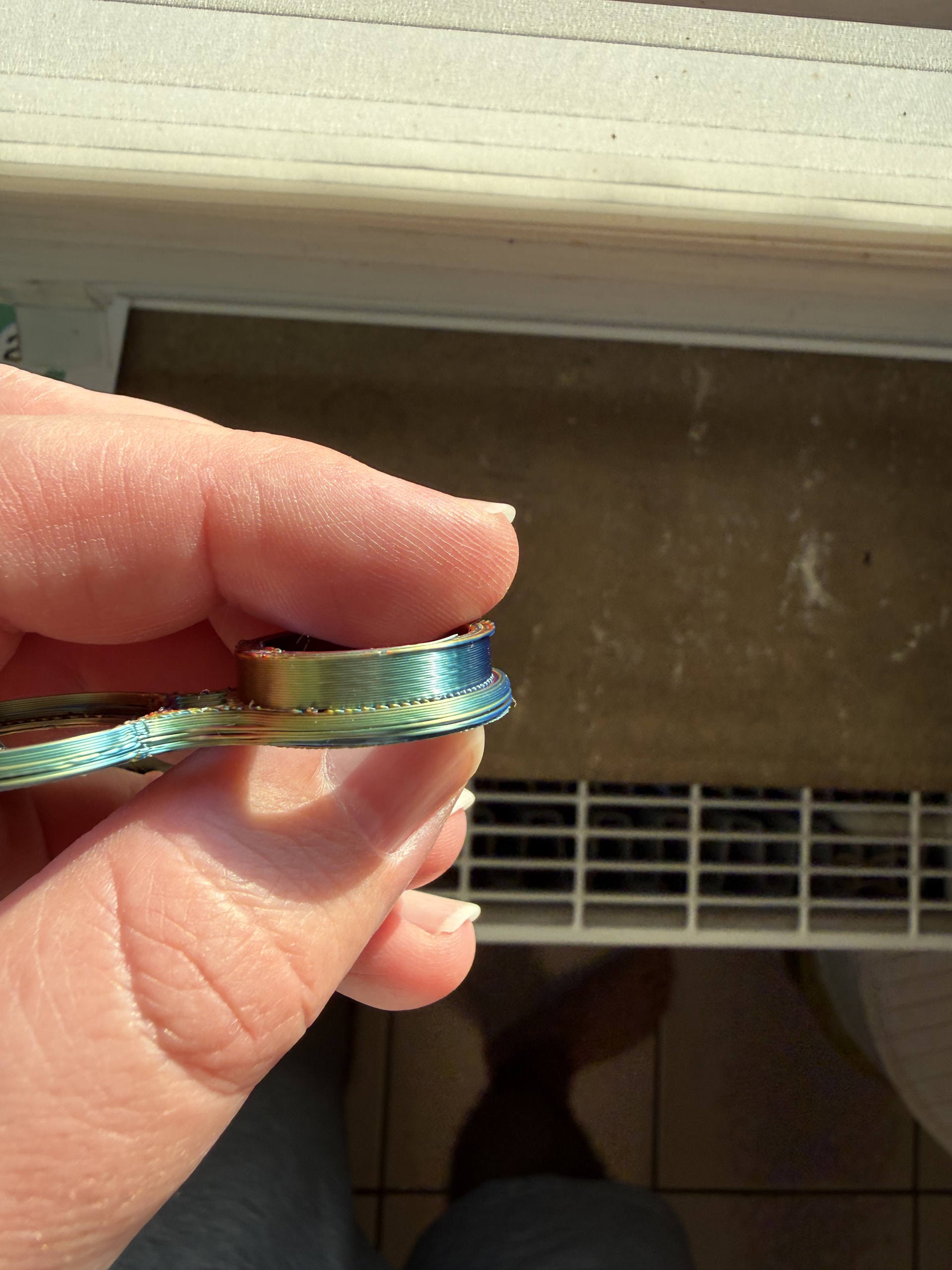
I often get layer shifts on the first and last layers, and when the print involves more complex structures, all the layers end up shifted. The problem appeared relatively suddenly.
I’ve already considered whether it could be a software issue, but reverting to an older firmware version didn’t help either. I also have a second, newer A1, and it prints the exact same files without any problems.
At this point, I’m honestly pretty desperate and really don’t want to start randomly replacing parts without knowing what’s actually causing the problem.
If I were to replace anything, I’d probably start with the Y-axis belts, since the layer shifts are happening in that direction.
You’re gonna need to post pictures and 3mfs, we need to see the kind of stuff you’re doing if we’re going to have any hope of diagnosing this.
Also, details like “is the shift always in the same direction” …
@JonRaymond can we break this out into a new thread please?
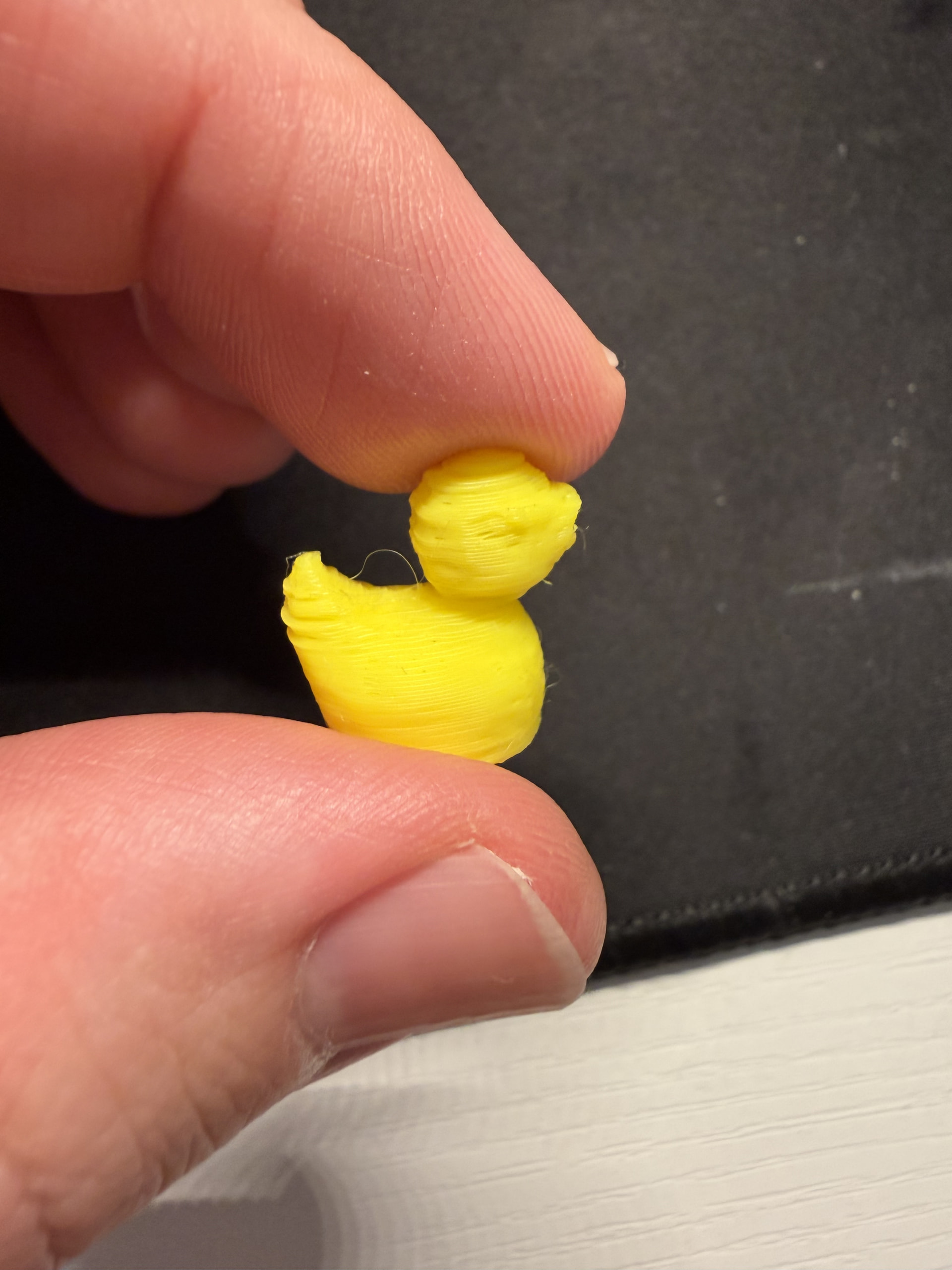
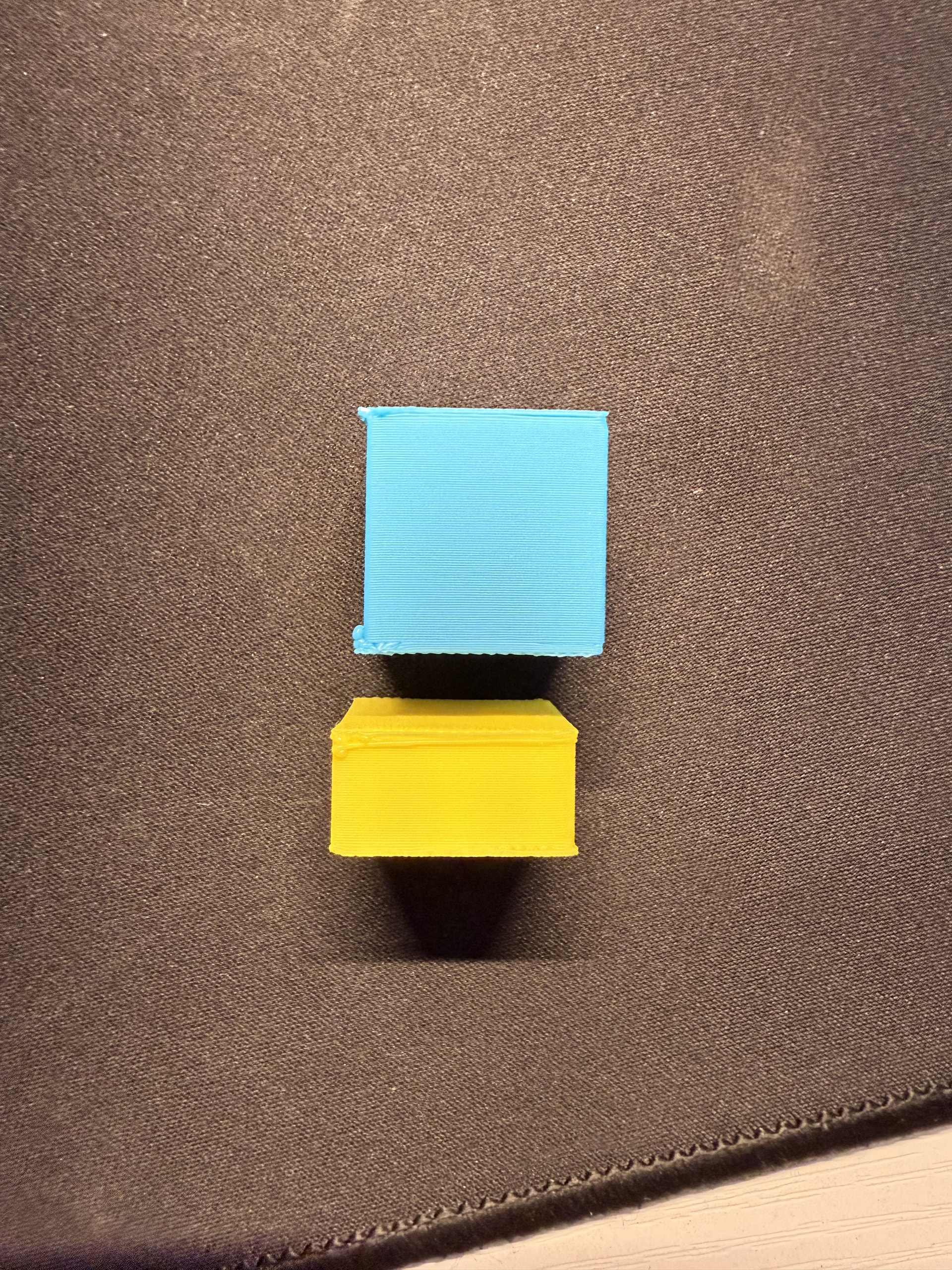
I have these three pictures. The file itself is pretty much irrelevant, since I’m having problems with everything I print. I’m thinking about replacing all the belts and seeing if that helps.
I have two A1s: one of them prints everything perfectly, while my older one with 2,200 hours is having these issues.
I’ve also tried different filament settings. I use filament from eSUN, Elegoo, and Anycubic.
You didnt share a pic of your printer, but check for constrained PTFE lines or other obstructions. Like a poop bucket off the side that the arm hits at a certain spot, or a PTFE that gets snagged on the gantry corner. Layer shifts can happen from that sort of interaction. Have you had eyes on the printer as it does this, or only ever came back to the result?