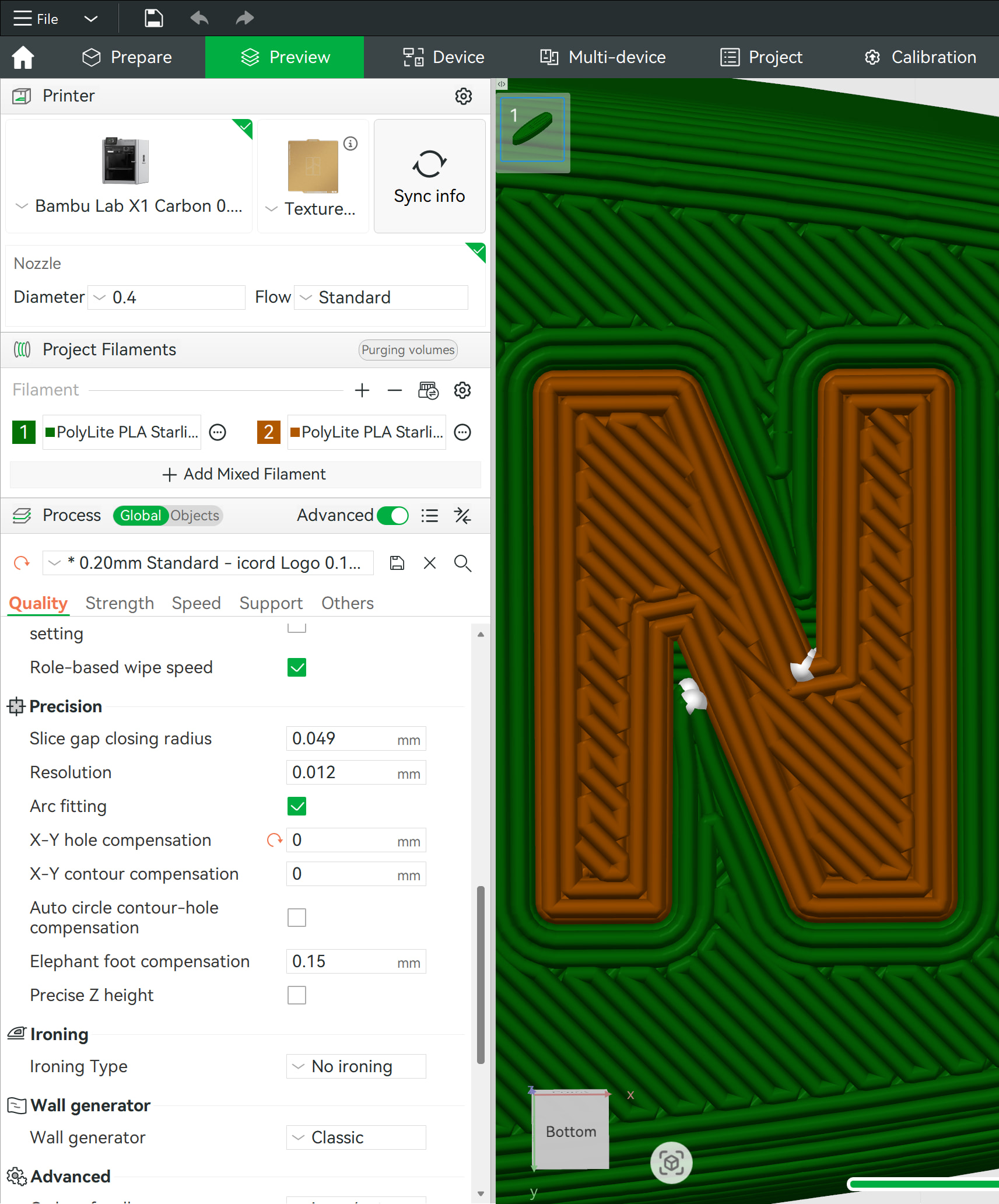
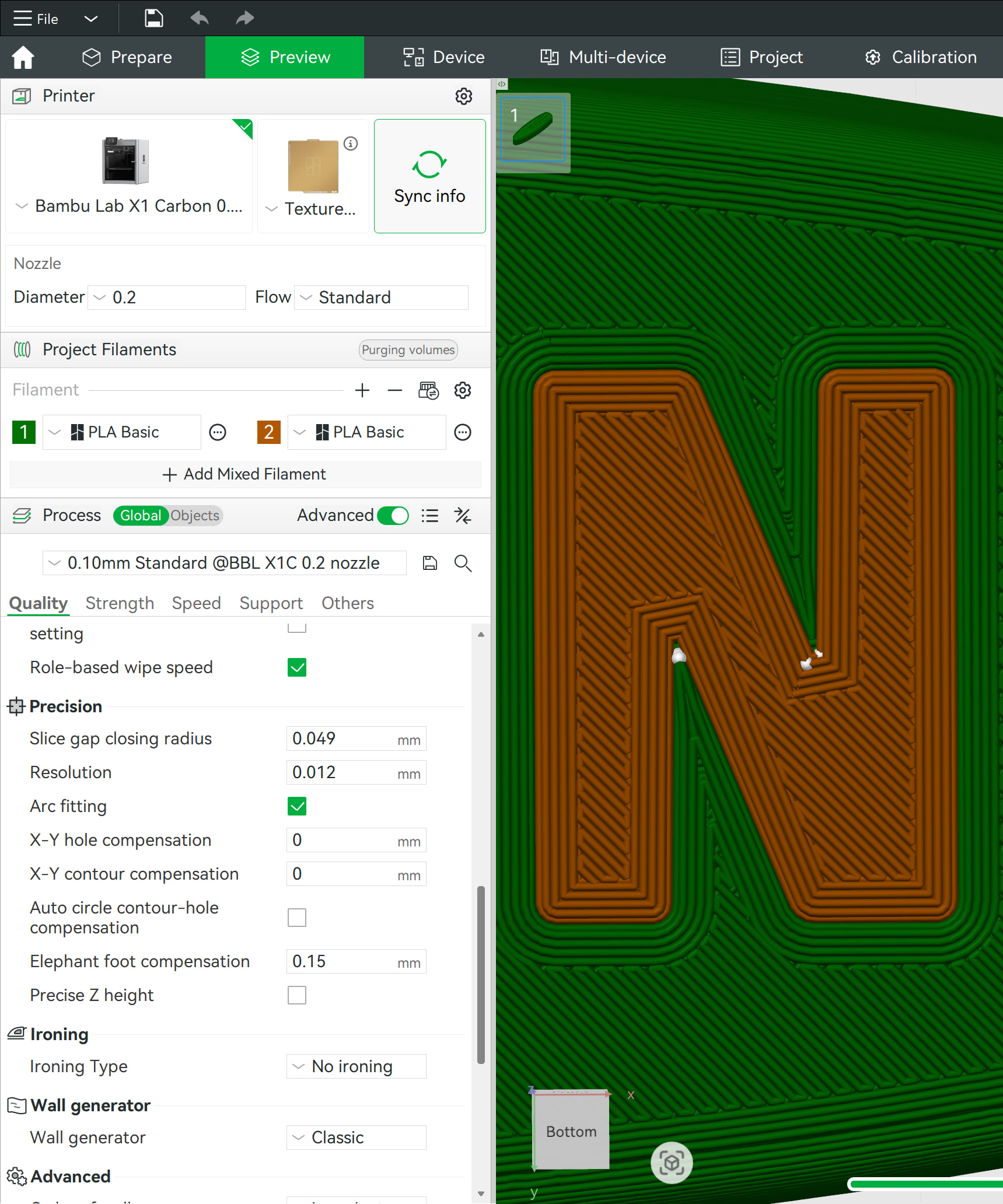
I have no idea if this is possible/practical, but I use Hole Compensation all the time. Love it. Problem is, when I have an embedded logo on the bed, there are “holes” introduced when a 0.2mm HC is dialed in.
I’m wondering if there’s any way to add an option to HC so that this processing is ignored above or below a certain layer line?
For example:
My multi-colored logos are done by layer 4 (I cut 0.7mm, and then create new bodies, first layer of 0.1mm, second and subsequent at 0.2mm each).
My connection points (that require Hole Compensation) are well above Layer 4.
If I had the ability to say “Ignore Hole Compensation below/above layer 4” I could get super happy/clean logos on the bed (where Hole Compensation is not required), and also get my properly-modeled holes to have their 0.2mm Hole Compensation above layer 4.
I can’t be the only person using cut/extrude multi-color logos/text on the bed, along with Hole Compensation for dimensional items above that area.