I first suspected the settings. The problem with the nozzle was not mentioned anywhere in the problem description. You wrote that it looks like the nozzle is touching the top, but not that you can really hear it.
If the nozzle is actually touching the surface you can try to reduce the flow rate.
And i think there was a firmware Update 4 weeks ago or so. If you haven´t had any troubles before maybe this caused the issue.
Bambu is still trying to improve the Firm- and Software daily wise.
Its definetly software related so there could be an issue with the bambulab software as well
I am seeing similar issues after the last firmware upgrade. Some of the lines look like they are over extruding/raised. Printing the same couple brands for almost a year flawlessly.
Normally, even keeping all default settings would produce pretty good prints with basic colors from bambu, sunlu, polymaker and overture PLA. Did a ton of recalibration, resets, etc. Firmware rollback is disabled now though and its now been a week since submitting a ticket with no reply.
Im currently using 1.8.2.56 and have no problems at all.
This could be a serious problem with the software cause you havent updated it
Try it with the new software and let me know if that has solved the issue.
I would stay with the current firmware or will it let you roll back ?
Most people have lost the rollback option
( I run the old X1C firmware 01.06.05.01 that’s what you most likely had in the past )
What bedplate are you using ?
Bambu Studio or Orca Slicer ?
Yes, stay away from Grid use any non overlap infill pattern.
How did you get your flow rate calibration auto or manual ?
Use a smooth bed plate and run the flow dynamics calibration again, save the setting for your filament and post this number. ( You will see something like 0.028 )
Pressure Advance = Flow Dynamics Calibration
Some brands of matte pla filament don’t like fast speeds; they like it under 60 mm/s for outer wall and top surface.
Some gloss pla filaments on the Bambu X1 you need to up the nozzle temp more than 220c if they are flat in color.
AMS in December and first prints were amazing good.
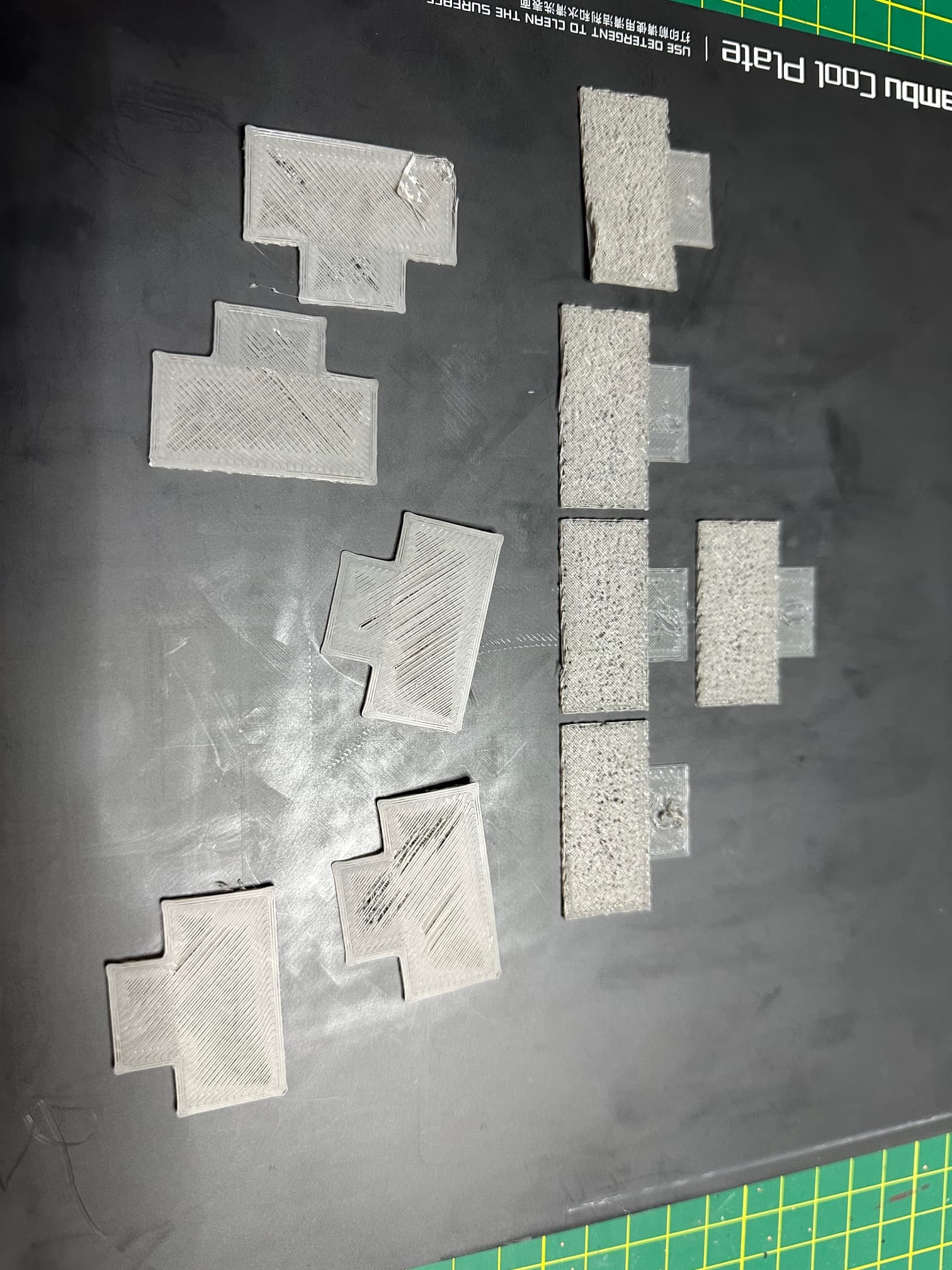
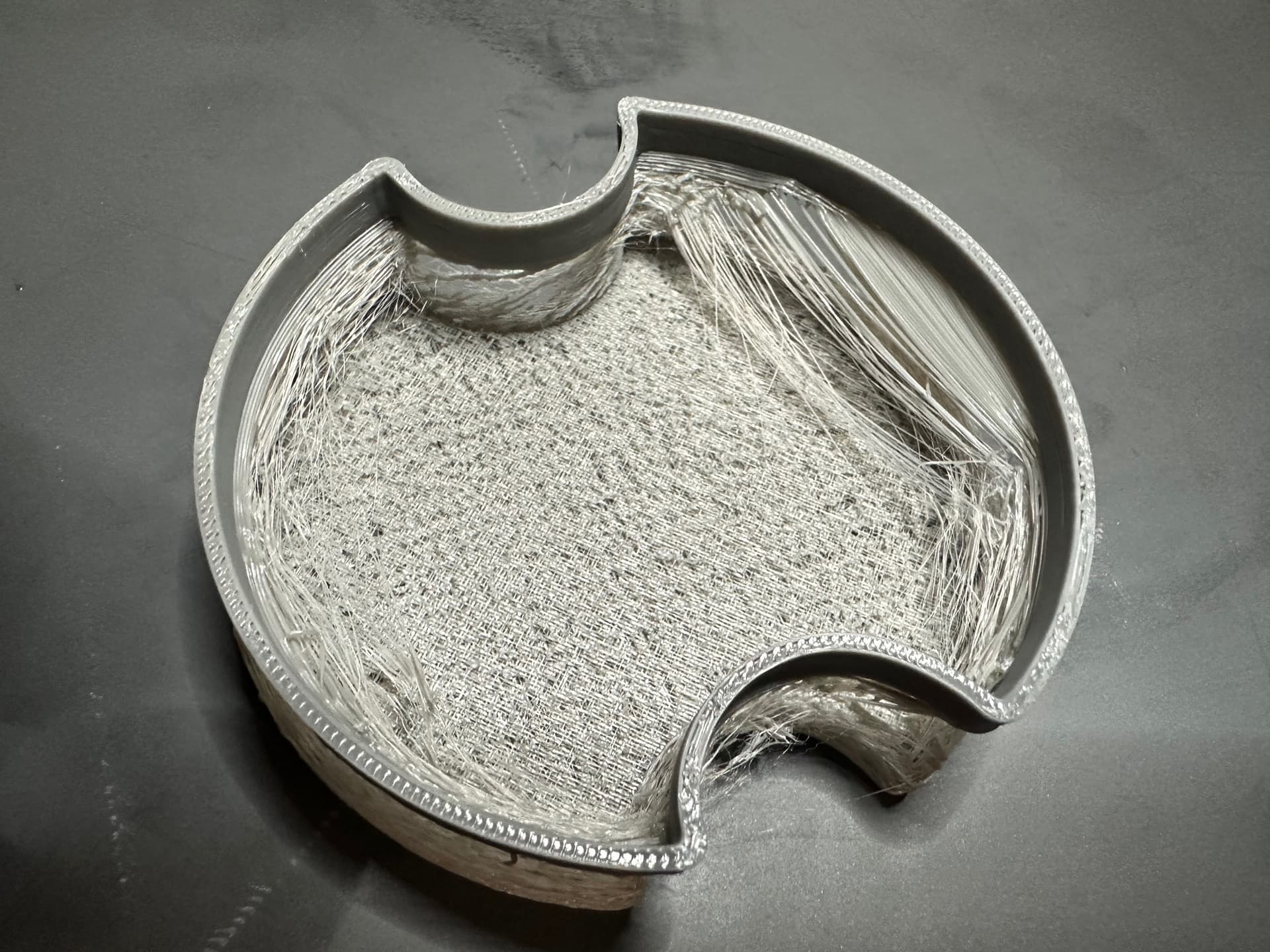
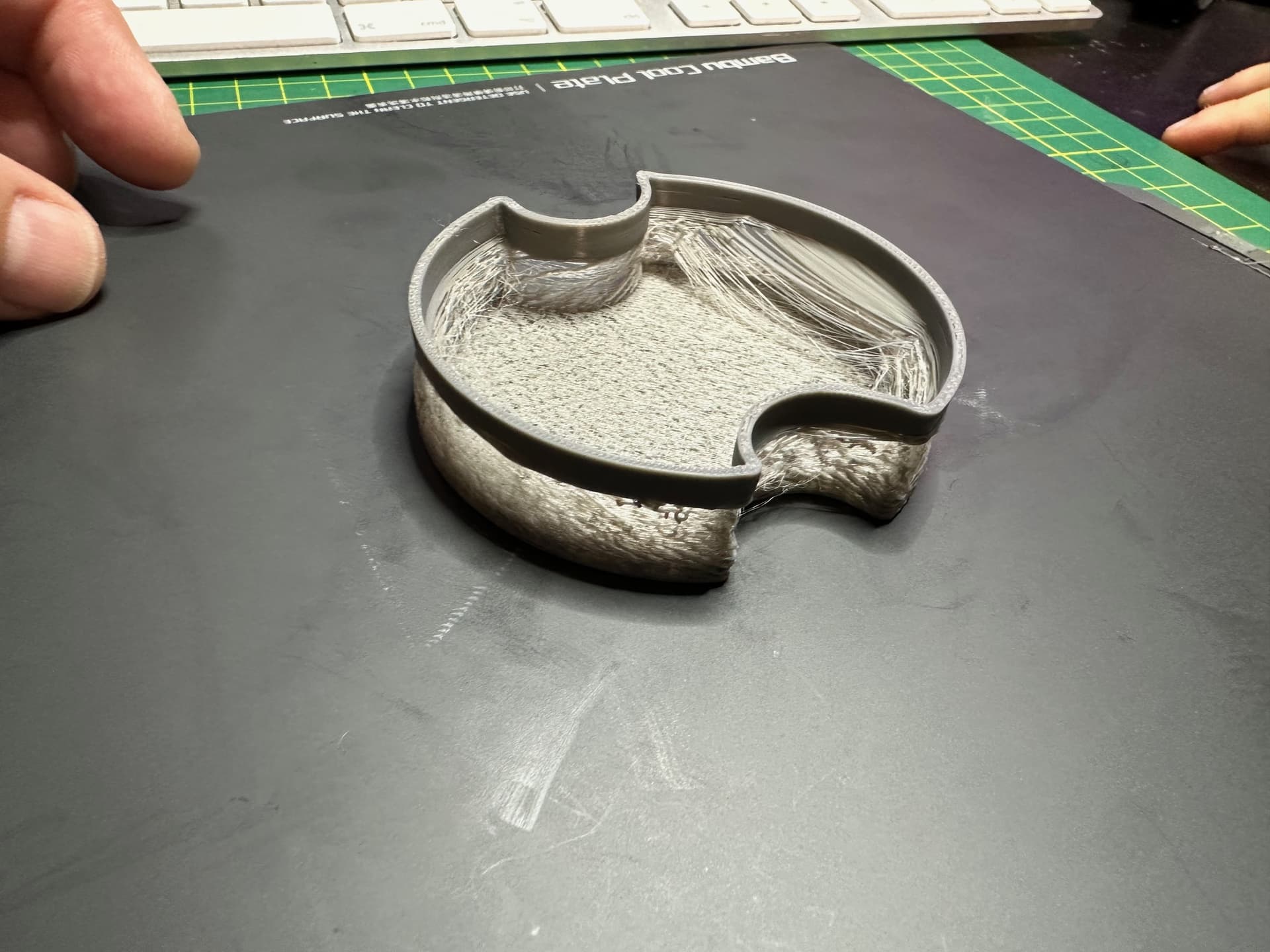
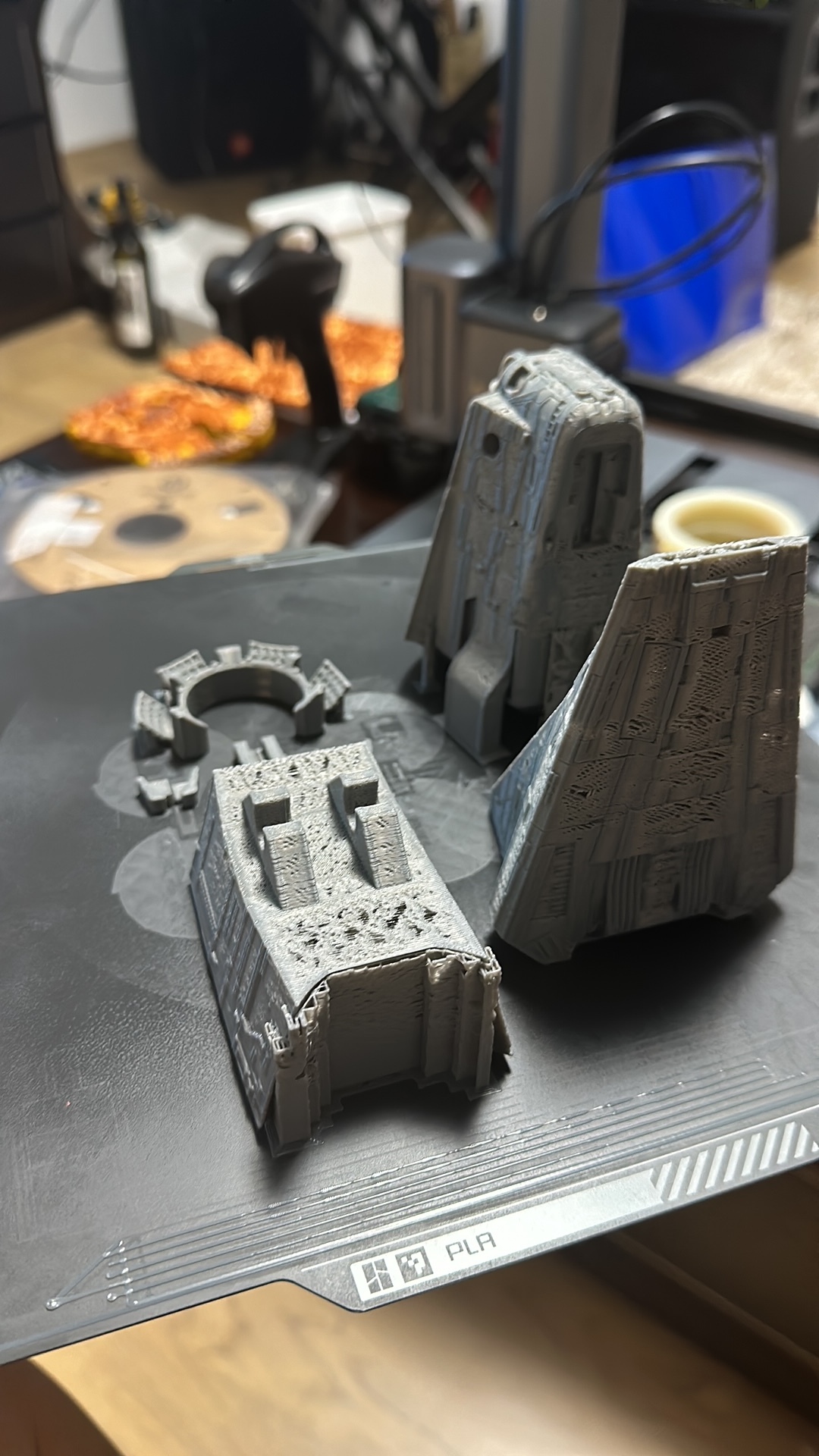
Suddenly I cannot print anything with any type of filament ( I used PLA). There is a serious underflow and the parts are looking like in the attachment.
I took out the AMS and printed directly from the spool. Same quality.
I checked the hot end and all tubes for blockage or friction. All good.
Yes. I did install but after printer update still I think it was running ok. In one of the pictures you can see bottom is roughly ok, middle is underexteuded and top is good