I wish to add a 3-colour image to a coaster, can anyone offer any advice as to how this can be achieved most easily, please?
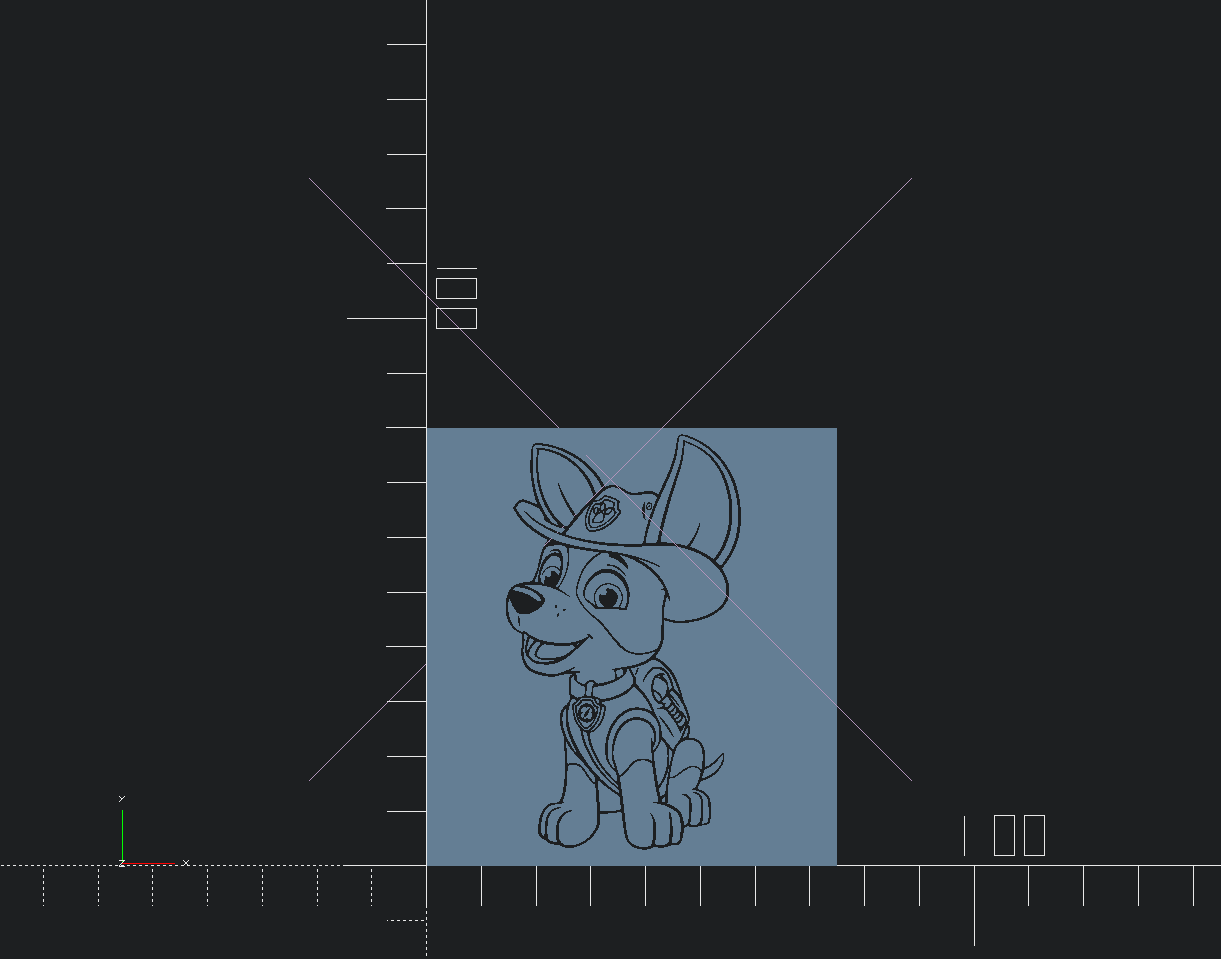
You can use the free application OpenSCAD, and do this in code:
 module logo(height) {
    linear_extrude(height = height) {
       scale(0.15)
       import("powcontrol.svg");
    }
}

 difference() {
    cube([75,80,1 ],center=false);
 translate([13,1,-1]){
    logo(20);
  }
}
Export as STL
and color the image in different colors in Bambu studio.
Thanks!
My part is a round drink coaster 105mm round and 3,5mm thick and my graphic is round also, I need to scale it up to fit the coaster STL though
How do I change the cube in the code to a circle?
Is it as simple as replacing cube with circle?
How do I import my graphic? and would I have to change it to black lines like in the image and then colour it in Bambu Studio?
I am not very competent with Open Scad, I have only used it to run a random crystal generator, I print them in natural PLA and place them on top of an LED/RGB light puck
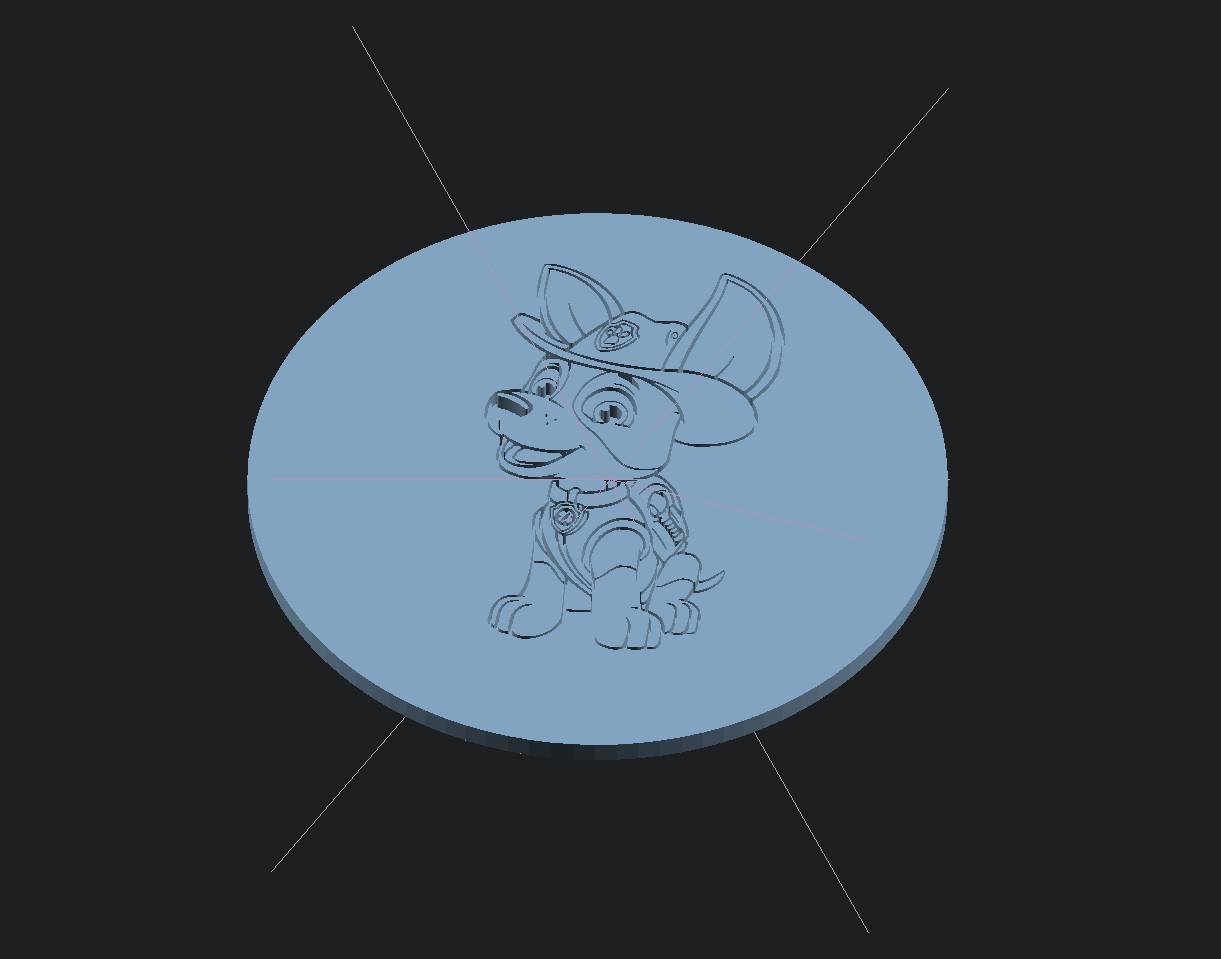
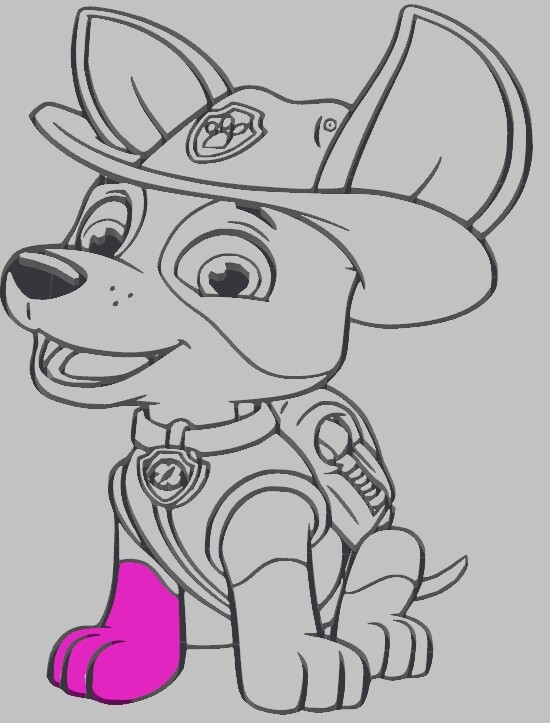
Just export to STL file, and color in Bambu studio. (just click on the images parts)
put the *.SGV file in same directory where your project will be saved.
I think you can use the paint feature in Studio. I’m new to all this too.
I Am having the same issue. When upload the avg it’ll only allow me to paint it one color. Please help!!
Thanks for this golden nugget of information!
Exactly what I created an account to find out! Thank you for this.
Welcome to the Forum, Jimmy!