I have A1 printer with AMS Lite. Every time i start a new print selected filament will be loaded and certain amount of filament will be flushed through hotend to get rid of whatever was used in last print.
How do I control how much of filament will be used?
When I make a print with red filament and the next one uses white filament the first layer of new print will have pink skid marks…
So I would like to increase that amount.
I’m not talking about filament purging mid-print when swapping colours but filament purging before print even starts.
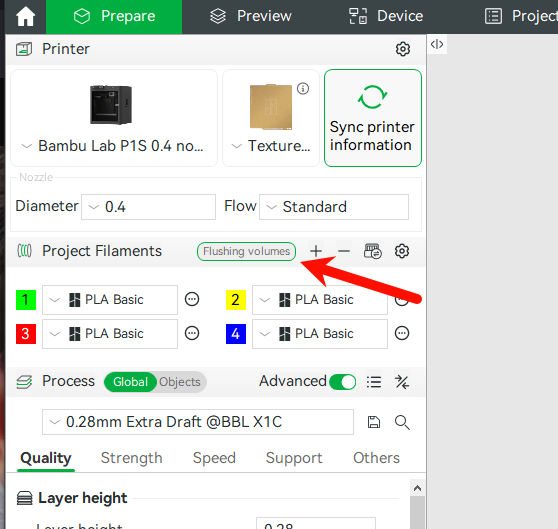
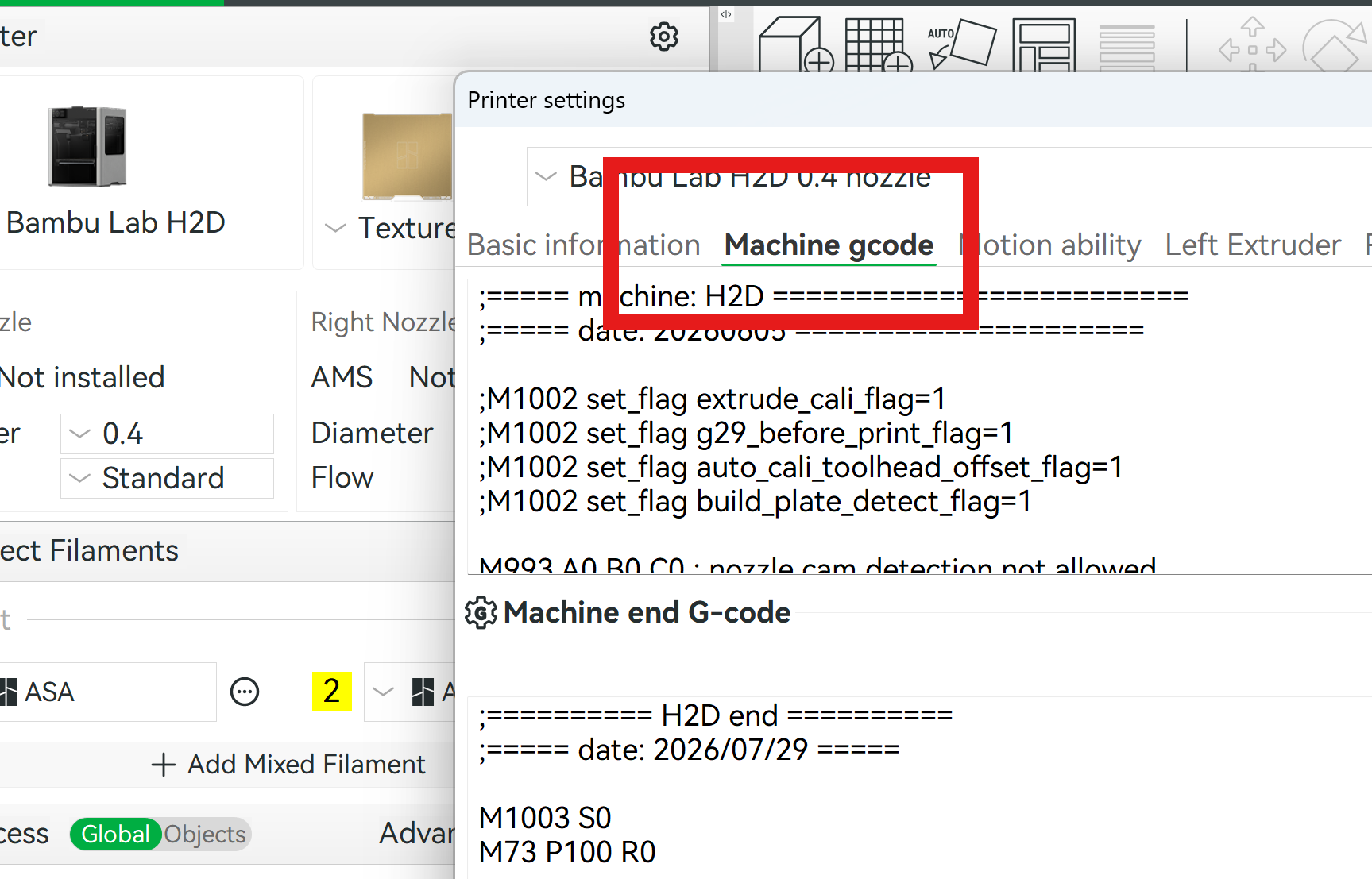
Adjusting “Flushing Volumes” is for transitioning between filament but does not effect the initial purge before prints begin. The only method I have found for this is to adjust the gcode as this is where the initial purge takes place.
 ?