I would like to use mold mode like Cura to create concrete molds out of TPU filament but cant find the settings. vase mode makes the mold too flimsy. Cura doesn’t like to talk to P1S
Bambu Studio does not have a built‑in “Mold Mode” toggle
-
Import figurine STL
-
Add a cube → scale to mold size
-
Mark figurine as Negative Volume
-
Add two cylinders → mark as Positive (alignment pins)
-
Add a cone → mark as Negative Volume (pour spout)
-
Duplicate the block → split into two halves
-
Slice using Even‑Odd mode
-
Print both halves
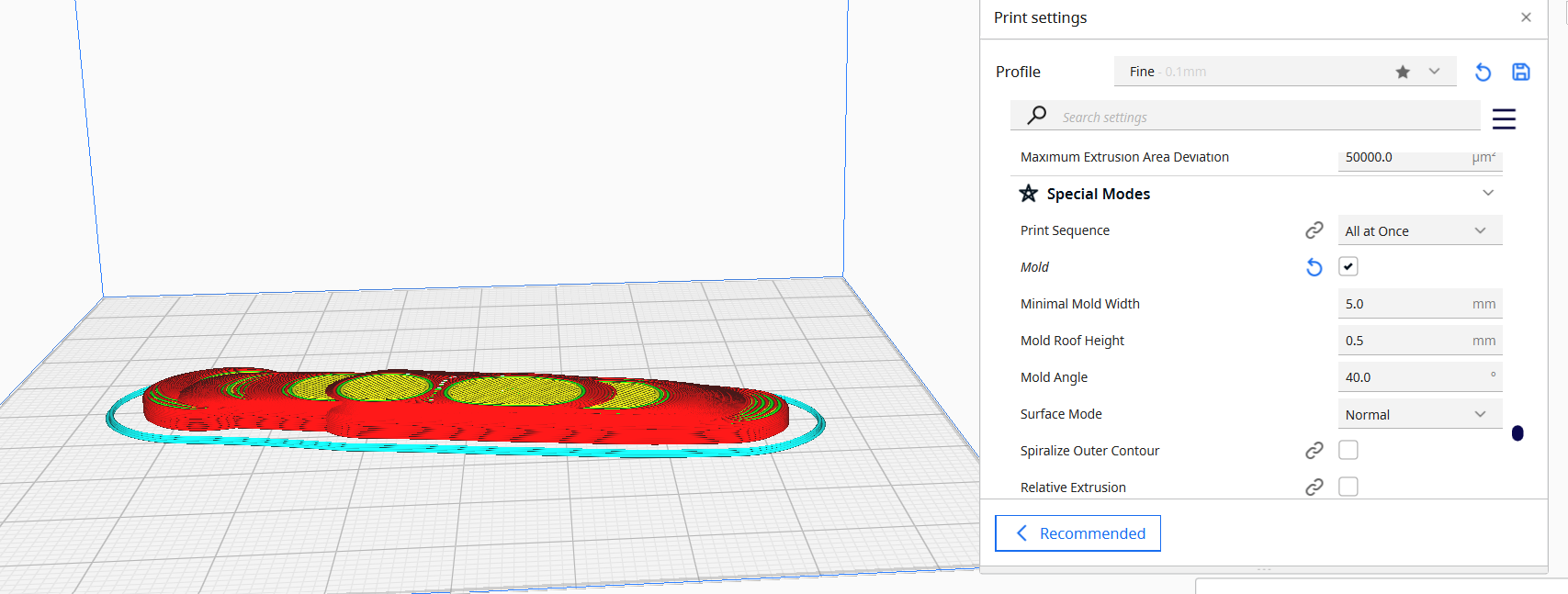

Thx I will definitely give that a shot.
I may give it a try but the mold I’m making is an open mold for concrete patio pavers (200mm rhombics x 60mm Thick). seams a little involved but I’m always up for a challenge.