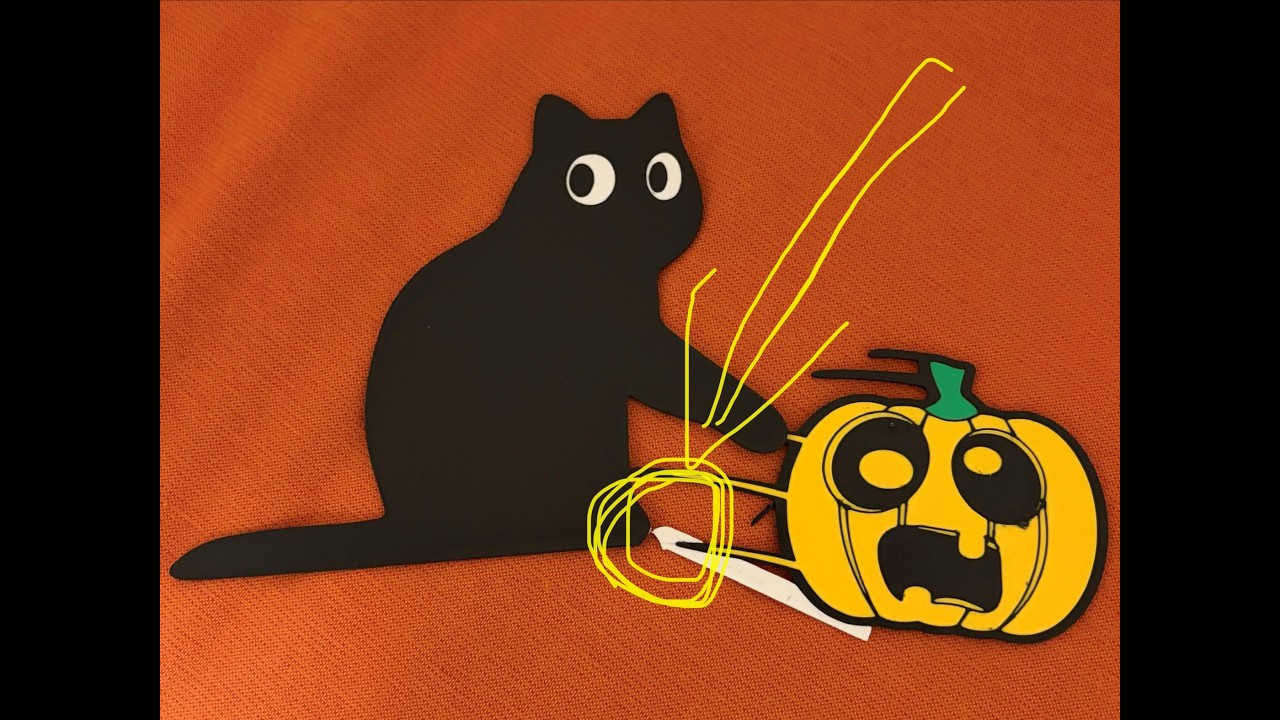
Multicolour prints can look fantastic but hide a major weakness: seams between colours that extend through the entire thickness of the part.
This video shows how to identify those weak areas in Bambu Studio and fix them without using CAD. By keeping the multicolour detail on the visible surface while creating continuous layers behind it, you can dramatically reduce the chance of the print breaking along a colour boundary. Bonus - a faster print, less color swaps and less purging
A simple trick, a stronger print, and no need to redesign the original model.
 Unfortunately, I tried that in Bambu Studio and the second cut creates non-manifold bodies.