I want to start contributing so here is the question for those experienced users:
I have two figurines of cowboys that I want to model into an stl file or 3mf file so I can print them on my printer. Was going to use my phone to do the modeling then import into Tinker Cad. Is this the best way? Is the correct way??
All I find online is how to get a “photo” into an stl file. I got tired of looking. All input and advice appreciated as I have no idea but want to learn.
Since it sounds like this is your first time doing this, here’s the plain version:
Scanning apps like Scaniverse, KIRI Engine, or RealityScan use your phone’s camera to take dozens of photos around the figurine and stitch them into a 3D model - this is called photogrammetry. It works well for small objects like figurines if you shoot in even lighting. You export as a mesh file (STL/OBJ).
Raw phone scans are always messy: bumpy surfaces, holes on the underside the camera couldn’t see, and no flat bottom to sit on the print bed. Meshmixer (free, Autodesk) is built to fix this — it patches holes, smooths noise, and flattens a base so the model actually sits on your printer.
Two issues with tinkercad. First, it’s designed for building things out of simple shapes (boxes, spheres) - it has very limited tools for repairing a messy scan. Second, it has a hard import limit around 300,000 triangles (and a ~25MB file size cap) — phone scans routinely come in well above that, so the file may simply fail to import until it’s been cleaned up and simplified elsewhere first. IMO tinkercad, if you could get it to work at all, would be frustrating as all get-out.
I’d go with meshmixer, then if you need a base, you can add it in your slicer.
If you want to keep it simple and just dip your toes in the water for now: The tools Bambu offers on its website: MakerLab
Otherwise, what sblessley said.
I’d also advise against using Tinkercad; there are free versions of professional software available. It’s not really any easier or harder to learn than Tinkercad, but you’ll be learning software, like Fusion, that’s also useful in your career, for example.
That said, I’d recommend Blender for organic figures and objects, i.e. curvy ones, like a human.
Thanks for the info. So if I don’t use the phone as a scanning tool, is there a better setup? Does Meshmixer scan also? What would a decent set up be to do what I want?
If you’d like to try it out right now without buying any hardware:
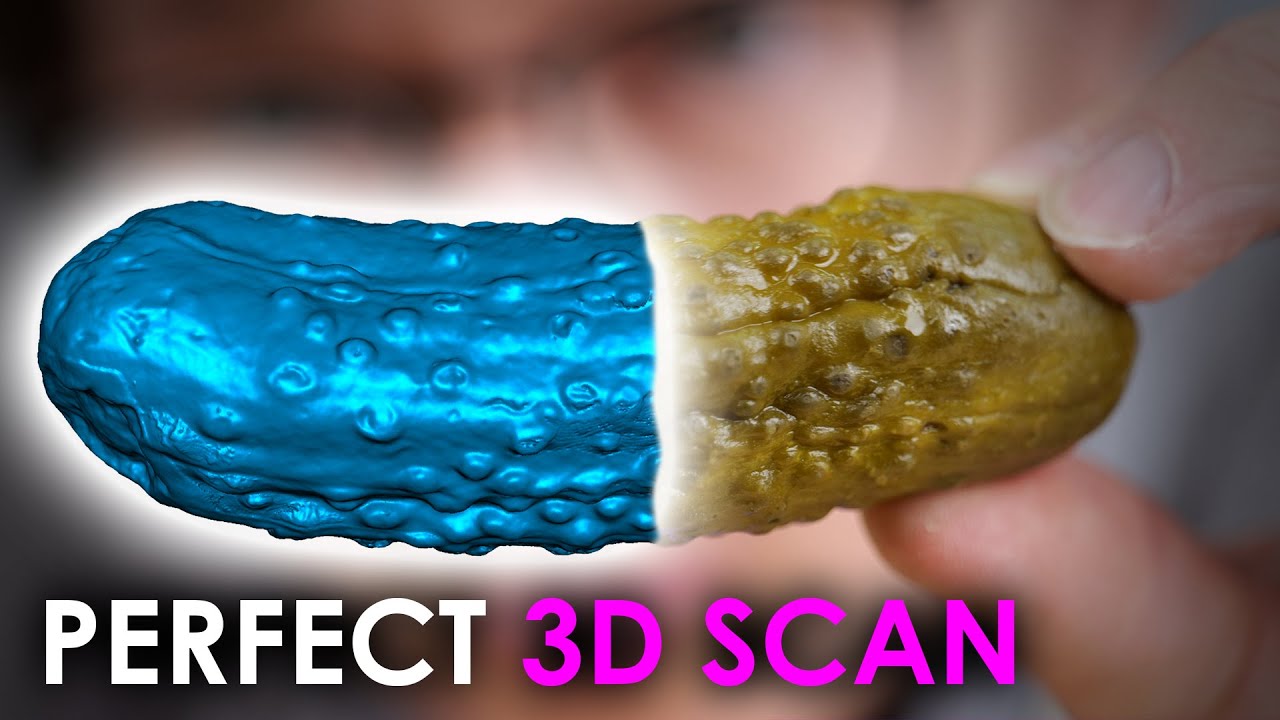
There’s professional scanning software available. You can also do it with your mobile. This is on a whole different level than what you usually find online - it’s designed for architects and drone pilots, but it’s also perfect for 3D printing. I’ve already digitized quite a few sculptures with it.
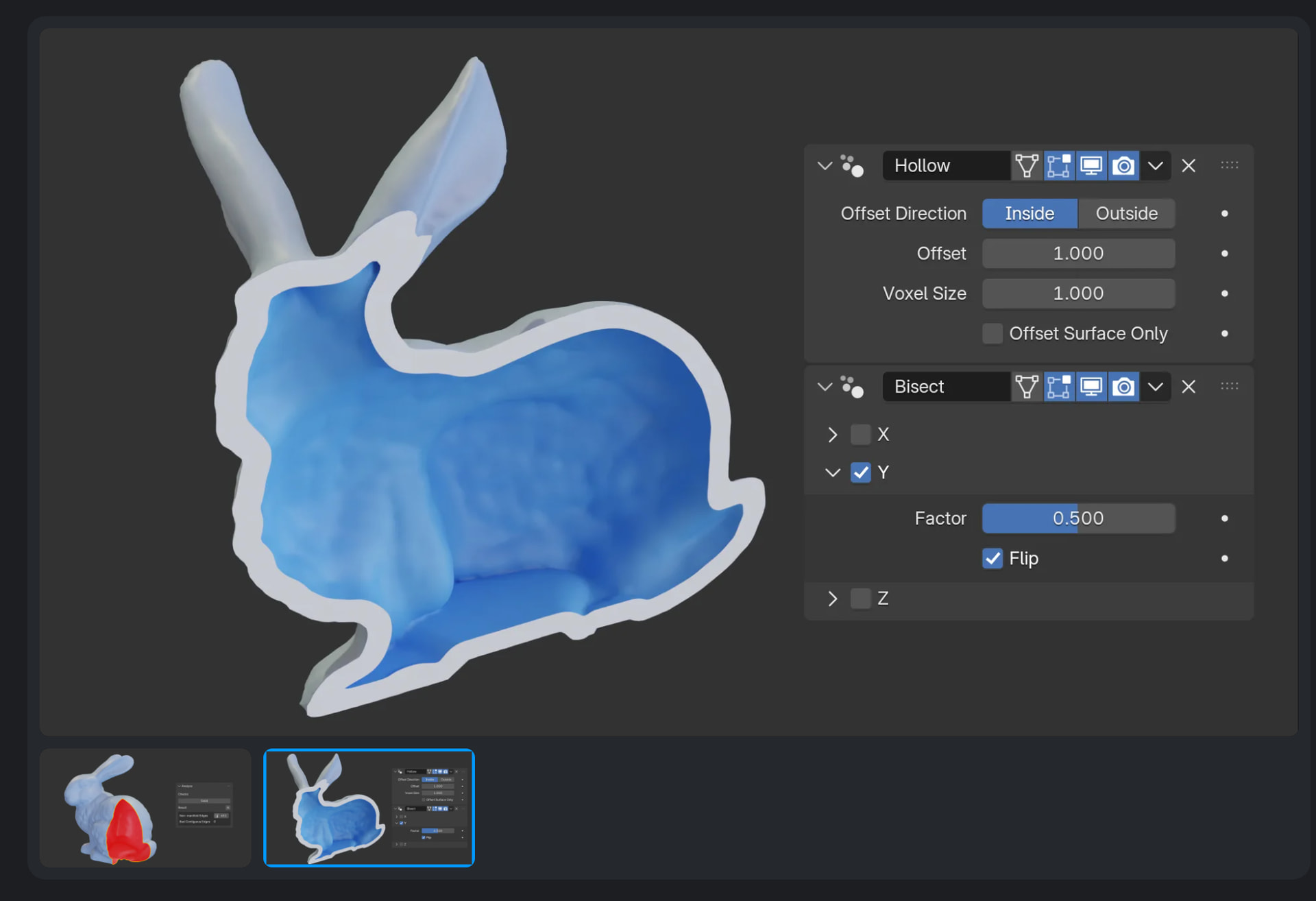
Just a quick tip: Try this toolbox for Blender that’s designed specifically for this purpose.
Unfortunately, Meshmixer is pretty outdated when it comes to repairing 3D models - it reaches its limits very quickly and offers very few options. That’s why I recommend switching straight to the professional Swiss Army knife for this kind of thing.
It can also repair models that Meshmixer can’t handle.
Another difference is this: The tool I’ve linked to can repair the model in various ways. Meshmixer, on the other hand, reinterprets the model - although they call this process ‘repairing’. Sometimes, you just want a proper repair rather than an interpretation. It’s not that one way is worse than the other; you just need to be aware of it.
That’s why I personally stopped using Meshmixer - it’s nice for casual users, but as soon as you have models with real defects, which unfortunately happen very often with 3D scans, you simply need professional tools. Which, by the way, doesn’t mean they’re harder to use - it only takes a few clicks, too.
So confused. Is anyone using a setup that works? I want to scan/photograph/model several cowboy figurines and import them into “something” to be able to creat an .stl or .3mf file so I can print them. The physical figures are very detailed. I have looked at the following: Shapr3D, Prisma3D, Tinkercad, Onshape 3D cad, Qubism, nMake, Putty, Clar.io, Meshmixer, and 3D Zephyr. Some are expensive and some are “free” but I am looking for a set of tools that actually work from a maker that actually does this work. It can’t be that secret, no? If not, can you at least direct me to a tutorial/video where I can learn? TY.
Unfortunately I can’t (since you replied to me). I think it would be useful to learn though.
There are a lot of people doing the scan 3d object / print 3d object stuff. There are some special cameras designed just for scanning things in 3d. There’s also programs that use simple cameras and the Apple 3d scanners built into some devices. But no idea what their names are or which might be best.
You could always ask AI I guess. Or, find models similar to what you want to make and message whoever made them. They might answer you. Or someone may reply with what you need.
I can totally imagine that this might be overwhelming. There are just so many possible solutions that lead to the goal. However, it’s unlikely that you’ll find a “set” that can do everything or exactly what you want.
What works for me might not work for you, and vice versa. For example, I’ve been using the free version of 3D Zephyr for years - it seems that it’s not the right fit for you, which is totally fine.
However, there’s no such thing as simply inputting a photo and getting a perfect STL file in return - not even with AI.
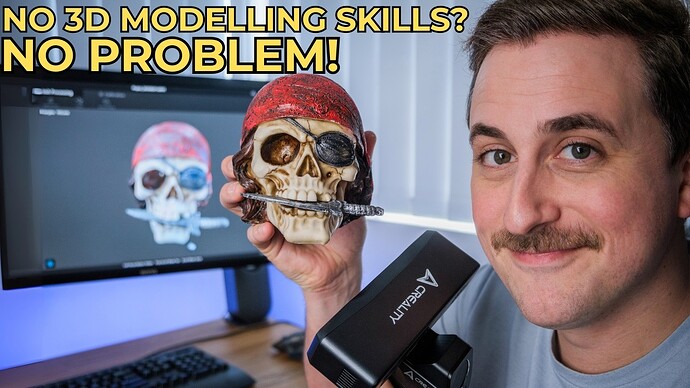
You could take a look at some 3D scanners - maybe that’s more in line with what you’re looking for: Here’s an example - this isn’t an advertisement for any specific brand, but it should give you an idea of the workflow. That said, you’ll also have to learn how to use this software and the hardware.
Best answer I had so far. Thank you. I will look into it. I do not know how to “fix up” an stl/3mf file, but I will try to learn now that I have a direction. Thanks again!
As much as I said Meshmixer’s functionality has been incorporated into Fusion, Meshmixer was where I started learning about modifying meshes. It’s clumsy and there are bugs in it but it was useful for seeing how meshes can be repaired and combined.
It’s got a weird-looking interface that is context sensitive so some actions you can do appear and disappear unexpectedly and makes finding some commands difficult until you get used to it.
It still works but has its issues. But may be worth using as a stepping stone?
you need 3d scanner if you wan tto reproduce them, then use scanner software to clean the mesh, and then you can use meshmixer to clean up even more. If you want to create them from scrach Nomad sculpt is the best sculpture software out there to start with. It is not easy if you are starting from zero. Or use MakerLab tools
Yes, I am starting from zero. I mostly have made doll house furniture for the wife but recently have been making cowboy Fastdraw awards. My friend has some expensive bronze sculptures of cowboys in shooting poses that I wanted to make a model of. Just dont know where/how to start. I will look into a 3D scanner. Thank you!
Scanning with a 3d scanner needs some money and experience, there ist a learning curve.
Recently I had to print some figurines of people for someone. We solved this with some photos of the persons that were converted with 3daistudio into stl files. The printouts have been my job, they came out very nicely.
I think MeshyAI offers the same feature, I experimented there a bit with a free account
So I suggest to take some photos of your figurines and let an AI do the job.
 Best answer I had so far. Thank you. I will look into it. I do not know how to “fix up” an stl/3mf file, but I will try to learn now that I have a direction. Thanks again!