I have a bad FPC cable and Bambu sent me a new one, there is no guide on how to replace it, just on where it connects to the TH board…
Is there a video on how to do this? Or on how to take apart the front end to get to it?
Thanks!
I have a bad FPC cable and Bambu sent me a new one, there is no guide on how to replace it, just on where it connects to the TH board…
Is there a video on how to do this? Or on how to take apart the front end to get to it?
Thanks!
There are instructions…
You need to skip steps if only replacing the FPC, as stated in the wiki:
Replace H2D Extruder Connection Board/TH Board/FPC Cable
Yes, but those instructions do not include the other end of the FPC cable… it runs thru the toolhead and connects to the back of the extruder…
I was able to get it connected with a lot of fine hemostats and tweezers…
Thanks!
I am suppose to receive a new Toolhead Sensor FPC Cable so I will be replacing mine as well. Any advice or pictures you took that would help me. I agree the instruction are not complete. And does anyone else think that Bambu Labs is dropping the ball with repair. I understand maintenance but this is repair especially since i have had the machine for 2 days and got two prints out of it before the error occurred. This is pretty detailed for the average person to take apart the entire toolhead.
No pictures, but I did find videos how to on the toolhead disassembly (the link Bambu support sends does not provide enough detail or it just includes removal of the part cooling fan)
The parts to replace are these two cables: Toolhead Sensor FPC Cable | Bambu Lab US Store
It is really one cable, split into two and then broken out.
I will say that removing the X axis from the H2D is worth doing, it will reduce your frustration since to replace the cable (which includes the FPC and hall sensors), you can do it here…
How to remove X-axis (if you find yourself struggling with access to the toolhead:
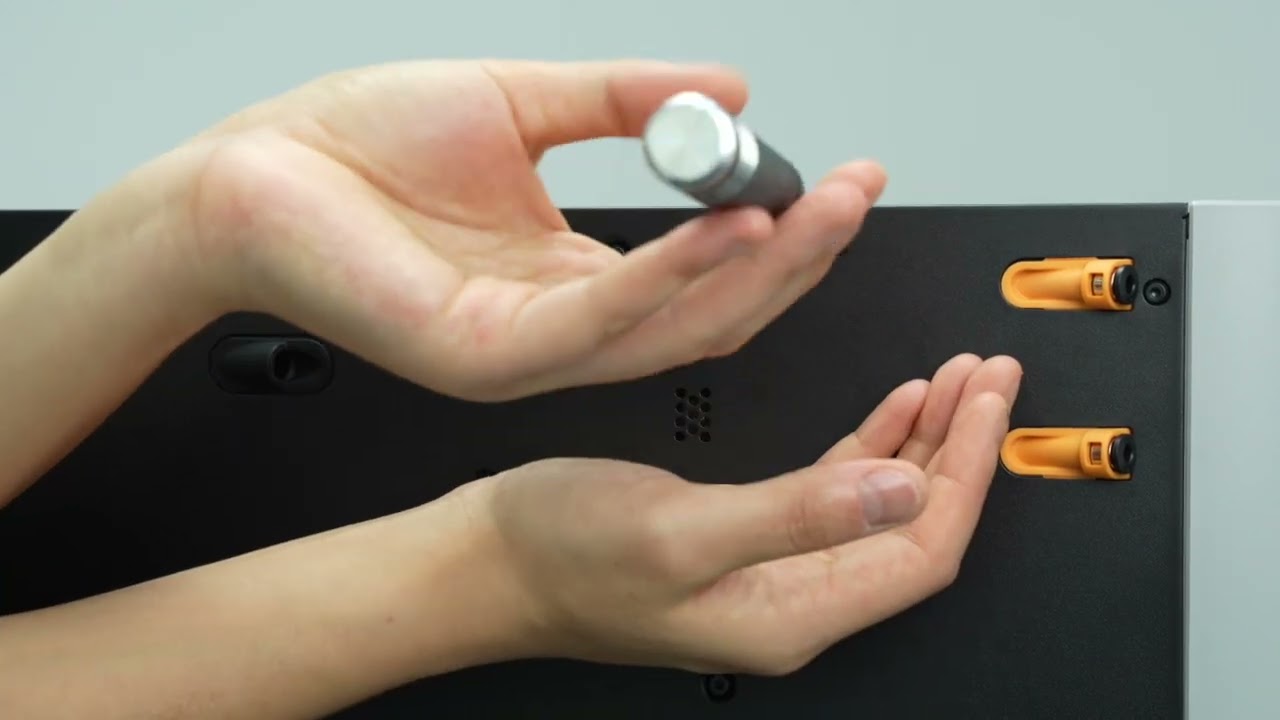
Toolhead disassembly/assembly videos:
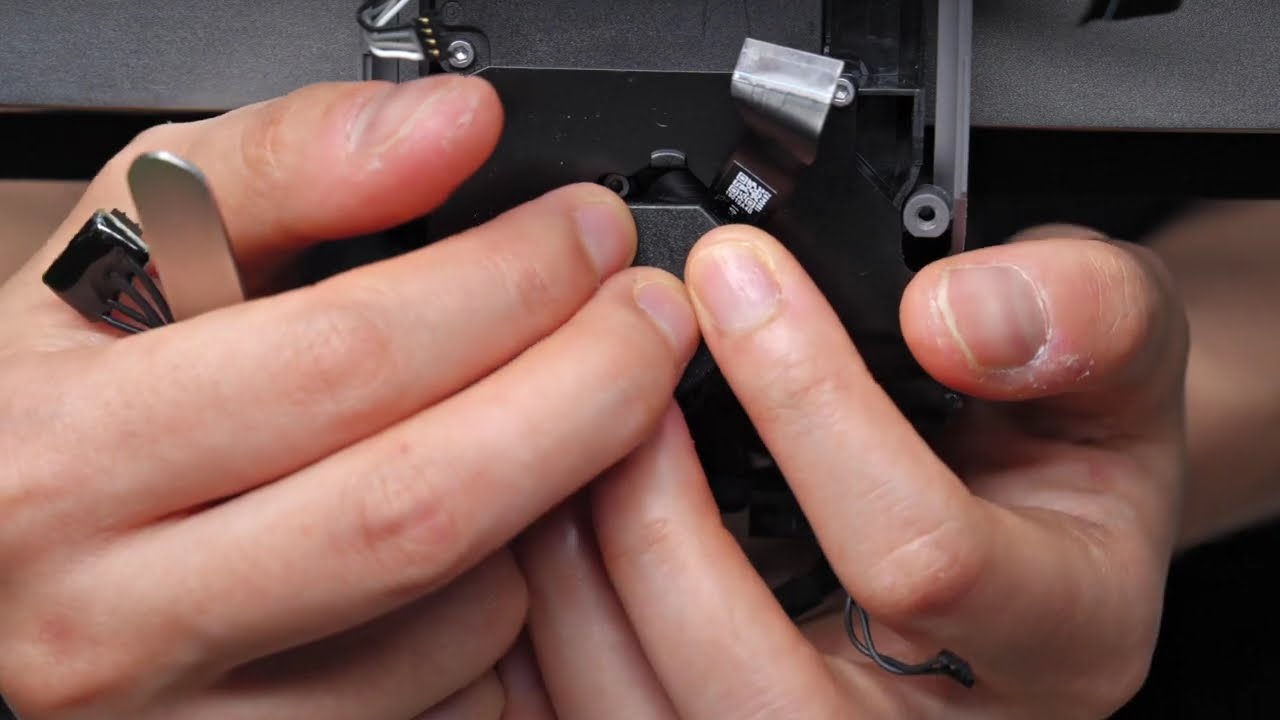
and
I will note that after replacing these cables, the printer is running fine.
Since my H2D is reporting that the left and right filament cutter sensor is malfunctioning, Bambu Lab support has asked me to check the cable, which for me look undamaged. I have replaced the whole extruder and the error persist. My idea then is to replace the thin straight cable with the one that came pre-attached to the new extruder.
Question, is it possible to just drag the old cable through? If so, I’m thinking of attaching the new cable with some captontape, to the old cable and gently pass it with that method. Any comments on this guys?
So, there are two issues here… you need to mount the cable to the back of the Extruder plate… (the cable has adhesive and you will need to remove the part cooling fan and the circuit boards on the back to disconnect the extruder and filament selector motor cables, pull the extruder plate with the extruder stepper motor and then remove the cable and replace it…
I actually removed the entire X axis to work on it, I could not fit and maneuver inside the cabinet…
My cable looked undamaged as well, but since replacing it I have had zero issues.
Thanks!
I have most of the stuff dismantled, and the brand spanking new extruder ready. You are then saying I will need to remove both electronic boards as well? The sensor cable is the one identified in the wiki, “Step 2: Reconnect cables” marked as “3” in the first picture?
You only have to remove the board right under the part cooling fan and the Extruder plate where the stepper motors mount… but you have to take a lot of screws out to get there…
I have this exact issue right now, plus not switching extruders and a module not connected one. Is there a way to test without the need to assemble all for just finding out it doesn’t works. Have both H2D and H2S and H2D is close to trash between failures, and errors like this.