How to support this

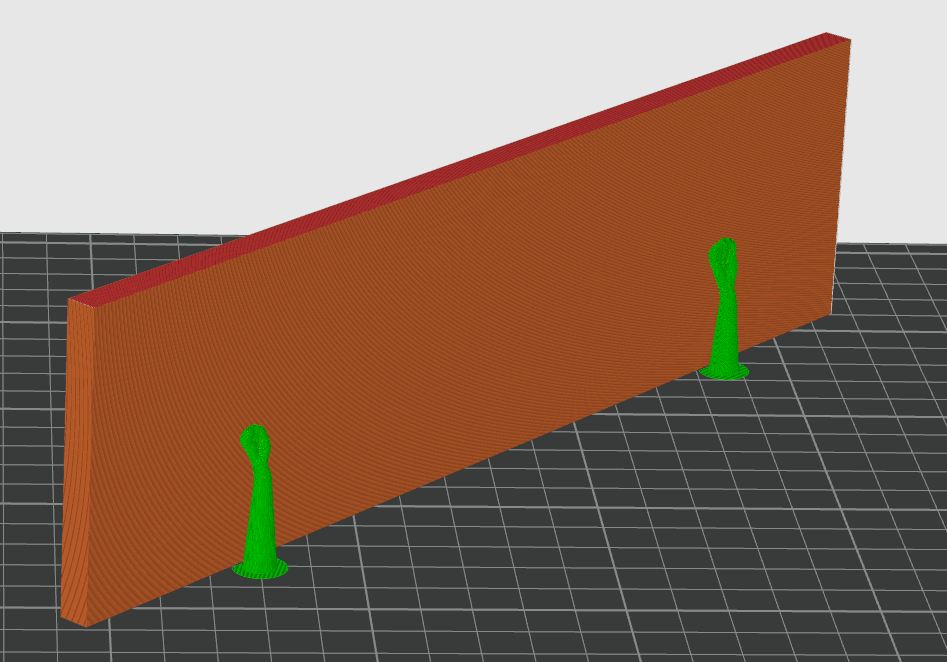
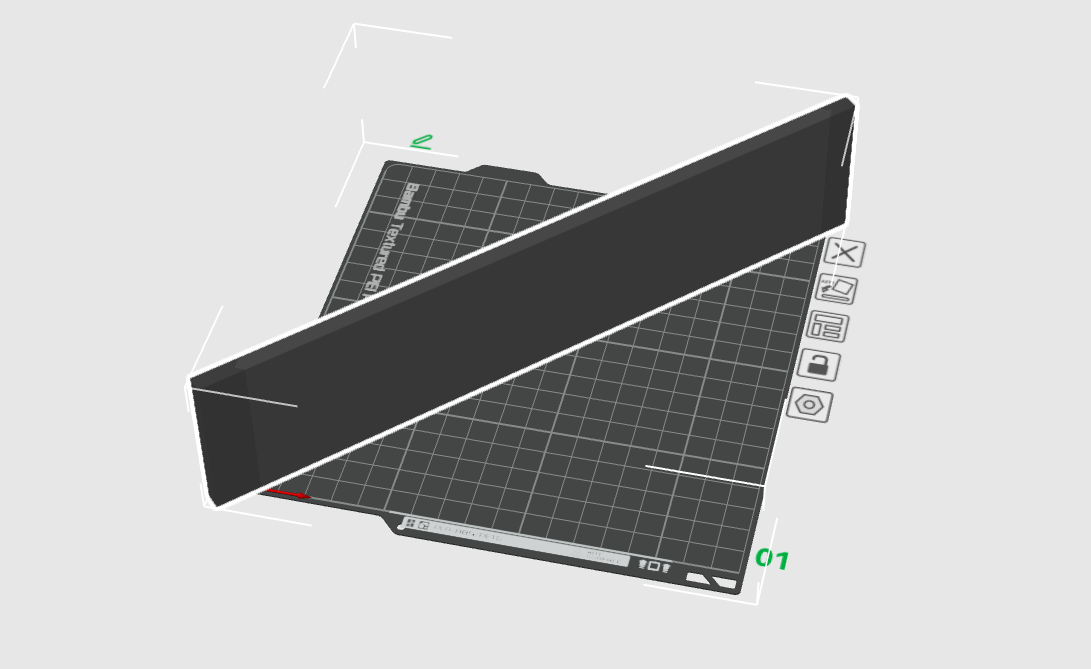
I am trying to print a 280mmx 7mm draw divider on an A1 mini, due to the size I am printing it on it’s edge (7mm), and it keeps falling over mid print

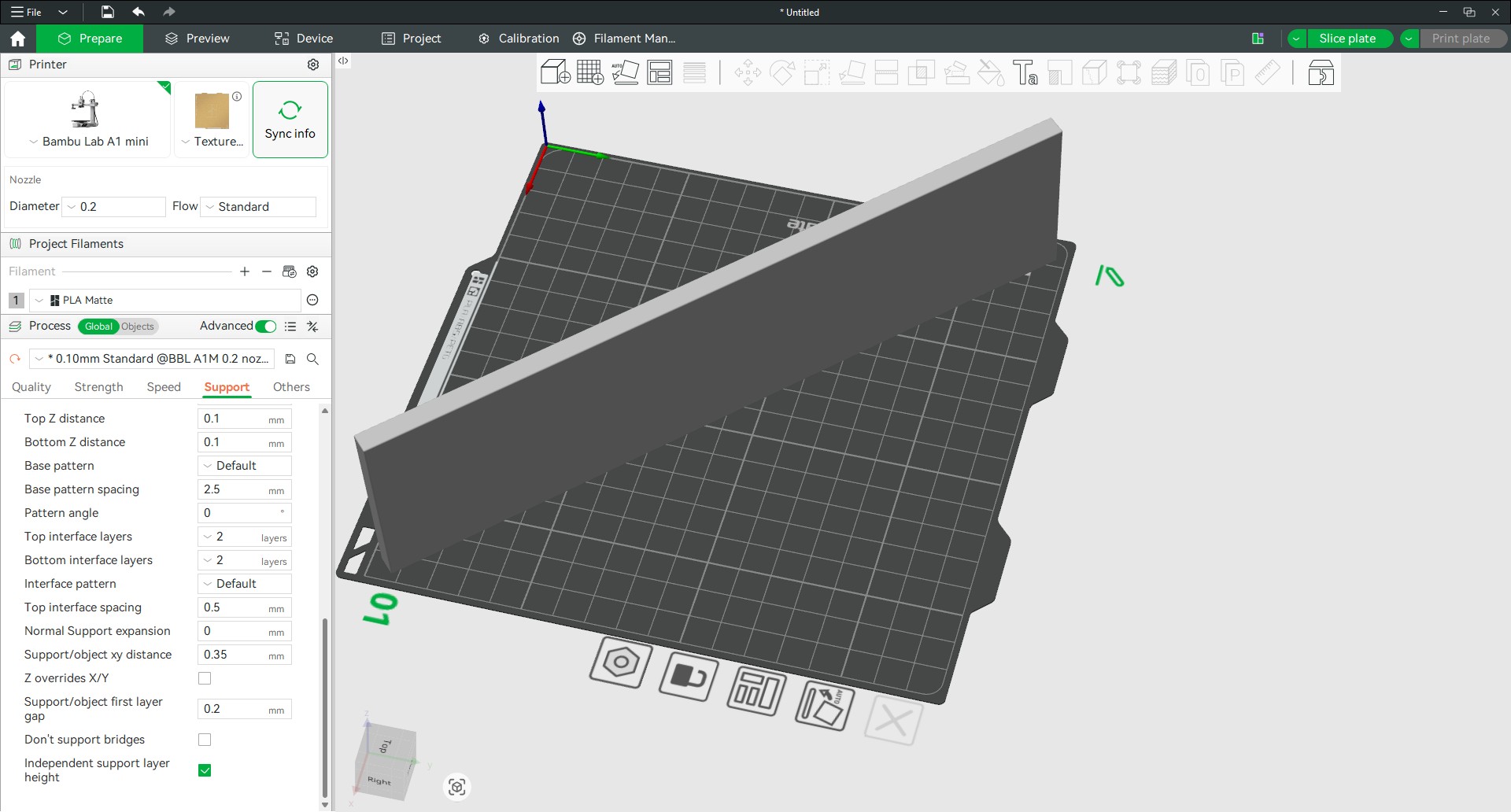
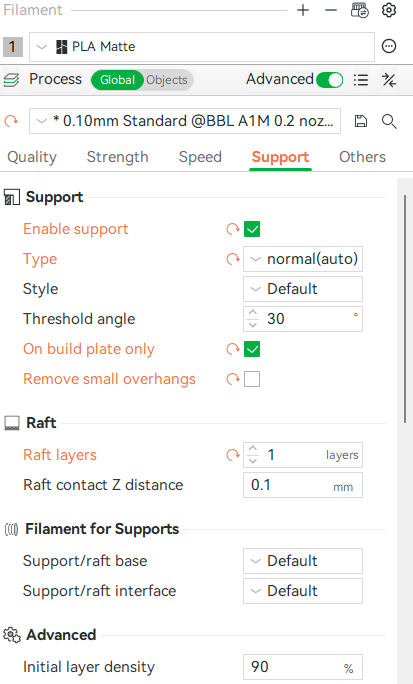
How do I enable support between the item and the base

I have enabled support but don’t see how to enable this kind of support. In addition, I don’t see any support showing in the prepare or preview windows

Thank you for any help

Welcome to the forum. I would suggest you upload a picture of the issue and the .3mf file as this will clarify your problem.

Support does not appear in the Prepare window; it is generated during the slicing process and then is shown in the Preview window.

As Jon said, we need more information to find a solution. Saving and uploading the .3mf project file from Studio would be best, so that we can see both the model and the settings you are using.

Yep should of done that

Thanks I am not sure how to post a project file here "
“Sorry, the file you are trying to upload is not authorized (authorized extensions: jpg, jpeg, png, gif, heic, heif, webp, avif, 3mf).” It is an 3mf file here is the printable link which will pretty much cover what I am trying to print Modular Drawer Dividers Remixed for 3D Printed Dividers by Iceman | Download free STL model | Printables.com

Hope that will sufice

It is falling over at a specific height? Or around the same?

First step I would do is adding a brim and making sure the bed is clean.

Second would be to switch the infill to gyroid if it isnt already.

Third step would be to add speed modifiers at higher layers.

Falls around 50% Print 50%

You sure you are talking about the 280 one?

Also why are you using a 0.2 nozzle?

Sorry to fast on the keys no 240mm I added a brim that looks like it will work

Ignor the nozzle it defaults to that one but I am using a 0.4

The 7mm width should be pretty stable, and the brim should help.

I never use Grid infill, which unfortunately is Studio’s default. The nozzle path crosses over itself at the same height at every intersection. If the filament cools and hardens before the crossing takes place (as it may on this long piece), the collision can knock a part over. Use gyroid, rectilinear, or another non-crossing infill pattern instead.

Sometimes tall, thin parts wobble as the nozzle changes direction and the filament pulls on the part. Manually painted supports on vertical surfaces will not touch the part or leave scars, but can brace the model against this movement.
The Upload icon can be used to add an image file or .3mf project file to your posts:


You can also drag files directly into the editing box, or use copy/paste.

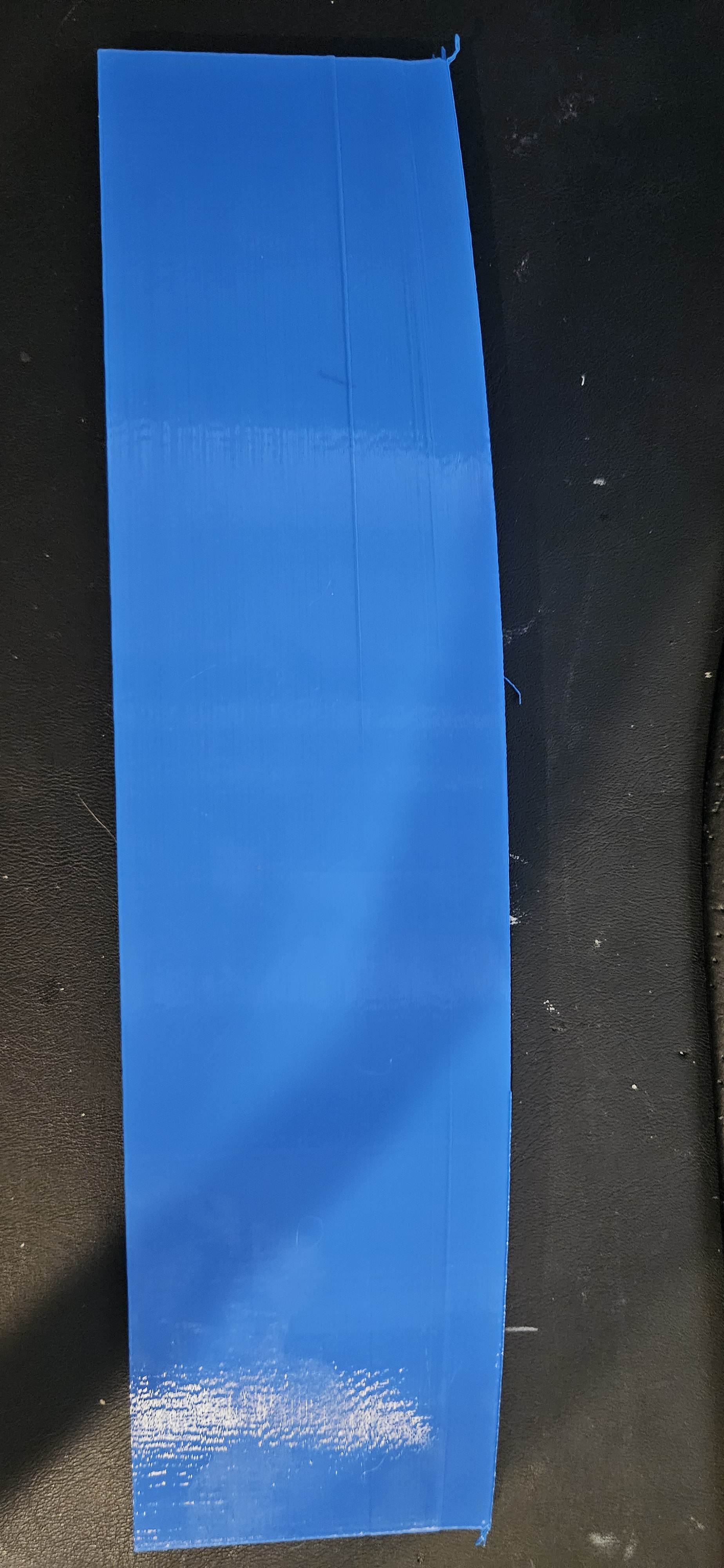
thank you that is the next option as the adding a brim did not work out as expected

Yeah, that was not right.:worried:

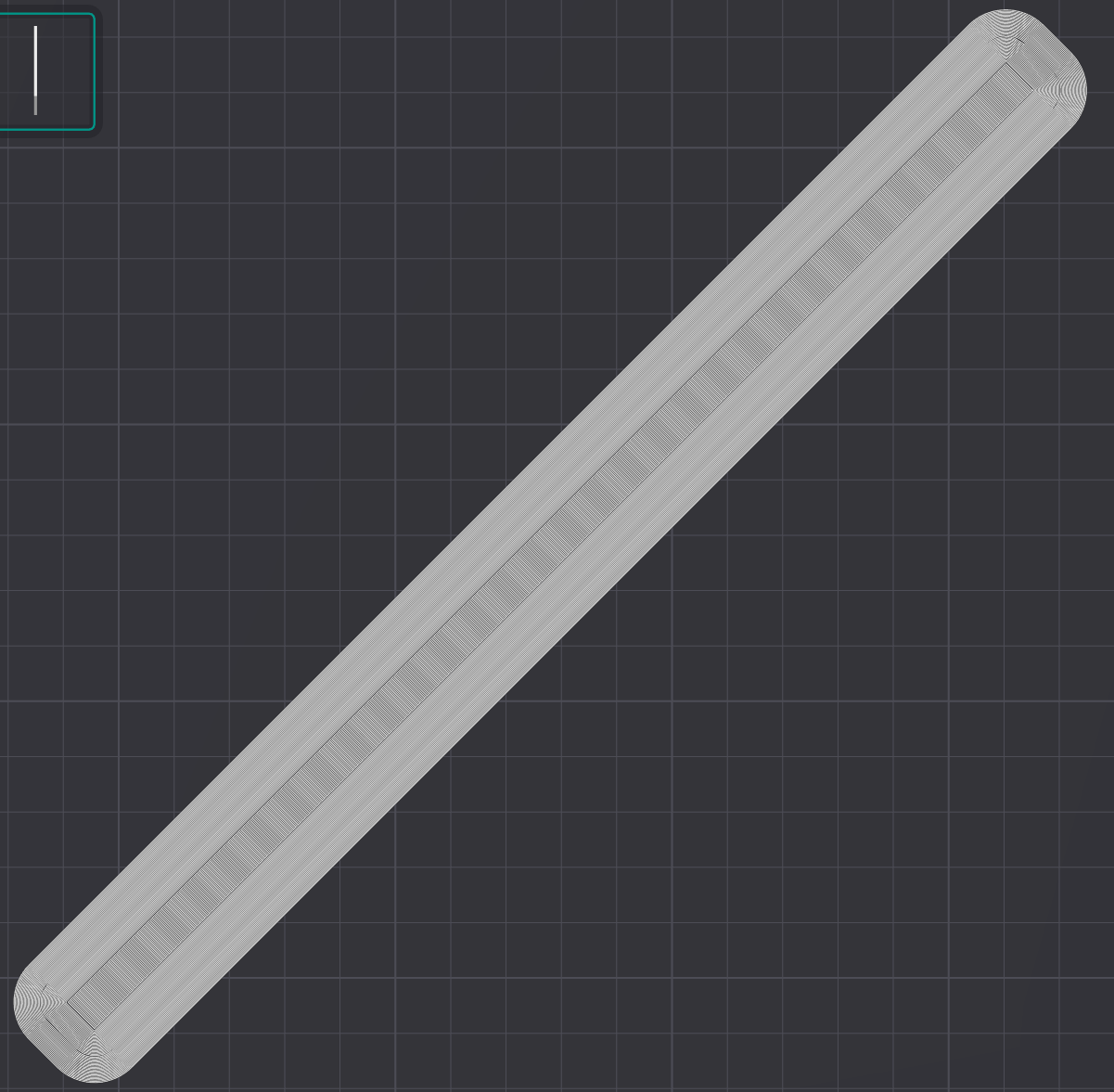
I would have expected a first layer more like this, with rounded brim corners, and a clear difference between brim and model.