Hi, after importing many similar (non-identical) parts into Bambu Studio, I can’t identify them by name anymore in version 2.8.2.61.
In CAD, suppose I have an object “Macro_Lever” with 10 different configurations. I use a macro to export all of them as “Lever 1.step”, “Lever 2.step”, etc. In previous Bambu Studio versions, these would import as objects also named “Lever 1.step”, “Lever 2.step”, etc. But now, they are all named “Macro_Lever”. Two of them need to be mirrored before printing, and I can’t figure out which two!
I also have four ring-shaped objects that I genuinely can’t tell apart after printing (without using calipers. They need to be in a known order on the build plate, but I can’t do that either.
It would be very helpful if you could post screenshots of the same STEP files imported into both versions of Bambu Studio, with the Objects list visible. That would give us a direct before-and-after comparison of the naming behavior.
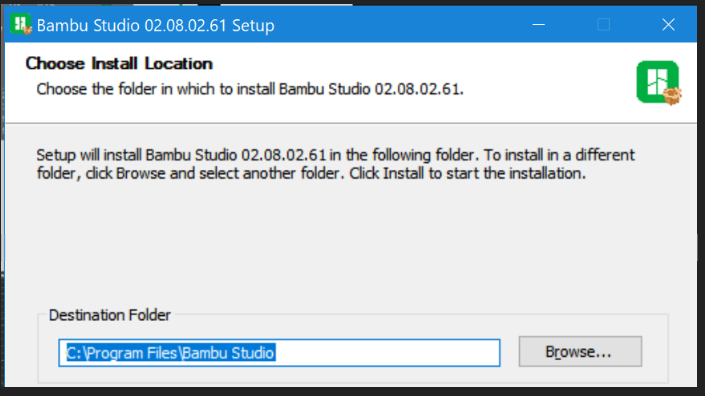
It is possible to run two different versions of Bambu Studio on the same system by installing the second version into a different folder.
The reason this is important is that testing the exact same STEP files in both versions isolates the Bambu Studio version as the variable. Otherwise, we can’t rule out differences in the STEP files themselves as contributing to the change in behavior. If you’ve already performed that comparison, please share those results with the community.