I am trying to print a model on P1S printer with PLA Silk filament.
Yesterday when this worked just fine, I immediately canceled the job because I realized that the filament needed to be changed to the correct color. Since then, a message appears after I press PRINT:
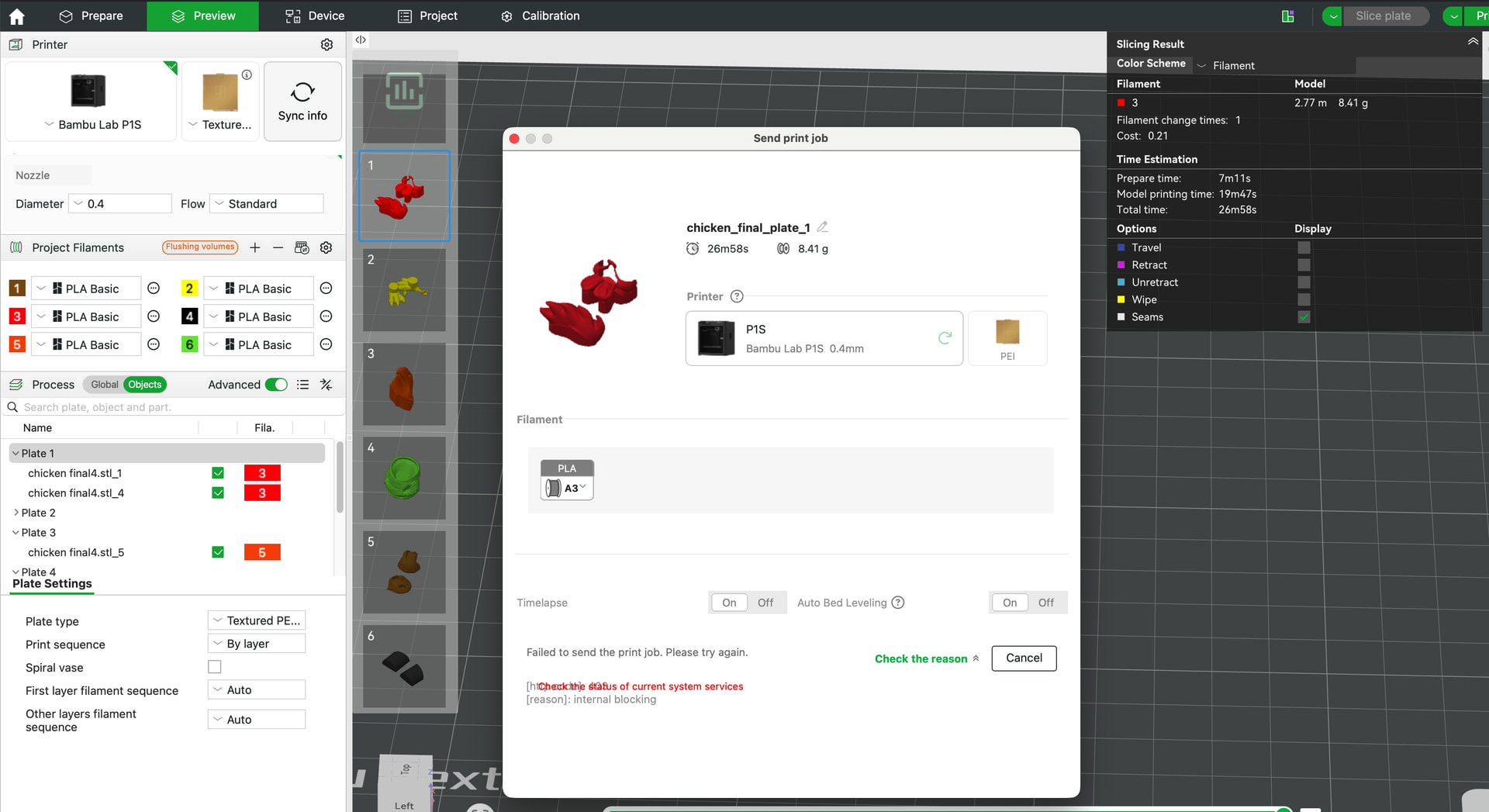
My 0.2 nozzle that originally came with the P1S had a bit of filament that had partially oozed out, so I wiped this off. This, however, did not help the issue.
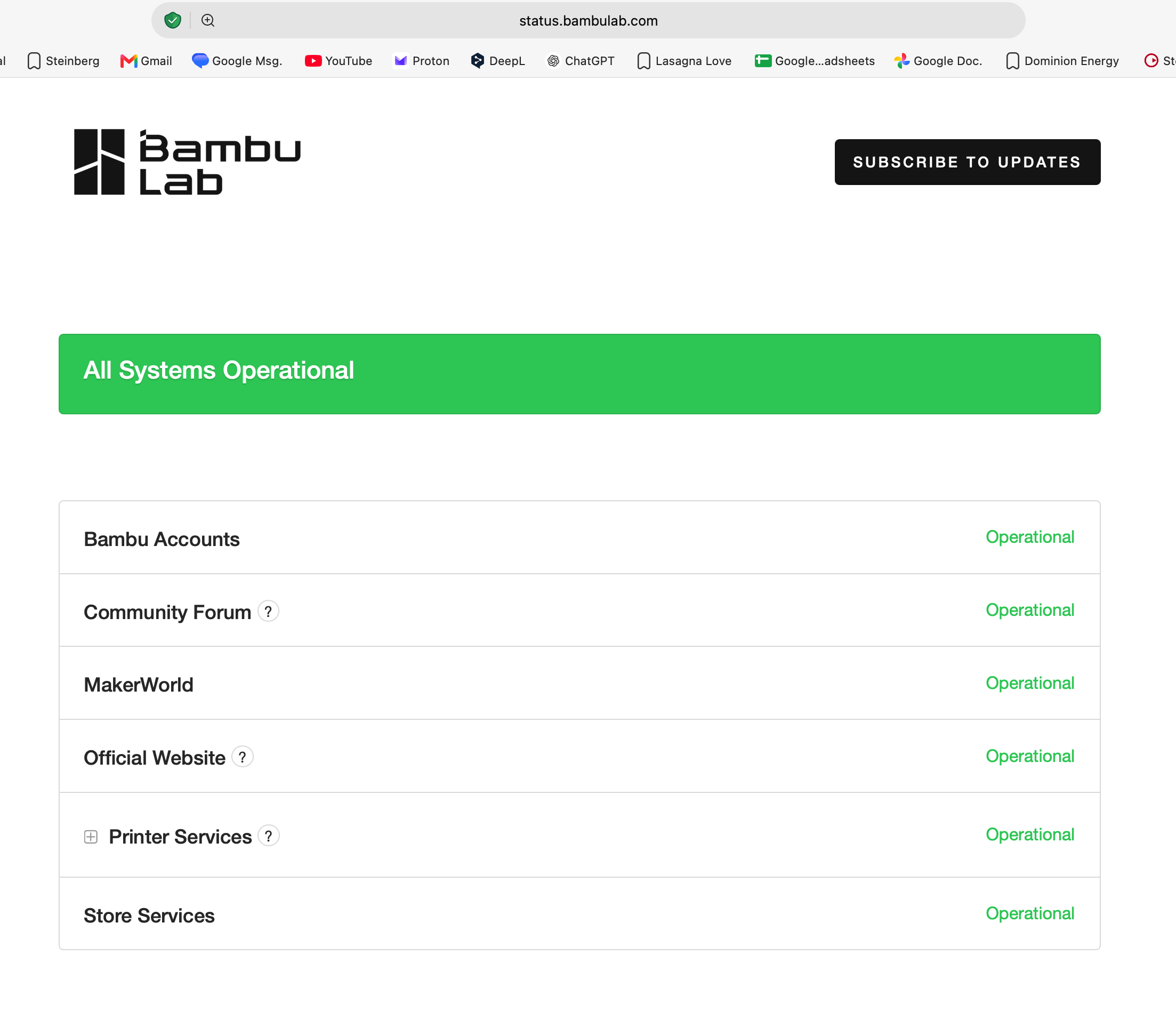
When I clicked on the link Check the Reason, it sent me to this link, where everything is reported to be operational.
Any ideas how I can get this back to printing?
