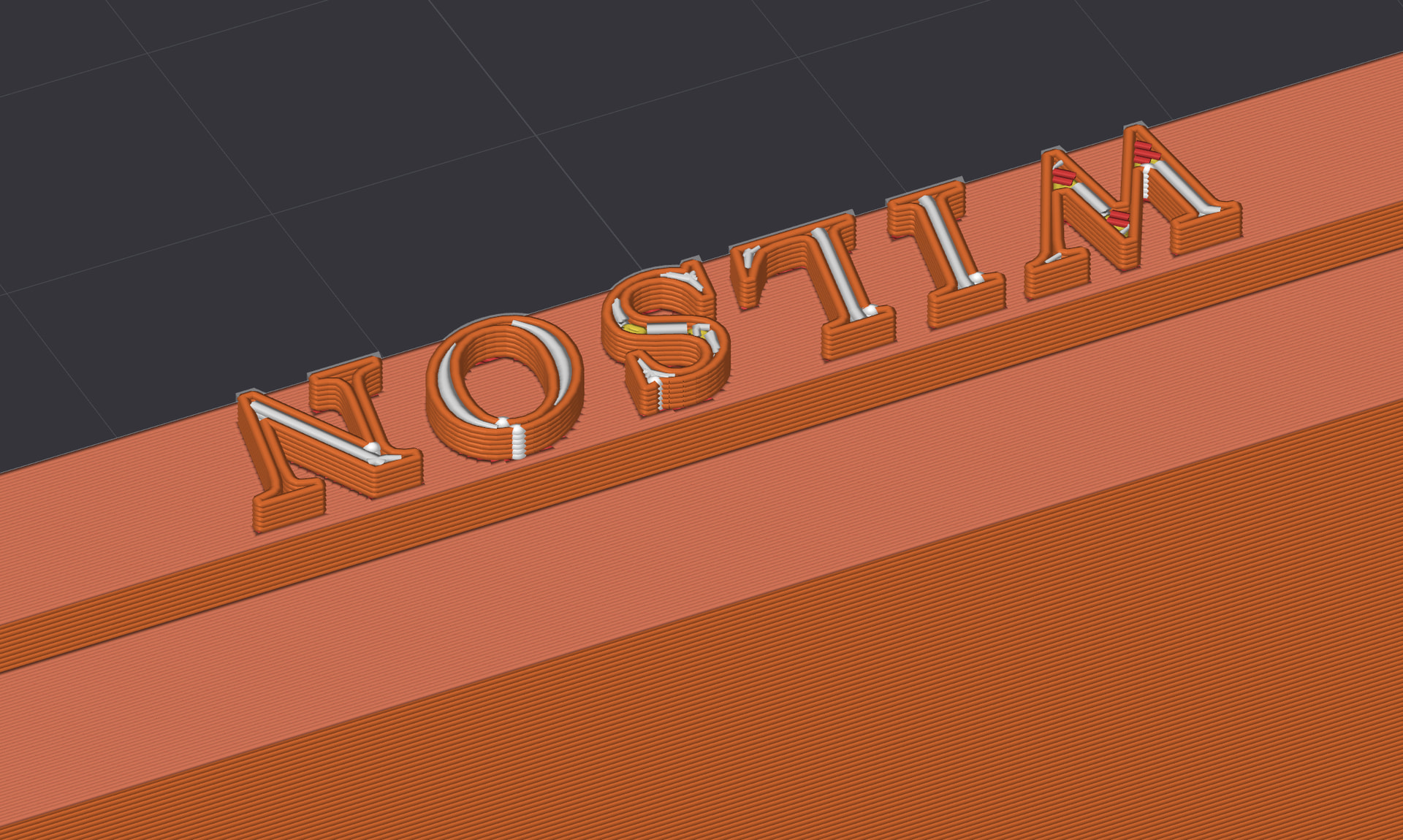
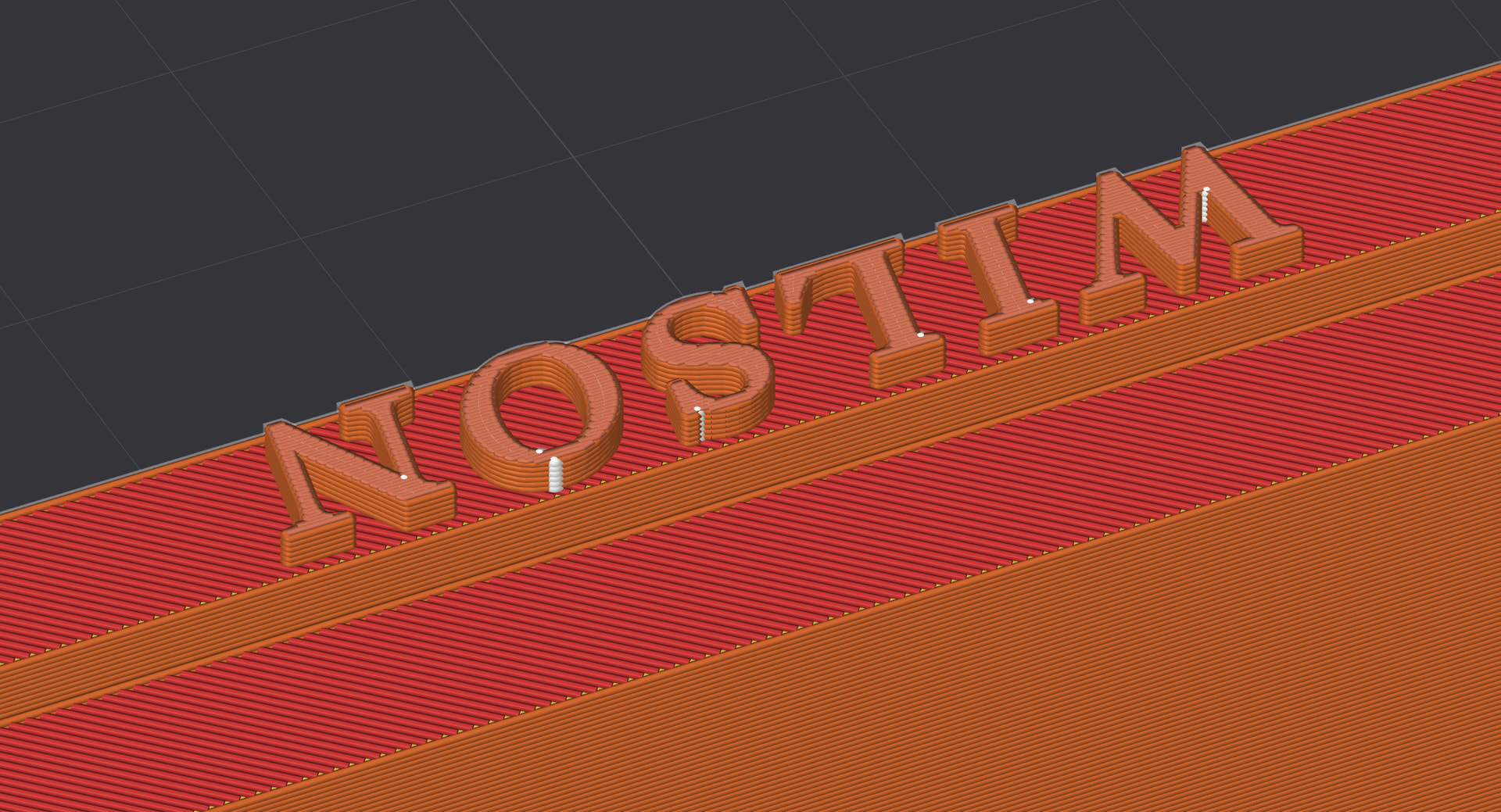
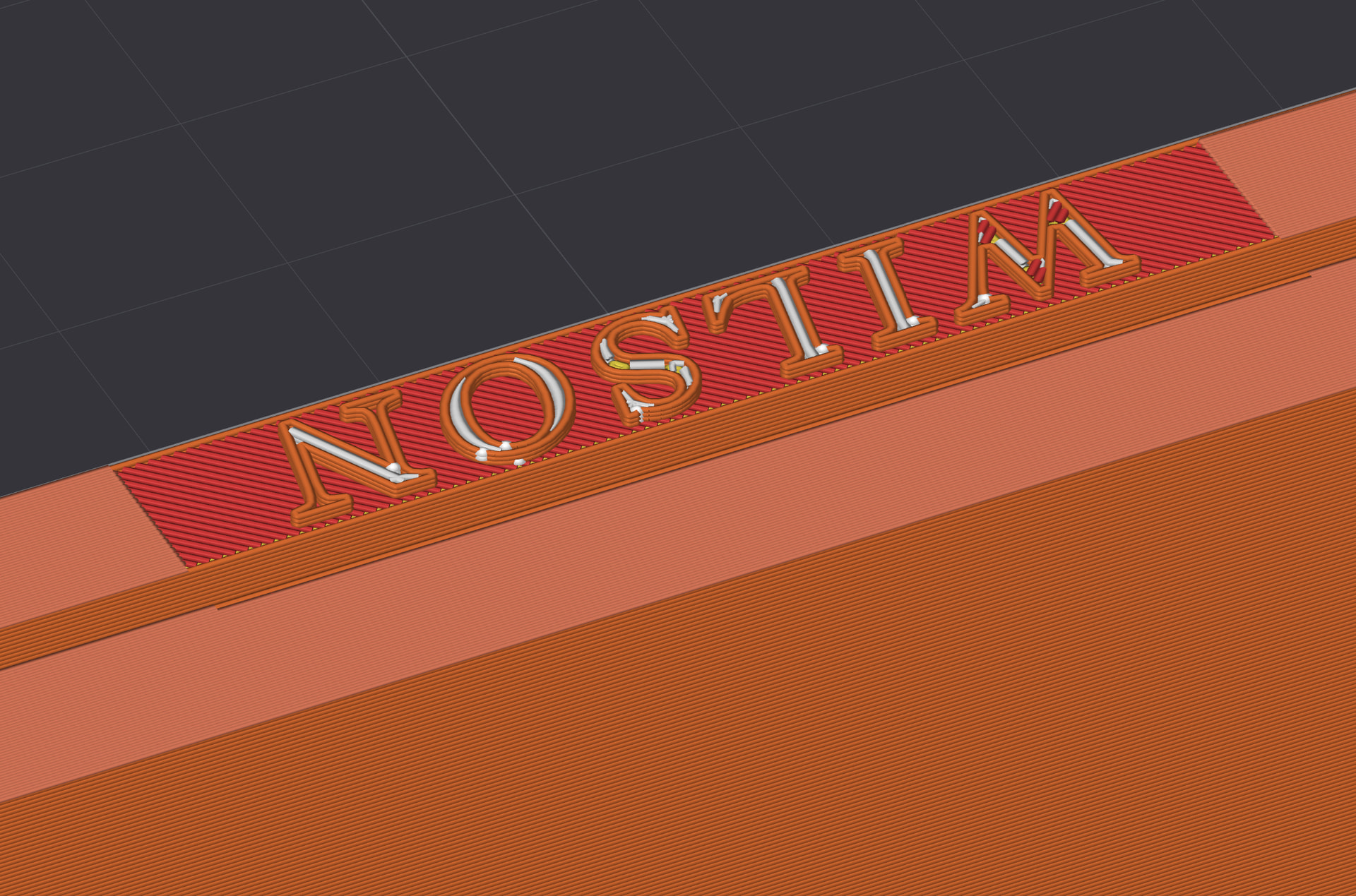
How do i get Bambustudio to iron the whole surface under text? I have tried “Only 1 wall on top surface” and “Interface shells” but it still irons around where the text is which makes it quite messy during the print. It makes no sense to me why it does this.
With this option enabled, top surfaces will have only one wall, giving better appearance to top surfaces, especially for models with a flat top. This option is enabled by default. If you disable this option, the number of walls on top surfaces will be the same as the number of wall loops set in Strength > Walls.
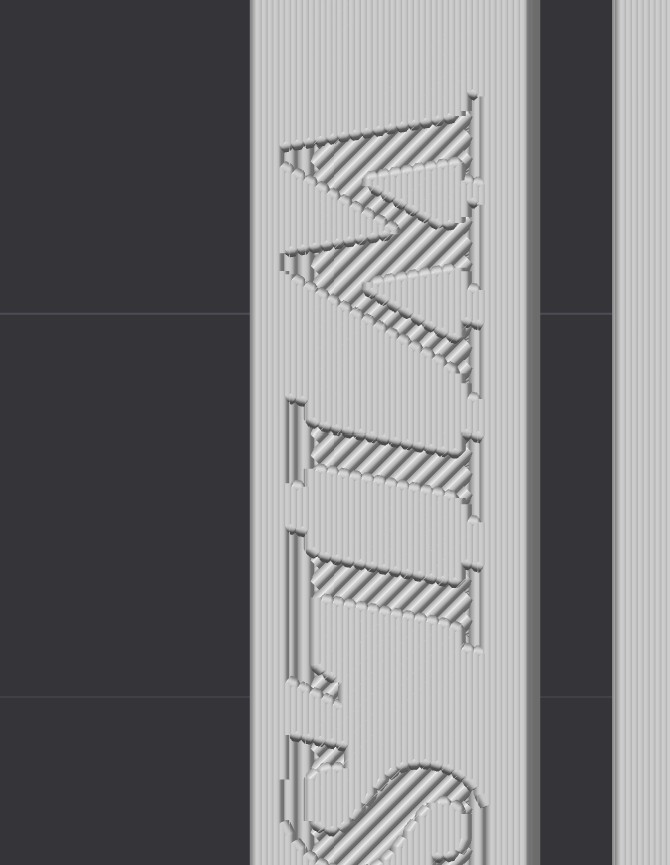
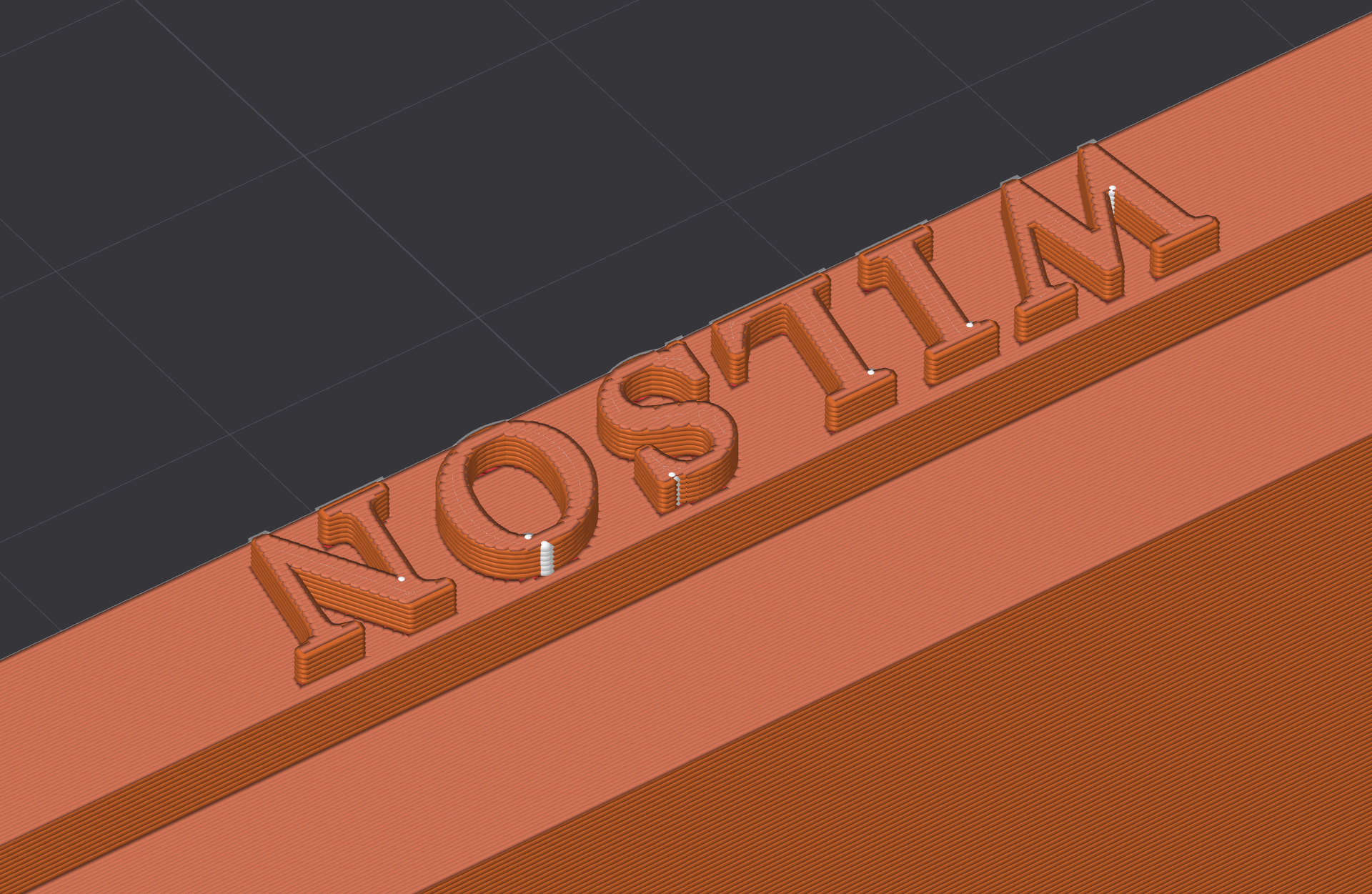
When i slice instead of ironing the whole rectangle shape and then printing the text on top, it irons around the shape of the text and then prints text on top. Works ok with some filaments but not good with TPU.
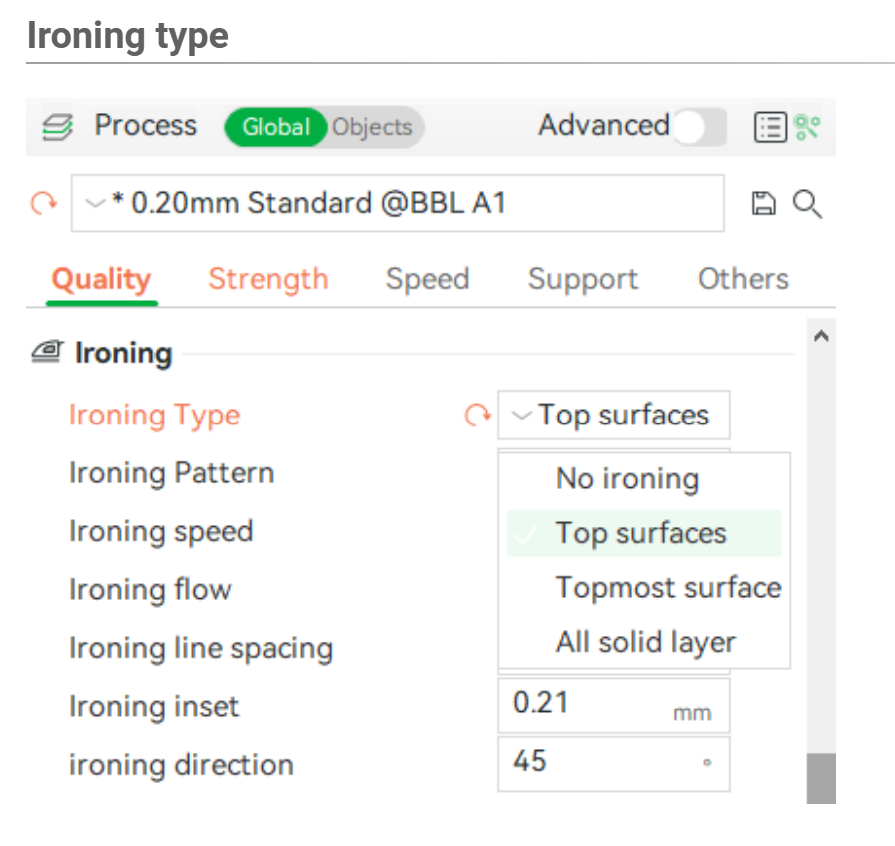
I have “Top surfaces” in ironing selected.
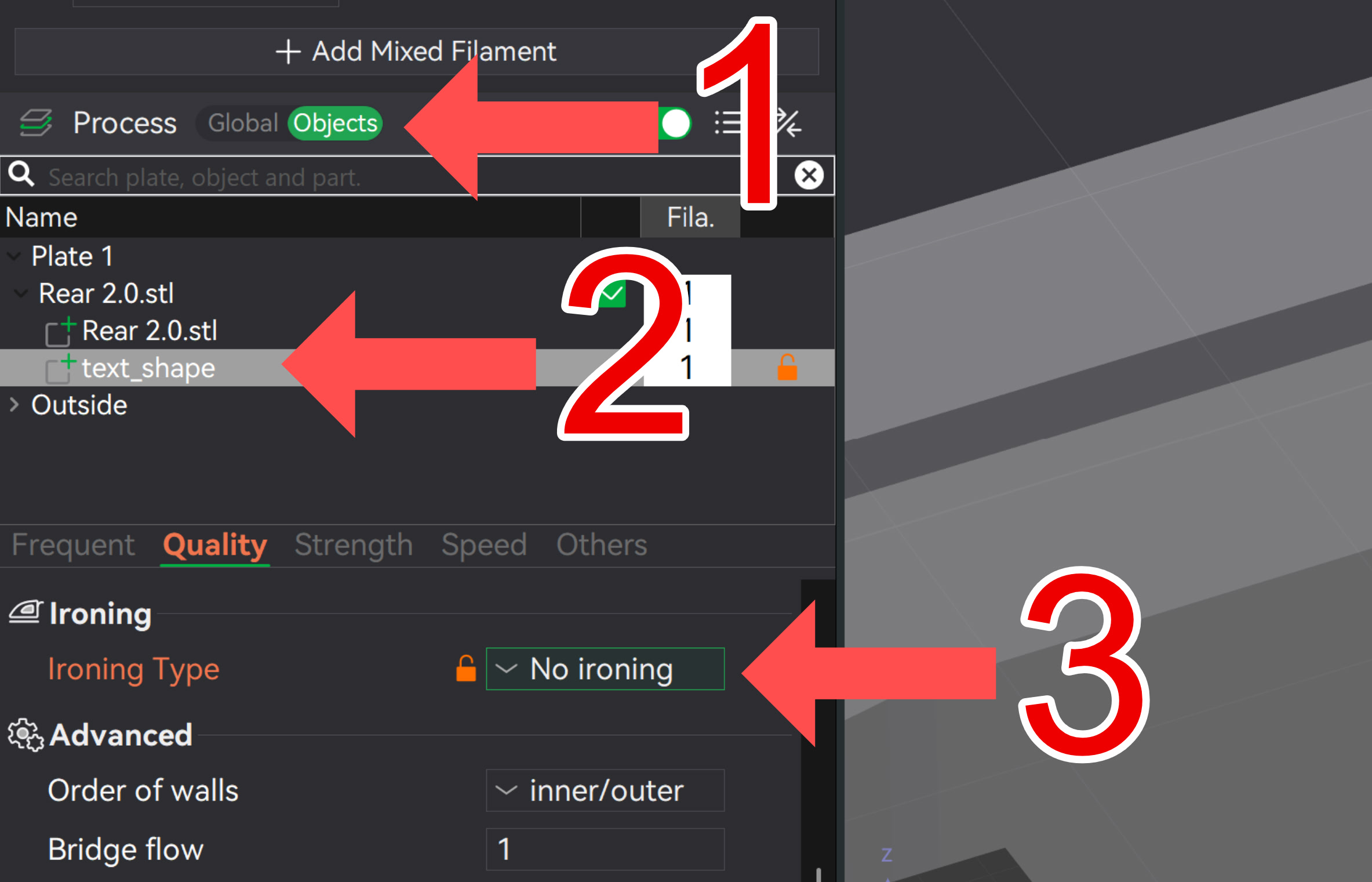
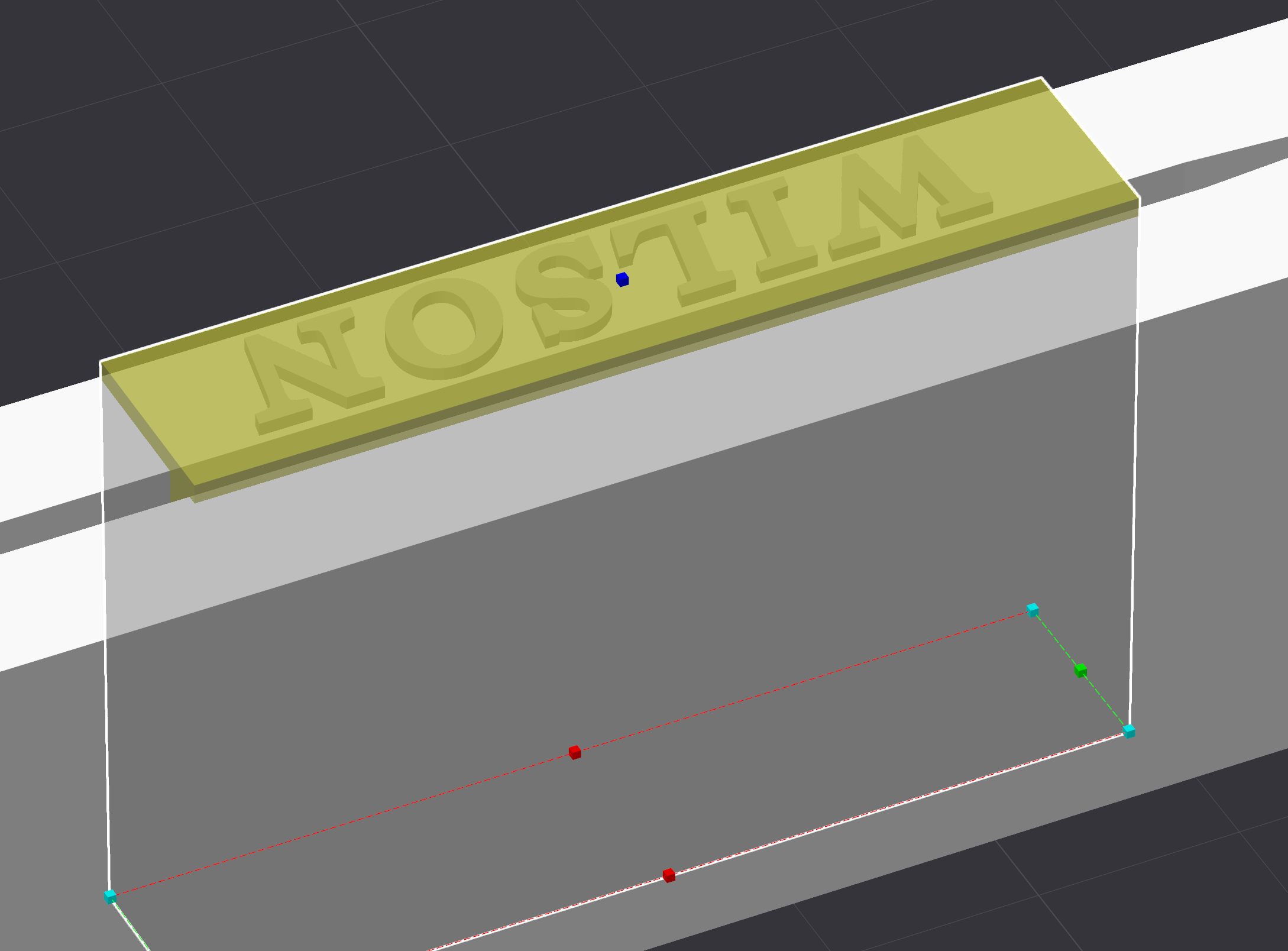
I interpret Jimmy6’s request as wanting to iron level 135 as if the text was not there, then add the text over the unbrokenly-ironed surface. I cannot do so. Tried stuff like 0 bottom layers for the text etc. It seems to me that the text would need to be a separate object, suspended in space to be “virtually” setting on top of Rear 2.0.stl and then they could be treated separately.