Any real world results to report yet?
1 Like
Nobody can tell you that right now, but the Pro model has it too.
For H2D Toolhead Enhanced Cooling Fan functionality will be fully supported after the scheduled firmware update (Q1, 2026). Before the update, the fan will not operate as intended.
1 Like
I see it there in the latest Beta firmware release:

Anyone had a chance to try it and decide whether or not it’s worth it?
1 Like
Unless your room temperature constantly stays above 30C, otherwise I’d say it’s not really useful.
I’m in the beta program, I’ll report back. It’s supposed to prevent the extruder from clogging.
1 Like
I think it’ll improve overhangs as well, at least the H2C deals with them a bit better - it’s not a huge difference, but it does look better to me
1 Like
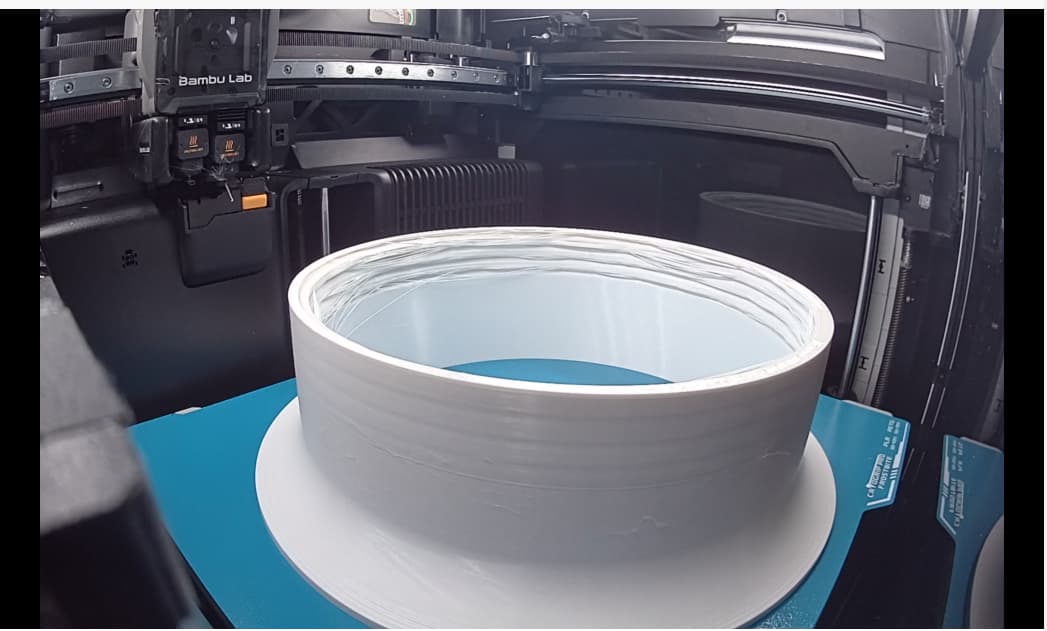
Oops!
I have to say those threads don’t seem to be designed for 3d printing, I don’t think better cooling will be able to help much with that one unfortunately
Regardless, the cooling must be better though, right? Otherwise, why would Bambu have bothered to make the change?
yep it will be better, it’s not day and night better, but it’s better indeed as seen on the h2c, now they’ll need to actually sell it, it’s still not available in the store with the indication of Q1 2026, so i’m guessing they’ll only make it available once the firmware gets out of beta
1 Like
I’d probably get it then. 3D printing seems to be all about small differences that add up.
1 Like
I dug into it further. Closing the loop by reporting back.
Thanks for the idea! Turns out it wasn’t room temperature but chamber temperature that helped control the issue with the non-Pro H2D. When printing these metric ISO threads in PETG, keeping chamber temperature below 30 helped nail it.
That and switching to 0.08 layer height made it print correctly.
Of course, switching to more printable threads than metric ISO was another good idea @h3li0 posted. The metric ISO’s were simply the easy, shortest path in fusion360, so now I know I should do better than that on the design end. Now I just need to figure out what kind of thread would be the most printable.
What layer height were you on before with that screenshot? Mine look identical at 0.20mm and changing to 0.16mm and lower helped massively.
1 Like
0.20mm
========================
The other aspect of it turns out to be more subtle: these metric iso threads terminate by becoming vanishingly thin. At that point if there’s no infill for the thread walls to directly grab onto, then they naturally don’t anchor properly when printed and pull loose and follow the print head, which is why the failure happens at the end of the thread and not before. Well, sparse infill is, ahem, sparse, so that’s a problem. Switching to more walls or solid infill solves this particular problem. You can narrow down the use of the extra walls/infill using a print modifier if you want, which limits it to only where it’s needed.