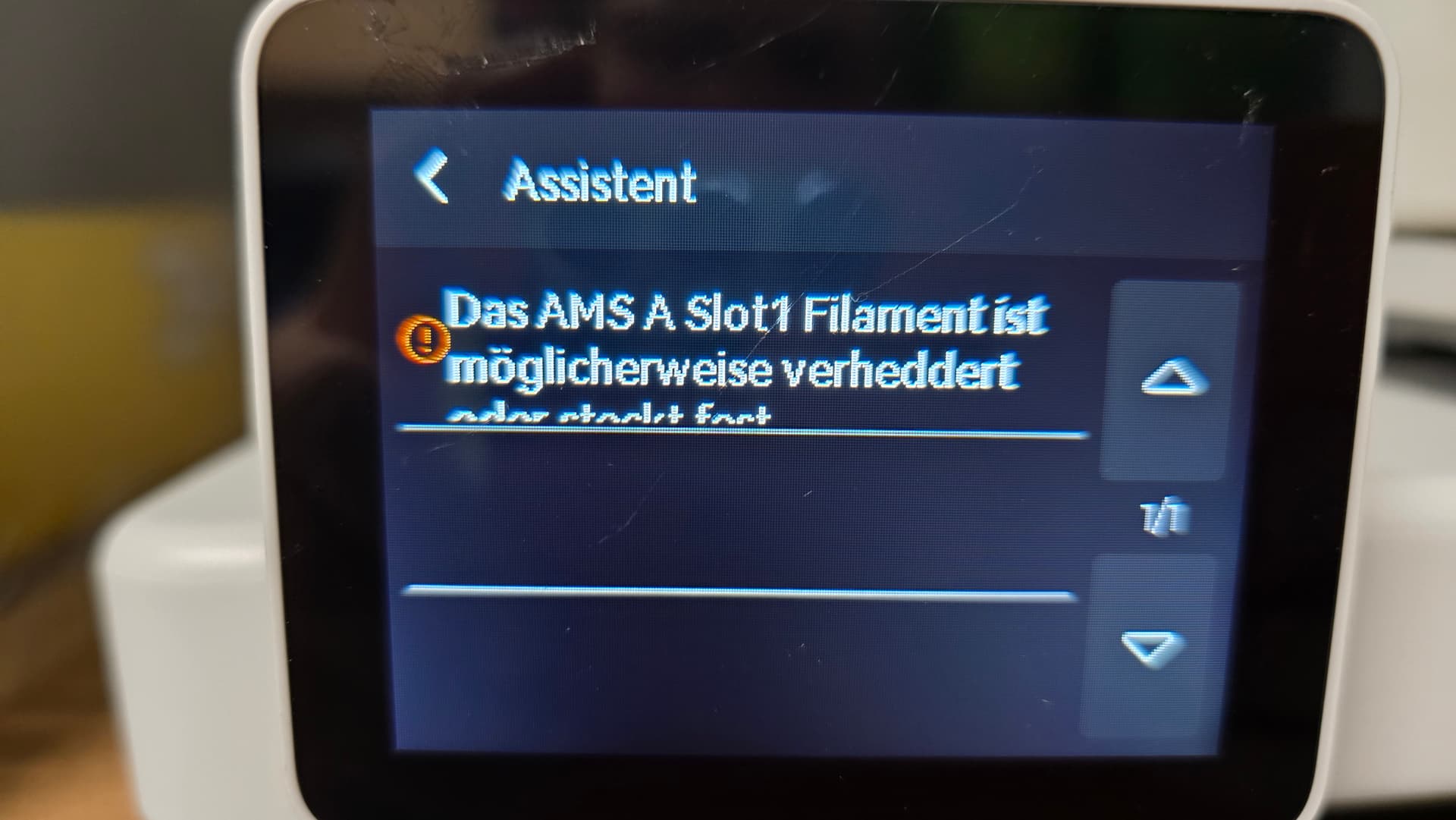
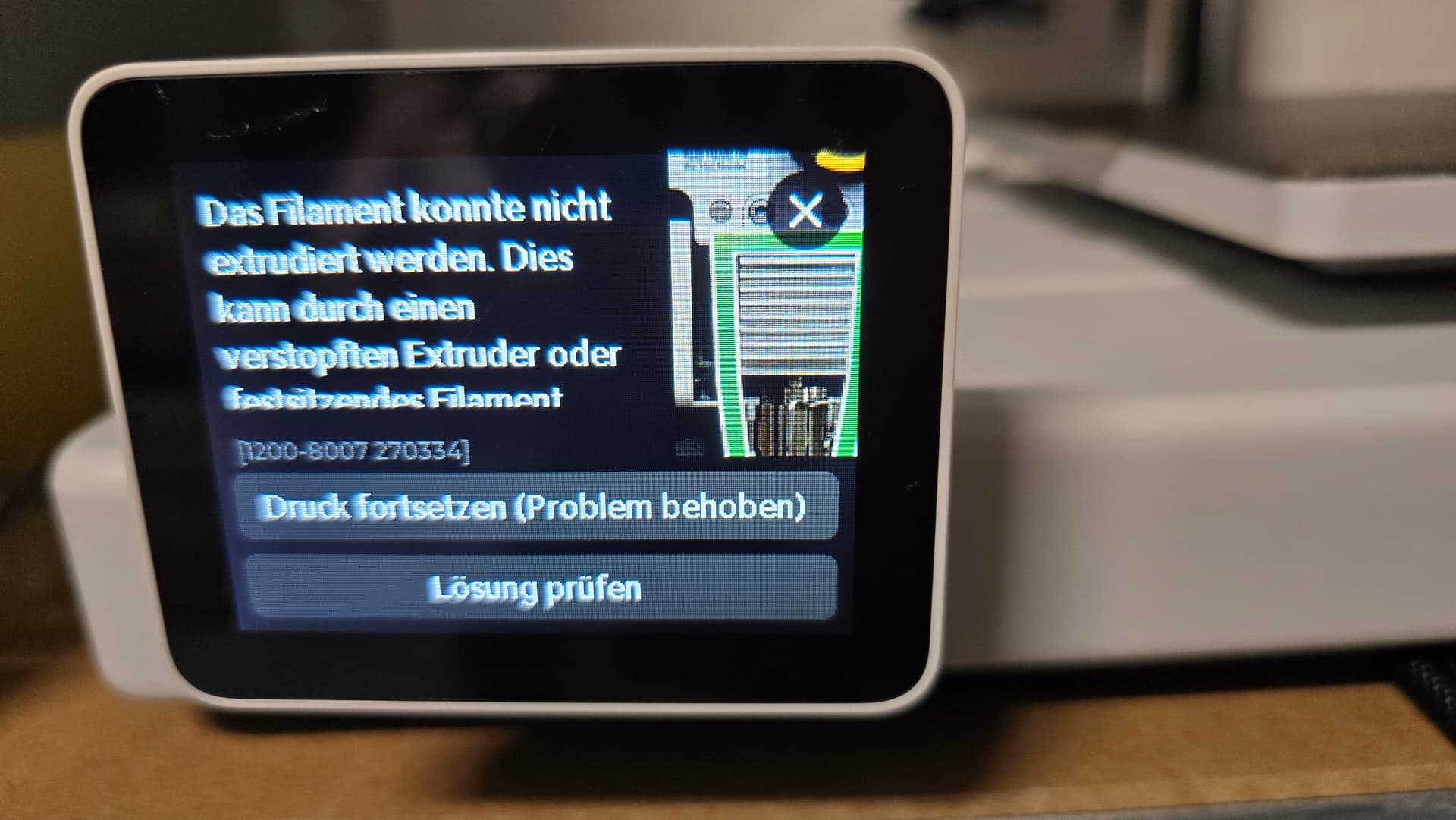
Hello. My A1 printer stopped during a multi-color print using the AMS at 90% with the error: “Extruder can’t load filament.” I then manually stopped the print.
Since then, it’s not possible to load (insert) any filament—neither via the AMS nor manually. Printing is no longer possible.
What I have tried:
Cleaned the nozzle
Replaced the stainless steel nozzle with a hardened nozzle (0.4 and 0.6)
Cleaned the hotend
In maintenance mode, I was able to manually push filament through just fine (tested at 200°C and 250°C)
The extruder moves the filament perfectly, both forward and backward
AMS works without any issues and sounds normal
No filament clog
Printer calibrated
Printer reset
Changed filaments, tried all AMS slots and with NO AMS manually
Disconnected and reconnected all PTFE guide tubes
Tried loading filament without the guide tube
Removed and checked the filament sensor for cleanliness
Filament tangle detection on/off
No matter what I do, the error remains the same: Filament cannot be loaded, and the extruder reports it’s unable to load the filament.
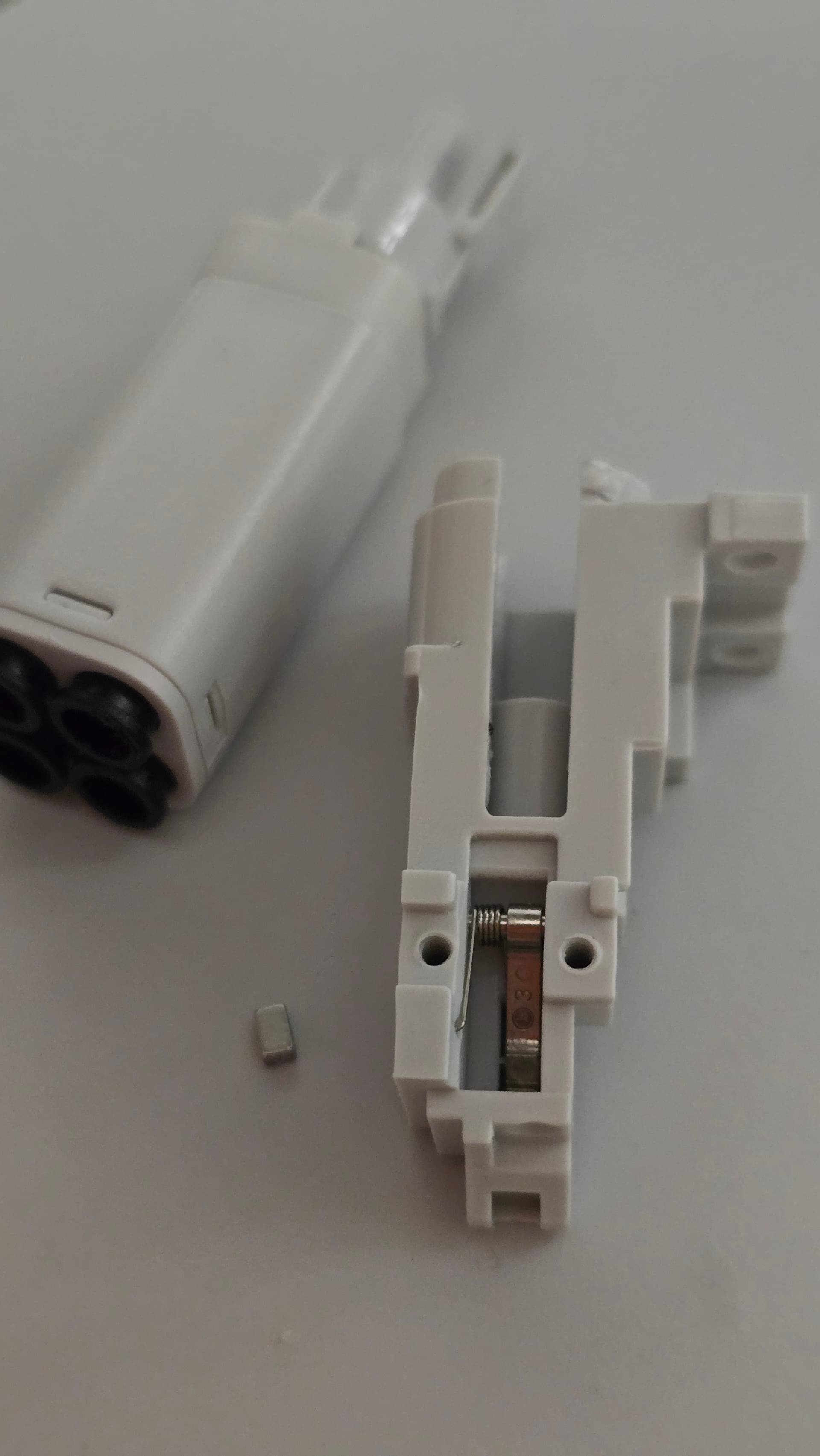
I think it could be the filament sensor or the spring with this tiny magnet. First picture. But i reassembled it 100% correctly again. Magnet + spring in the right position.
Update: Sensor is fine. It switched between green and white. Also downgraded to 1.04 Firmeware, nothing changed.
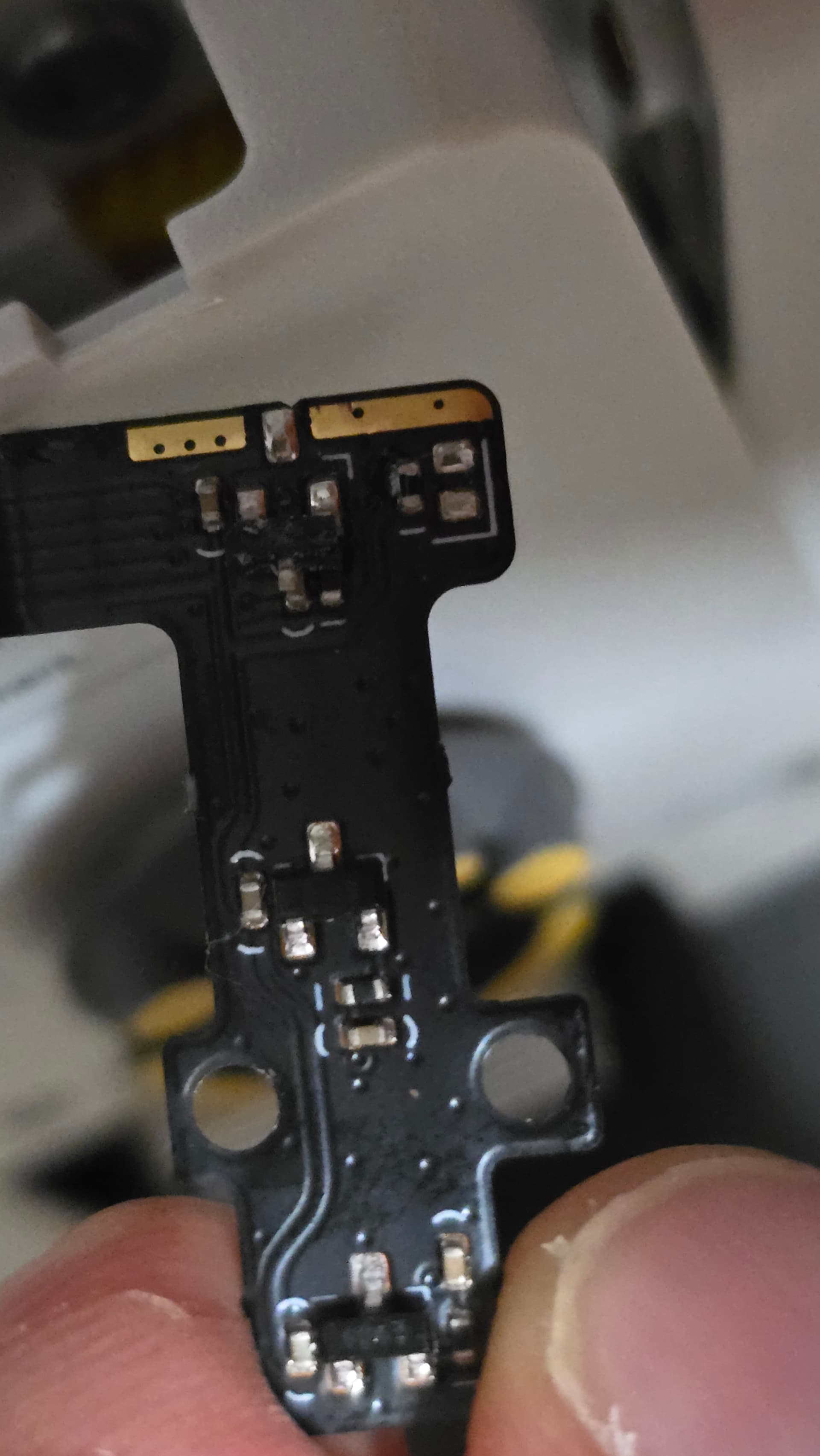
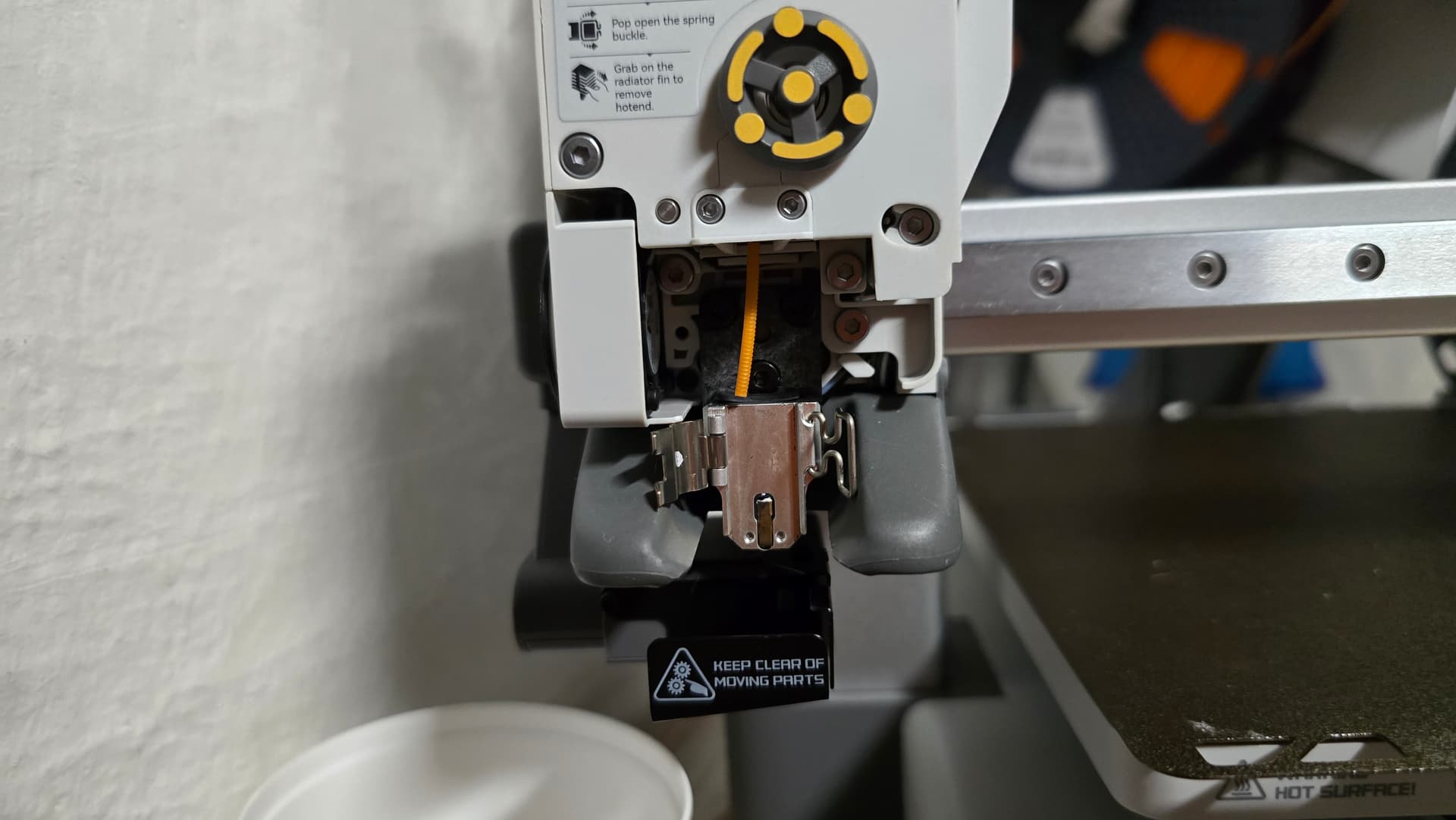
I’m just guessing here, but check if the nozzle pressure sensor is dirty or damaged, or if the heater assembly is loose in the toolhead.
That sensor is a distance sensor, and it could be either capacitive or magnetic. It detects when the nozzle (specifically, the top heat sink fin) is deflected ever-so-slightly downward by the extruder feeding in filament, or upward when the Z axis pushes the nozzle into the bed. It is used for bed leveling and extrusion dynamics, and might be used for clog/tangle/loading detection–I don’t think Bambu Lab has revealed in detail how it works.
I am having the same issue at the moment. My pressure sensor was damaged, so I got a replacement. Since then, my prints either can’t load the filament (even though if I do it manually, it’s all working fine), or it goes into a non-stop filament cutting loop…
Yes but that didnt worked either.
I ordered a new nozzle and a new filament sensor which will arrive soon, If that dosnt help, the support needs to take a look on it i guess.
Hi, I’m having similar problems. Just two questions, when you manually loaded filament did the green sensor light come on immediately? On mine there is a 1 or 2 second delay. And secondly, when you mention “White” light is it actually a white light within the circle or just a blank circle? Mine is blank.