Hey, today I received my Bambu Lab R1. I’m from Germany and need the “colon” key on my keyboard for my Wifi password. There is no “comma” key on my keyboard and there is only QWERTY Layout available. Is there a way to change the keyboard layout to QWERTZ or to add the „comma“ key?
You are talking about an on screen keyboard on the laser itself? If there is no : “key” under Shift, # , etc then you should contact support. I curious, does it have the ; “key”?
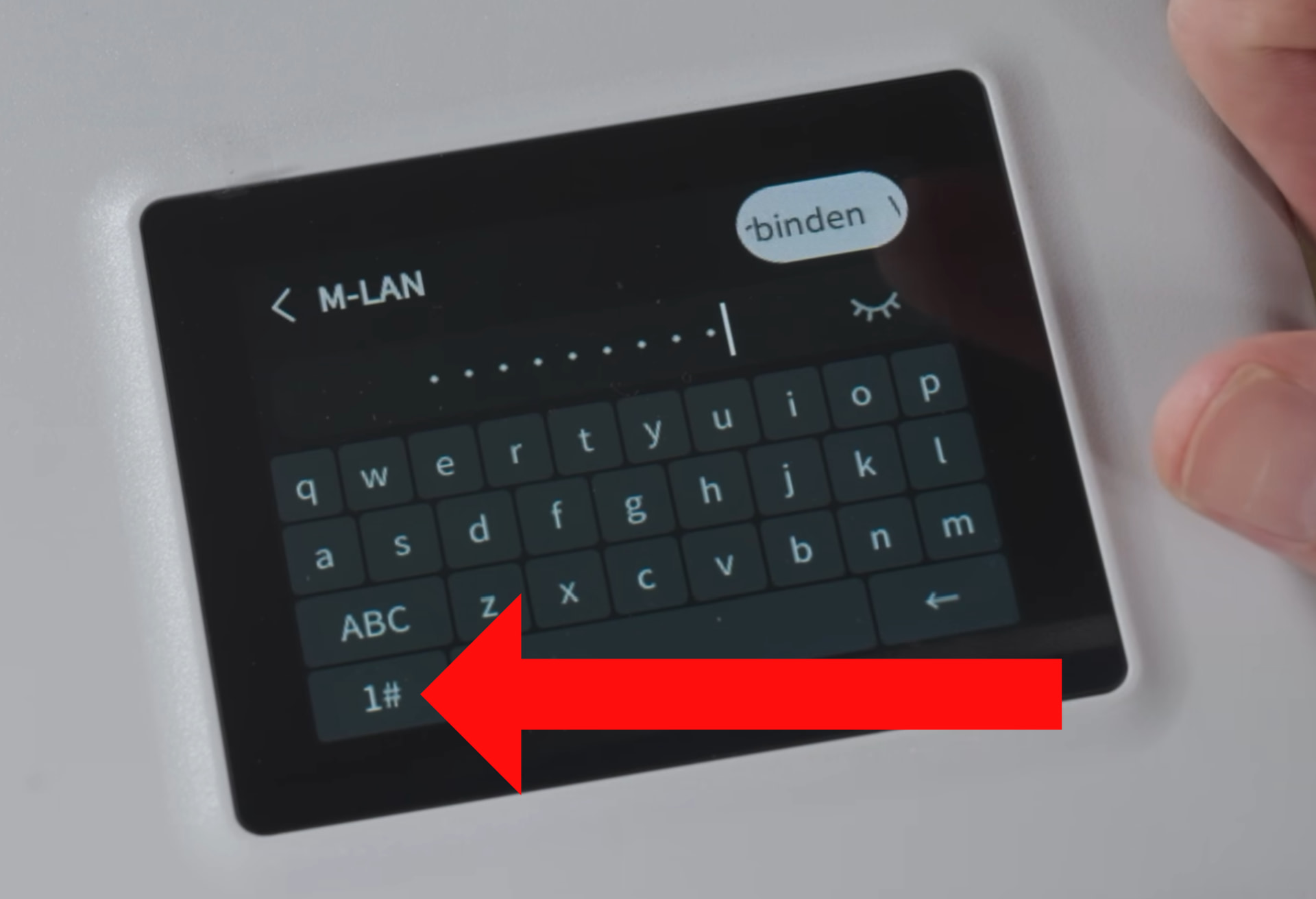
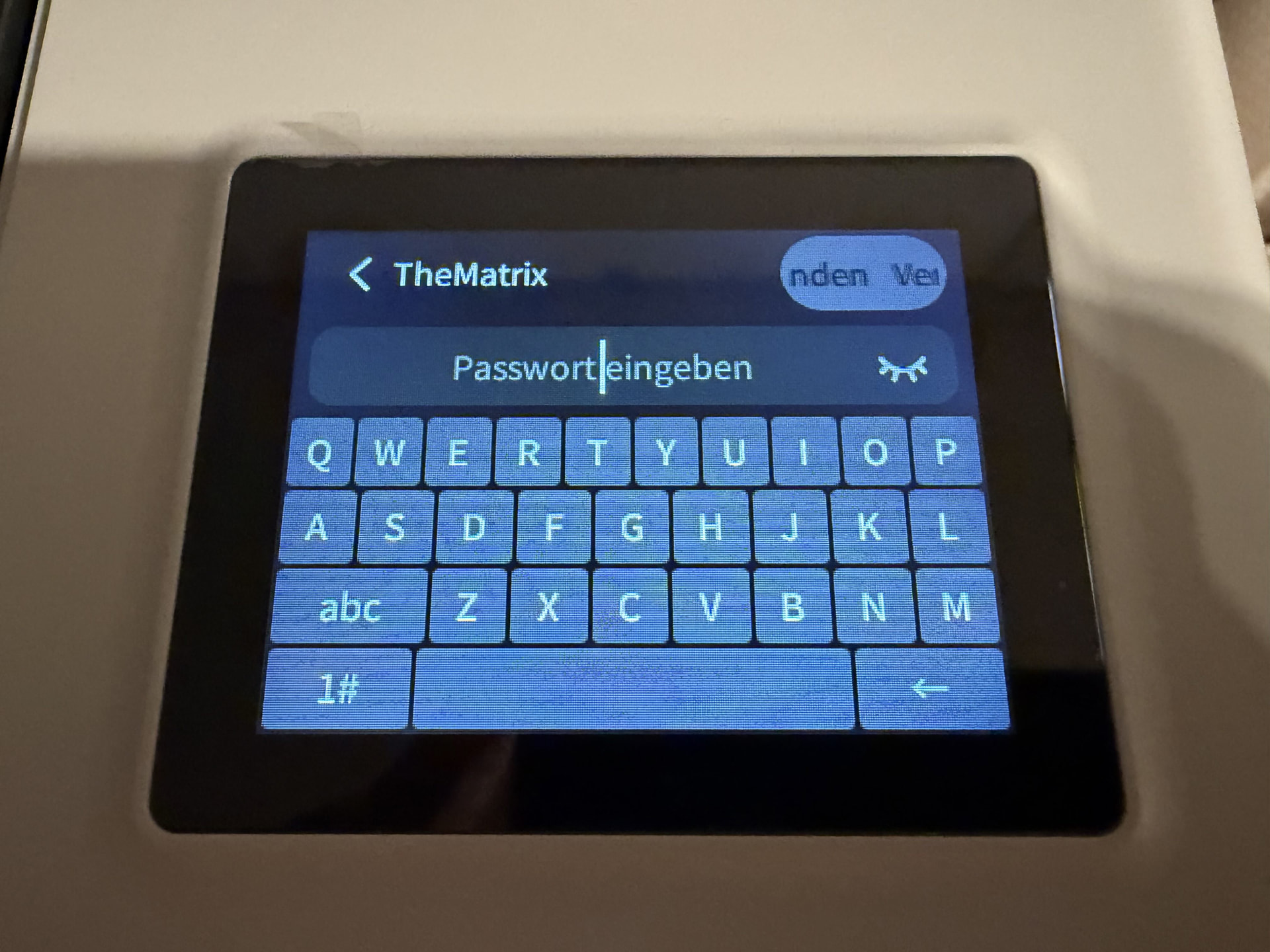
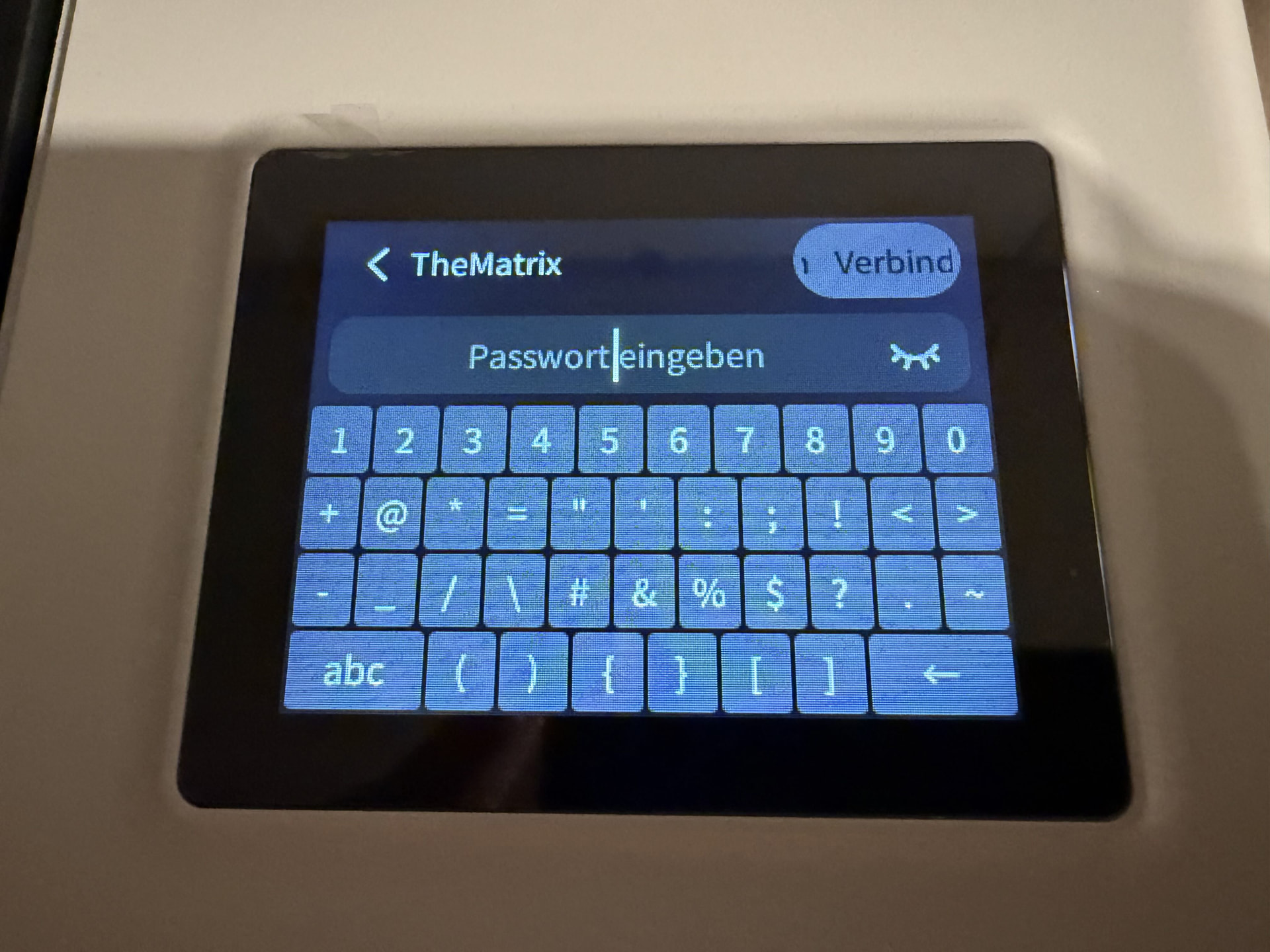
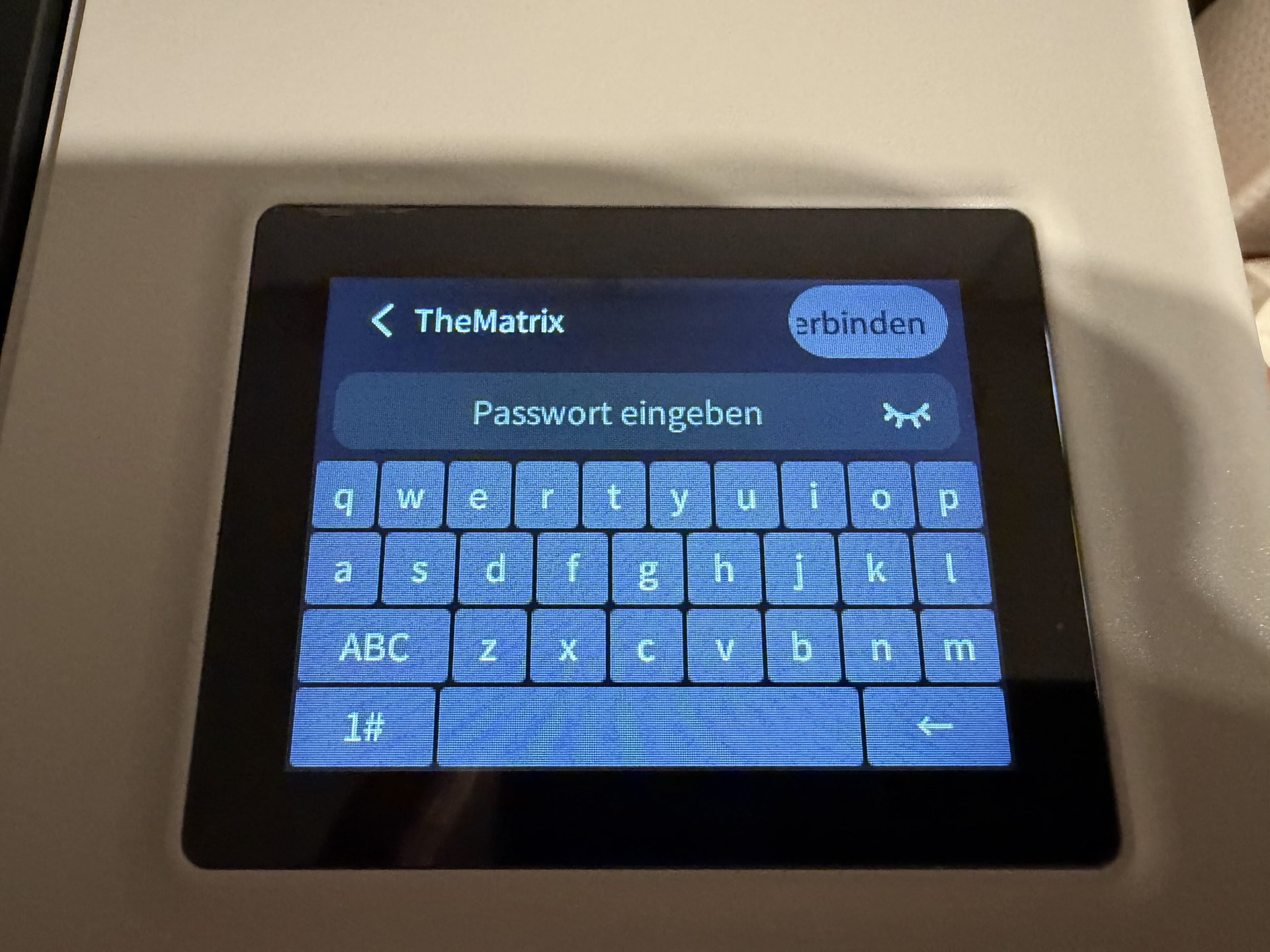
Nope - see my pictures. There is no comma “," key.
Yes the semicolon “;” key is there.
i see the colon key in your screenshot it is 2 dots over each other (sideways umlaut)
Just to the left of the semicolon I think?
That is “:” not “,” - sad but true.
You mean comma not colon. Comma is “,”. Colon is “:”
also: I do not see the comma key.
Ohhhhhhh, my bad. Yes, you are right the name of the key is comma. My english is not that good, sorry.
I will contact Bambu Lab support, if there is a solution for this, I will post it here. I think that is a software issue, that requires a firmware update.
Changing your password and using only common special characters isn’t a solution?
Bambu has been known in the past to not have certain “special characters” be allowed in the wifi password. Comma (,) is one of the characters that is allowed by standards but is not generally recomended. That maybe the issue. Good luck.
I have over 100 wifi devices in my home, to change the password for all of them is not an option. As a workaround, I use a 2nd wifi network for the R1.
I use the H2C, X1C, P1S and A1 Mini and all of them work fine with the comma key in the password.
OK, thanks for that info.
We had this problem too, so I setup a home automation hub. Light bulbs, window blinds etc