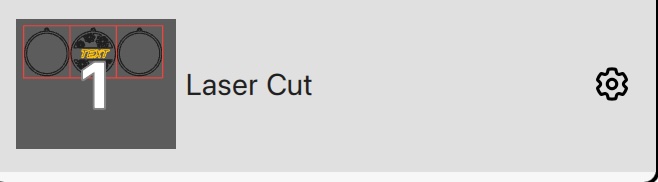
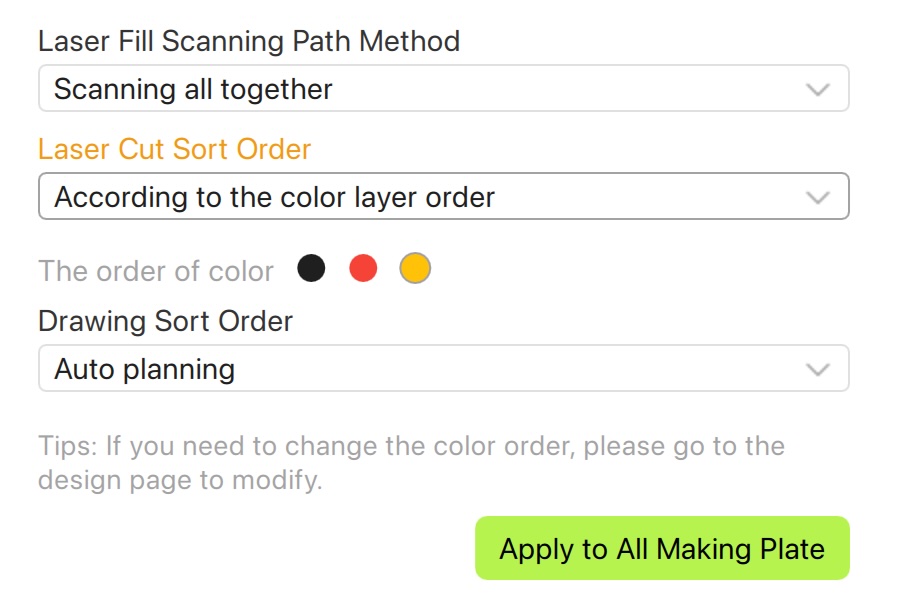
I am creating a project where the cut sequence is vital to not have semi-finished pieces drop through before the last cut is made. Luckily Suite seems to have integrated a new feature where you can (seemingly) set the laser sequence:
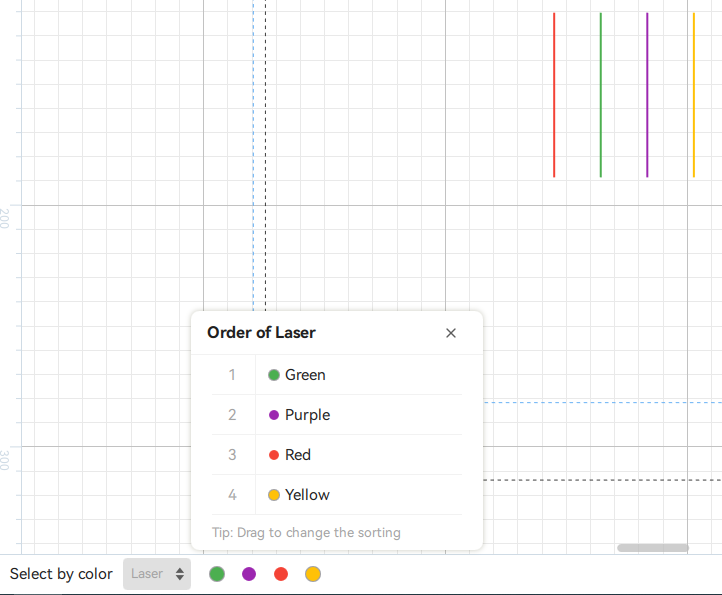
This is just a sample project to more clearly see the issue, but the sequence should be set to line: 2 - 3 - 1 - 4 according to the colors
However when you go to the preview it just cuts the lines from the far right to the left (i.e. 4 - 3 - 2 - 1 ):

I really hope this gets fixed because my chess board has the same issue where it really needs to cut the outlines first (otherwise the pieces drop through and can get damaged/burnt when the laser does the in- and outlines):

I have “fixed” (forced) this by giving the outline the “laser line” property and you have to manually set the parameters to match that of the “laser cut”, which is confusing for users and might mess up the plywood if a user doesn’t read the description (as is default):
I really hope the “laser sequence” can be fixed/programmed to be the actual laser sequence so designers can design more intricate stuff and create working suite files