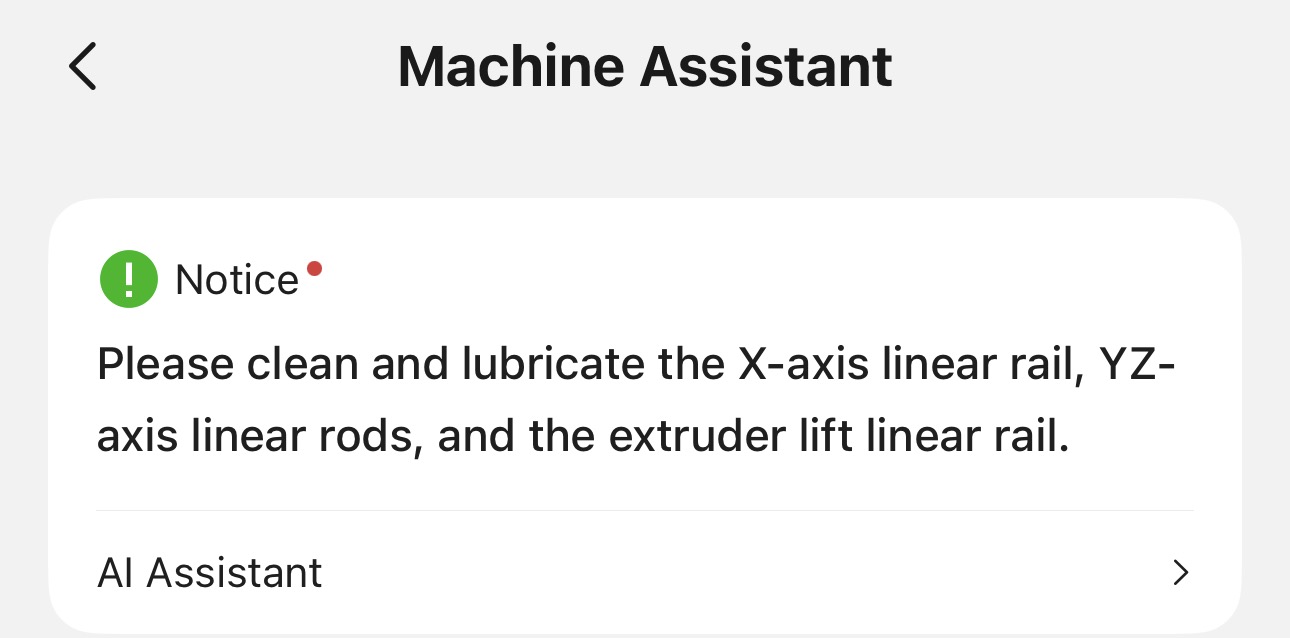
My initial thinking was , they should be, because the printer should know what it has been doing for how long.
Now that my H2D has just spit out its first maintence reminder message , I’m not sure there is value in them based on how they are managed. I suspect they are purely time based messages that only go off of calendar time and not actual printer activity.
Why? Because mine popped up on my printer out of the blue as it has sat idle for 2 weeks. So not triggered by any accumulated activity. The printer gets used very seldomly.
I’m thinking I just do my own maintenance schedule based on actual usage (the thing the printer should be able to do). Because just sitting there would not cause the lubricant to expire.
I think they are mostly based on hours of usage. With time also being a factor. Simply, I just don’t think they are only based on one factor.
Personally, I perfer to just do it on a schedule. About once a month all the printers get a good clean and lube.
Even if it is too much… what are you loosing? A few cents in lubricant and 10 minutes of time.
On the X1C it seemed to be purely calendar time (every 3 months). Subjectively H2D seems more frequent, but I don’t know whether anyone has measured it. Making it purely useage based would make more sense. The grease isn’t going to evaporate, and I doubt the oil does either. It’s enclosed, so it’s not like it’s anticipating layers of settled atmospheric dust that need to be wiped away.
The drive electronics could maybe detect some force resistance, but it’s all blackbox proprietary, so no way we can know, and AFAIK Bambulab never said, other than saying their proprietary method gives them unspecified advantages over using Trinamic drivers.
I wish they’d fix the stupid “features” in the firmware tho. It makes maintaining SO much harder in different scenarios b/c they decided to add some really dumb guardrails.
Examples: When you print out Z Axis covers on the P1S, and the dumb thing moves the bed ALLLLLLL the way to the VERY VERY VERY bottom of the bed’s track for absolutely no reason. Some sensors that cost less than $2 would have fixed this, but nope (ToF would work fine). Instead they will force the machine to pop it’s own bearings out b/c it’s so dumb (b/c it literally needs to run into a wall to “find it’s position” even tho it JUST finished printing). All I did was try to re-print what just successfully printed. The bed was 5" from the bottom of the Z track, and yet the dumb thing just pushes ALL the way down til it pops its own bearings out. But, at the same time I need covers b/c they decided to design it w/ giant holes at the bottom of the Z Axis, which if you get stuff in there it can break the whole thing. But if I fix it, they break my machine over and over)
And even better yet… if I try to fix my bearings, I need the bed lower a lil bit… but they say “Nope you MUST Home your head first”. Like no… I want to move the damn bed to fix a problem Bambu’s infinite wisdom caused. But I can’t do that… I have to go in, hit the down button, hit cancel so it dont try to Home then keep repeating that 100x to move the bed manually. So you literally have to hack and trick the machine b/c they wont let you move the bed and THEY forced it to the top (to Home), after they forced it to the bottom and caused their bearings to pop out, which then causing Homing to fail. Ugh. SOOOO annoying.
Sorry for the novel. These options are just ridiculous and create more problems and consume more time than maintenance has for me.
Its all just idiot proofing.
I agree, there are some stupid little things. But there are even stupider people. The machine is trying to look out for itself.
Bambu literally just lost a patent suit for use of force sensors for positioning. There’s a patent story behind almost every design choice in 3D printing.
It never ceases to make me laugh when guys think Bambu are all dolts but they’re the clever ones.
Speaking of clever ones, you installed something that obstructs the printer’s motion. How is that Bambu’s problem? It seems to me that modifying hardware without also making the corresponding change in the software is a bit silly, no?
It’s very easy to modify the end of print G-code and printer profile to limit the maximum Z travel…