Hi everyone.. I am fairly positive that I know the answer, and it is to better clean the plate, but I want others’ opinions anyway. Please don´t judge the newcomer.
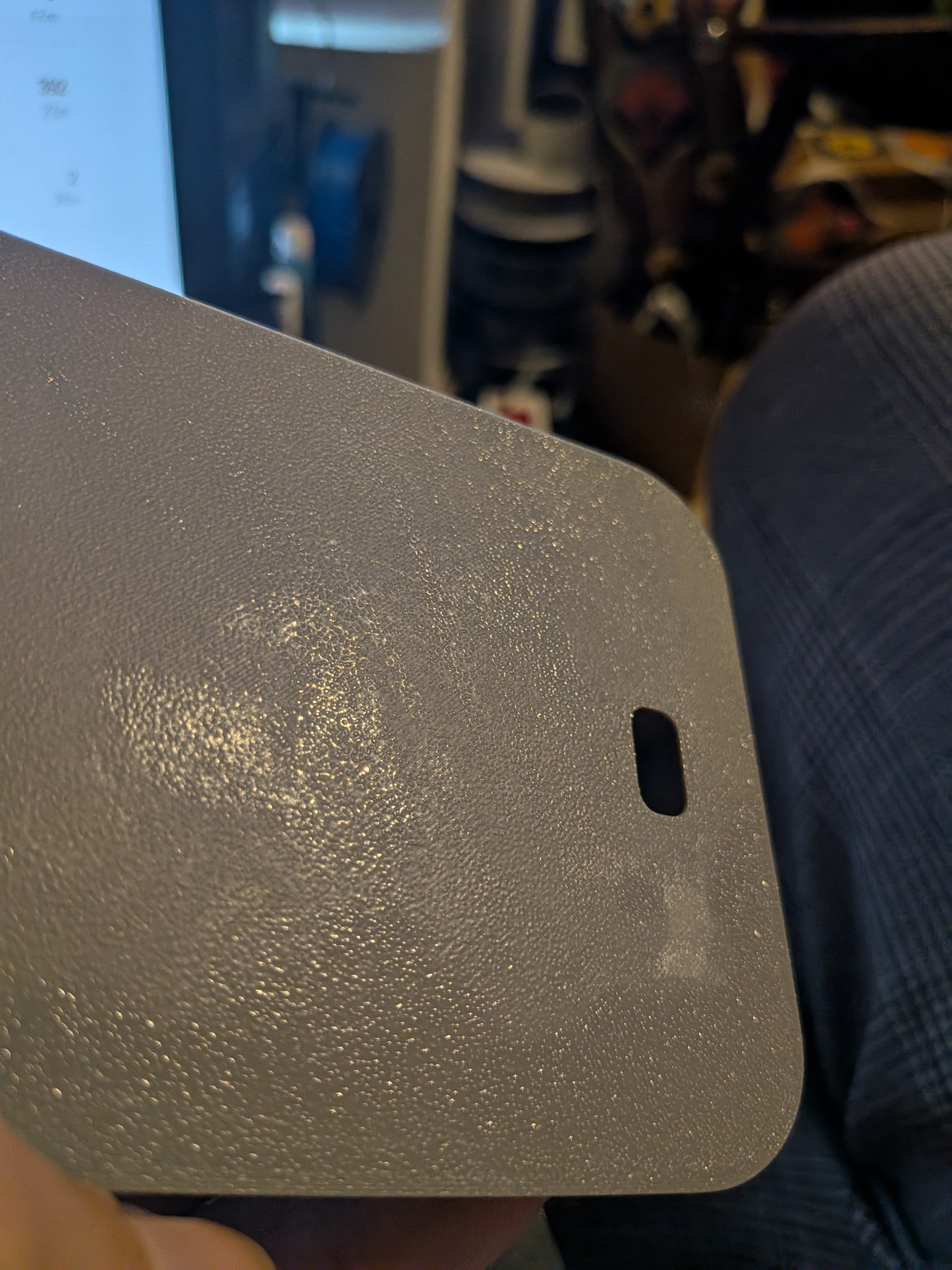
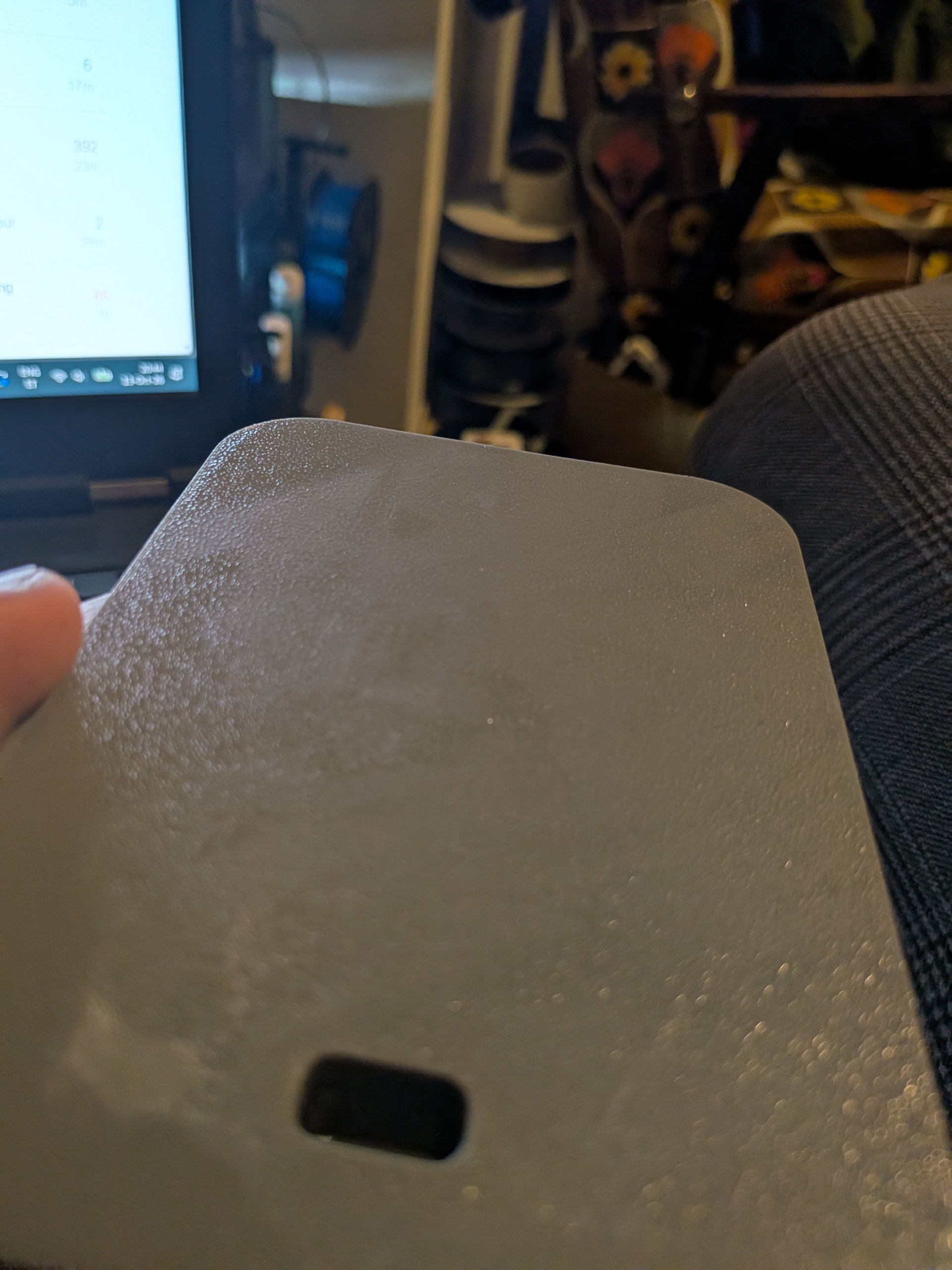
I´m printing with textured PEI on X2D with ASA, using glue stick on the plate and this is the result I keep having..
The other part of the question - does textured PEI give this glossy look? I´m presuming that the matte parts are where the glue is and shiny is where it is not and I get the texture, but.. it is very very glossy.
You can use warm water with a drop of dish soap first to remove the glue and then isopropyl alcohol (IPA) to clean the remaining residue off of the print.
The white hazed rectangle looking area on the bottom right might be heat stress. Hit it with a jet lighter for a moment and see if it clears up. Since you did use glue, I’d recommend damp cloth wiping the part first if you haven’t already, so as to not burn glue, if its glue. Pics can be a lil deceiving.
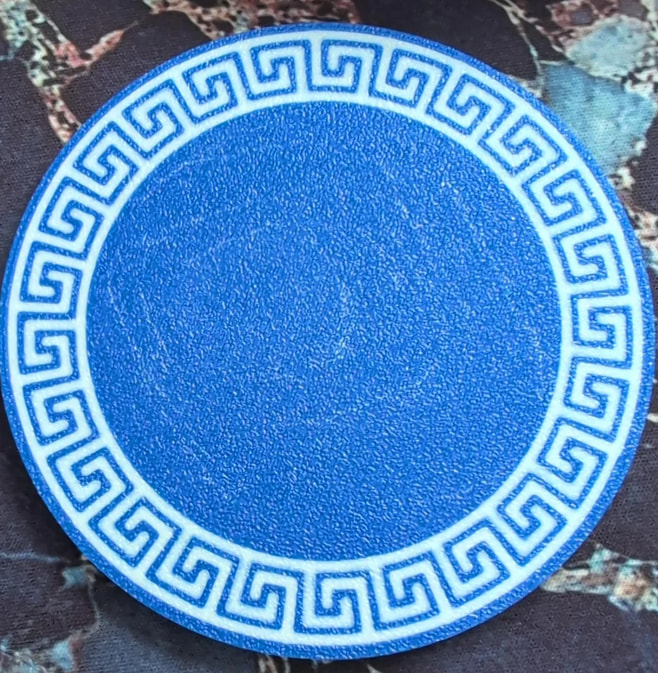
Hah, be careful to not burn stuff, “for a moment” really means just pass the flame over it, maybe a quarter of a second, shouldn’t get anywhere near melting or warping. If it was a stress mark, it would go away instantly. I dont have any on hand to show but google found this and those internal white hazy marks would 100% clear up from a quick heat pass: