Hello everyone.
I’ve had my X2D for a few days, and I’ve been trying to get the Aux Nozzle to work properly. Emphasis on “Trying”, because whenever I manage to almost fix something, another issue pops up right away. I’ve already reached out to the Support, but I wanted to ask her for additional help as well.
First thing I’ve noticed was that the Filament kept piling up in curved areas of the print:
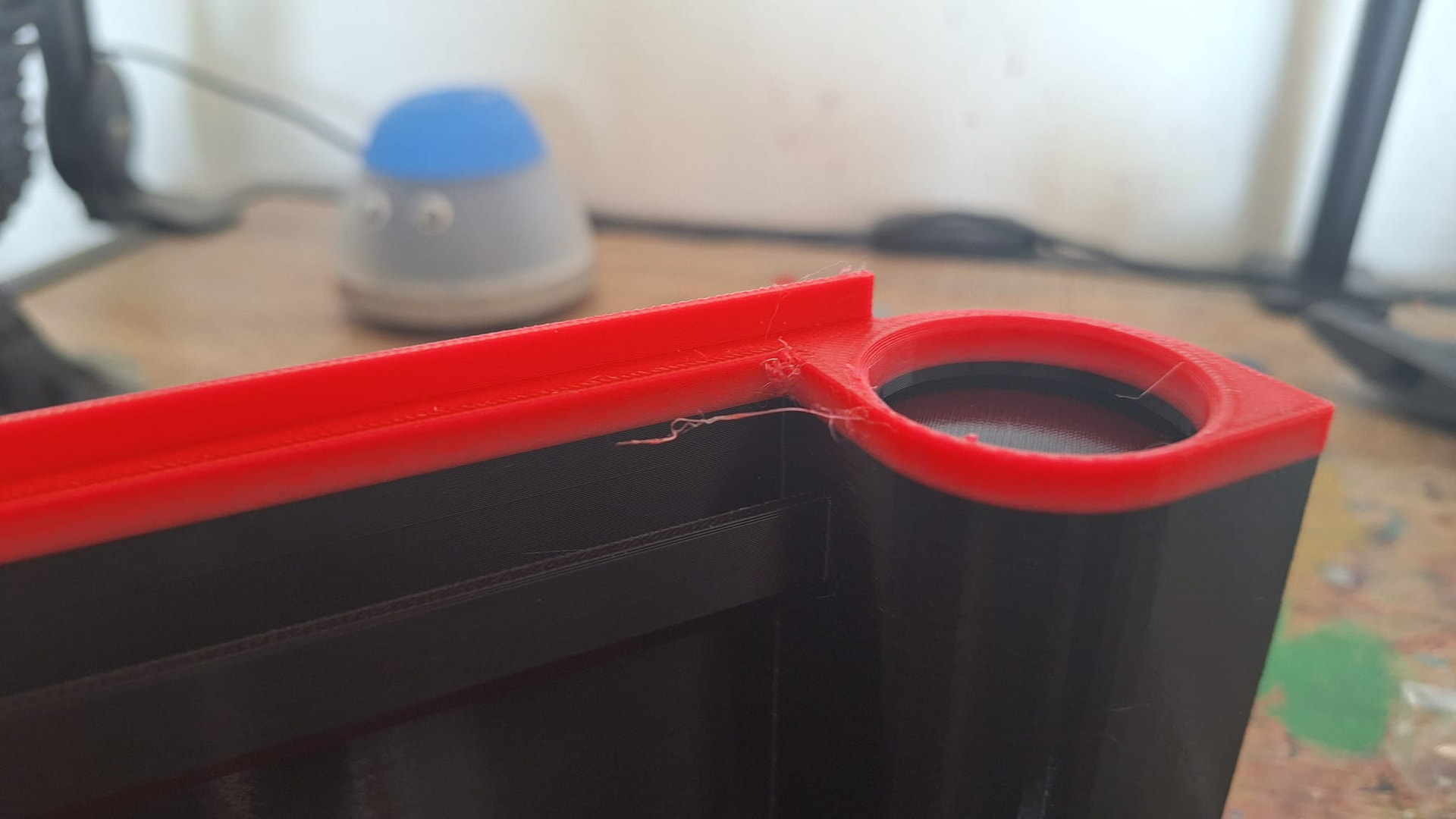
You can see that there is a large clump of red filament right on the edge of that corner. This was printed with Glow PETG on the Aux Nozzle. Another absolutely desastrous print were these little pins, also printed on the Aux Nozzle:

For reference, this is what they look like on my A1:
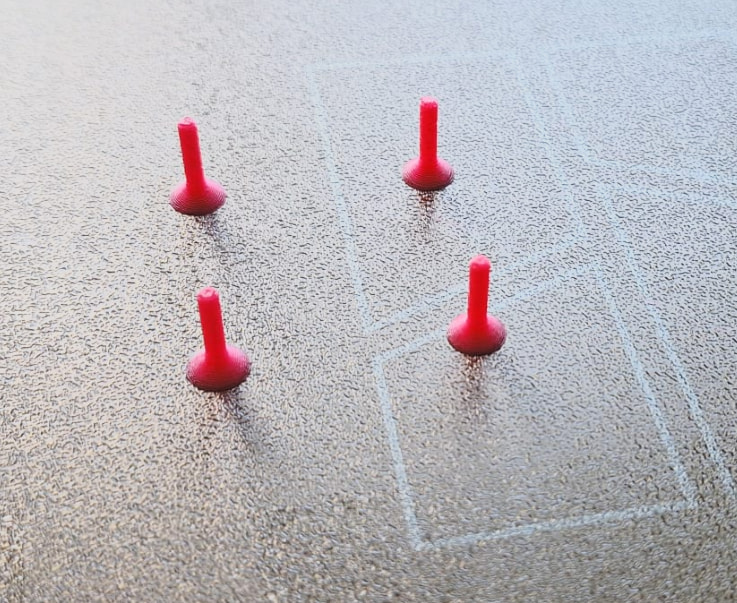
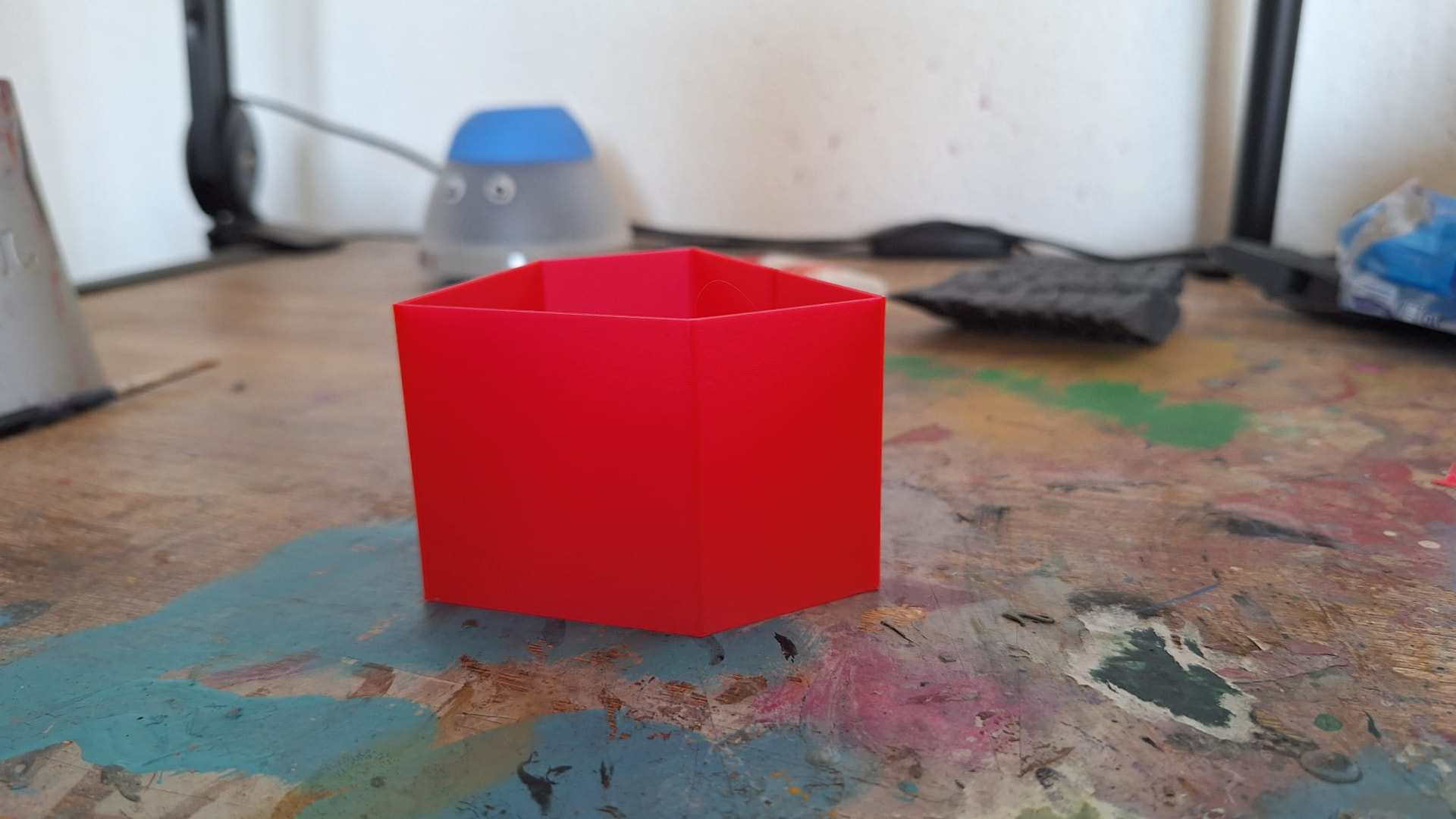
I’ve tried Retraction Calibration, I’ve tried Flow Ratio Calibration and Pressure Advance but every single time the results came back essentially identical, with absolutely no indication of any changes at all. Here is one of the PA Calibration Prints:
So I essentially had to Brute-Force the Retraction Settings, slightly increasing and decreasing them until the Pins finally came out alright. Not great, still worse than on the A1, but okay.
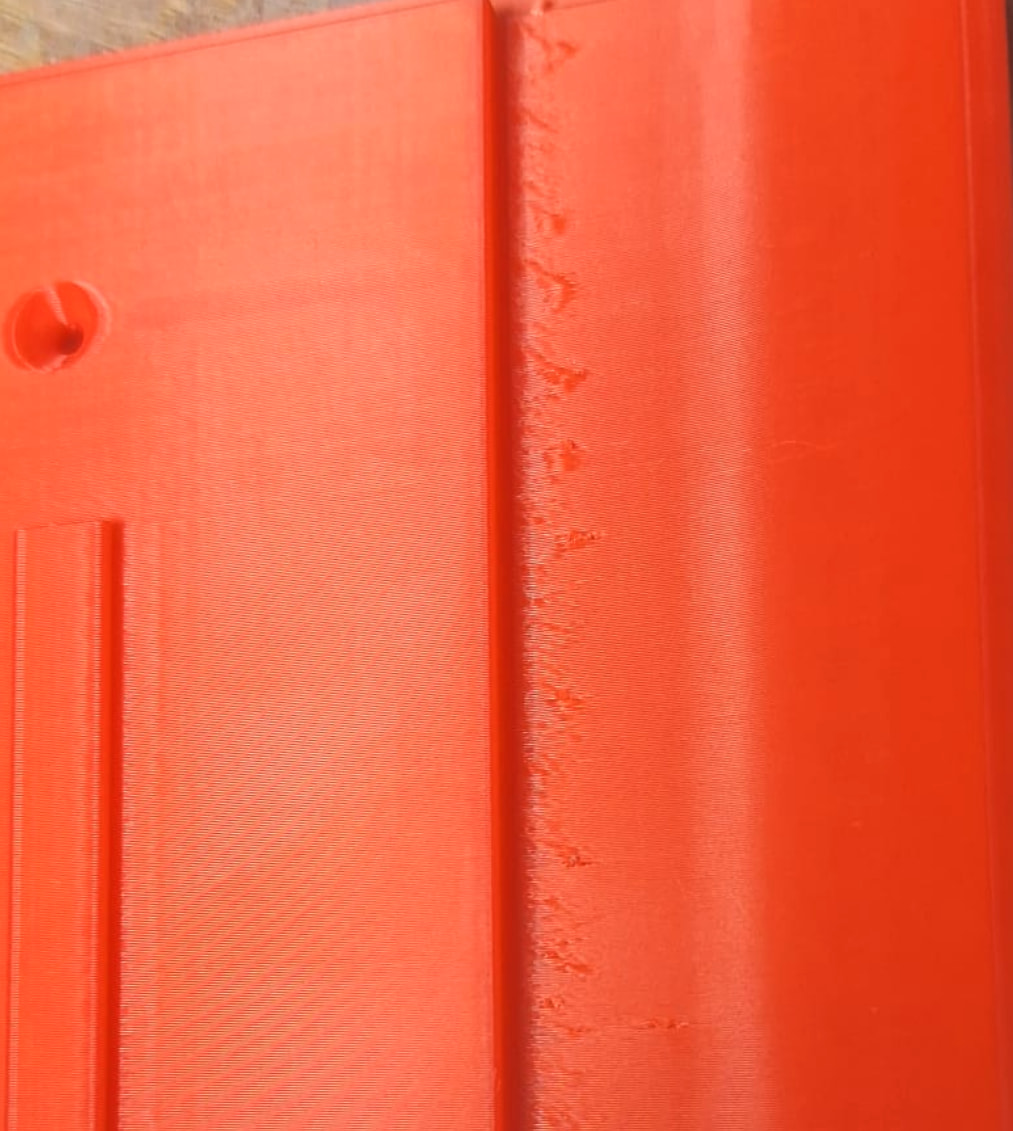
But the Filament keeps building up / oozing / overextruding in corners:
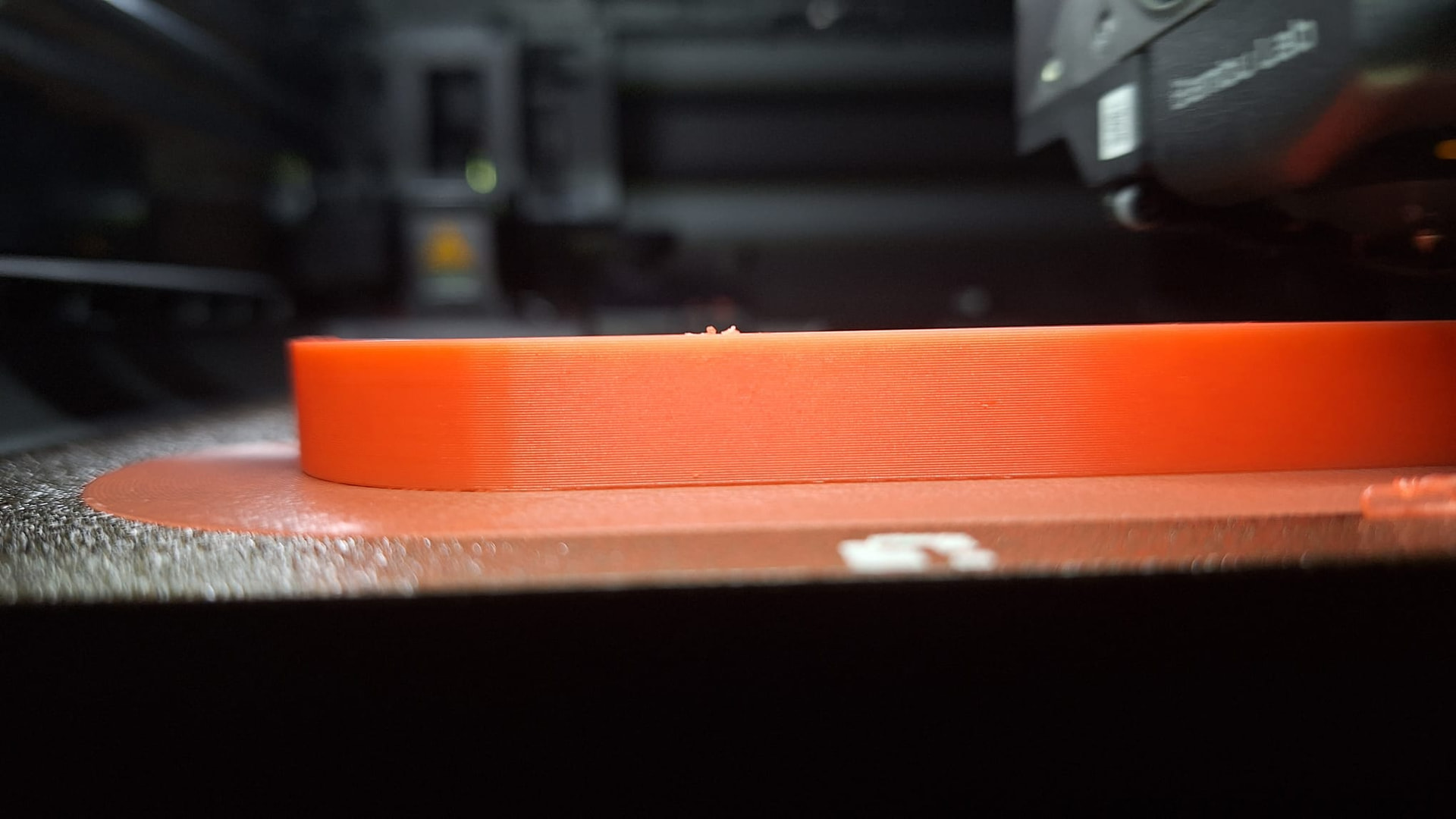
Which results in a jagged, torn surface area:
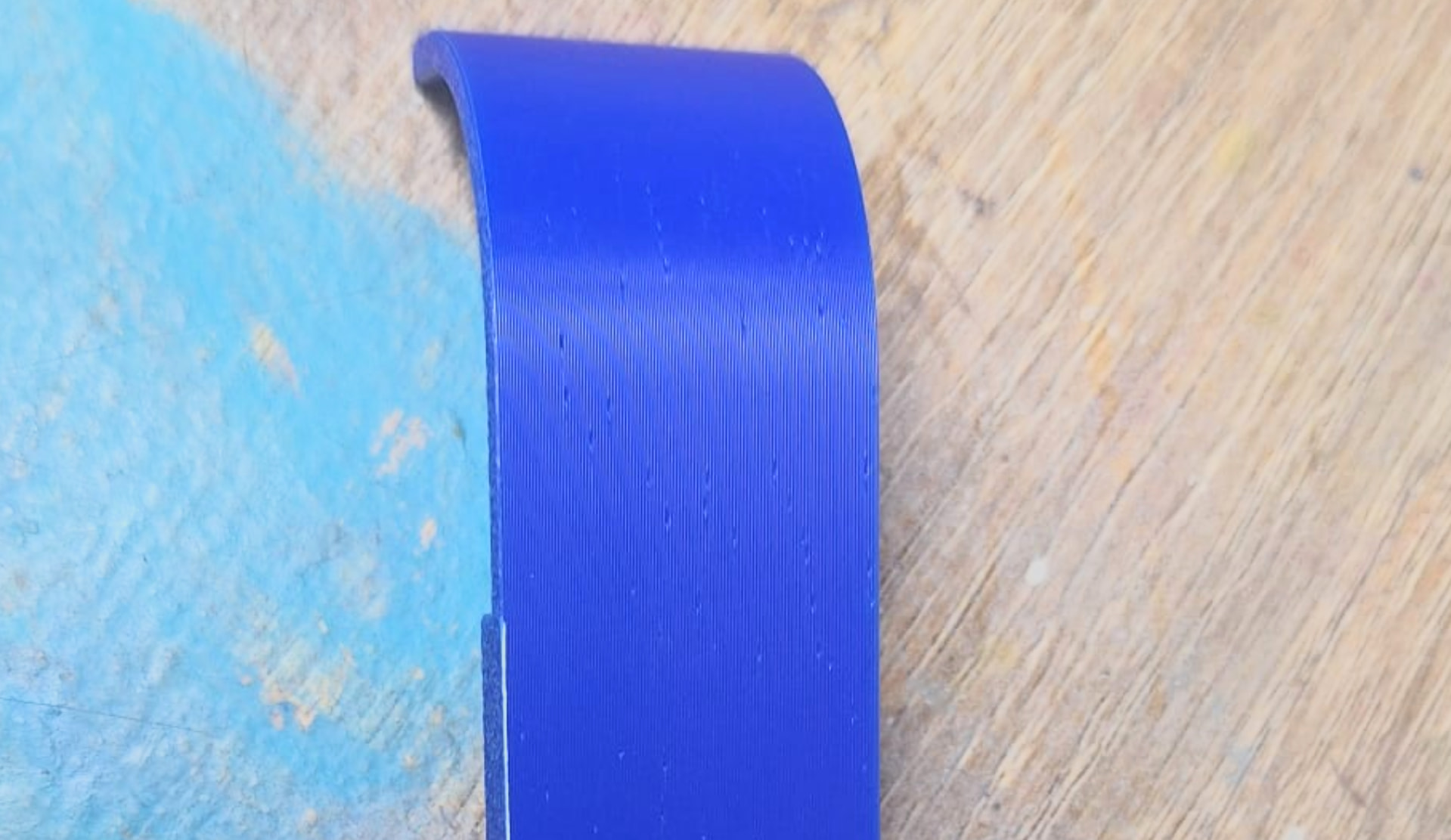
So I figured, Okay, maybe it’s just PETG. Just try it with PLA. Only for the print to be completely covered with tiny holes:
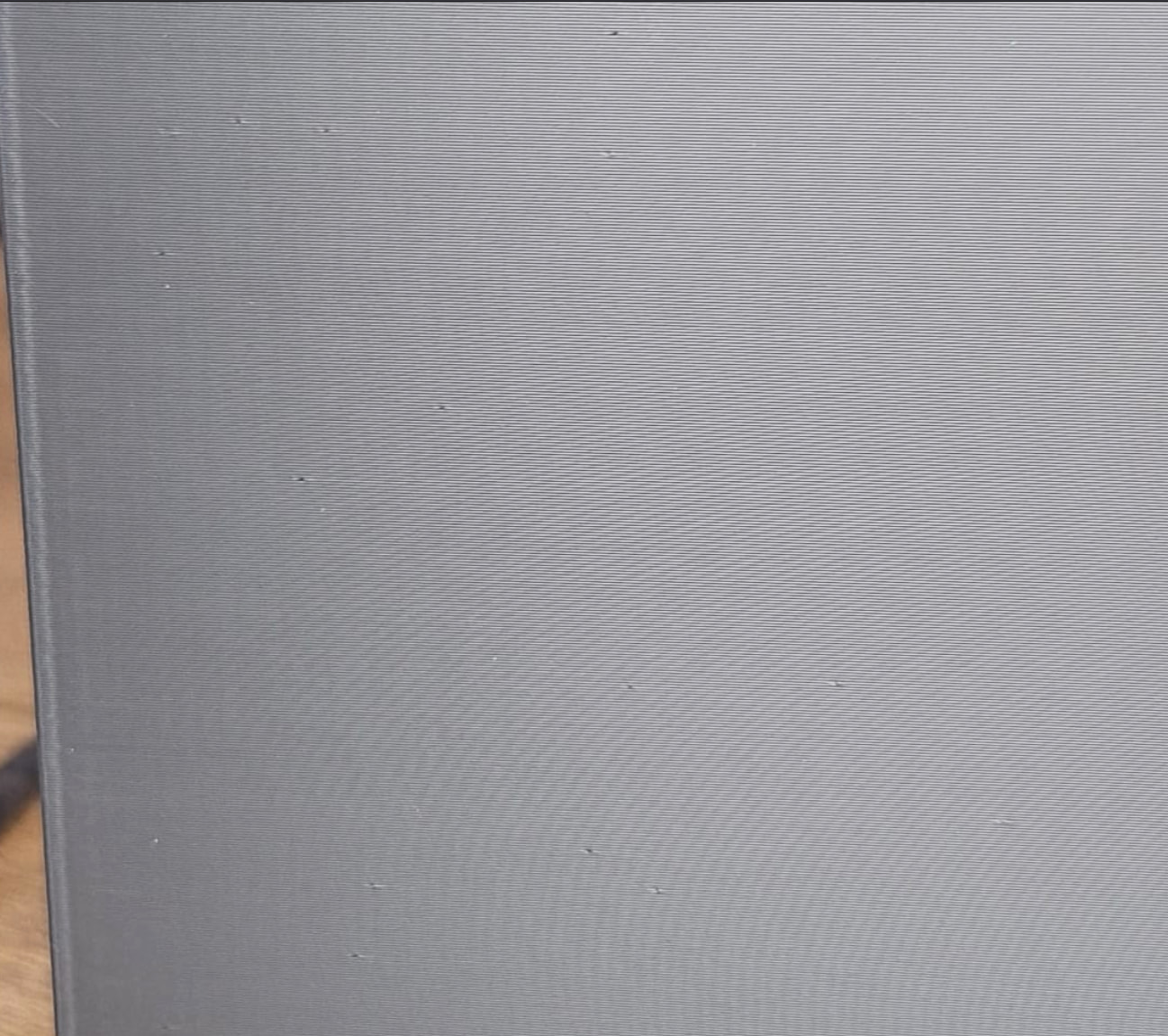
To make matters worse, this ALSO happens on the Main Nozzle, again with PLA:
And at this point, I’m running out of ideas and frankly, am getting extremely frustrated.
-
PETG and PLA have been dried. Multiple Times even, just to be sure.
-
Changed the Retraction Speed and Length Settings, which fixed the Pins, but nothing else.
-
Flow Ratio, PA and Retraction Tests pretty much all came back identical rendering them pointless
-
Ive increased and decreased the temps
-
Printing with Stock High Quality Settings, Printing with Adjusted Retraction Settings, doesn’t matter.
-
Aux Nozzle is much worse, but happens to both the Main and the Aux Nozzle
-
It doesn’t seem to happen with ALL the prints, it seems that the issue are linked to the Geometry of the Model
-
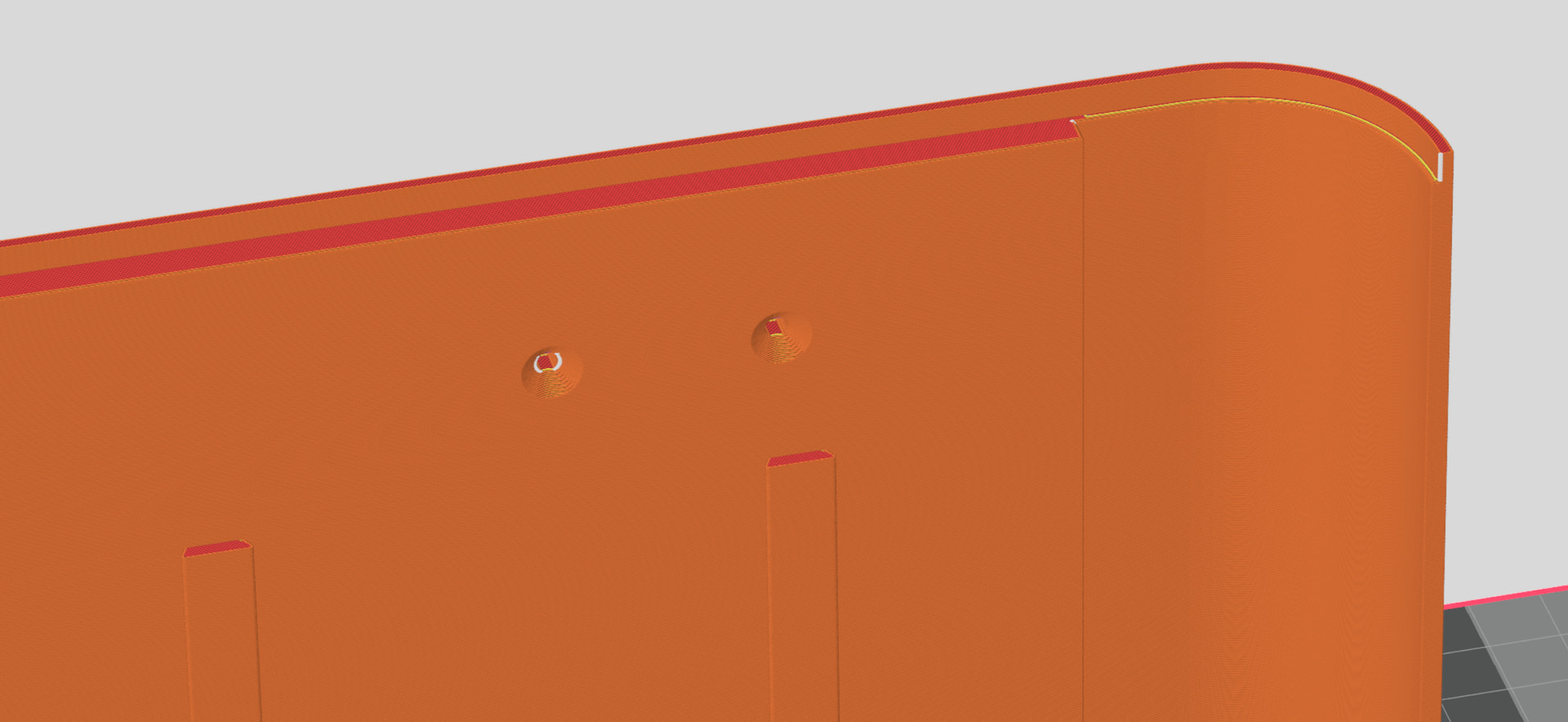
No, it’s not the Seams, they aren’t placed near the spots where the holes or imperfections are:
-
Lowered the Max Volumetric Speed, didn’t make a difference either.
-
Switched between different Z-Hop Types, also doesn’t make a difference.
I have no idea what I’m supposed to do here. Printed on a 0.4 Nozzle, I’ve been using Sunlu PETG Glow Red, Sunlu PETG Red, Sunlu PLA+ Blue and Sunlu PLA+ 2.0 High Speed Grey. The PLA has been dried for 12 hours at 50 Degrees. PETG has been dried for 12 hours at 60. Doesn’t matter. Issues remain. Same Filament works flawlessly on the A1. I really have absolutely no clue anymore what’s even left to try.
 ), and did not saw holes like this.
 [the photo shows zero layers exhibiting more than 1 defect, the defect doesnt look “blown out”, it looks “emerging from within” — seam is occams razor] How’s your surroudning setup? Are you using like 4 ams with 12 splitters and track switches and rube goldberg machines? Whats plugged into each nozzle, a single directly plumbed AMS, external spool on a roller, etc ?