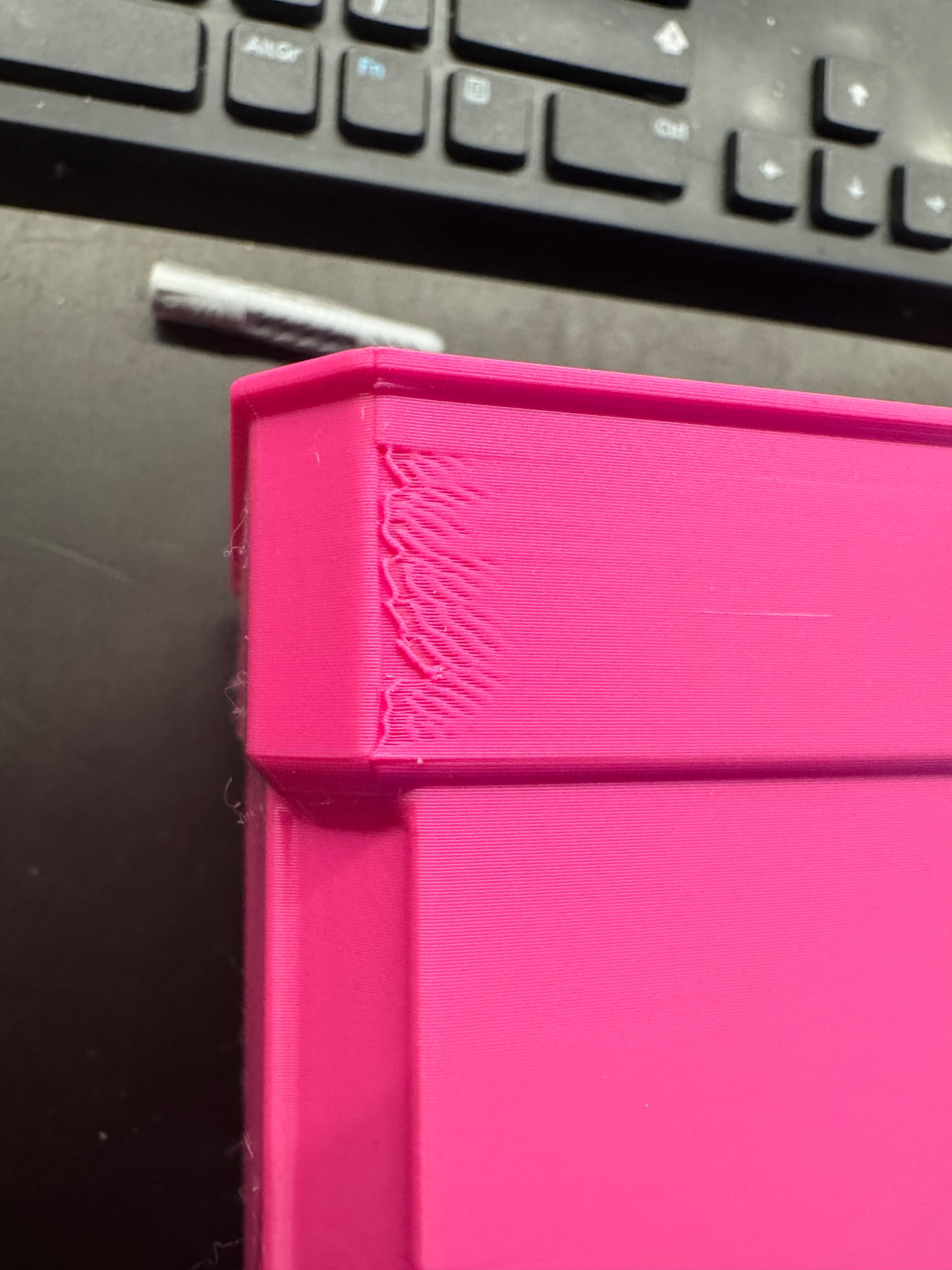
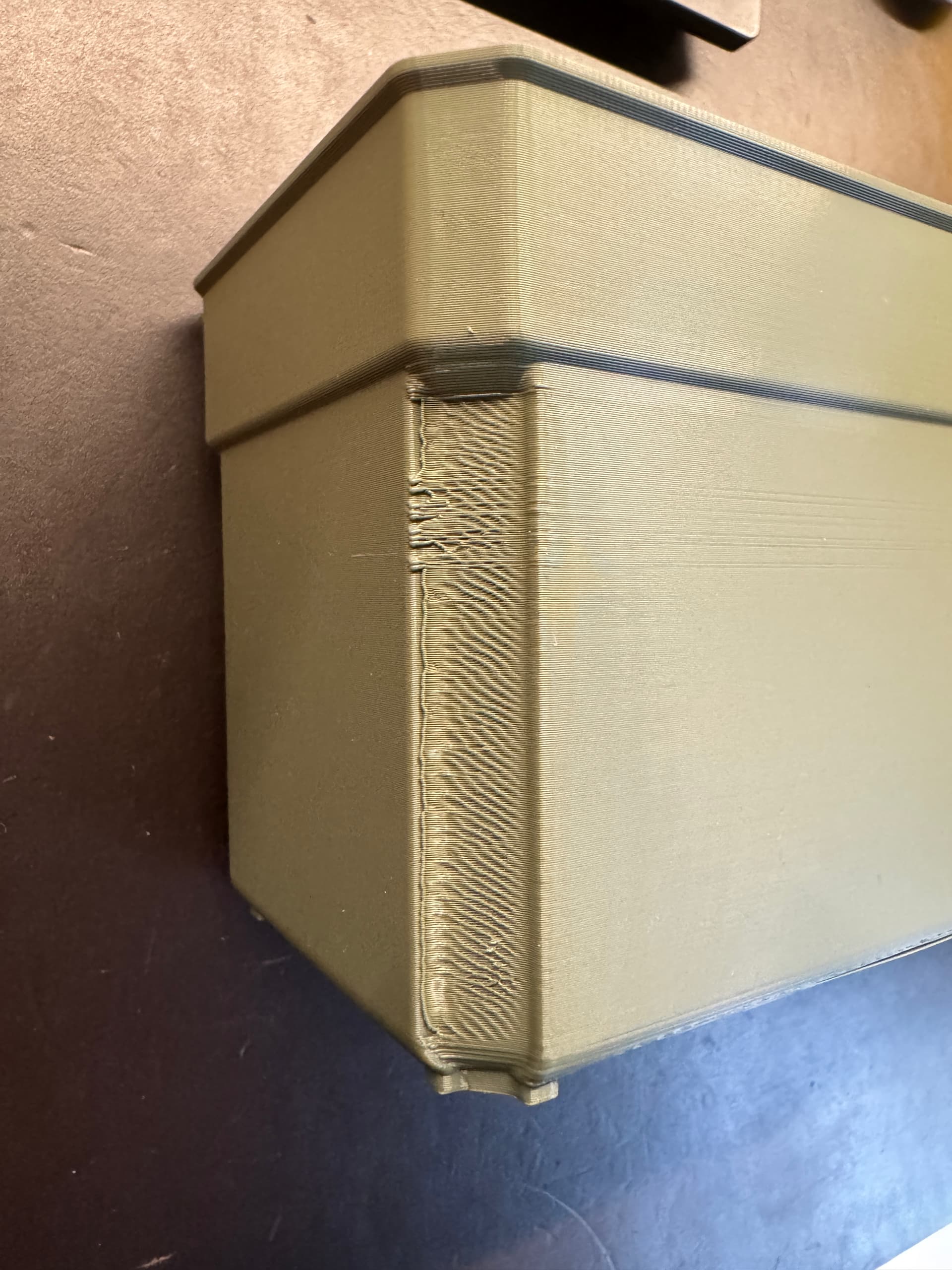
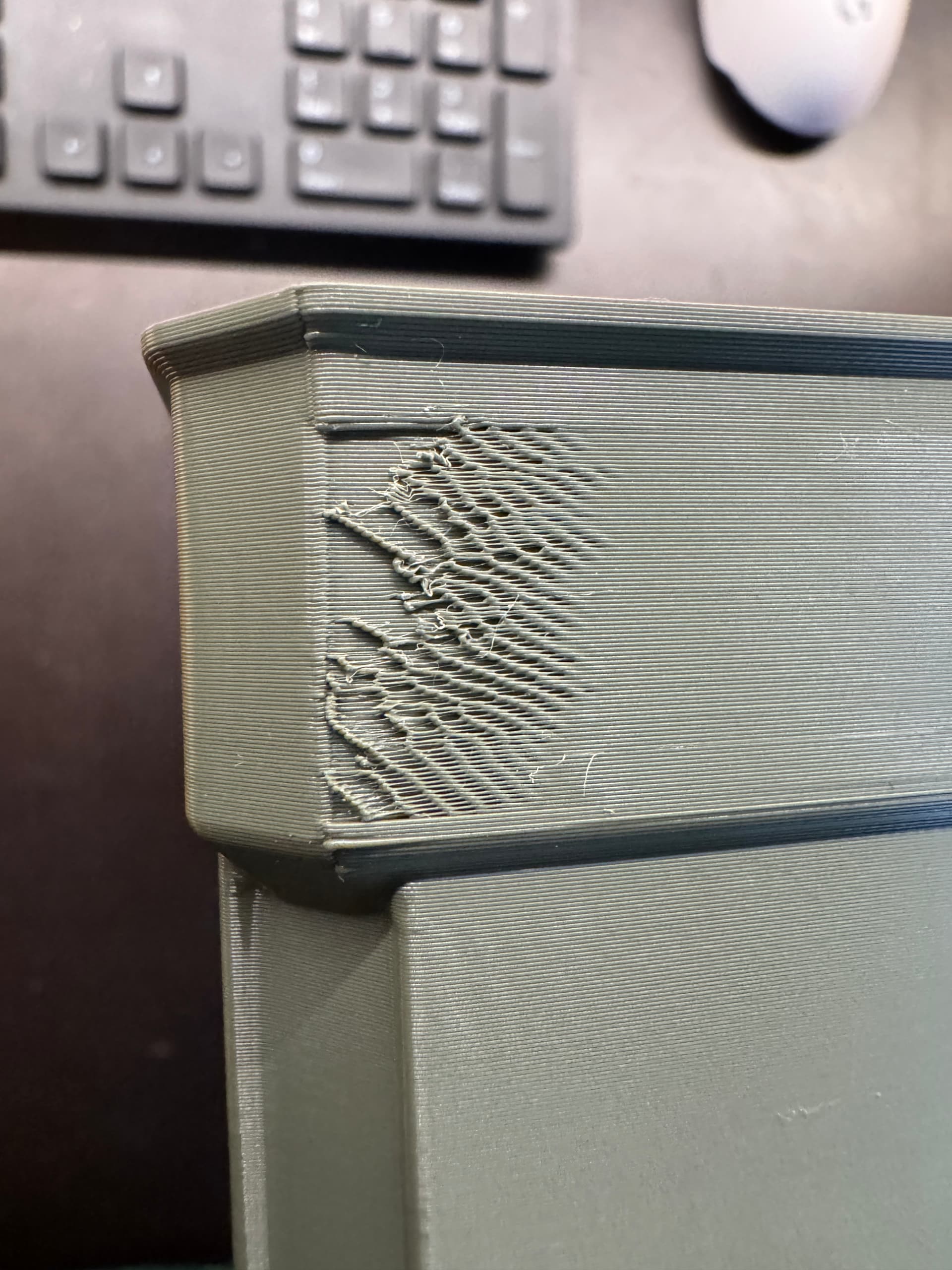
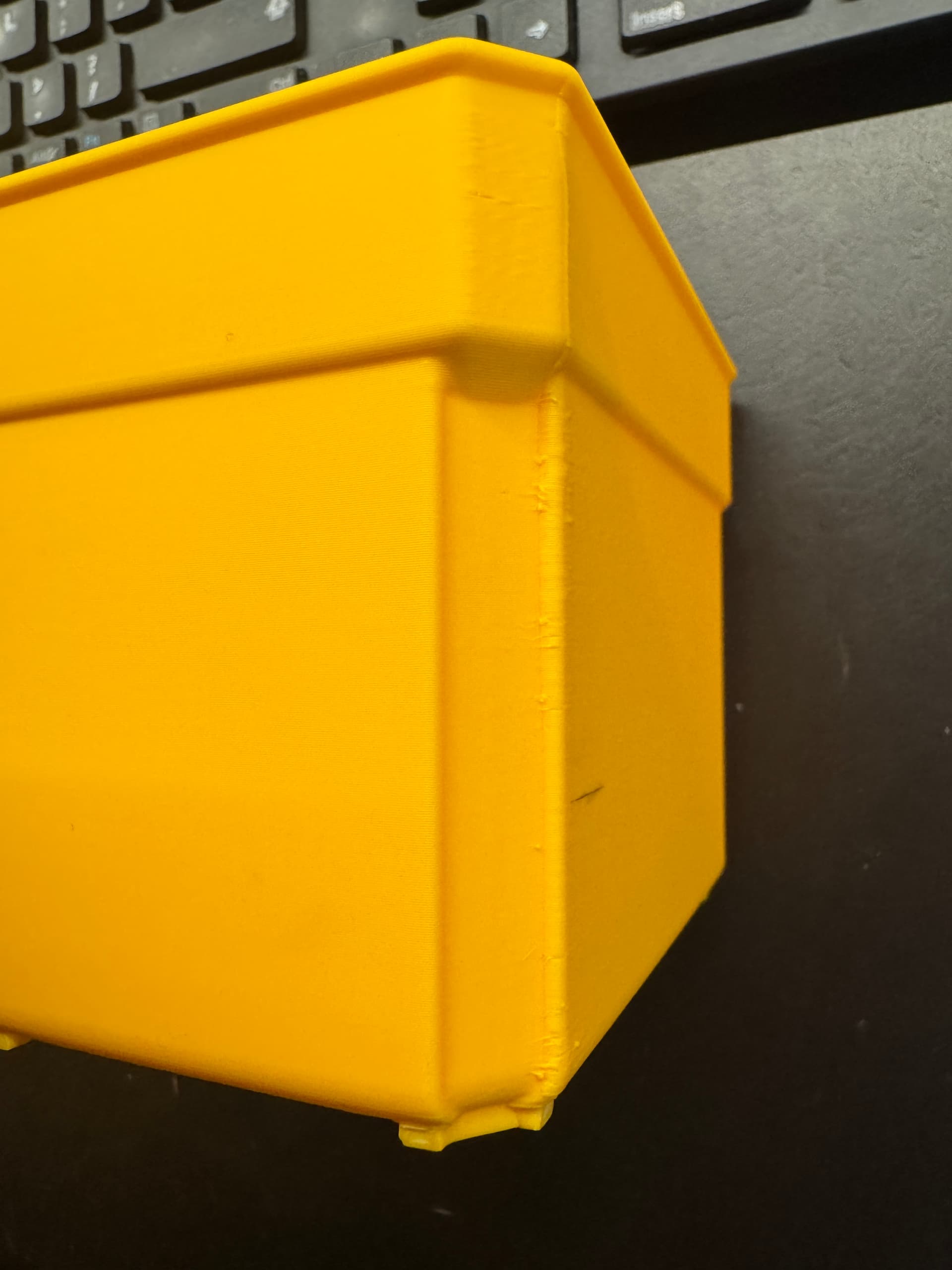
No matter what I do, I can’t get it to print section of outer wall at the start of the layer reliably at 200mm/s.
Inner walls print fine. Some parts of outer wall print fine. As you can see in the images it eventually prints better towards the top of the print.
Prints fine at lower speeds.
Prints fine on P1S at 200mm/s
Tried brand new induction nozzle, tried few different colour filaments. All filaments dried.
Only thing that makes a difference is reducing speed but I need to print them quickly as I need many.
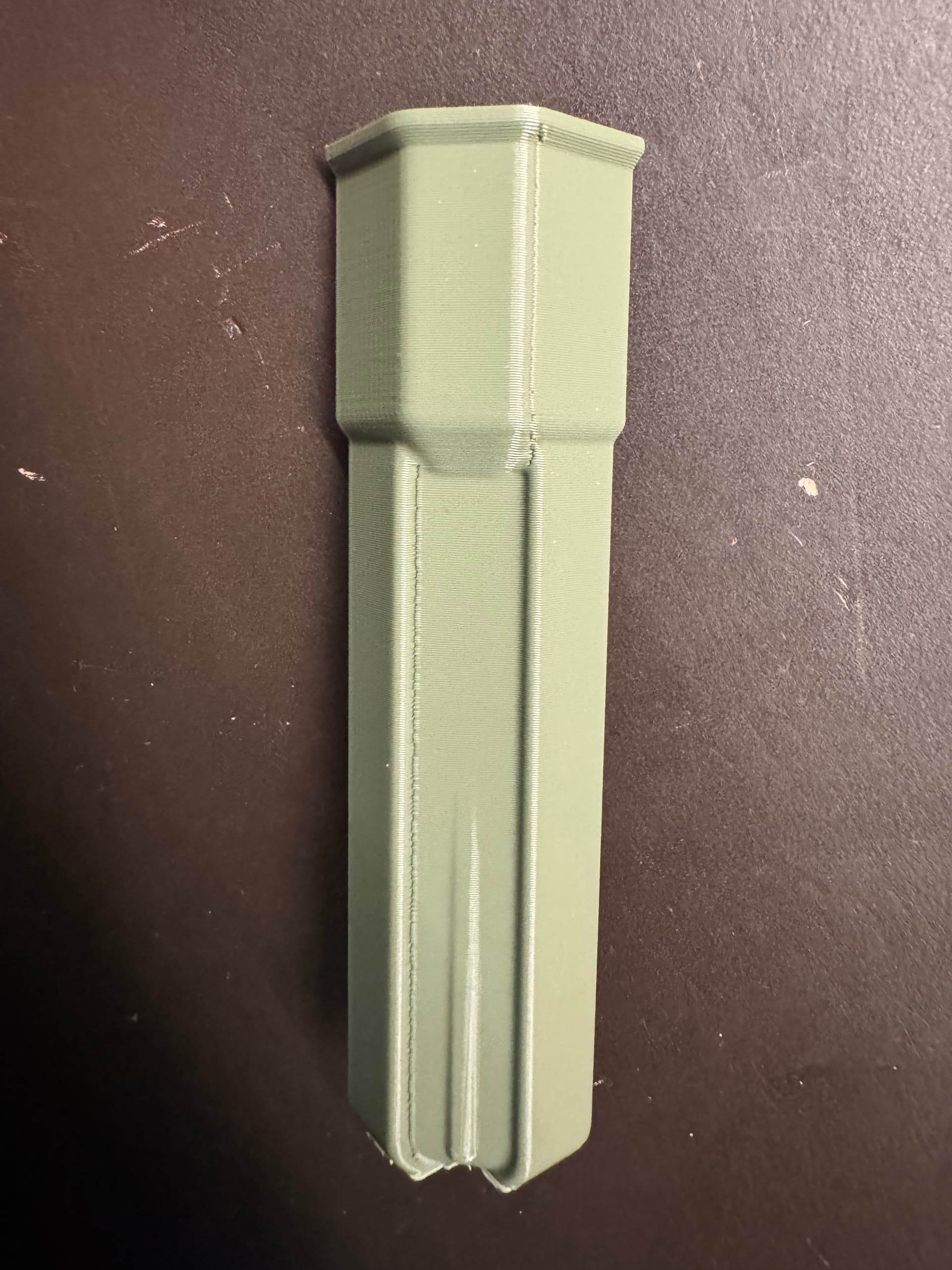
Small section shown in second to last image printed with stock 0.20mm standard profile. Print quality is acceptable but it printed much slower due to minimum layer time. Yellow printed at 100mm/s.
I could be completely wrong here, so please just consider this a quick idea that you can look into further, but I can’t do that myself right now:
If it always affects the same corner of the print, it could be the printer’s ventilation fan.
However, this is just a complete guess at this point; I can only vaguely recall someone else having the same issue, and as I said, I am unable to verify that at the moment.
Im not entirely sure but when i bump up the speeds i also bump up nozzle temp. Fixes sometimes and sometimes a certain model based on geometry. Hope this helps
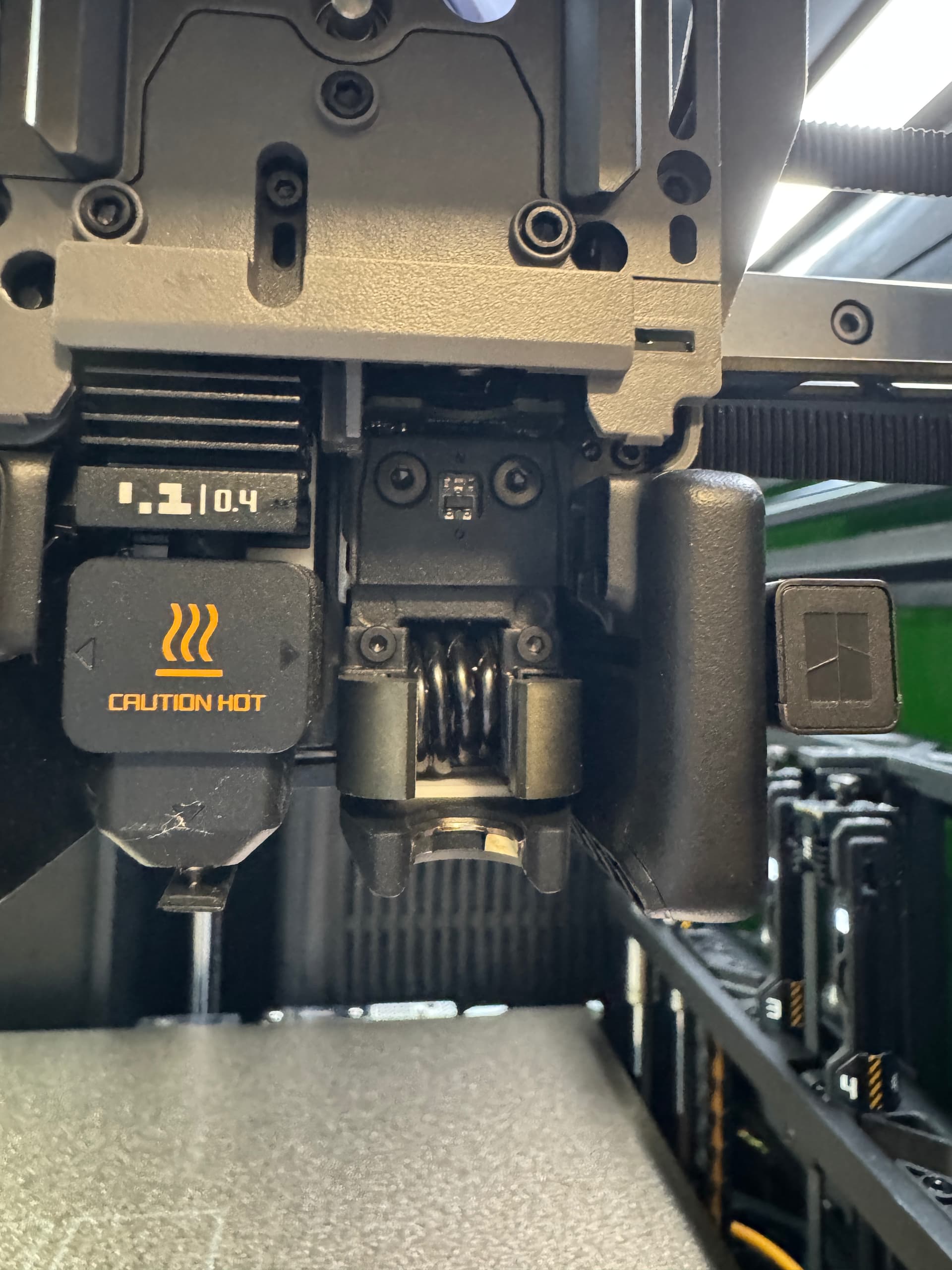
I think I found the problem. Decided to go over the print head and discovered some loosened/ not fully tightened screws. All 4 screws in the right hotend area were not fully tightened. I could turn all of them between quarter and half a turn without much force.
I’m now printing same model to see it this resolved the issue