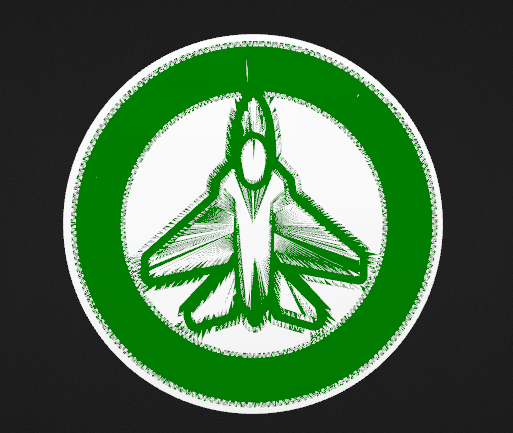
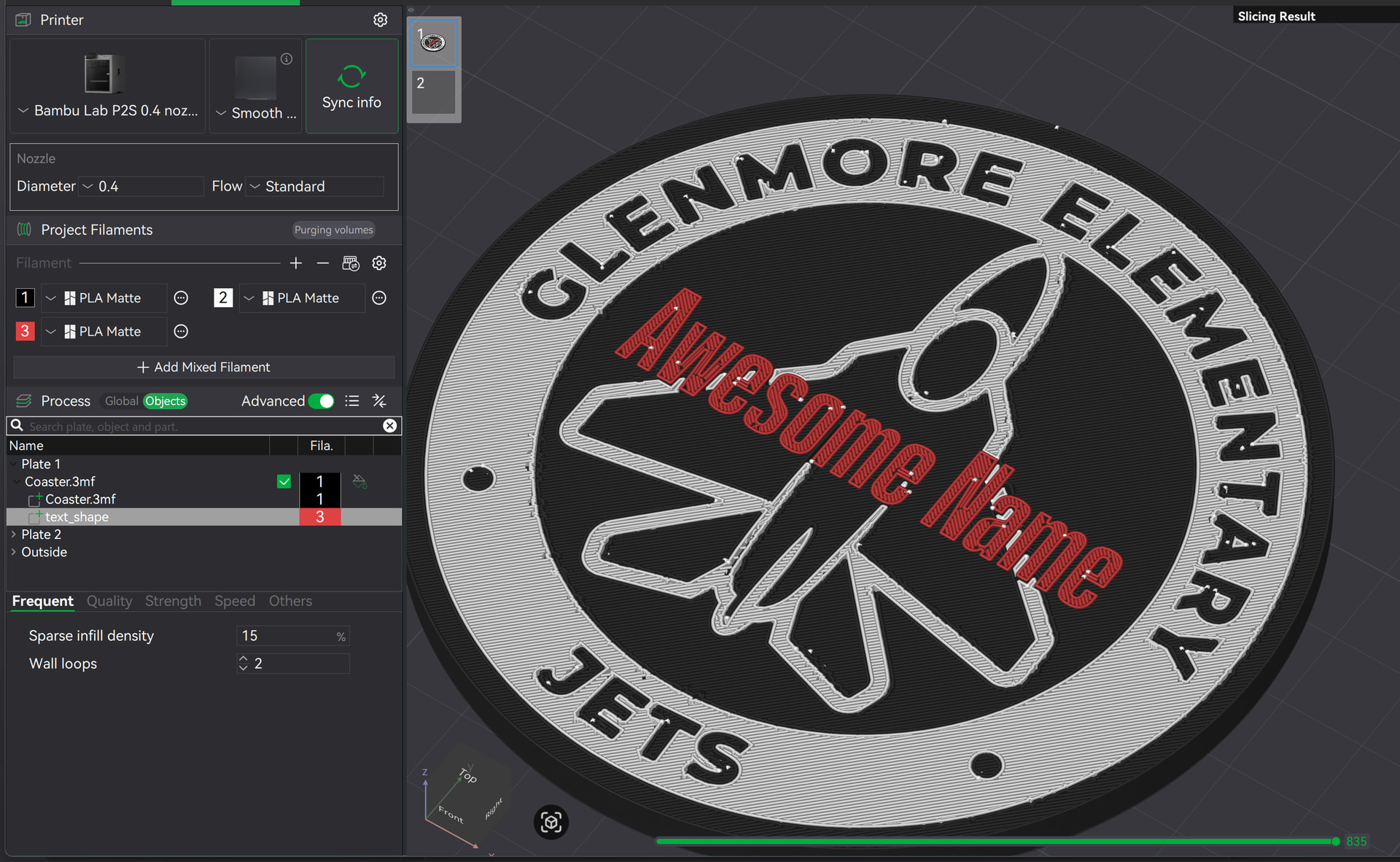
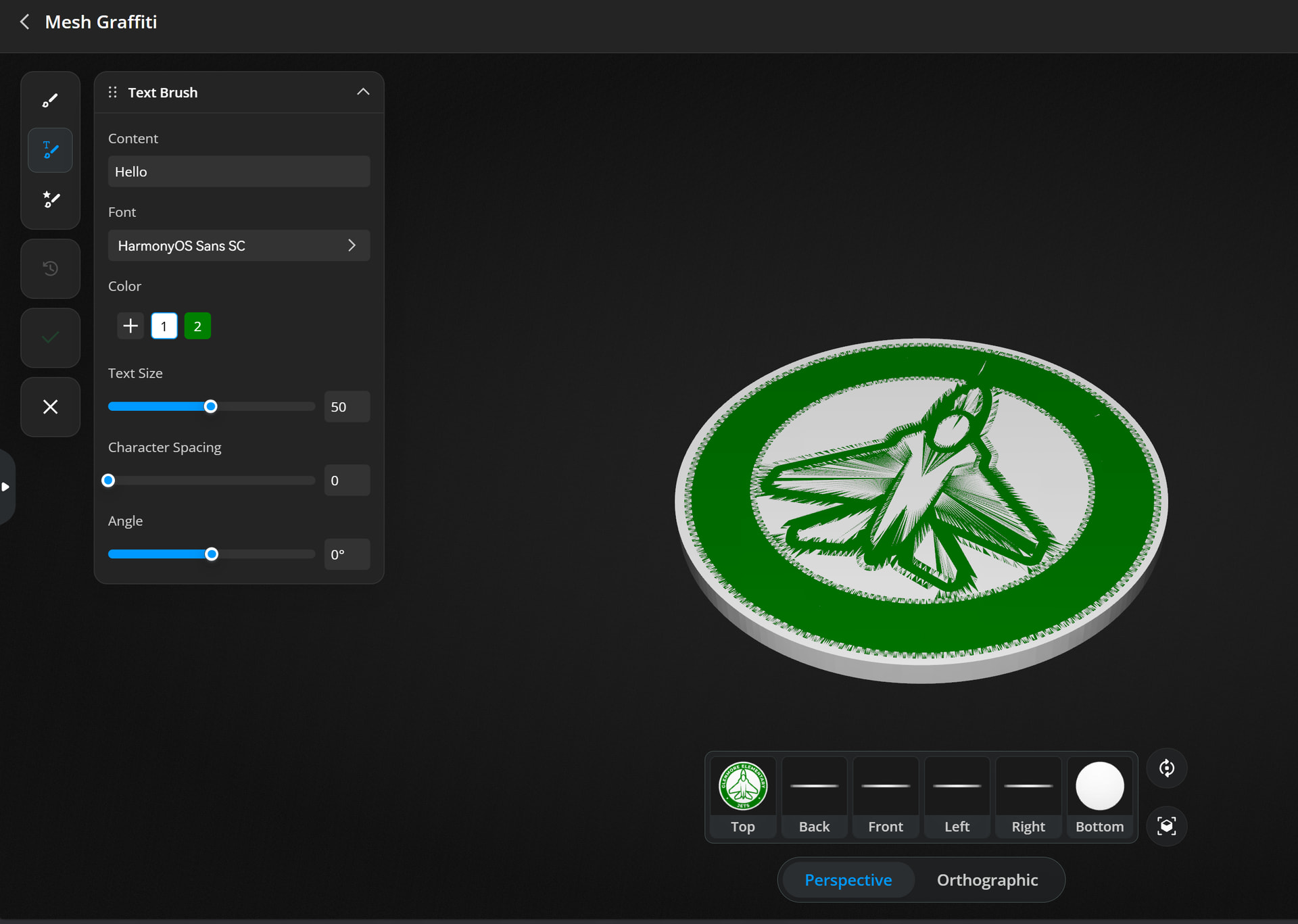
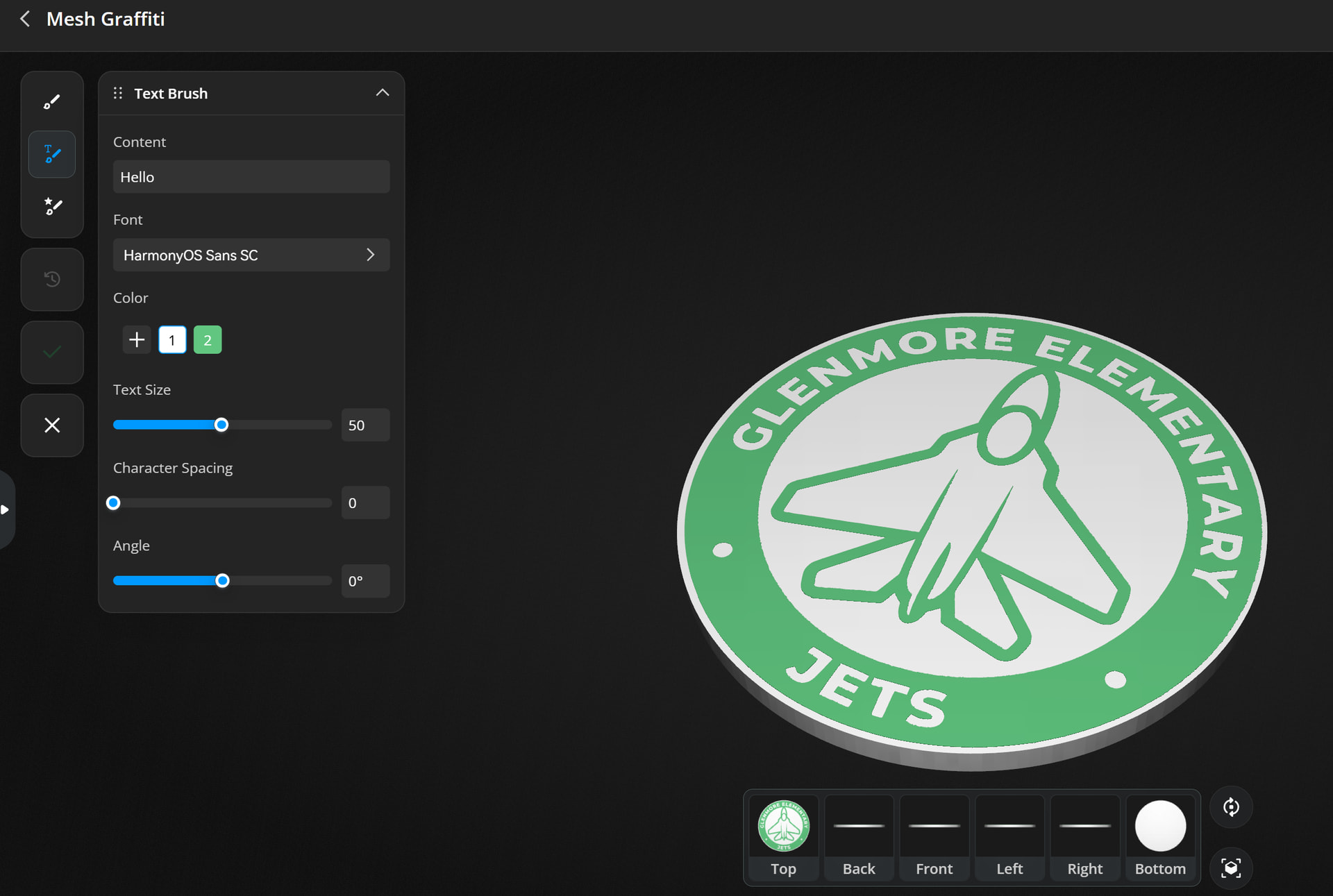
I created a coaster using Mesh Graffiti with our school logo. I wanted to print some personalized ones for the staff and as soon as I click the text button, it destroys the existing model image. See the before and after pic. I also included the 3mf.
I also had problems with the text; the mesh model seems to be corrupted. I was able to repair it in Bambu Studio, and the problems disappeared: Fix model
Thanks for the assistance. The problem is regarding text in Mesh Graffiti in Makerlab, not Bambu Studio. I’m having no issues with text in Bambu Studio. Thanks anyway.
Yes, I did take that into account, but if your mesh is damaged and your logo / painting, too - as it appears to be - it makes no difference whether you use Bambu Studio, Mesh Graffiti or any other software. You need to repair the mesh / logo / painting first.
Hmmm…I did the repair when you mentioned it the first time to try it and no luck. I just tried your fixV2, and still doesn’t work in Mesh Graffiti for me. I can load it and it shows fine, but as soon as I hit the text button in Mesh Graffiti it destroys it (see pic). I don’t get how it’s working for you. Weird.