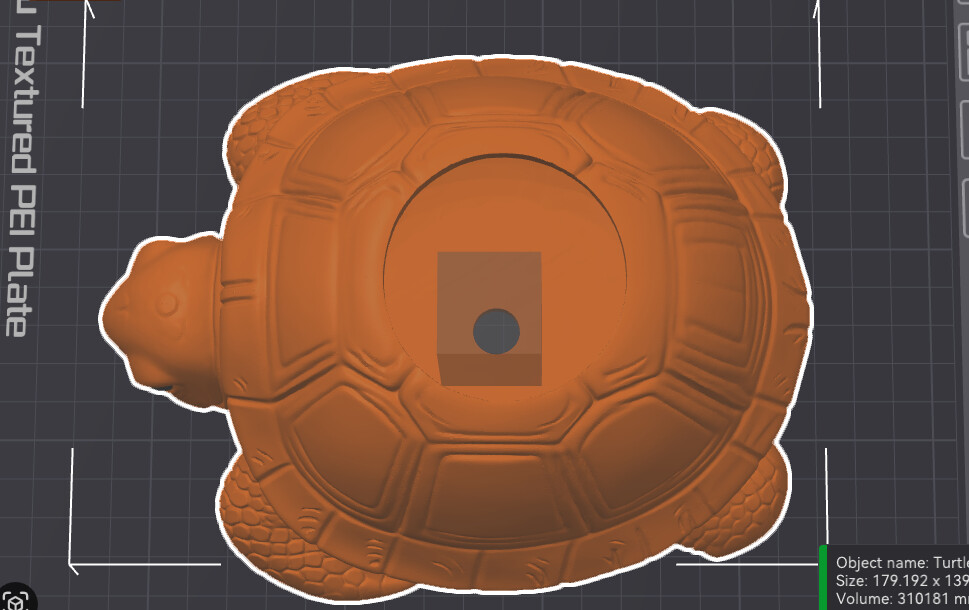
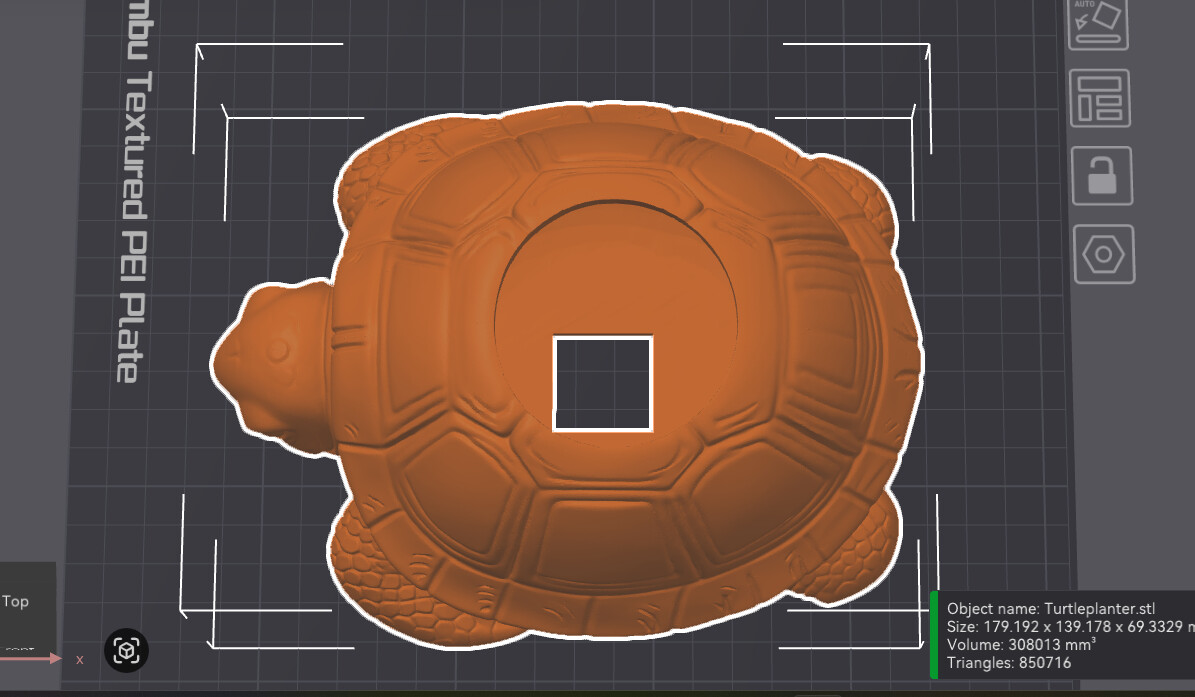
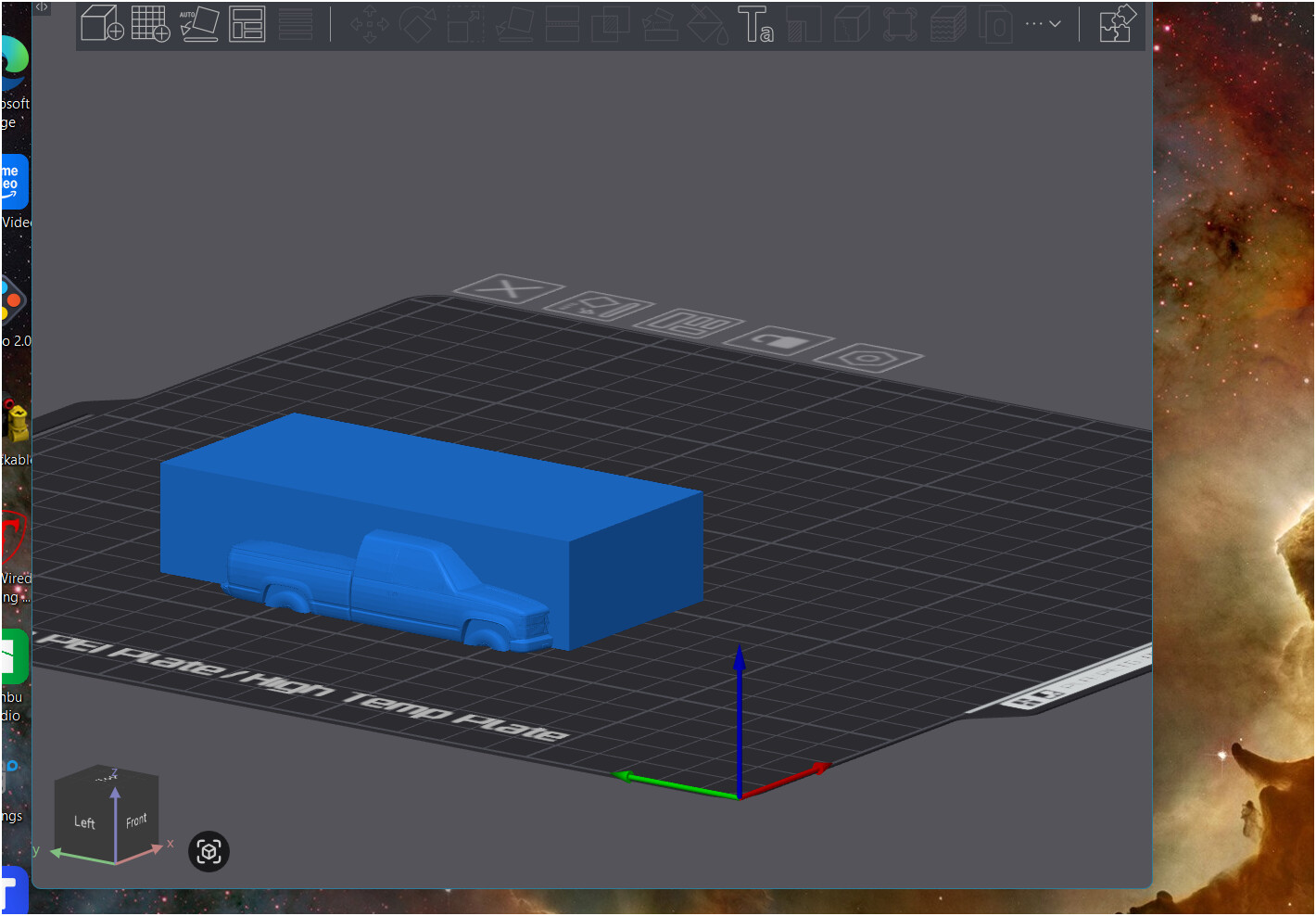
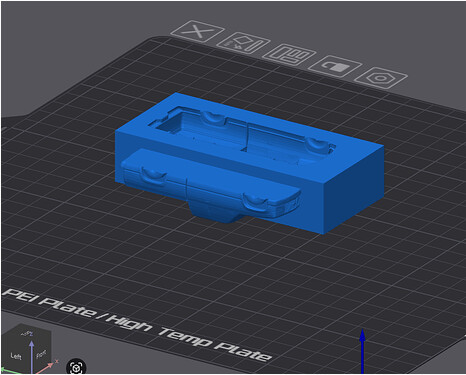
using a model and added cube in slicer to creat hollow space is not working for me. it slices solid every time i have tried many different methods to do so.
this worked before many times, what changed ??
using a model and added cube in slicer to creat hollow space is not working for me. it slices solid every time i have tried many different methods to do so.
this worked before many times, what changed ??
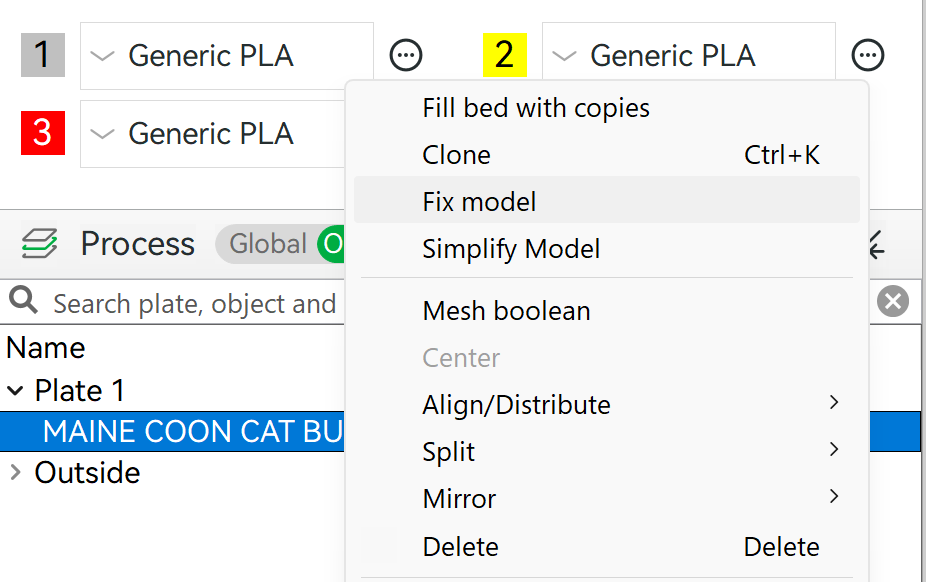
The mesh is probably faulty, but you can try repairing it in Bambu Studio. However, I should mention that this often fails. Bambu is not the right software for fixing mesh issues. In the object window, you must click on “fix model.”
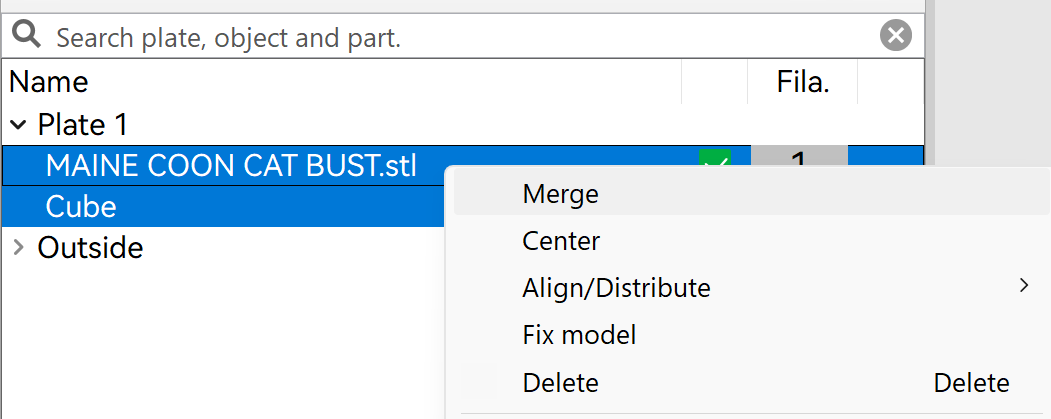
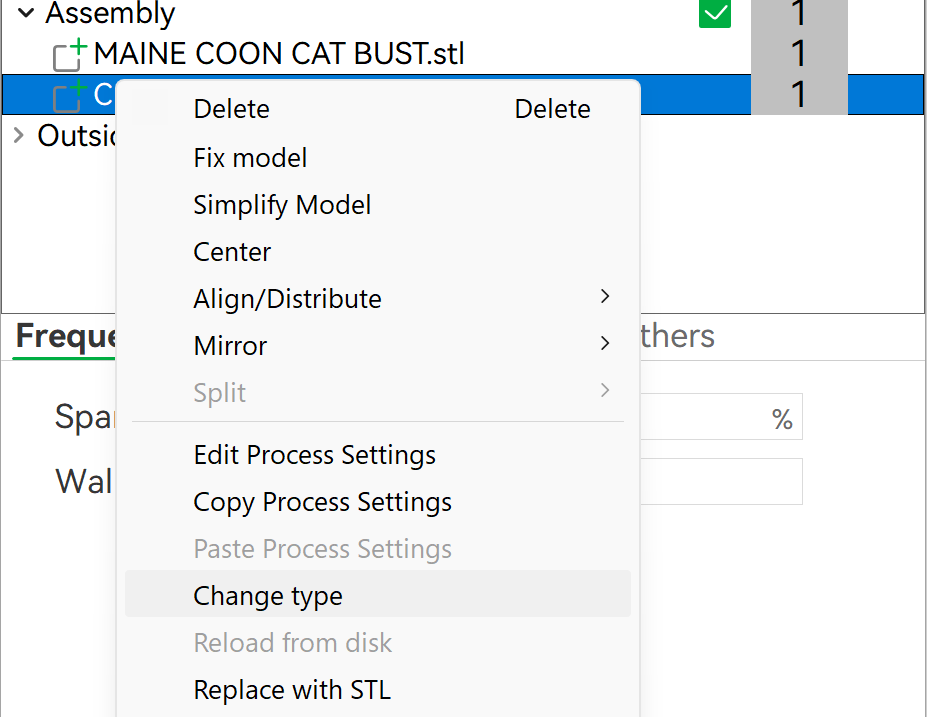
Also make sure that your objects are grouped - at least in this scenario. Click on “merge”
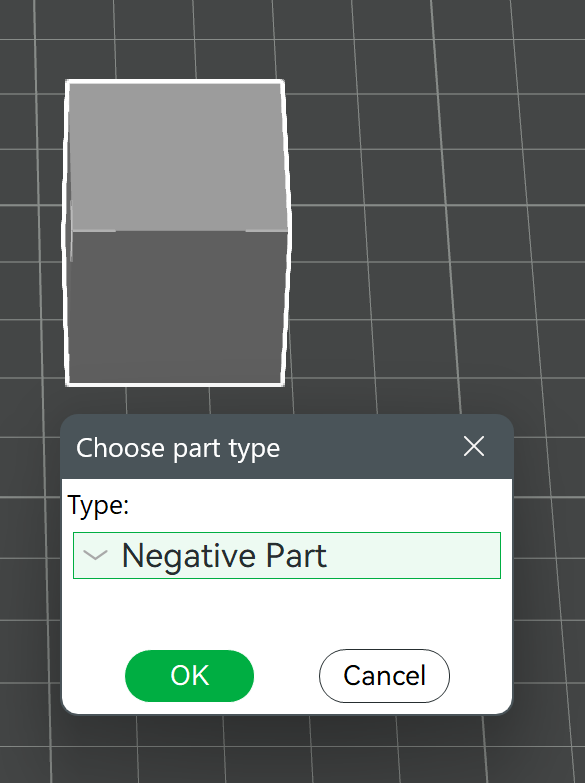
Don’t forget to set your added cube to negative!
____
However, if you want to know the correct procedure for when that doesn’t work, you’ll need to install Blender. You don’t need to know how to use it; just install the plugin. Then open your file, fix the model and save it.
even with a maker world model??
i will give it a try
You could post a link, then we could take a look at it. 
I did figure it out. But the only way was to invert the model. Maybe there was some changes made to that part of software
Could you please elaborate on what you mean here by inverting the model? Running into the same issue with my model, I just want to remove the imprint of a cube from my model and it does nothing when meshing.
As another user mentioned, Bambu Studio isn’t great for complex meshing and often crumbles under zero pressure. Here’s a list of what worked when I had issues with mesh subtraction, in case any work for you:
Check your objects are merged into one assembly - Easy one to miss.
Fix any ‘non-manifold edge’ warnings.
Make sure the Object A (blue) column has the object you are wanting to keep and the Object B (green) column has the object you are using to subtract. Sounds silly, but I did accidentally do this the wrong way once.
Repair the model by right clicking > Fix model - I fix both objects for good measure, especially if I’ve done a bit of fiddling.
Export the object you are using to subtract as an .stl file by right clicking > Export as one STL - I saw this trick in a similar post and it has solved most of my encounters with failed meshing. Fix the model before exporting.
If your mesh subtraction is taking a long time and then failing, it may be because your model has too many triangles. Try simplifying the model (detail level = extra high) then sprinkle in any of the above steps as required. Not sure if this has implications for model quality but I haven’t seen any myself.
My usual process is: Fix/simplify model > Export as .stl > Import .stl > Merge > Subtraction > Profit. I’m not too well versed in Bambu Studio so some of this may be overkill, though is largely the result of trial and error. Hope it helps 
As i recently found myself in a similar position (playing) , a model with manifold edges (fixed) still couldnt complete a mesh boolean due to self intersections (bad geometry)that dont appear to be repairable with studio, i found this an interesting read
added picture to chat, its a strange thing this
okay thanks i will check that out
thanks, its been a reoccurring pain in the but this type of thing
Blender is free, and it will do CSG (Boolean operations) pretty well even on more complex geometry. If all you want to do is CSG, you won’t even have to learn very much of the software to get it done.
But it’s important to make sure the geometry is “good” first. Non-manifold objects may look solid, but geometrically they are not and CSG results on them can go bad in unexpected ways. How the “gaps” effect the math is hard to predict. Might make no difference at all, or it might crash the program doing the operation.
Also, sometimes the geometry is “pathological” and even though there’s nothing wrong, the operation still fails. This happens because of how vertices and edges align in the overlapped objects. The math being used can’t find a solution. Some programs will warn you of this. If it happens, moving one of the objects slightly, relative to the other, will often correct it.
I see this happen when I try to subtract one object from another, but a face of the primary object and the subtracting object are perfectly aligned. If external faces of both objects are on the exact same plane, the program has trouble deciding which should be “outside” and which should be “inside” as it performs the Boolean.
Unfortunately I’m on MacOS and there is no “Fix model” option. I’ve tried everything else and ultimately I ended up getting the desired result by downloading Blender and performing the mesh there. I was able to export the difference back into Bambu Studio as an .stl.
thanks, i got blender and free cad
this and blender was a huge help thank you