I was regularily printing multi-color either by putting a pause at layer, or defining different filaments from certain layer, and putting an M400 U1 in the “filament end gcode”.
Now none of this works, probably due to new firmware (?)
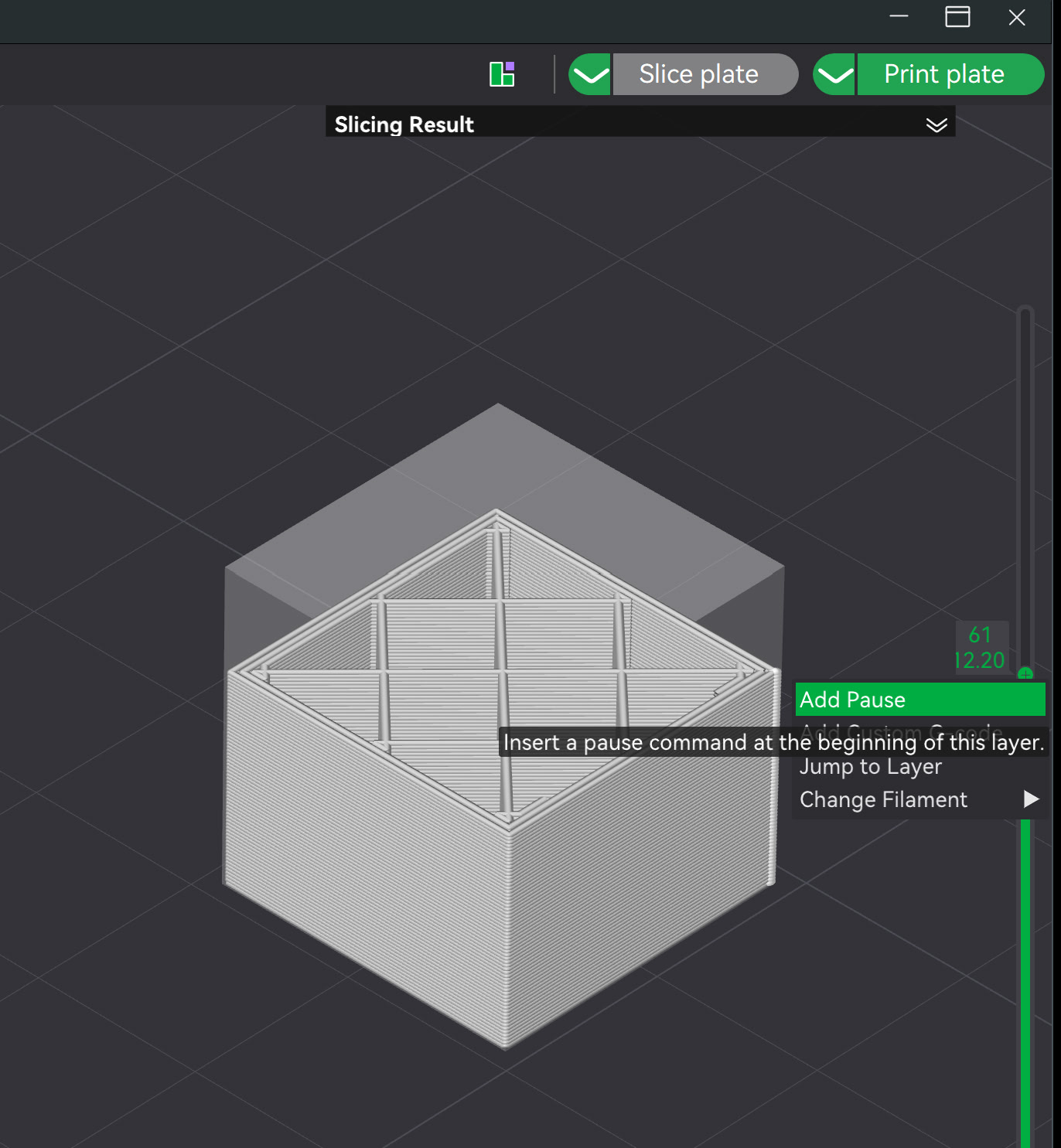
Why insert the code yourself when you can simply set it up in the slicer to handle it for you, avoiding any compatibility issues? In the right-hand sidebar, select the layer where you want the pause to be, right-click, and then select ‘Insert Pause’.
As described above, do not enter any G-code yourself. During the pause, unload the filament from the printer via the display. Then, change the filament and select ‘Load Filament’ on the display.
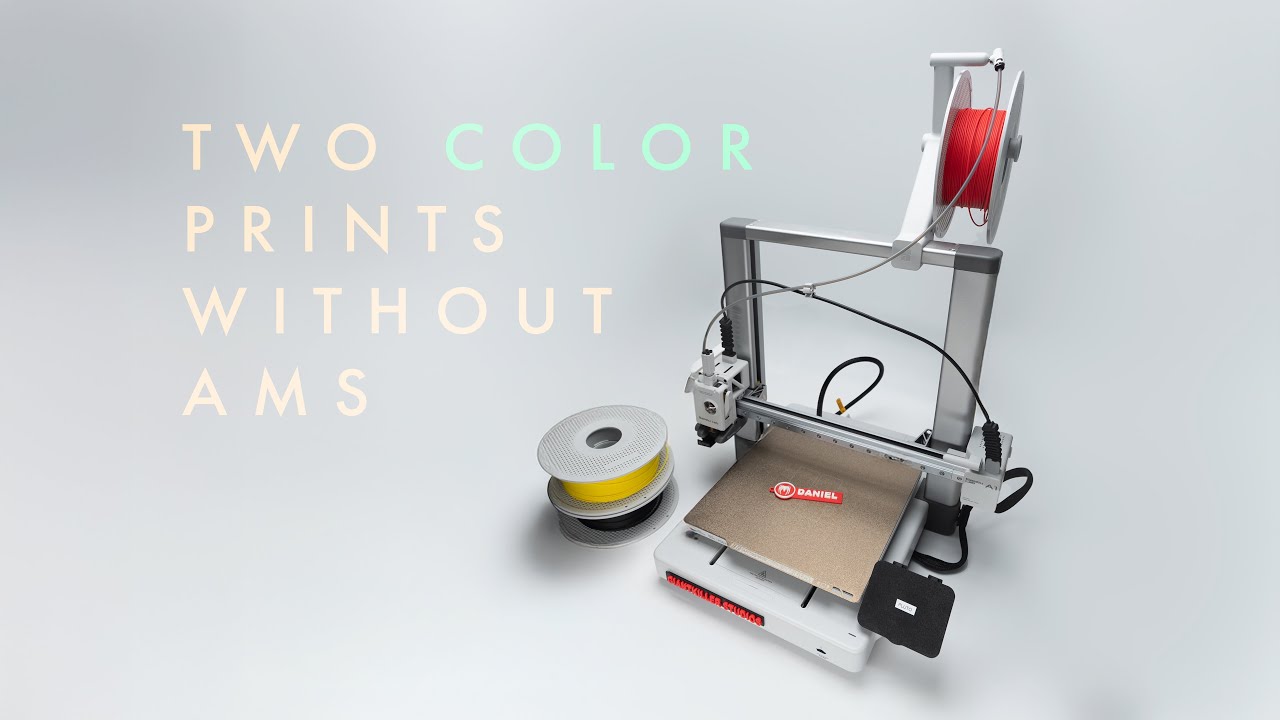
Please note, however, that this does not replace an AMS, since you can only can change colors per layer and not within the object itself. There might be some workarounds, but that would mean constantly loading and unloading. It’s better to look for 3D models that support multiple colors without AMS.
Yes, i sometimes used this pause method to manually change filament, but it also seems unstable nowadays. The printer just hangs while unloading the filament.
But i figured that the “Multi-color with external” checkbox was introduced, and it seems to work fine.
I had the same hanging printer with my A1 mini when pausing for a color change. I’m not using the latest firmware but the version before that. This has to do with starting question on the latest firmware