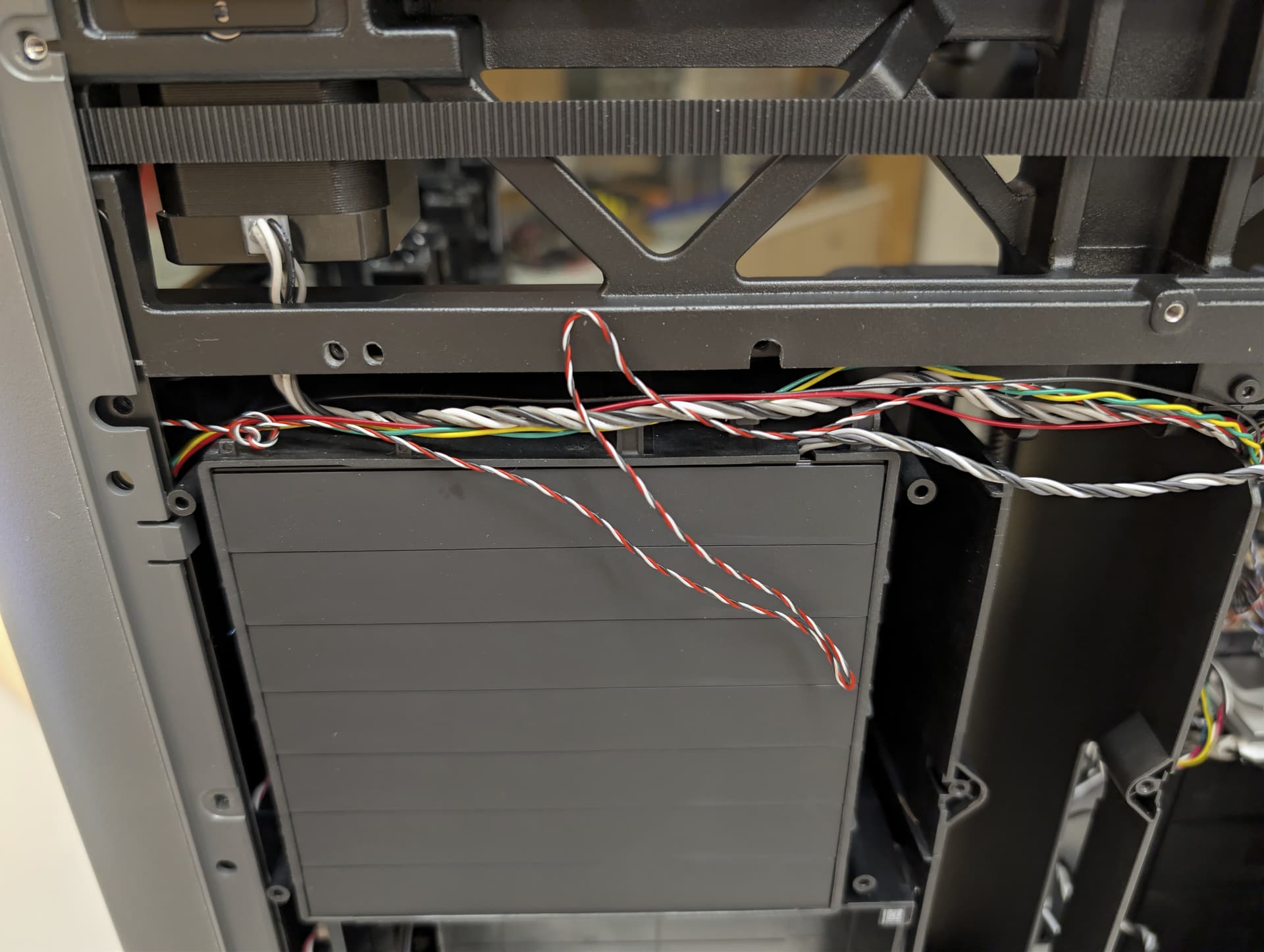
The chamber heat circulation fan on my month old H2C failed and Bambu sent me the replacement, but despite my experience fixing printers this is a very elaborate procedure and I’m currently stuck trying to remove the Right Inner Lining Assembly - I removed all the screws mentioned and don’t see any others, but the bottom left still seems hung up on something. Has anyone got experience removing this on their H series printer and have any tips? It might even just be technique in which way to push/pull the part to remove it. The pictures on the Bambu wiki (Replace H2 Series Right Inner Lining Assembly/ Chamber Heat Unit/ Chamber Heat Circulation Fan | Bambu Lab Wiki) don’t appear to be sufficient for me, I could really use a video.
Here’s a video of where I’m at. There’s either something I’m missing that needs to be freed, or maybe I just need to know what the proper motion is to free the assembly. H2C Right Inner Lining Assembly