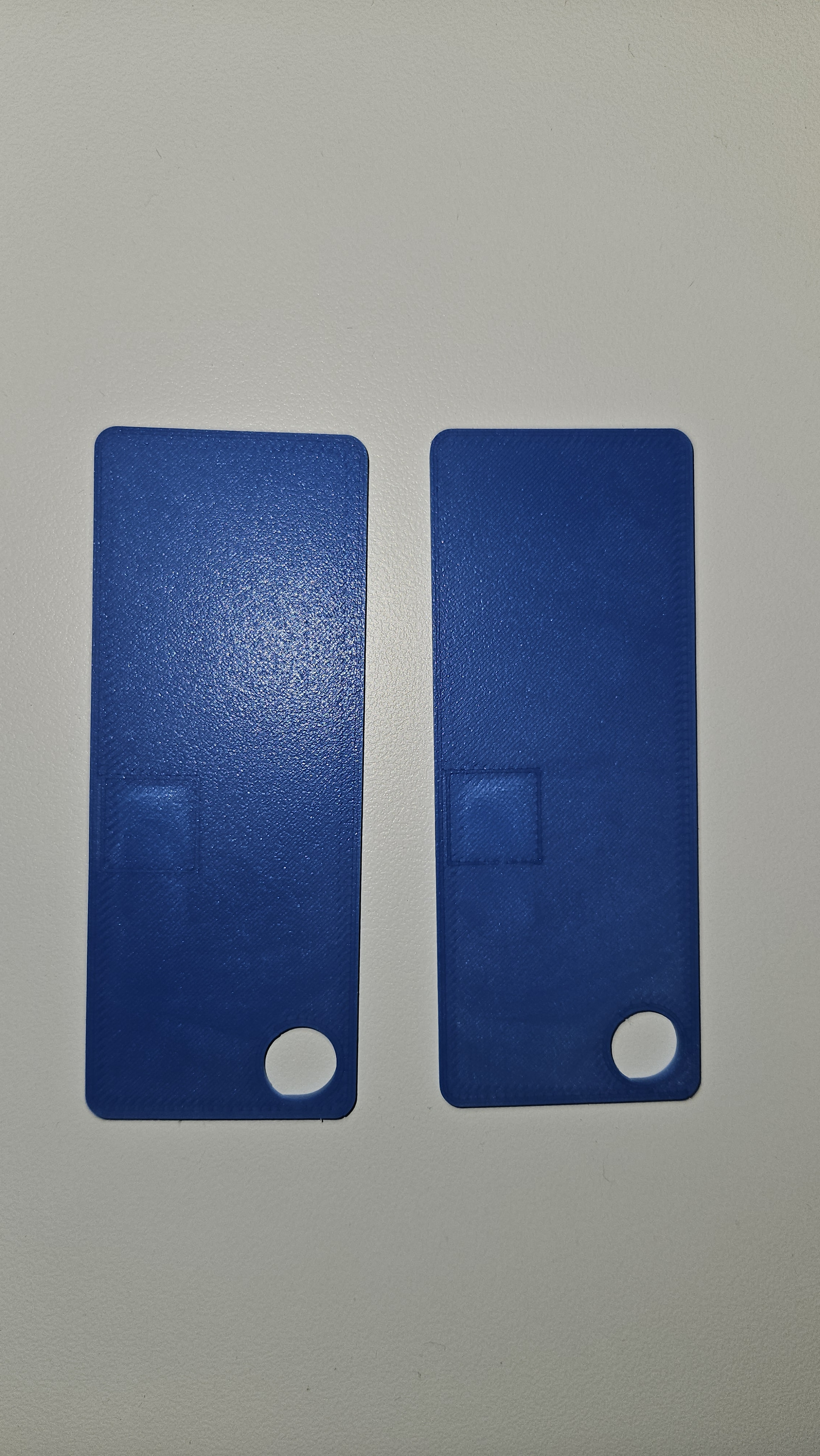
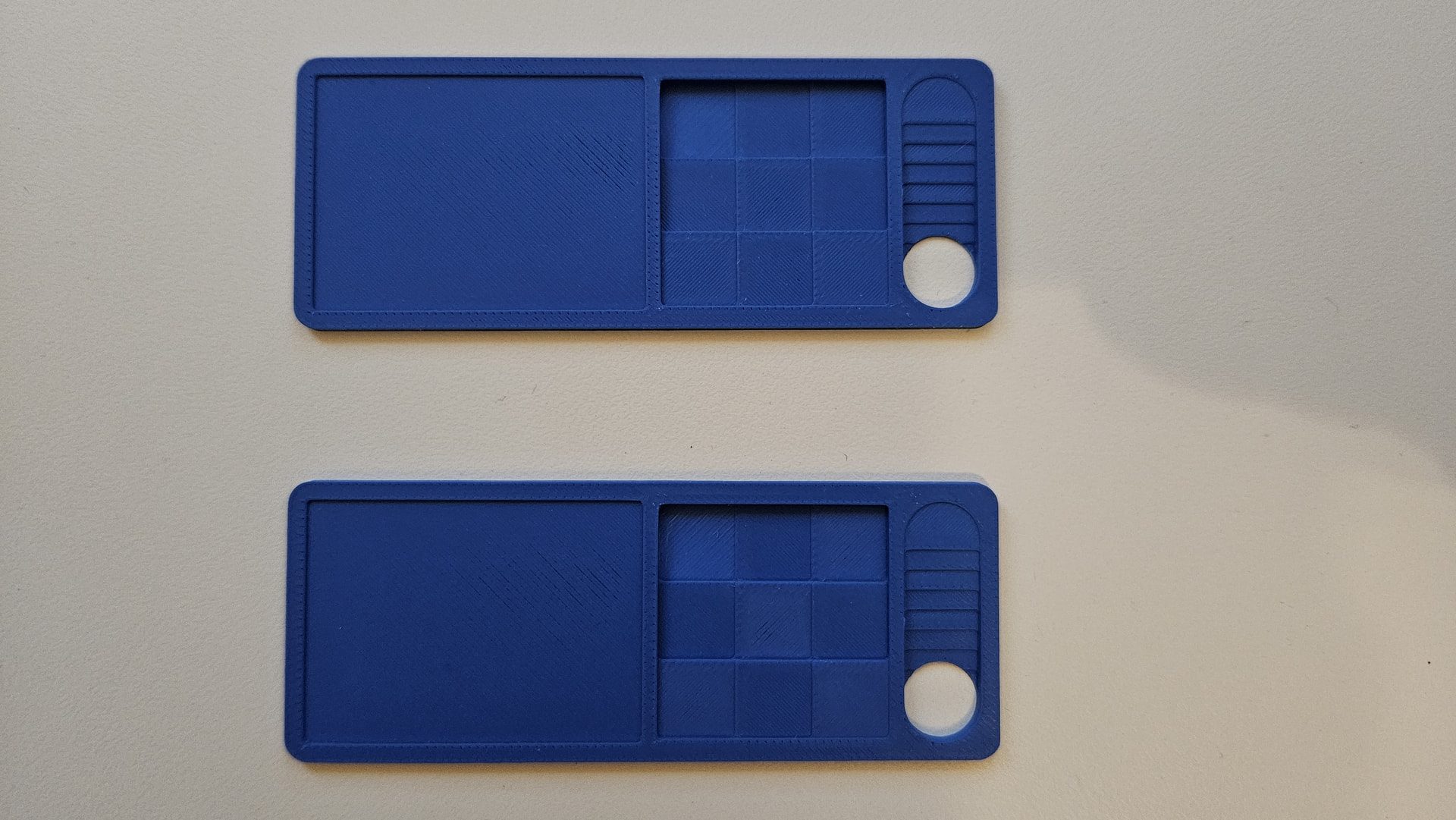
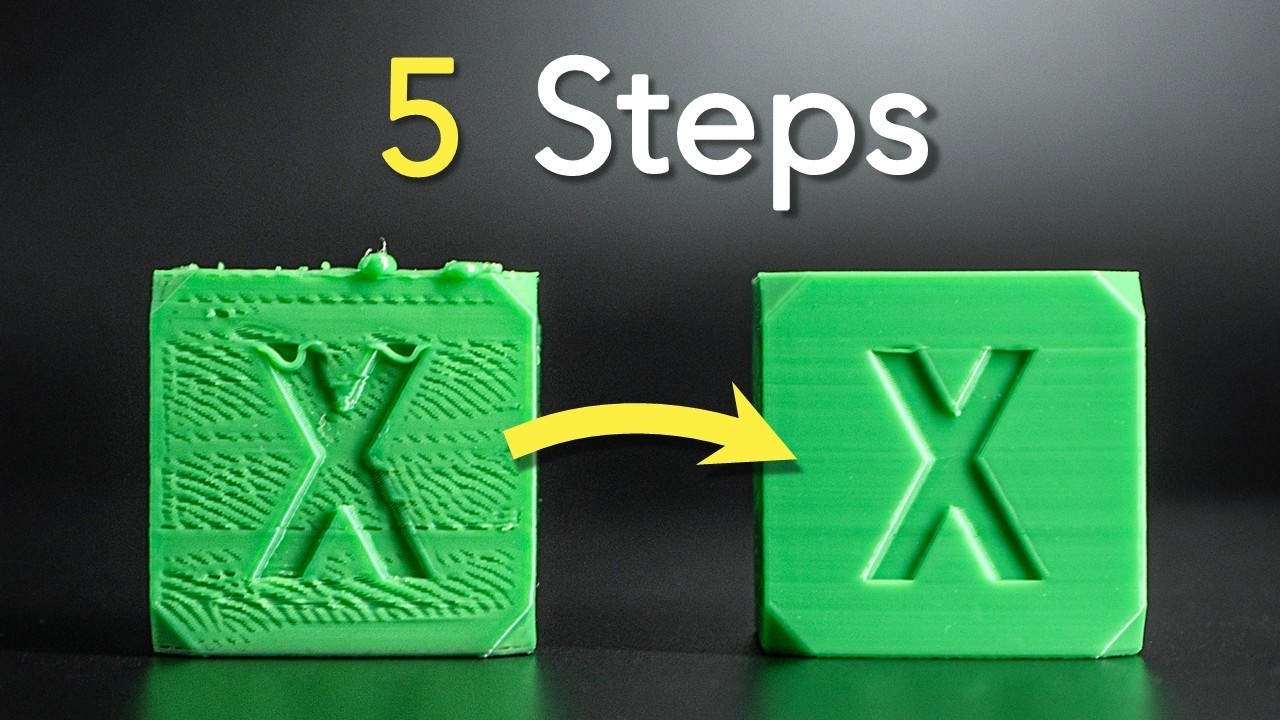
We talked yesterday via the other forum. Like you I had some issues, or at least I thought I had. For instance the purge line at start looked suspiciously small under 1.09 compared to 1.07 and 1.08, and like you thought the first layer was not great. In addition, the auto-calibration of dedicated (not the one at begin of each print) flow dynamics calibration failed. I reverted to 1.08.01.00 then tested a swatch print (see photos), and it was fine, and both firmware produced identical prints. The purge line was thick at start, thin at the end. I updated again to 1.09 and it printed fine again, including the purge line. Also, the calibration of flow dynamics was successful.
So I am on the verge with that new firmware. Weather has changed, it is colder now, I am wondering if it could have an impact and that the quality variations were coincidental. Could you try reverting to 1.08.01 and then back again to 1.09 and let us know how you fare?
Okay, I’ll give it a try. Both printers are running, but one of them is currently calibrating; once the calibration process is finished, I’ll test the first layer. This time, I’m using a 0.6 mm hardened steel nozzle with a layer height of 0.24 mm. If I encounter under-extrusion on the first layer again, I’ll stop the print and reinstall firmware version 1.08.01. I’ve never experienced under-extrusion like what’s shown in your photos on any of my three printers before, but now I’m seeing it on almost every layer—it’s very frustrating.
By the way, I’ve also installed firmware version 01.09.00.00 on an A1 Mini and haven’t noticed any issues with the first layer so far.
Of course, that doesn’t mean there aren’t differences between firmware versions or individual printers. However, based on my experience, I can’t confirm that this firmware causes a general first-layer problem - or another problems.
Disclaimer for context: I dry my filament and calibrate my printers, so keep that in mind:
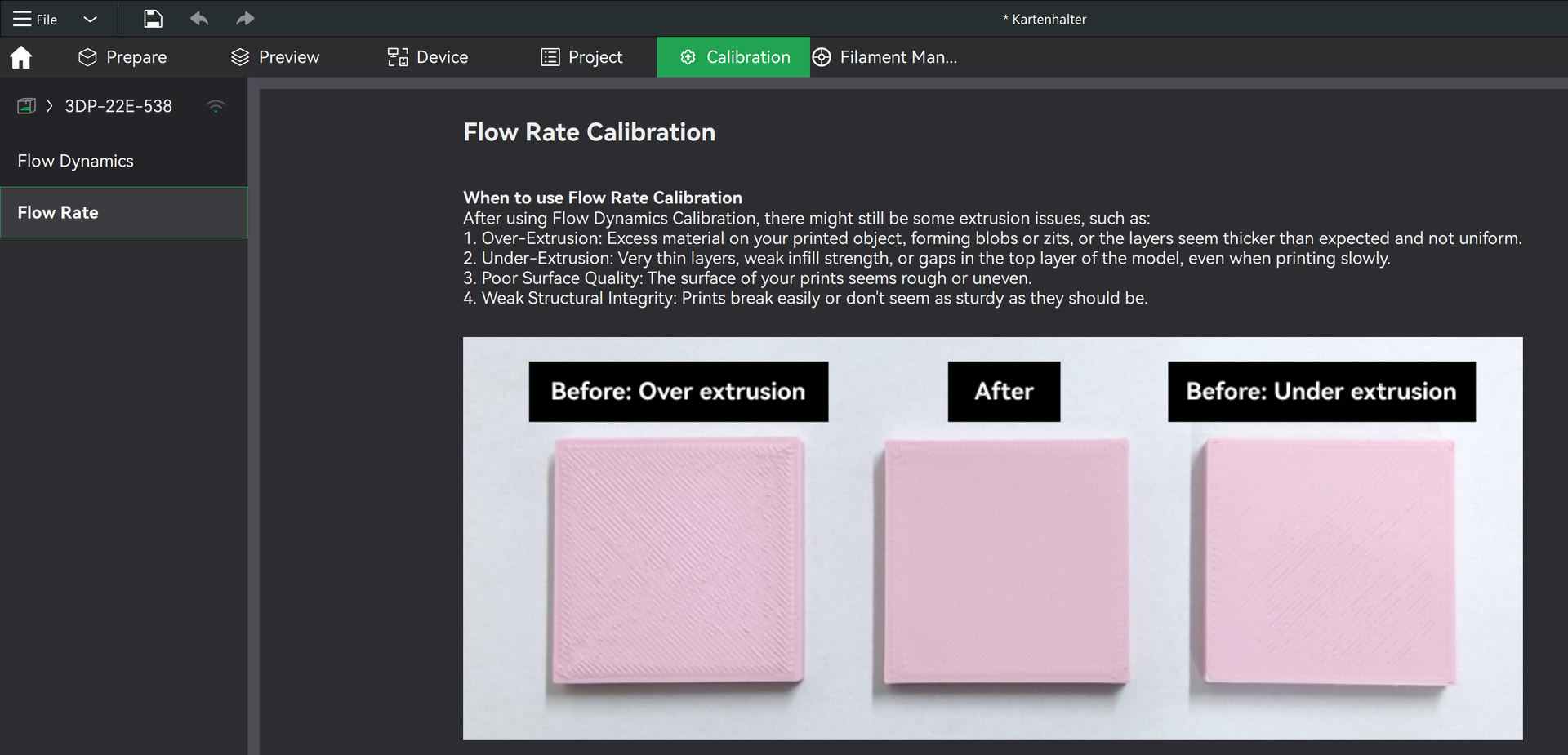
Yeah, this is the dedicated, separate, flow calibration, from Bambustudio calibration tab (see below). Not the calibration that you can set at the start of a print. So it passed the first step (printer was excreting filament) but then it stopped and on the next page it said it had failed (word “Failed” instead of the measured value). I reverted to 1.08.01, then it worked. Updated to 1.09.00 again and it worked again. I am puzzled. Or maybe the 1.09 update is not very reliable, I don’t know.
Yes, I notice some difference with a roll of filament, which underextrude. Maybe the colour pigment changes the quality?
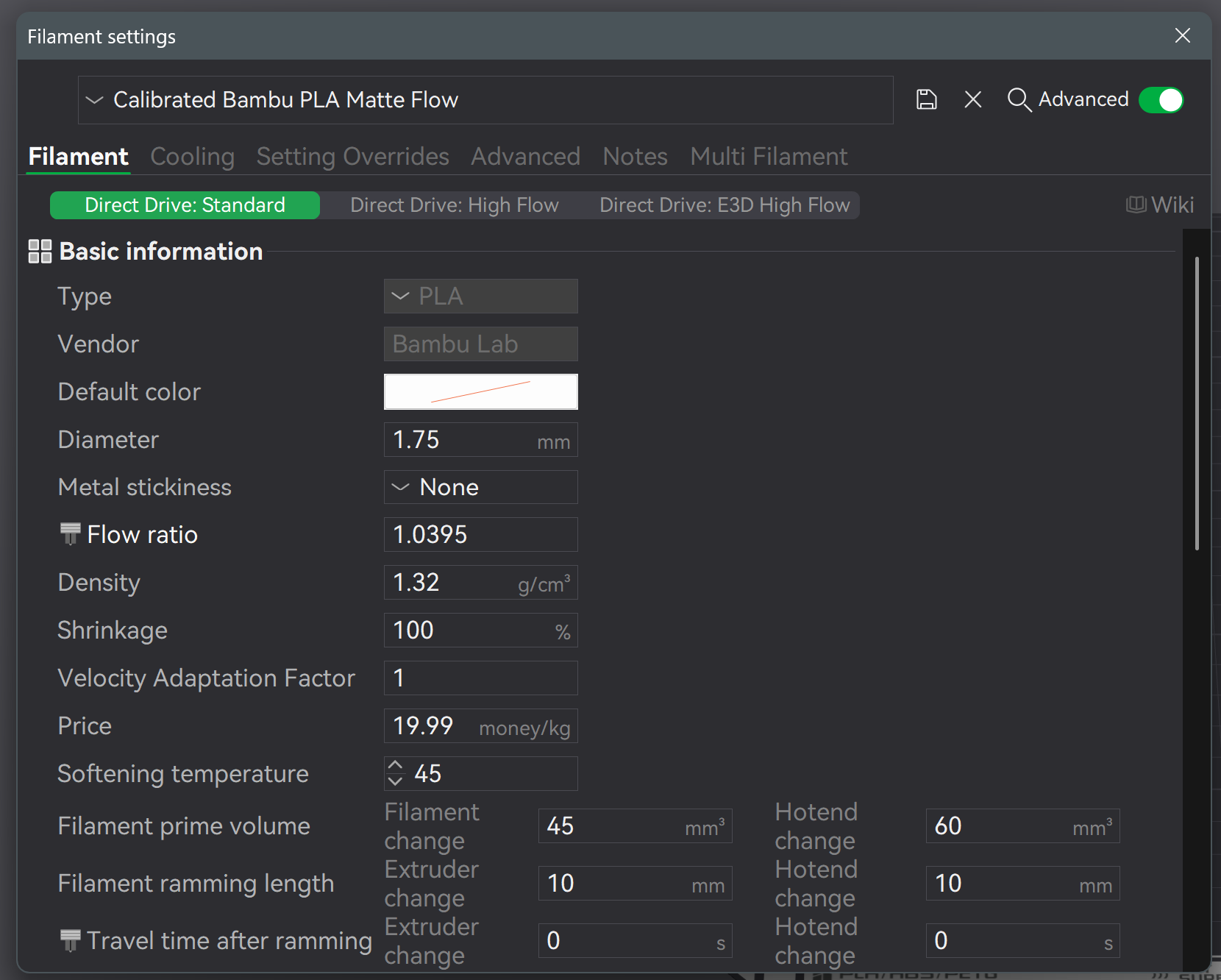
The problem I have with the calibrations is that I find it unclear where the data is stored: is it per filament type? If I measure for a PLA Matte blue, does it propagate to all PLA? Can I reset values if I mess up? What is stored in Bambustudio, what is stored in the printer ? I understand the process and the interest of it, but the management part of those tests is very cryptic to me. If you have an article to help understanding, a tutorial, then I would be grateful to learn.
If you’re referring to the calibration I used in Bambu Studio: it isn’t actually saved anywhere at first. The software simply shows you the value that should be adjusted. However, it does give you the option to save that value to a custom filament profile.
So the answer to your question is: it’s stored in a separate filament profile, but only if you choose to save and confirm it.
Technically, you’d have to do this for every color, but that would be going a bit overboard; one group is usually enough, e.g., PLA Matte, PLA, etc.
This is where, for example, the Flow calibration values are stored: Notice how I called it specially "calibrated filament.”
You can switch back and forth at any time between the calibrated filament profile and the one from Bambu. You can find the calibrated profile here, provided that you saved it after calibration: Custom
The color doesn’t really matter; you have to do this for every group and every manufacturer. So Bambu PLA Matte, Bamut PLA, Sunlu PLA, … However, it’s best to choose a color that’s easy to recognize - maybe not exactly white.
As mentioned above, simply change the filament profile.
Nothing is saved on the printer. Everything is saved as a profile in Bambu Studio.
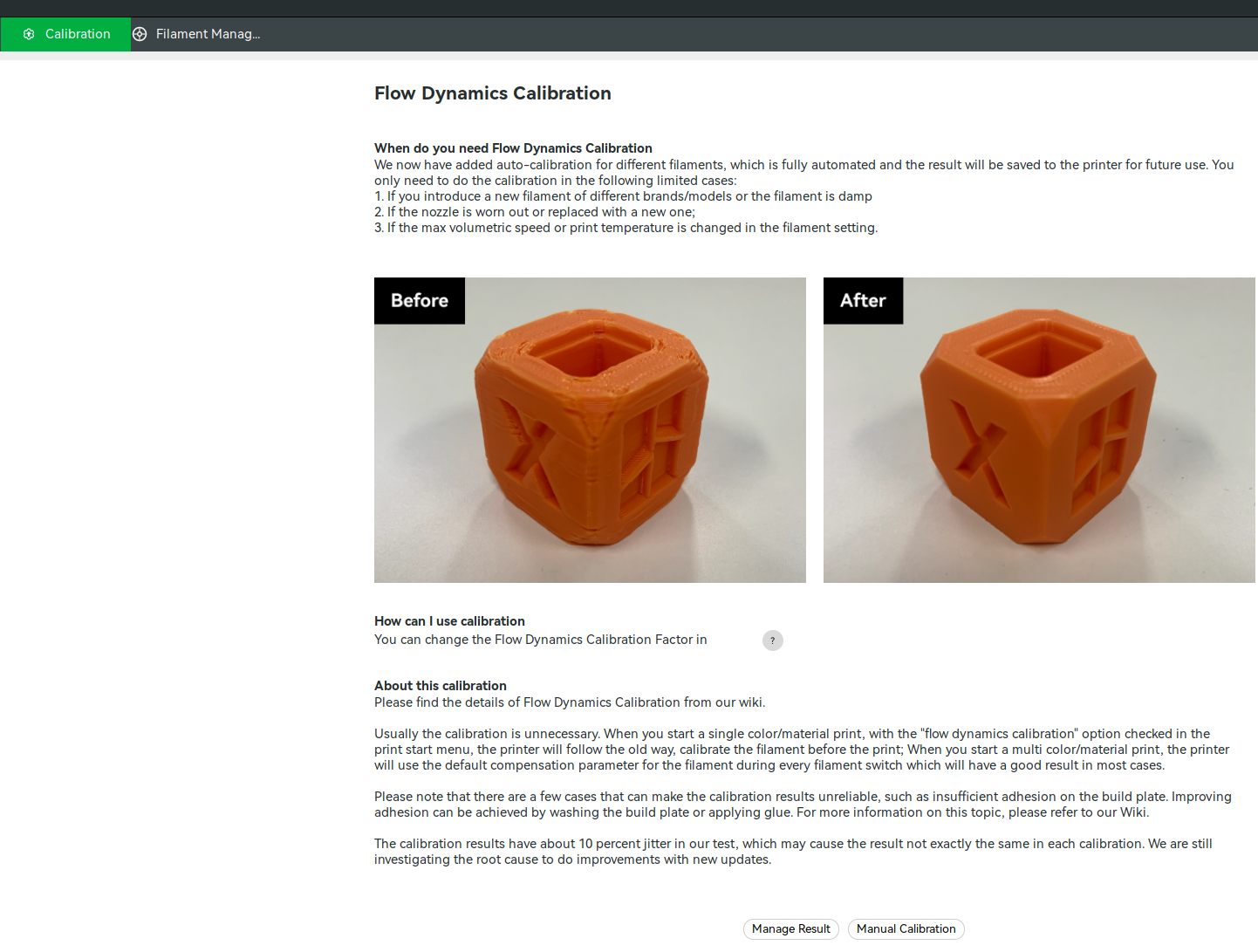
One more thing I forgot to mention: Please turn that off when you’re using the calibrated profile: Flow Dynamics Calibration
I only just realized there’s a contradiction here:
If you calibrate your filament in Bambu Studio and then leave the automatic calibration enabled, the two can end up working against each other and lead to unpredictable results.
Once you’ve calibrated your filament and created a proper filament profile, you should definitely disable the automatic flow calibration.
Yes, I have also noticed an issue with the first layer, after updating to 01.09.00.00 on my A1 Mini. On the new firmware, I noticed that my prints were failing with a weird first layer. It was as if it was trying to lay down a 0.2 layer first layer with the nozzle at a height of only 0.1 and so creating a weird super thin scraped layer, that caused issues in subsequent layers.
I reverted to the previous firmware version and everything went back to normal. I will hold off on a firmware upgrade, until I can confirm that this issue has been identified and fixed.
i have only done a single print after the update and have not tested any further but it had severe scraping of the infill when putting on the bridge layers.
I know the print ran perfect before since it’s the same one i printed before the update. I did run a full system calibration but again, have not tested it since.
Your case sounds a bit different from the one the topic creator described. To me, it seems more likely that the printer itself got out of calibration.
One thing that’s important after every update: power the device off and back on, then run a printer calibration from the printer’s own menu. I’m not talking about the process described in this thread, but the built-in calibration procedure on the printer itself.
If that doesn’t help, I’d even suggest doing a factory reset and setting it up again from scratch. In many cases, that clears up calibration or configuration issues that can pop up after an update.
Many thanks @RetroSharky , this is very helpful. May I ask, where is the k value stored (around 0.02)? I cannot find it in the filament profile dialog in Bambustudio. I assumed this one is stored on the printer itself because managing these values only works from Bambustudio when the printer is online. Thank you so much for your time, highly appreciated.
That was my mistake regarding the k-value. I probably should have explained it a bit better, since I only posted the steps for the flow rate calibration. Luckily, it’s all covered in the wiki I linked earlier - I’m more than happy to post the link again.
Based on what you described, I’d focus on the flow rate for now. That’s why I only included the flow rate calibration steps in my first comment.
By the way, there’s also a really good video on this topic:
But if I understand correctly, the flow dynamics calibration which is done before each print (if activated) should be sufficient not to have the separate dedicated flow dynamics from Bambustudio, right? (again, the video suggests that manual testing gives better results, due to k being acceleration and flow dependent) Reflecting the order of priority given by Viktor on this post: Why is K Value stored on the Printer and Flow Rate on the Filament? - #16 by vladimir.minkov I am puzzled by the fact it failed in Bambustudio, until I downgraded again to 1.08.01, then back to 1.09. I am unsure if it could be a case of update issue, and I would recommend anyone having issues to downgrade, run some tests, and upate again.
I would recommend everyone having issues to downgrade, run flow dynamics and flow rate tests, then update again and do the same tests again. Seems it has stabilised for me and I get better first layers, including initial purge line. Could be pure chance for me (maybe my hotend had some impurities that cleared up), but probably worth a try considering the very little hassle it is.
Ultimately, all of this seems to come down to pure luck—or at least that’s how it appears; I’m not stating it as a fact. As I mentioned earlier, I have three brand-new A1 Minis: one is a month old, and the other two are just about to reach the one-month mark. On one of these printers, I didn’t perform a firmware downgrade—I left it on version 01.09.00.00—and when I ran the flow calibration test, it failed. I tried again, and it completed successfully. Then, with two other units—on which I did perform a downgrade followed by a fresh firmware update—one of them failed the Pressure Advance ¶ calibration, though it worked fine on the second attempt; the other one didn’t fail at all. The printer that I didn’t downgrade still shows signs of underextrusion on the first layer—there are gaps between the lines, and you can even see the PEI build plate between them; it’s a disaster. The other units, which I downgraded and then updated, don’t have this issue. It really seems like a very unstable firmware that just fails whenever it feels like it.