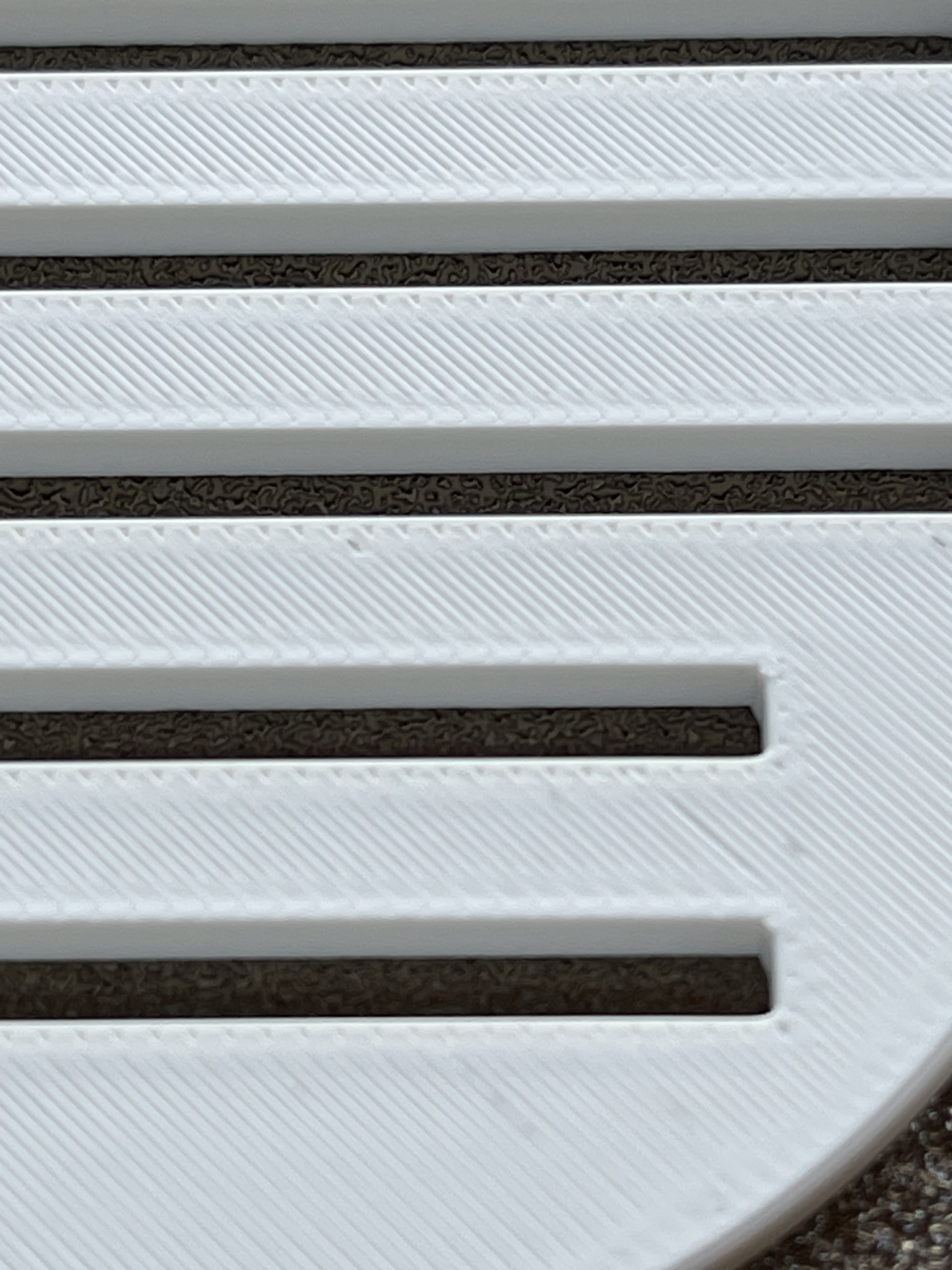
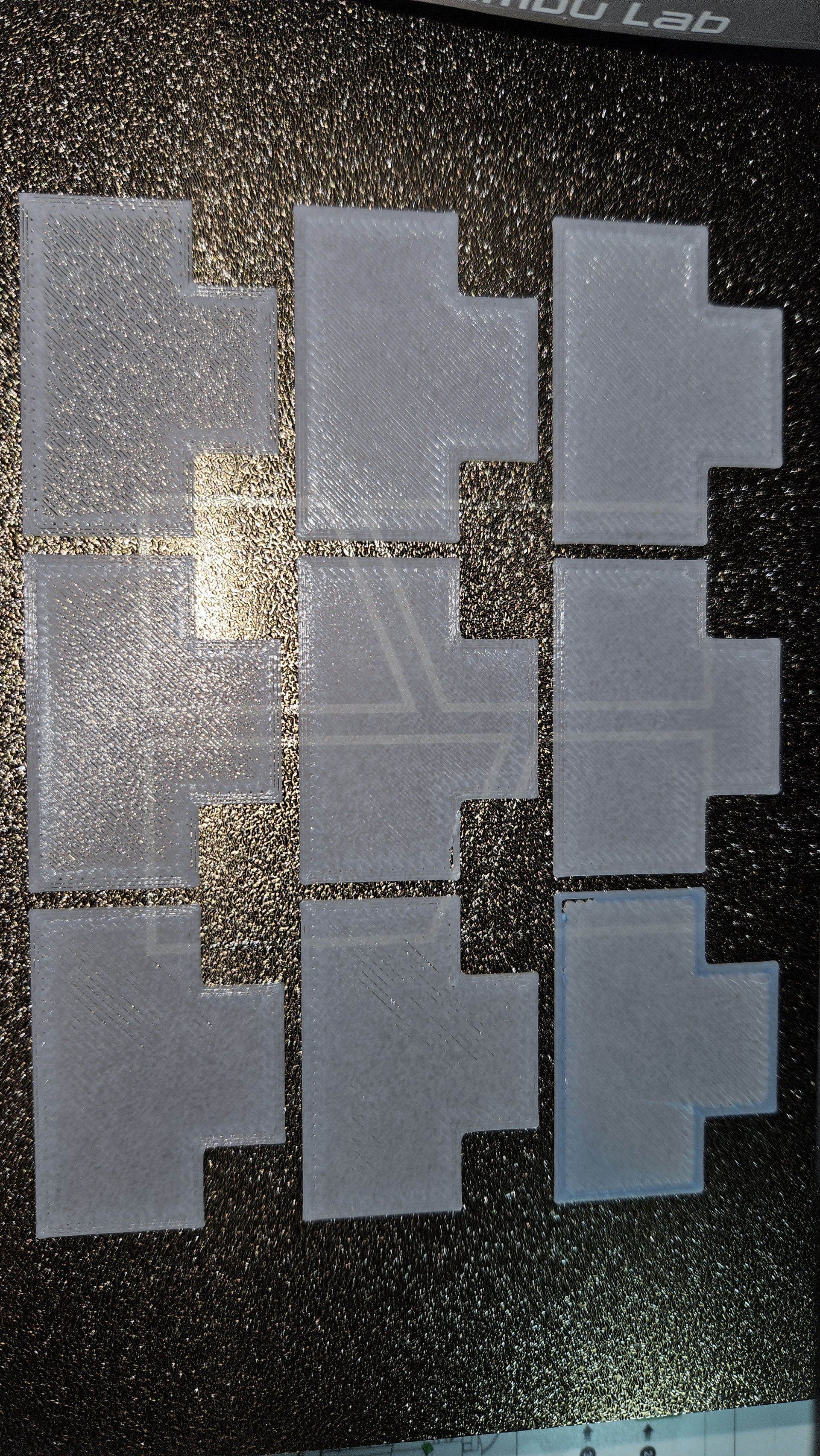
i was about to do this to the printer that got the most failing first layer
But I still believe this is a PA (Pressure Advance) issue: the new firmware has altered the calculation process for the eddy current sensor. It simply doesn’t make sense that, all of a sudden, the print lines have become extremely thin—as if less filament is being extruded than should be.
Hi @ChrisDD96 thanks a lot for sharing. Some thoughts:
Is that with automatic flow dynamic detection (the one that starts before the printing)? And how does the purge line look?
It looks like you have underextrusion, but from the discussion above, this is flow rate, not flow dynamics (k), and this is stored in Bambu Studio software settings, not in the printer. You could try to print the flow rate plates that @RetroSharky shows in his screenshot here and see if the value shifts between firmware versions.
Anyway, the only way to ascertain the problem comes from the firmware is to revert back and test again. I had success yesterday - even after re-updating. But I will test again tonight to make sure.
OK it sounds exactly like my experience. As I reported yesterday, and after updating for the first time, the flow dynamics PA failed too. I think this should be reported to BL. Last time I reported an issue they were very reactive and helpful.
but i get same ressults on bambu petg basic, no matter what filament im using, all same ressults. im now printing on 01.08.01.00 i will post a picture when its done so we can compare, same printer, same filament
Right now I am doing a flow rate test from Bambustudio (v. 2.9.1.70 on Linux) using my A1 mini under firmware 1.09.00.00 (after downgrading back to 1.07, then upgrading again to 1.08.01.00 and finally 1.09.00.00). Filament is BL Basic Jade white.
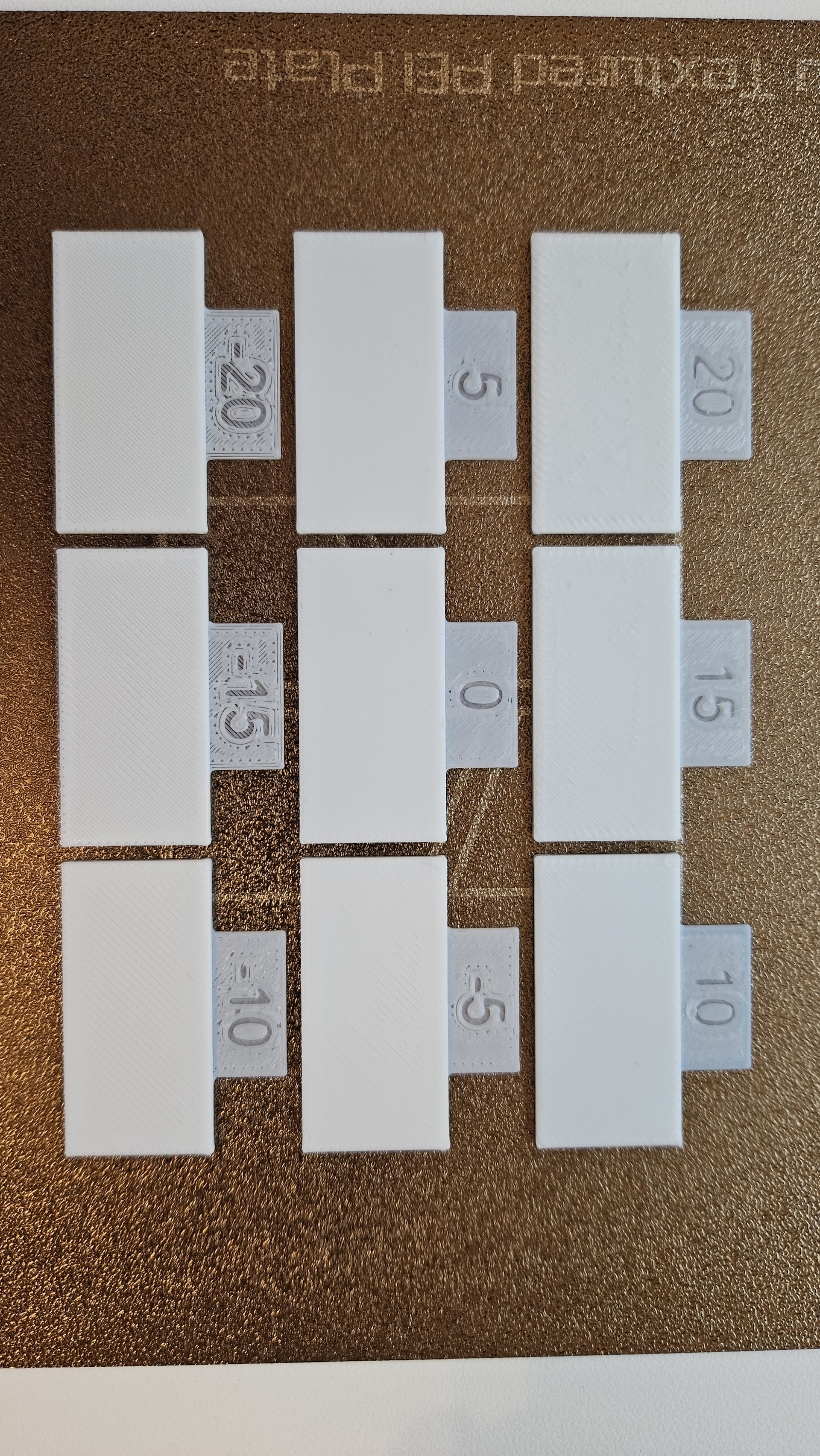
This is the result of the very first layer (I paused after it has finished the 1st layer):
There is clear overextrusion at 10+ and underextrusion at -5 and below. Using my finger 0 seems to be best, +5 is good visually but the sides are more felt when passing the finger. However I need to to refine around that value of 0. Note it seems better behaving than the PLA Matte Marine blue from yesterday.
This is exactly what I got yesterday after updating (this suggests they changed indeed something with the calibration - this is unlikely a coincidence since we align our diagnostics so well). Then downgrading reinstated the fatty/thin purge, and finally after update to 1.09.00 they looked quite normal again. I notice that for the swatches above it is a little bit thinner on the fat side, but I switched filament, so it may have had an impact.
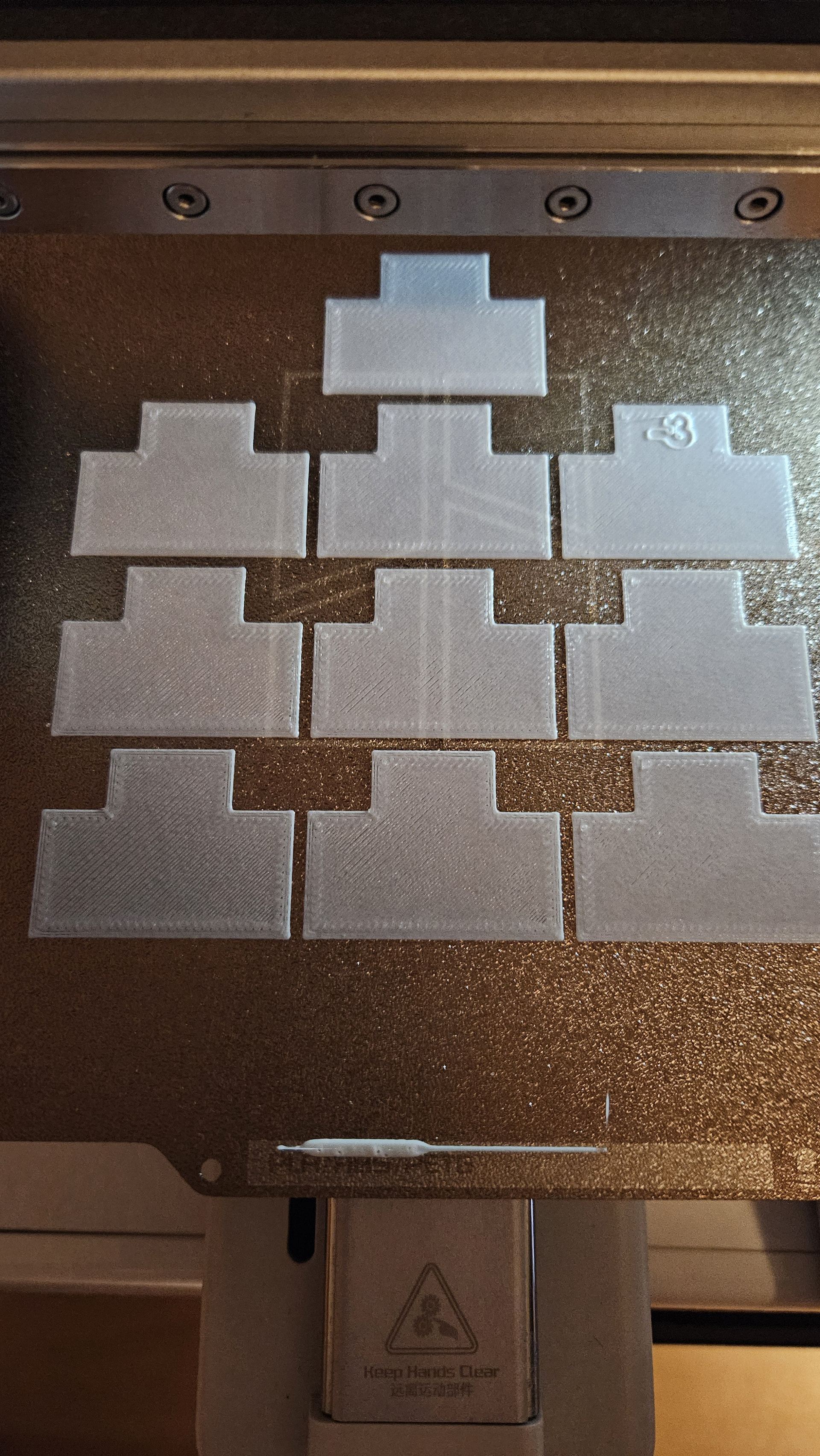
This is the second step of the flow rate calibration. Looks normal across the range (starts to underextrude on the lower swatches with negative values, which is expected. I thought that by saying 0 is best it would do +5 to -5, but actually it does 0 to -9, which is surprising).
But note the purge line: looks normal: fat then thin. Also there is only one line, suggesting it does not do an auto PA calibration and use the k=0.02 default. Am I correct?
Yeah, this is bad design. It is more intuitive to think that it will test around the best coarse value, not under… And at the end of the day they should tell you before sending the finer test which range it is. I can suggest this on Github repo.