Hello, I am new to laser/cutting. Got my H2D combo back in June. I did my first cutting and it worked but I had a question. I cut an 8.5 x 11 sticky back sheet of slot shaped labels but they cut all the way though the backing. Actually left cut marks on the build plate. It made three passes on each cut. Was wondering if the cut depth could be adjusted to not cut all way though the backing. It would be nice to pull the sheet off the plate in one piece. Maybe not possible. I did do the calibration before starting. Thank you.
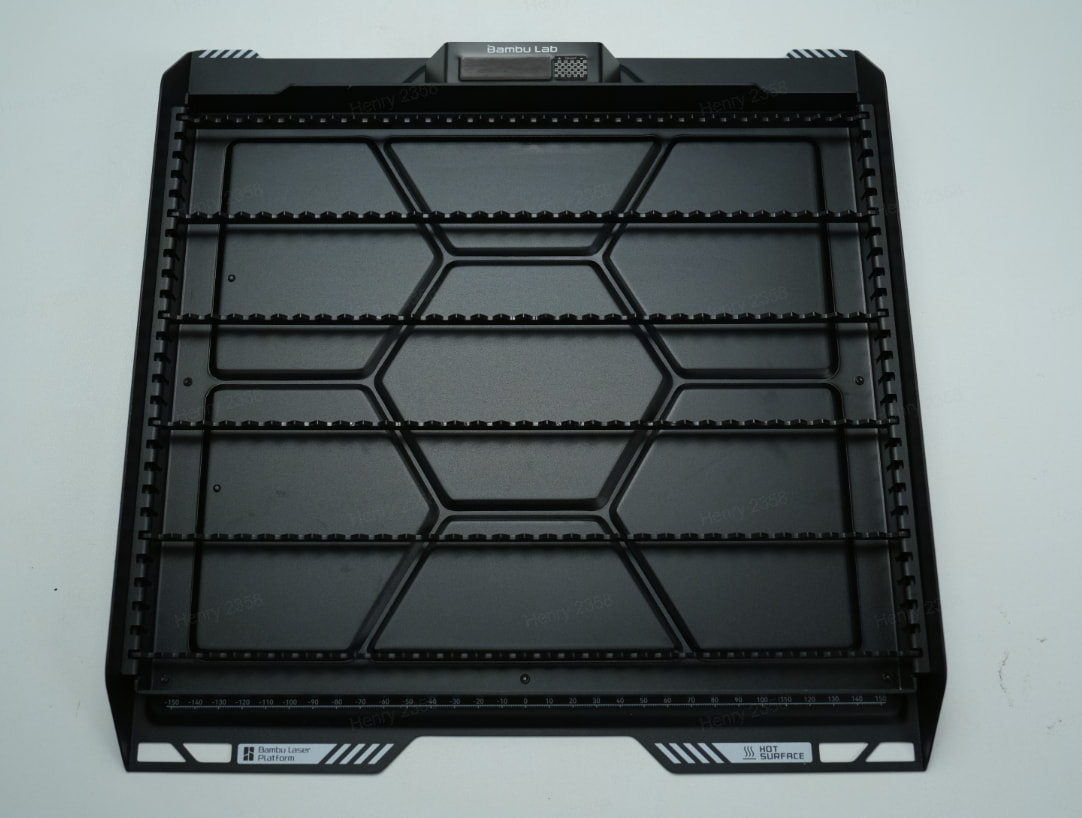
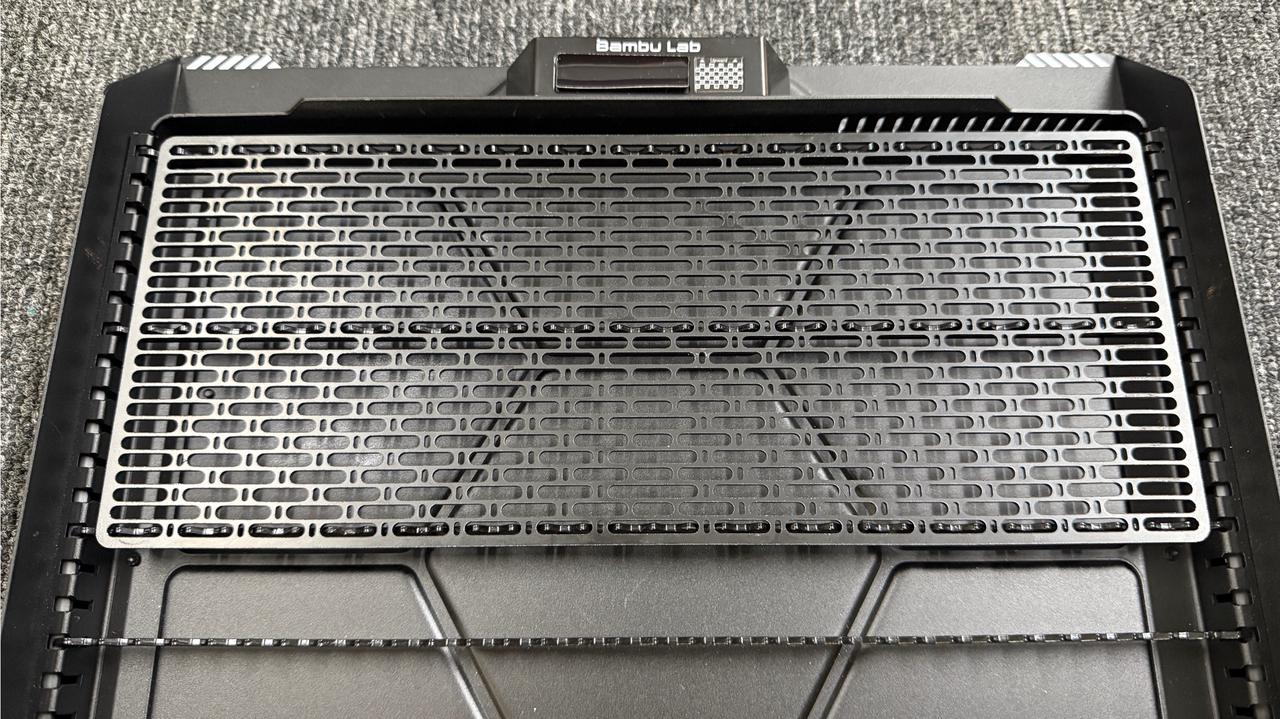
I apologize, I probably didn’t word my steps adequately. I was not lasering, but just using the cutting tool. So I was using the build plate with the sticky rubberized surface.
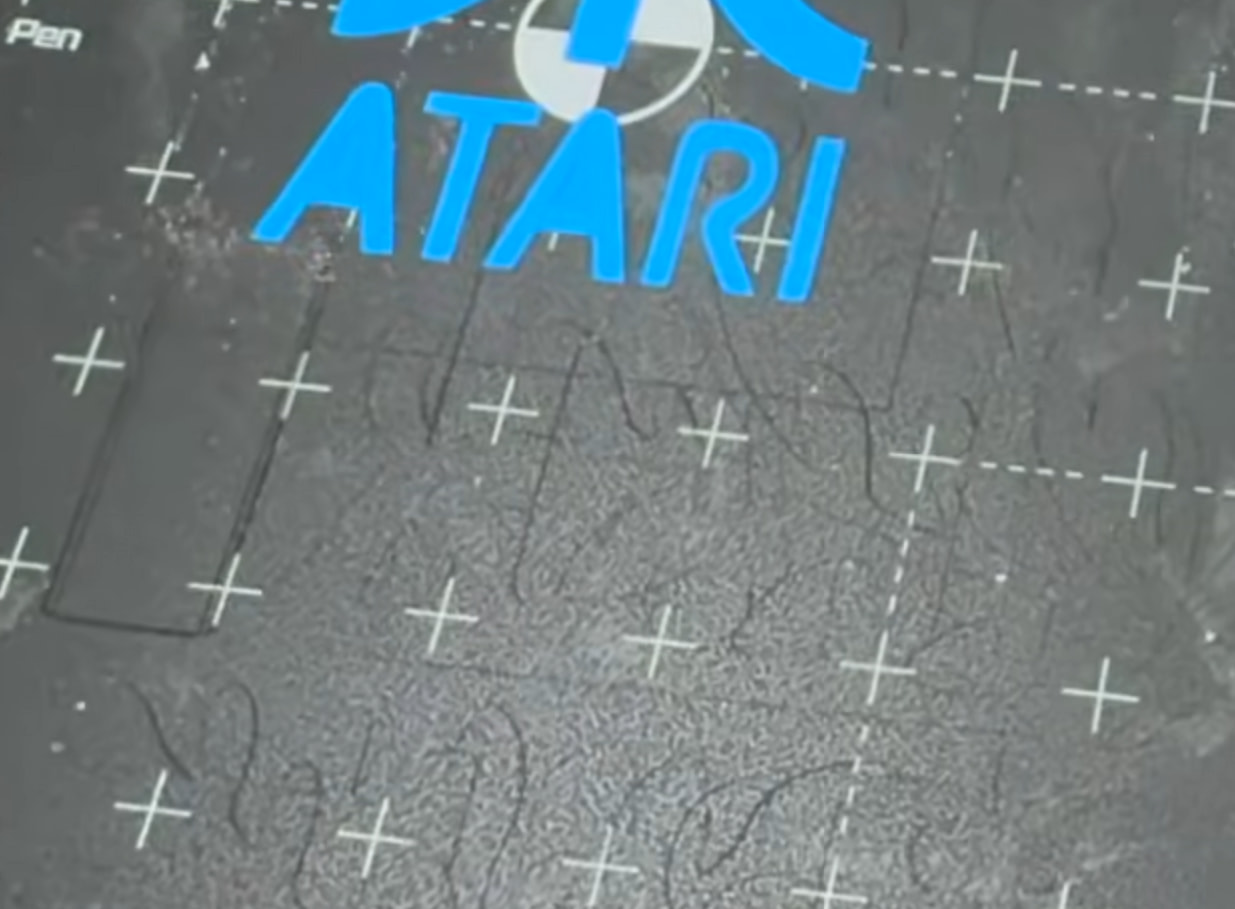
You may want to check the cut settings and reduce the cutting depth or power so the blade only goes through the label material. Since it made three passes and even left marks on the build plate, it sounds like the current settings are a little too aggressive for the backing. A small test cut on a corner of the sheet could help find the right setting before running the full page.
That sounds encouraging. And I hate to sound like an idiot, but I am one, where in the settings would I find these settings? Nothing obvious popped out at me.
I had the same problem finding some of these options at first. In Bambu Studio, try switching the settings view to Advanced, since some options are hidden in the basic view. There’s also a search box in the settings that makes finding a specific option much easier.
I’d try lowering the laser power or reducing the number of passes first. Since it’s cutting into the backing and leaving marks on the plate, the current settings are clearly going deeper than needed for the label material.