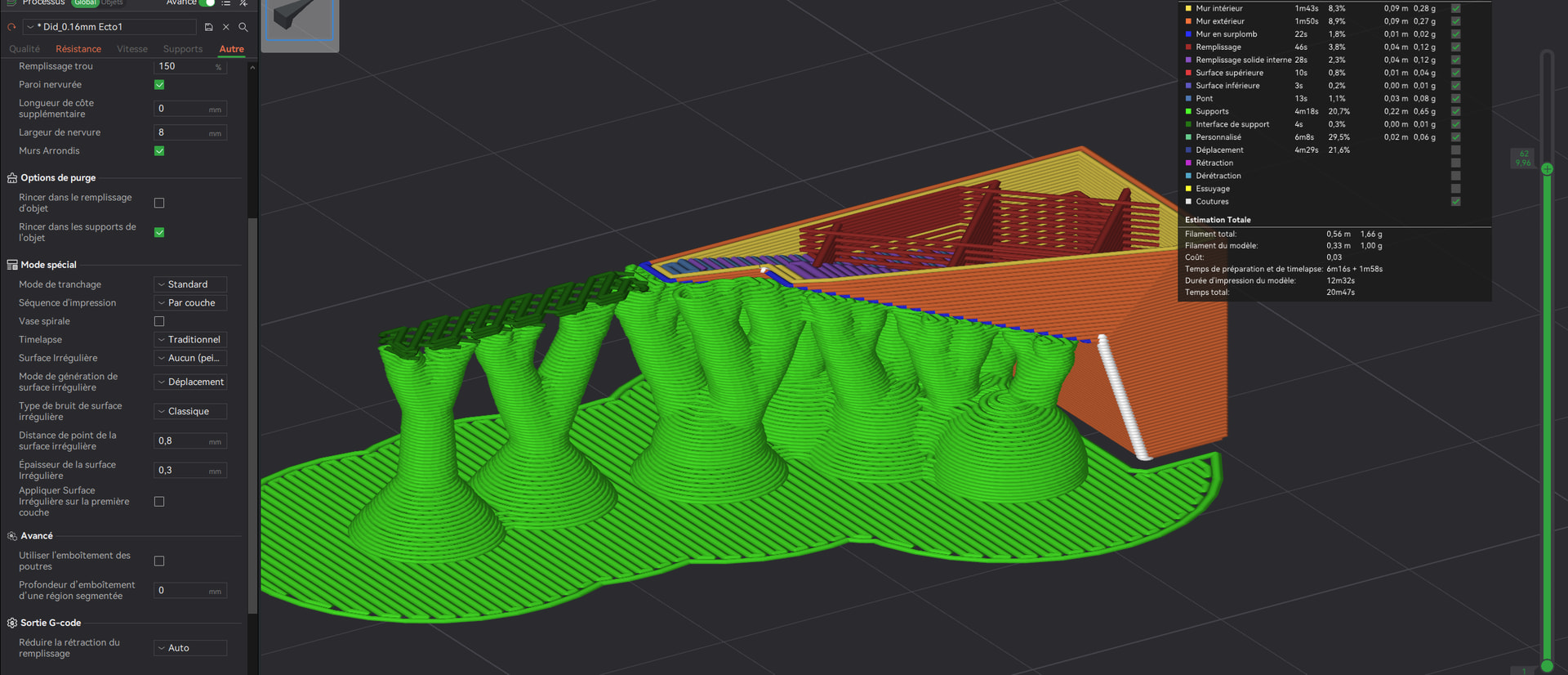
Since you’ve posted this in several different threads on the forum, here’s a reminder:
It would be really helpful if you could post the 3MF file in the comments. That would make troubleshooting much faster. Of course, there’s no guarantee of success, but without enough information, it’s very hard to reproduce such an error.
It’s great that you posted screenshots, but on this topic, just like in your other comments that you posted at the same time, all the essential information are missing. For example, which version you’re using.
It’s just a tip - not a criticism - on how you can get help faster. 

By the way, you can also roll back an update if you’re having problems with a specific version:
Can we assume you have tried messing with number of interface layers, style, etc with no improvement?
I have also had interface issues since updating to latest, specifically with normal supports for me - patiently waiting for fix…
Door_Front_Left(need support).3mf (392,8 Ko)
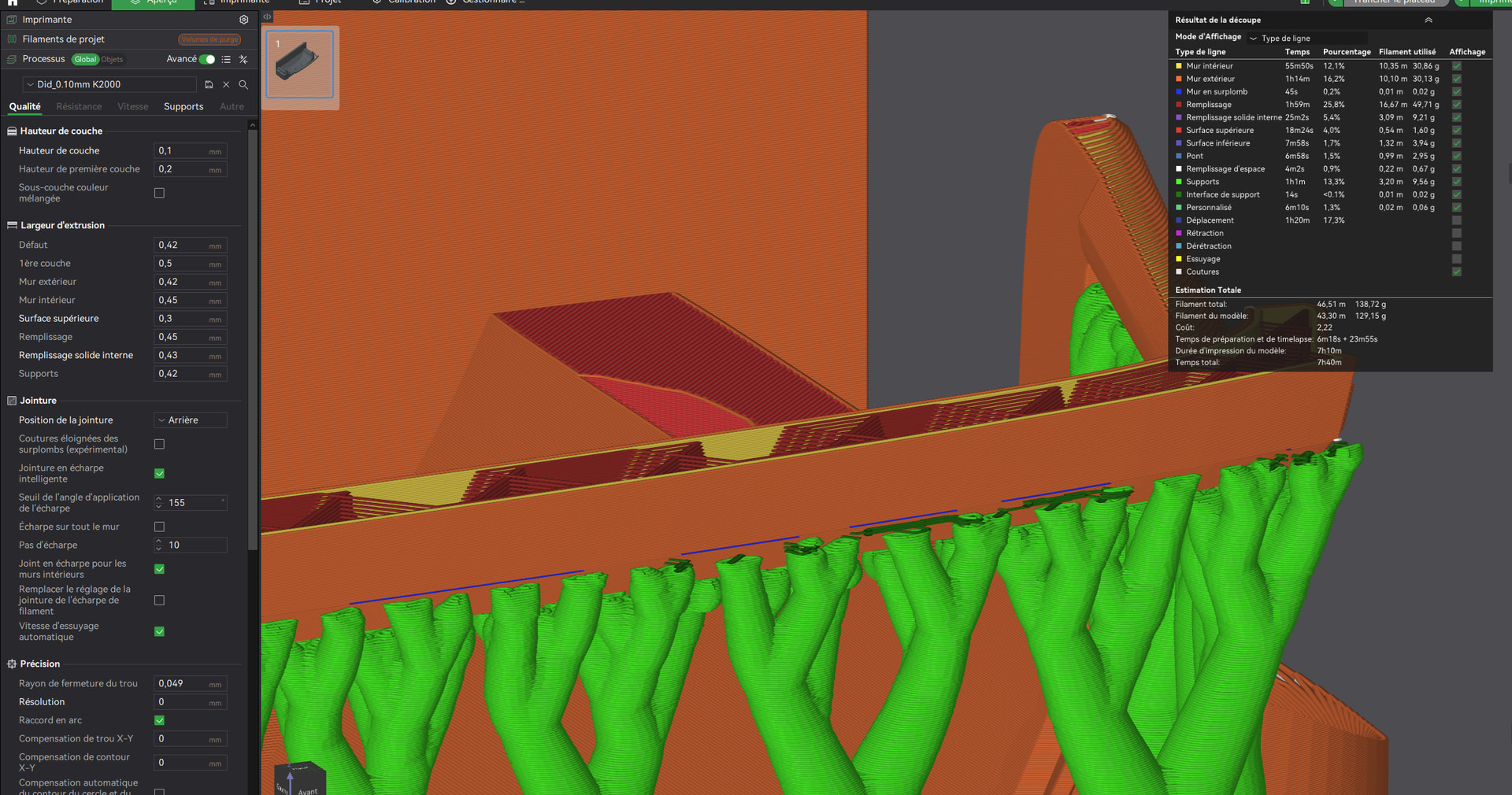
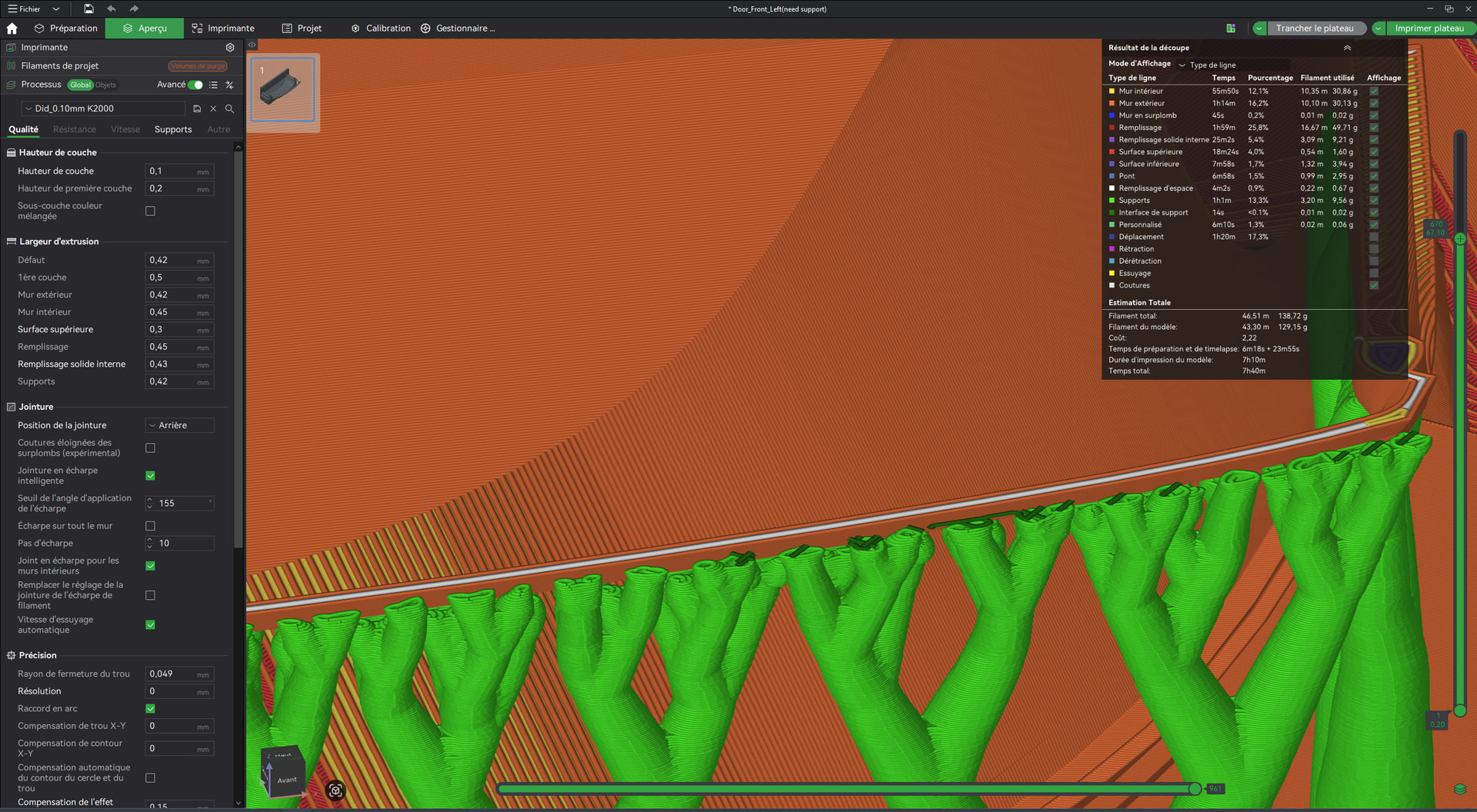
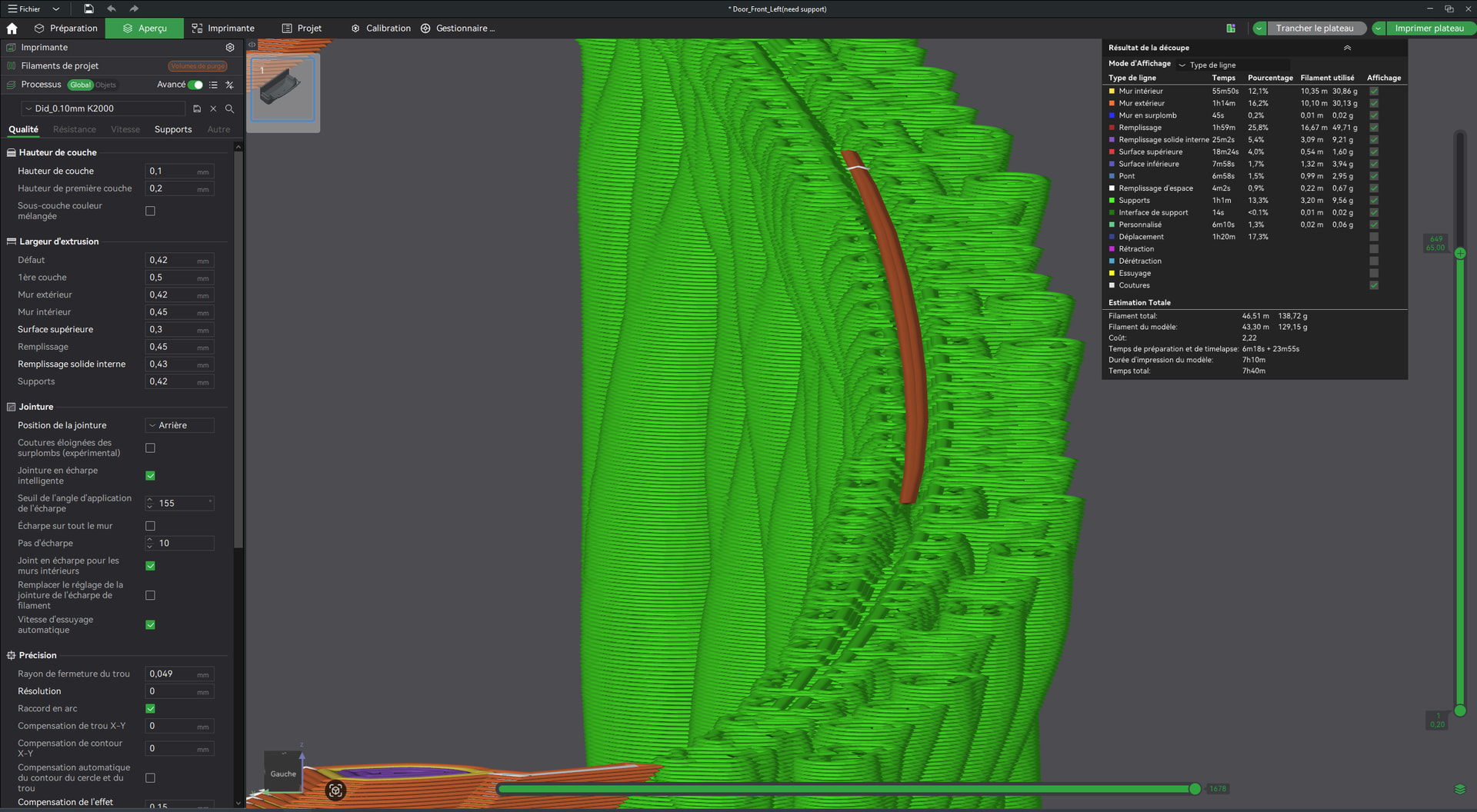
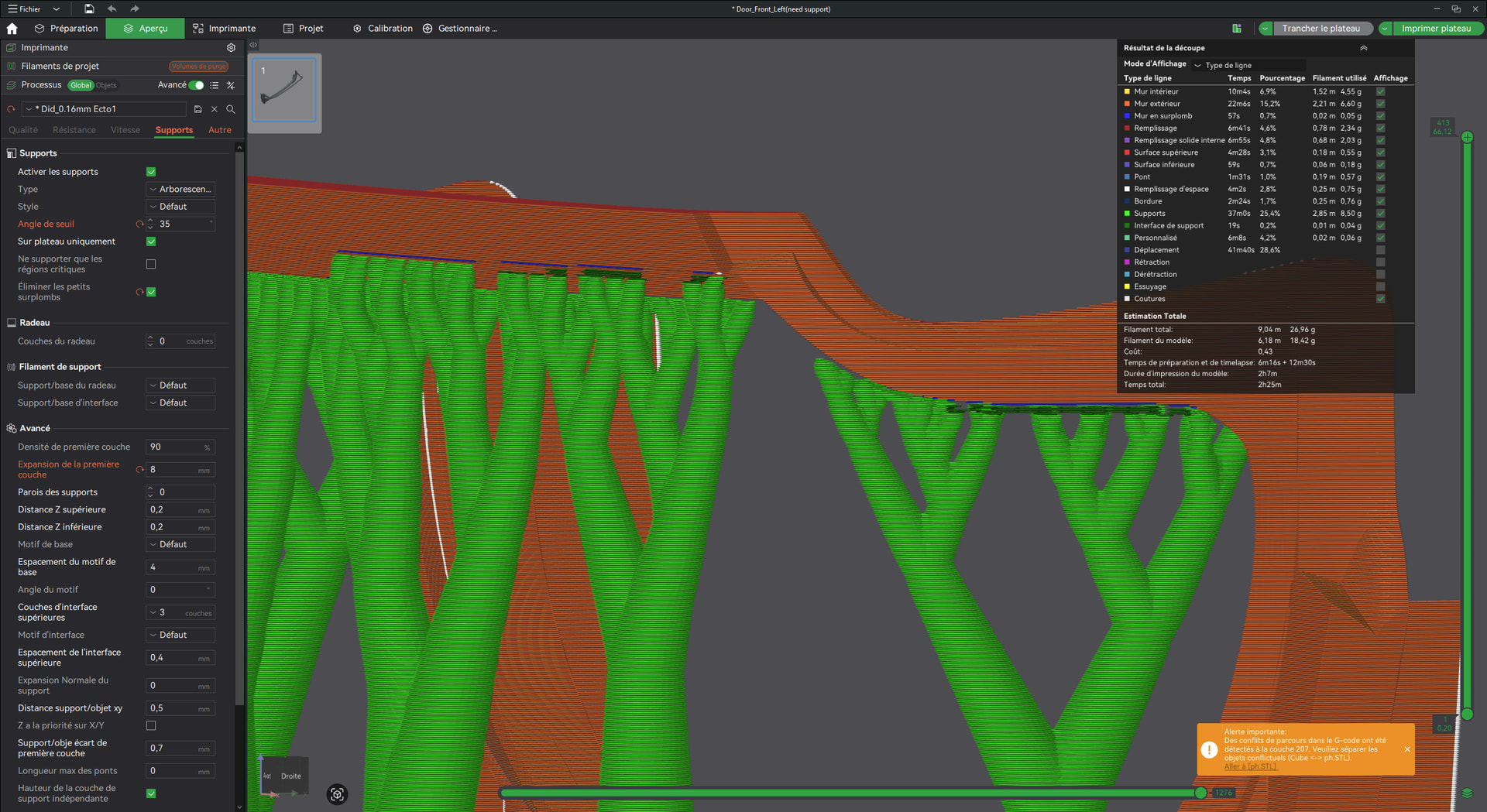
This is the 3MF look at the top of supports , INTERFACE is MISSED in some parts , nothing under the walls
Door_Front_Left(need support).3mf (392,8 Ko)
this is the 3mf , notice gape without INTERFACE on many tops of supports
Thanks for help or infos
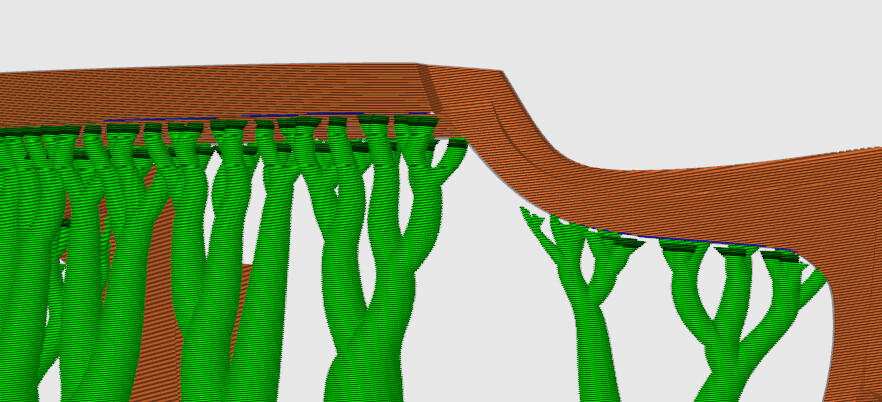
Tree styles Slim, Strong, and Hybrid will provide more interface than Default or Organic. There are narrow, upward-curving areas that will still lack interface, but I think those areas might print without support anyway. The bug might not be a lack of interface, but unnecessary tree branches.
I do have have other questions about the project.
-
Were the many changes to the default support settings an attempt to create more interface, or were there other reasons?
-
The two Cubes are different sizes and placed asymmetrically. They are also not merged with the rest of the model, causing G-Code conflicts. Are the cubes supposed to be integral to the model?
Whether I’m using the latest version or an older version of Bambu Studio, I get the same result when slicing. Have you tried an older version of the slicer yet?
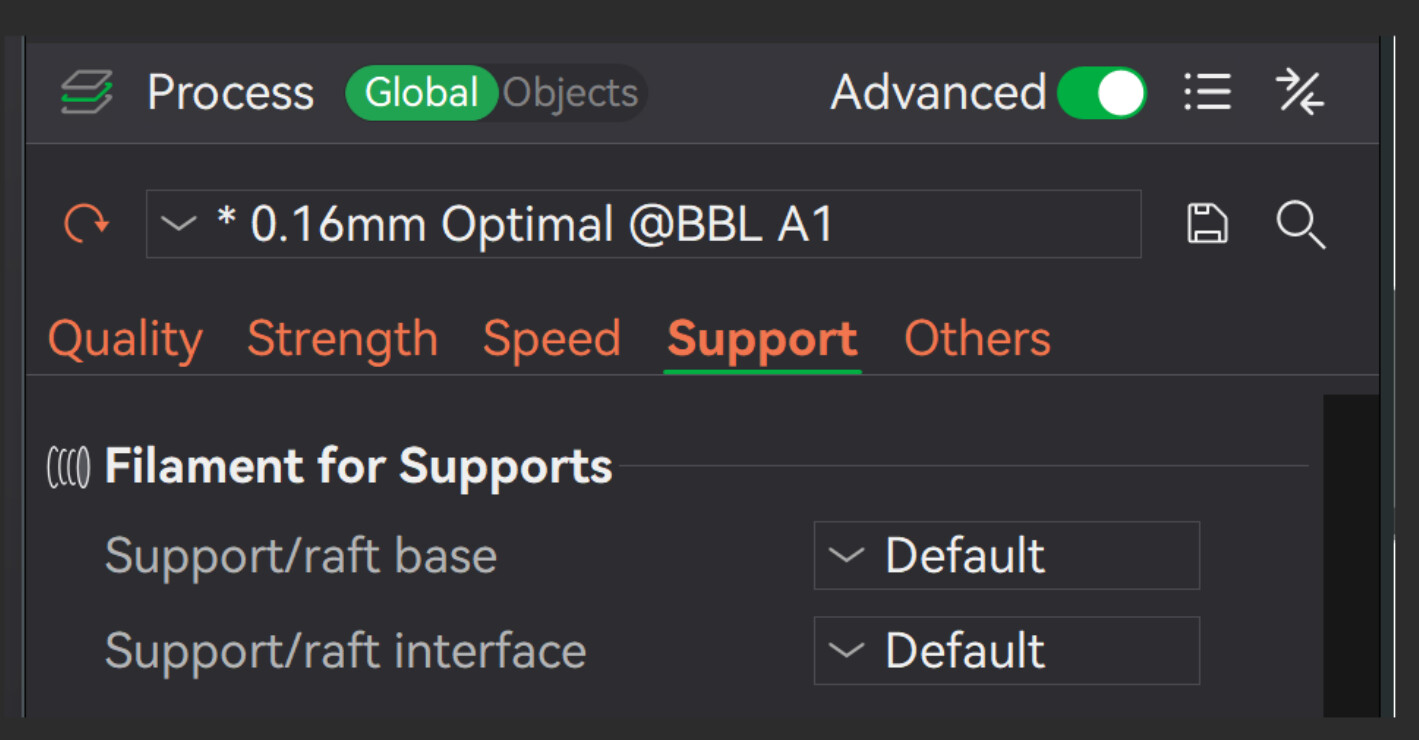
Do you want to use support interface explicitly?

If so, you’ll need to enable it; it’s currently disabled in your 3mf:
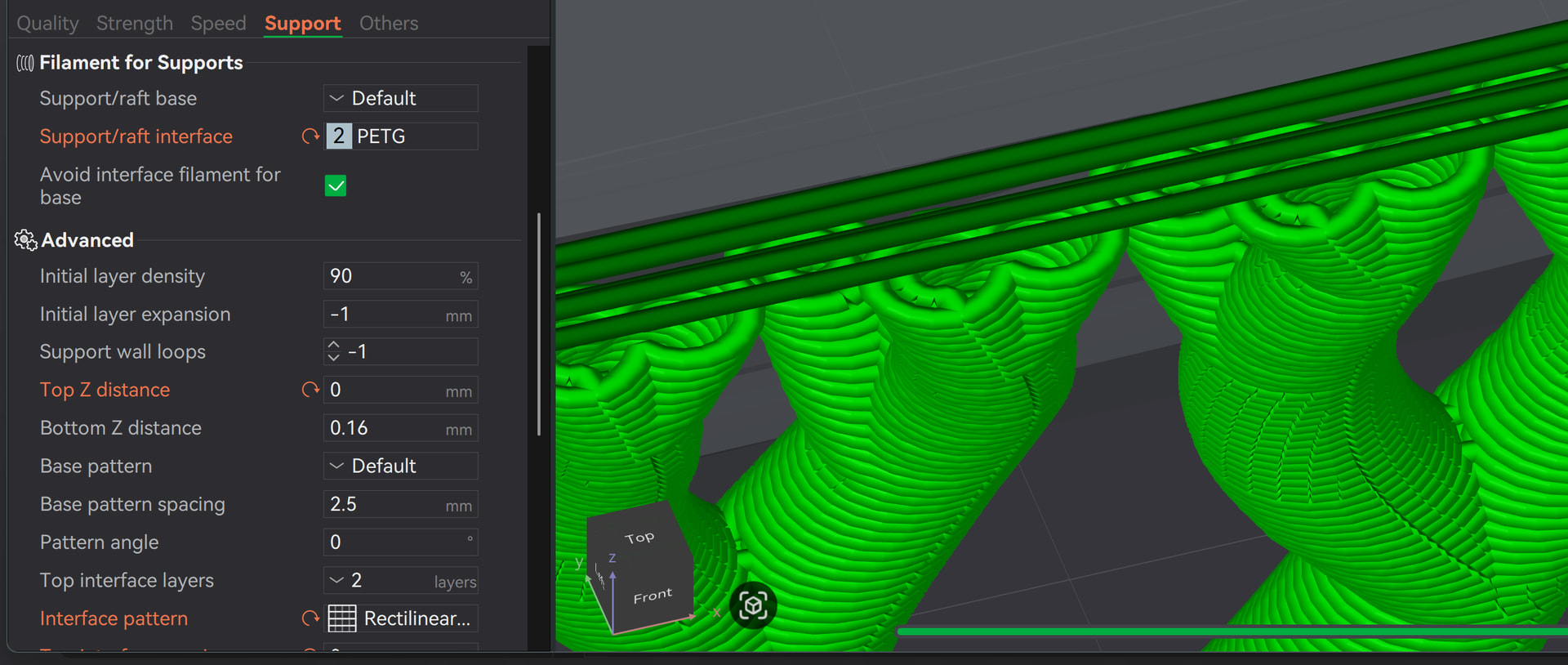
If I configure it and use PETG as the interface layer, for example, then it works as intended:
im not beginer i print since 8 year , the fact is the interface isnt correct i think its a bug but need expert of developper to get that, thanks anyway
@RetroSharky found the problem.
On narrow parts of the model, the slicer has little choice in how the interface lines are laid down— it cannot create an interface with less contact. If the interface material and the model material are the same type (PLA and PLA), there is no point in switching filaments because the very small amount of contact will be the same. Only if the materials are different (eg., PLA and PETG) does the slicer switch spools and show an interface layer.
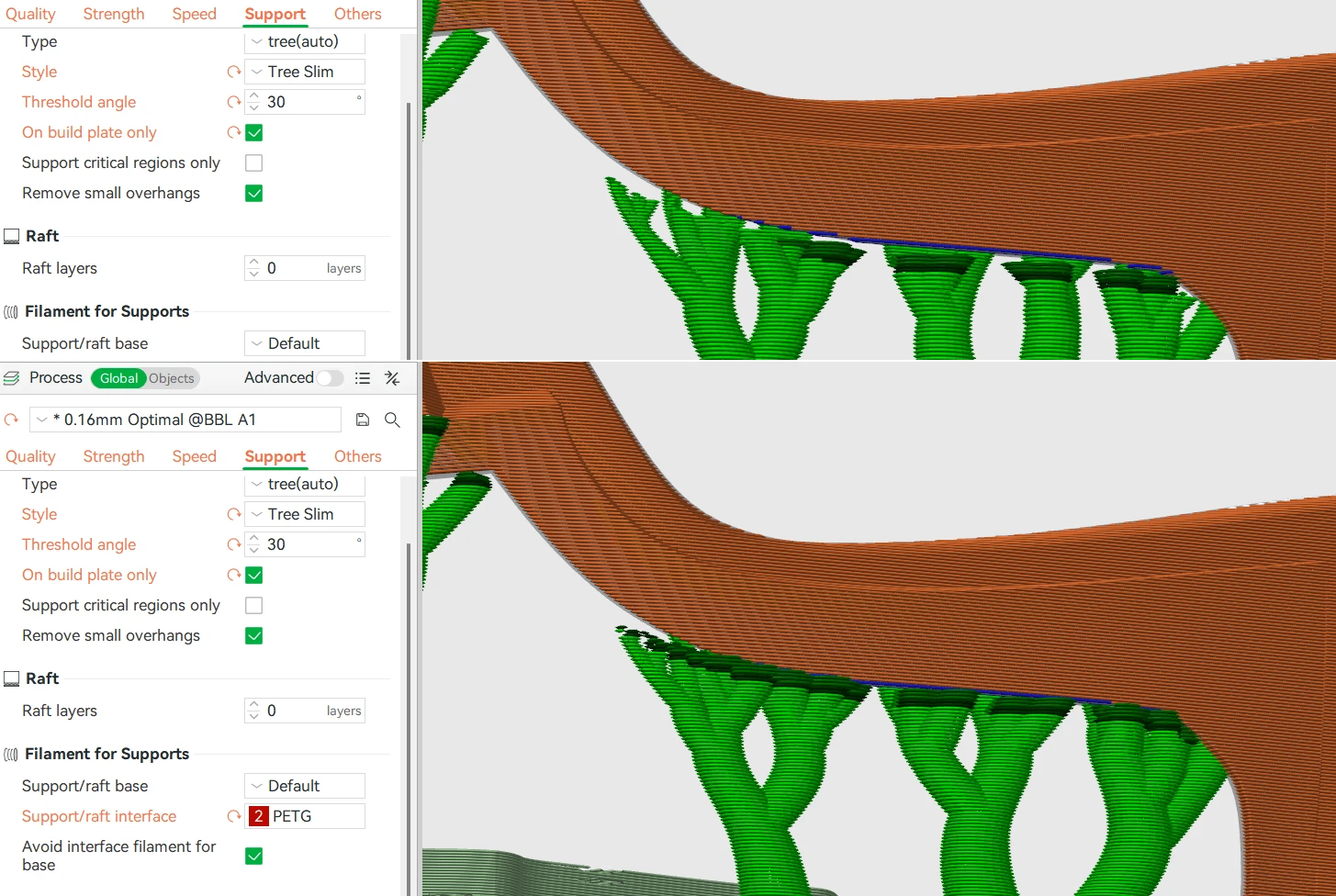
thanks but i will continue to watch what is wrong the default interface is fantaisist to with line in the air
No one is saying you’re a beginner, but it might help to communicate in complete sentences and describe the issue in more detail. It would also be useful to try the steps mentioned regarding the version numbers.
You’re ignoring that for some reason - maybe because of a language barrier.
Even after several requests, the version number still wasn’t provided - fortunately, it was included in the 3mf file. It’s very hard - if not impossible - to understand what you’re trying to say. This isn’t meant as criticism, but it does make troubleshooting extremely challenging.
There’s no issue with the interface here; the real challenge is simply communication.
Why don’t you try this tool? It helps me write comments.
Just because there’s no interface layer in between doesn’t mean it’s floating in thin air; that assumption is completely wrong.
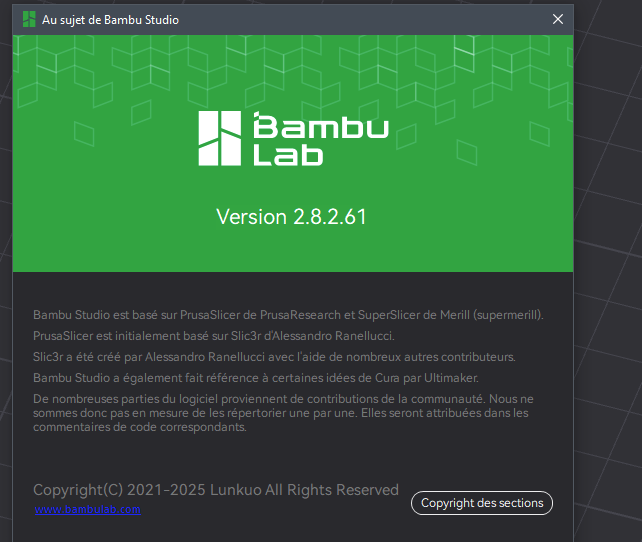
And now, as the next step, please do this: As mentioned in the first comment, please let us know if the problem goes away.
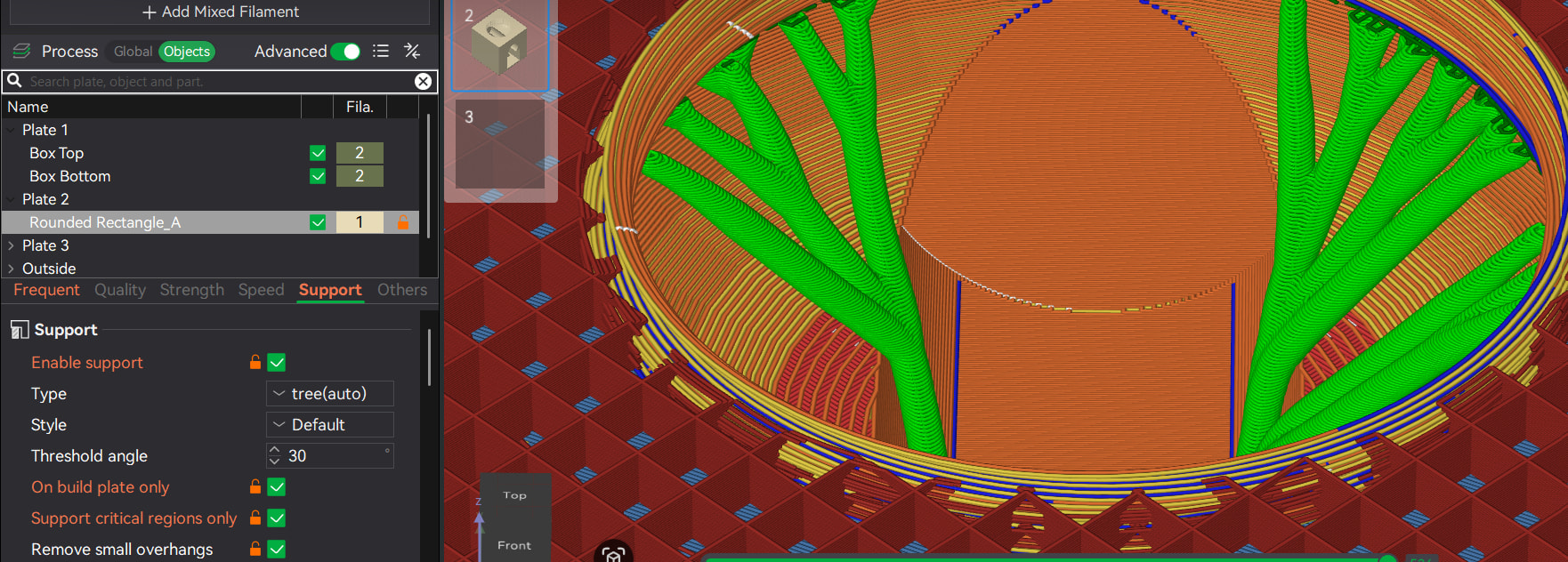
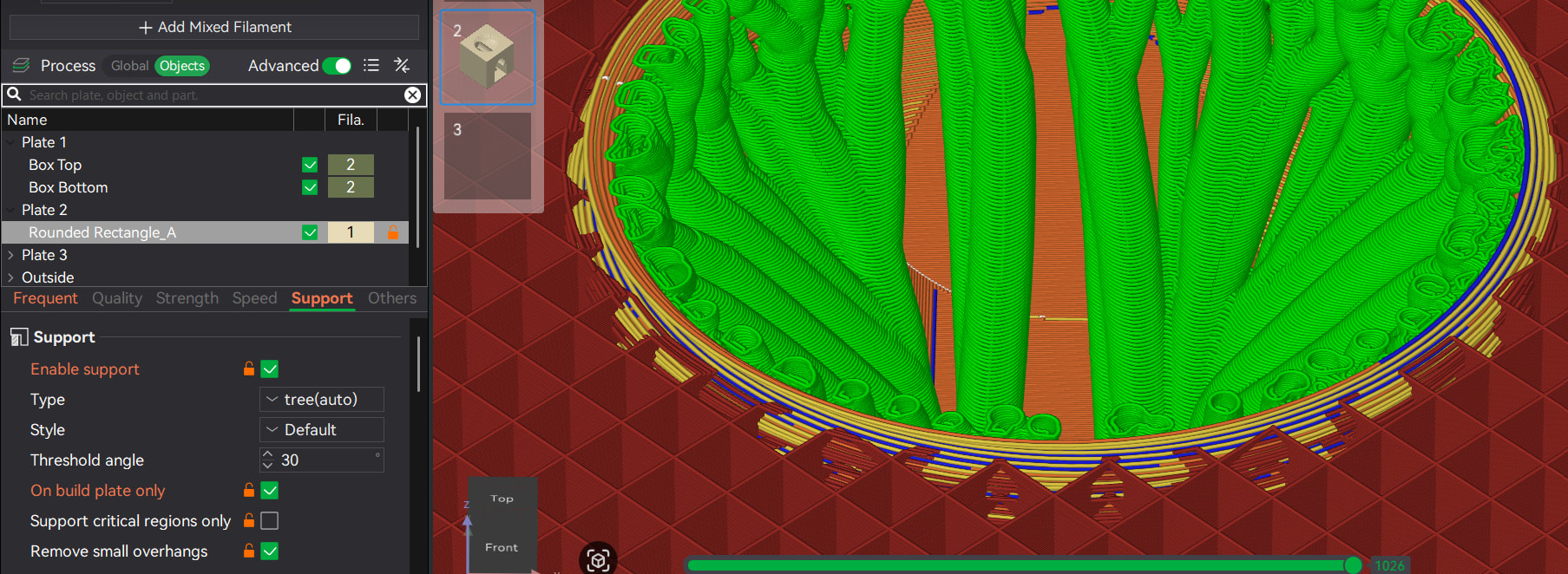
 i will see if it normal or not